AdAdvertise with us·Reach an audience of professional tech enthusiasts
Favicon of Loom website

Best Popular Loom Alternatives

A curated collection of the 3 best alternatives to Loom.

3 alternatives · Updated

The best alternative to Loom is Cap. If that doesn't suit you, we've compiled a ranked list of other Loom alternatives to help you find a suitable replacement. Other interesting alternatives to Loom are: OBS Studio and Screenity.

Loom alternatives are mainly Screen Recording but may also be Video Editing or Chrome Extension. Browse these if you want a narrower list of alternatives or looking for a specific functionality of Loom.

Loom alternatives compared

#ToolPricingOpen source
1 CapFree + From $9/moYes
2 OBS StudioFreeYes
3 ScreenityFree + From $10/moYes

The best Loom alternatives, ranked

#1
Favicon of Cap website

Cap

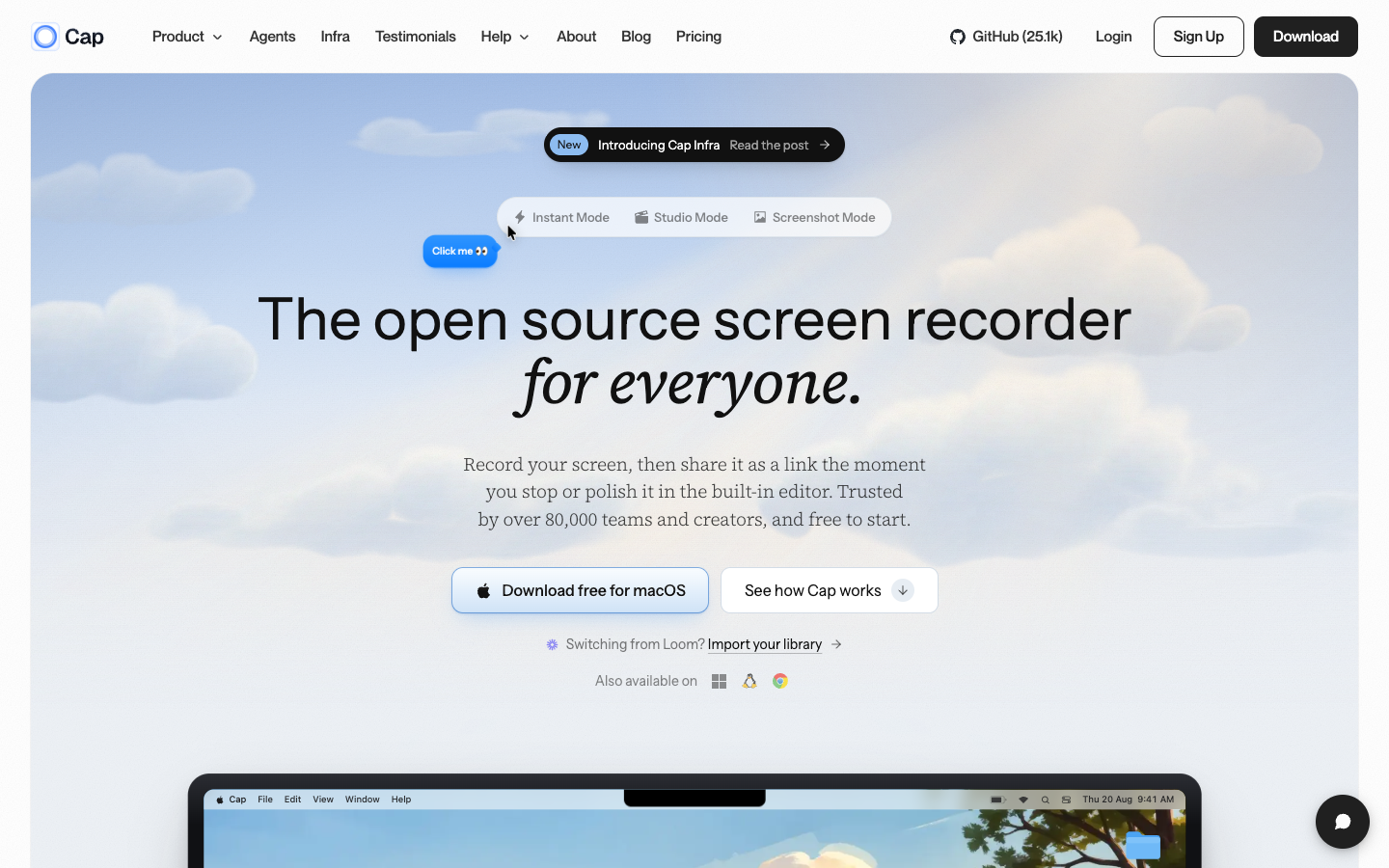
Cap is an open source screen recorder that uploads as you record and copies a share link when you stop, with a Studio Mode editor, screenshots, AI transcripts, and the option to self-host or use your own storage.
Free + From $9/mo
Open-source
Self-hosted
Screenshot of Cap website

Cap is an open source screen recorder for Mac, Windows and Linux, with a Chrome extension and a CLI. It suits teams and creators who send async video updates, bug reports, and walkthroughs, and who want control over where recordings are stored.

Key benefits of Cap include:

  • Instant Mode: Uploads while you record, so a share link is on your clipboard the moment you stop and viewers can watch in the browser without an account.
  • Studio Mode editor: Records locally in up to 4K with separate screen, camera and mic tracks, then adds automatic zoom, captions, blur, backgrounds, and trimming before export to MP4 or GIF.
  • Storage you choose: Use Cap Cloud, your own S3-compatible bucket, Google Drive, or self-host the whole platform.
  • AI on every recording: Titles, summaries, chapters, and searchable transcripts are generated automatically and appear on the share page.
  • Developer and agent tools: A CLI and local MCP server let agents like Claude Code, Cursor, or Codex record, upload, and read transcripts.

For people leaving Loom, Cap covers the same core workflow of record, share a link, and collect timestamped comments and reactions, and it can import an existing Loom library. The code is on GitHub, recordings are plain video files, and self-hosting removes vendor lock-in. Trade-offs: some features, such as custom domains, require Cap Pro, and self-hosting means running and maintaining the infrastructure yourself. The Linux app is currently offered as a .deb package for Debian and Ubuntu.
Read the Cap review

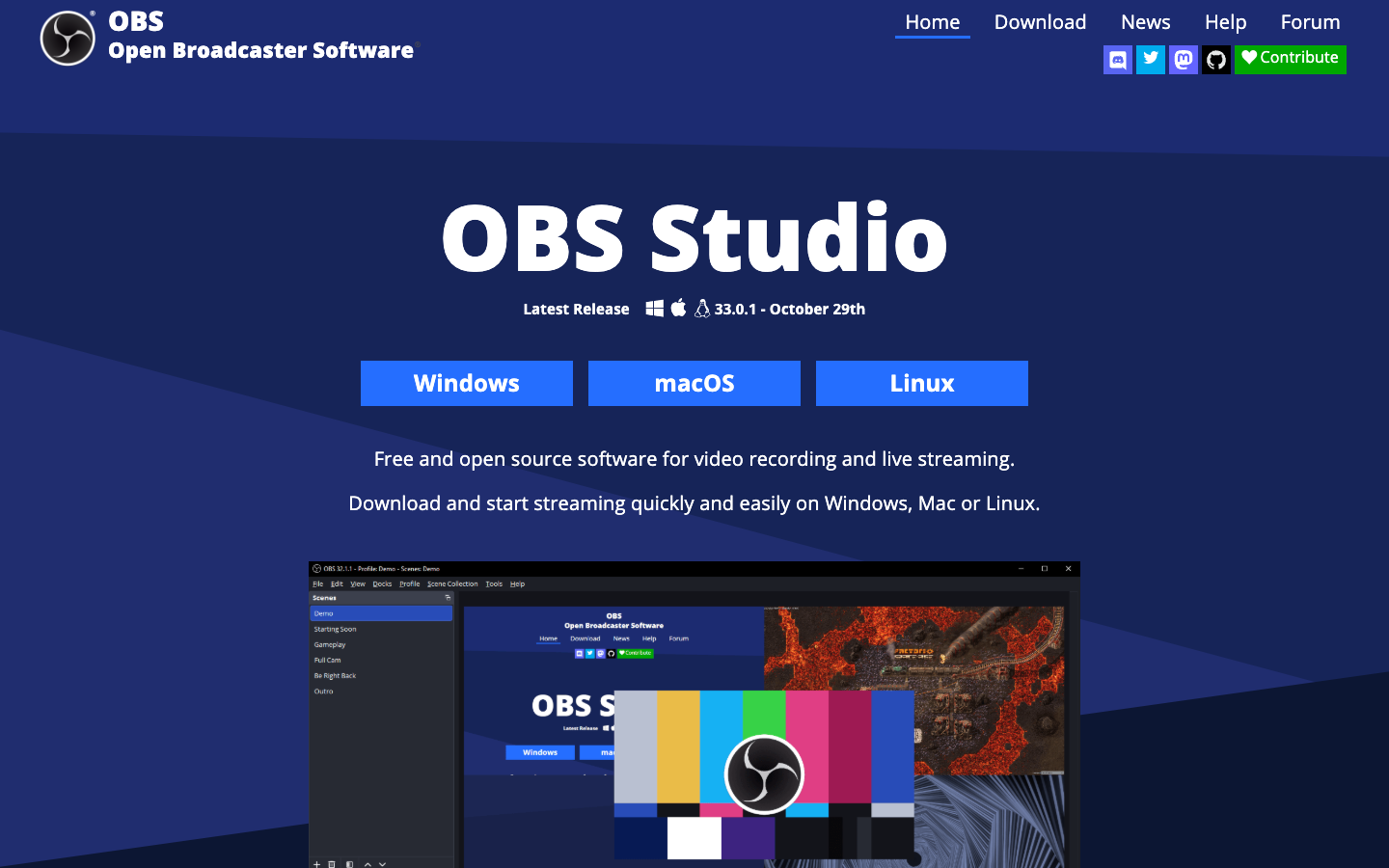
OBS Studio is free and open-source software for video recording and live streaming. Build scenes from screen captures, webcams, images and more, then record locally or stream to Twitch, YouTube and other platforms.

Free
Open-source
Screenshot of OBS Studio website

OBS Studio is a free, open-source desktop app for video recording and live streaming on Windows, macOS and Linux. It suits anyone who records screen tutorials, product demos or gameplay, as well as streamers who broadcast to Twitch, YouTube and other platforms.

Key benefits of OBS Studio include:

  • Scene-based recording: Combine window captures, webcams, images, text, browser windows and capture cards into scenes, with no limit on how many you create.
  • Audio mixer with filters: Apply per-source noise suppression, noise gate and gain, and extend processing with VST plugins.
  • Studio Mode and Multiview: Preview scenes before they go live and monitor up to 8 scenes at once.
  • Hotkeys for most actions: Bind keys to switch scenes, start or stop recordings, mute sources and use push to talk.
  • Plugins and scripting: Extend it with native plugins or Lua and Python scripts through its API.

If you leave Loom, OBS gives you full control over recording quality and layout, keeps files on your own machine, and costs nothing. The trade-off is that OBS is a recording and broadcasting tool, not a video-sharing service: the pages describe no hosted links, viewer comments or automatic cloud uploads, so you would need to host and share recordings yourself. It also takes more setup than a one-click recorder, though that setup buys you far more control over scenes, audio and output.

Read the OBS Studio review

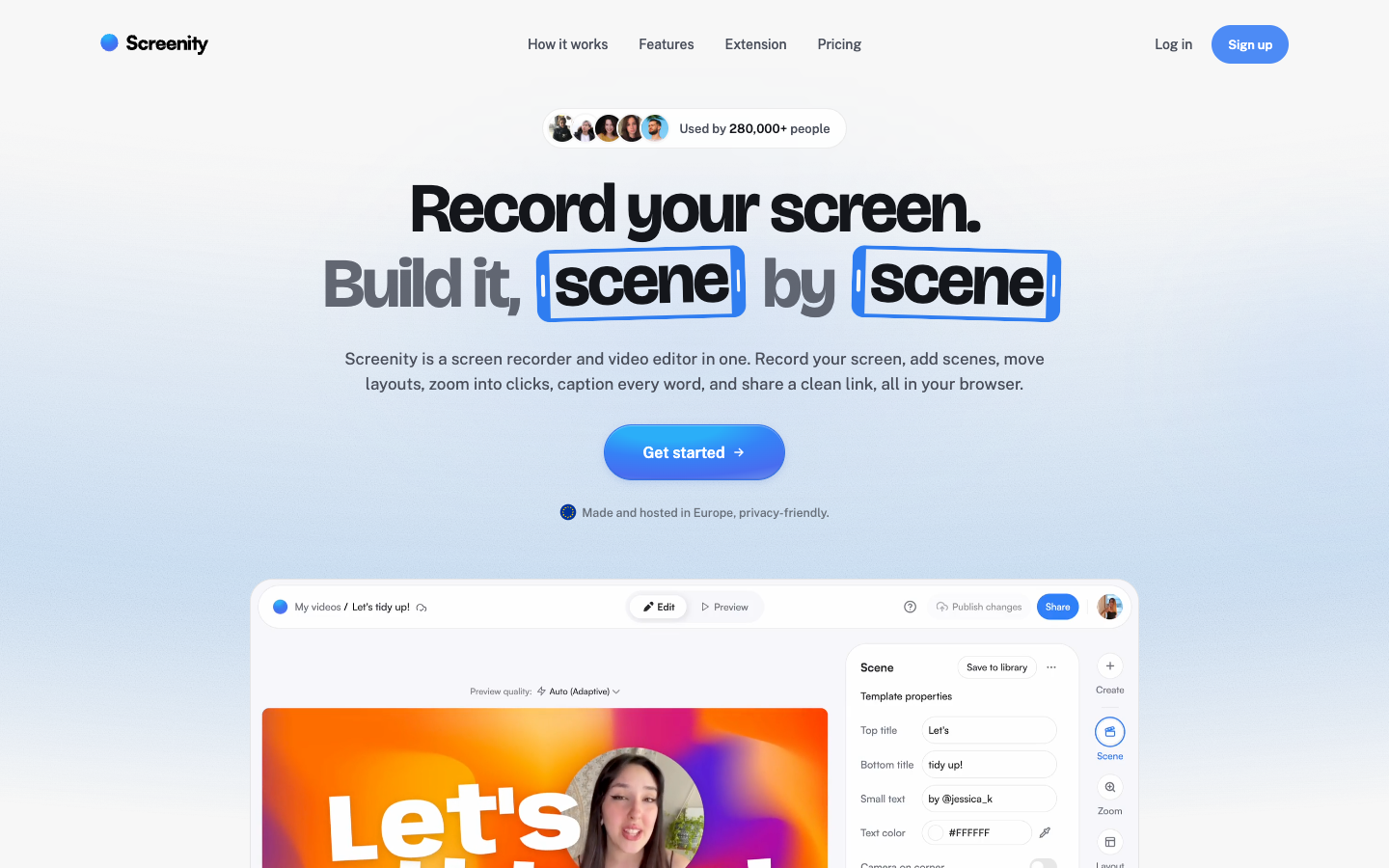
Screenity is a free, open-source (GPLv3) Chrome extension for recording your screen, camera and mic, paired with a paid EU-hosted editor for scenes, auto-zooms, captions and share links.

Free + From $10/mo
Open-source
Screenshot of Screenity website

Screenity is a screen recorder and video editor made by solo founder Alyssa X. The recorder is a free, open-source Chrome extension licensed under GPLv3 that captures a tab, window, custom area or your whole screen, along with camera, mic and system audio. A paid, Europe-hosted editor turns those recordings into multi-scene videos with zooms, captions and shareable links. It suits people who record walkthroughs, demos and explainers and want more polish than a single raw take.

Key benefits of Screenity include:

  • Free recorder: The extension records locally with drawing tools, live blur, cursor spotlight, push-to-talk and an auto-stop timer, and you can download recordings with no account.
  • Auto-zoom from clicks: Clicks made while recording become zoom keyframes in the editor that you can retime, remove or add to.
  • Word-by-word captions: Audio is transcribed on Screenity's own European servers and each word highlights as it is spoken; English only for now.
  • Scene-based editing: Build videos from separately recorded scenes, with animated layouts, device mockups, overlays, backdrops and music.
  • EU hosting: Videos, transcripts and renders stay on GDPR-compliant European infrastructure, with no ads or trackers.

For someone leaving Loom, instant mode gives the same record-stop-copy-link flow, and the editor goes further with scenes, zooms and captions. The trade-off is that share links require the Pro plan at $10/month ($120/year), with a 7-day trial; the free extension only saves recordings to your device. Recordings on Pro are capped at one hour, recording relies on Chrome, and it is a one-person product rather than a large team.

Read the Screenity review

Frequently asked questions

What is the best alternative to Loom?

The top-rated alternative to Loom is Cap. Cap is an open source screen recorder that uploads as you record and copies a share link when you stop, with a Studio Mode editor, screenshots, AI transcripts, and the option to self-host or use your own storage. Other popular options include OBS Studio, Screenity. Compare features and pricing in the table above.

How many alternatives to Loom are there?

There are 3 alternatives to Loom listed on YouMightNotNeed, including Cap, OBS Studio, Screenity. Each listing is hand-reviewed and includes a description, screenshot, pricing, and open-source status.

Are there free alternatives to Loom?

Yes, there is 1 free alternative to Loom: OBS Studio.

Are there open-source alternatives to Loom?

Yes, there are 3 open-source alternatives to Loom: Cap, OBS Studio, Screenity. Open-source tools can usually be self-hosted, so you keep full control of your data.

Share:

Discover the best alternatives to

View all

Put your SaaS product in front of active buyers

Reach developers, tech leaders and founders looking for open source tools to adopt.

Submit your product