AdAdvertise with us·Reach an audience of professional tech enthusiasts
Favicon of Speechify website

Best Popular Speechify Alternatives

A curated collection of the 4 best alternatives to Speechify.

4 alternatives · Updated

The best alternative to Speechify is Balabolka. If that doesn't suit you, we've compiled a ranked list of other Speechify alternatives to help you find a suitable replacement. Other interesting alternatives to Speechify are: Kokoro TTS, NaturalReader and Read Aloud.

Speechify alternatives are mainly Text to Speech but may also be Desktop Apps or Artificial Intelligence. Browse these if you want a narrower list of alternatives or looking for a specific functionality of Speechify.

Speechify alternatives compared

#ToolPricingOpen source
1 BalabolkaFreeNo
2 Kokoro TTSFreeYes
3 NaturalReaderFree + From $9.99/moNo
4 Read AloudFreeYes

The best Speechify alternatives, ranked

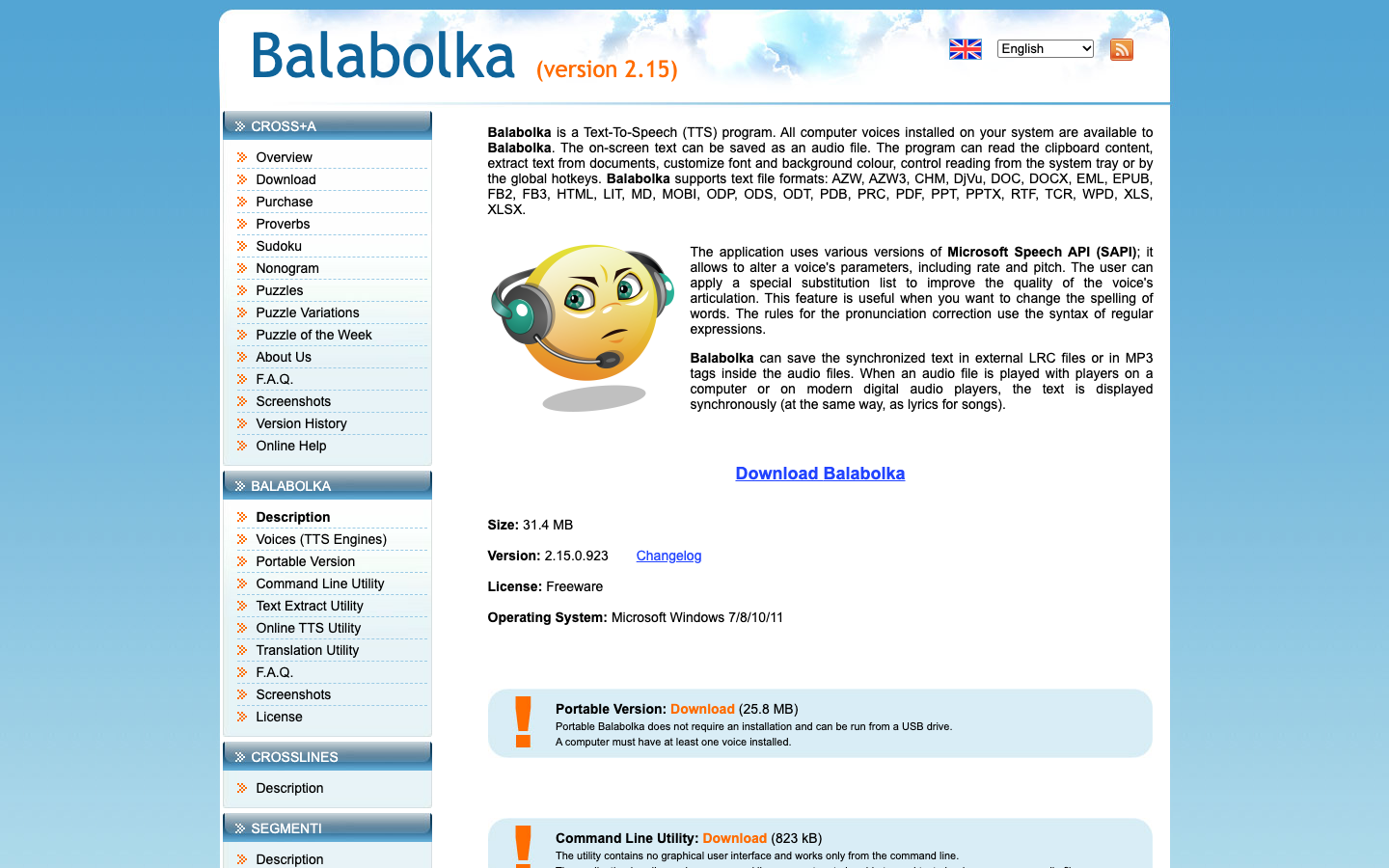
Balabolka is a freeware text-to-speech program that reads on-screen text, clipboard content and documents aloud using the computer voices installed on your system, and can save the result as audio files.
Free
Screenshot of Balabolka website

Balabolka is a freeware text-to-speech (TTS) program from Cross+A. It uses the voices already installed on your computer through the Microsoft Speech API (SAPI), so it suits people who want documents, ebooks or copied text read aloud, or converted into audio files, without a subscription.

Key benefits of Balabolka include:

  • Wide format support: It extracts text from formats such as PDF, EPUB, MOBI, AZW3, DOCX, ODT, RTF, HTML, MD and PPTX.
  • Audio export with synced text: On-screen text can be saved as an audio file, with synchronized text stored in LRC files or MP3 tags so players show it like lyrics.
  • Pronunciation control: You can adjust voice rate and pitch and apply substitution lists using regular expressions to fix how words are spoken.
  • Convenient controls: It reads clipboard content and can be controlled from the system tray or with global hotkeys.
  • Extra utilities: A portable version runs from a USB drive, and separate command line tools handle reading, audio conversion and text extraction.

For someone leaving Speechify, Balabolka covers the core job of turning text and documents into speech or audio files at no cost, and it offers fine-grained control that suits batch conversion. The trade-offs are real: voice quality depends on the TTS voices installed on your system, it relies on the Windows speech API rather than built-in premium voices, and the pages describe a desktop program rather than mobile apps or cloud sync. It is freeware, not open source.
Read the Balabolka review

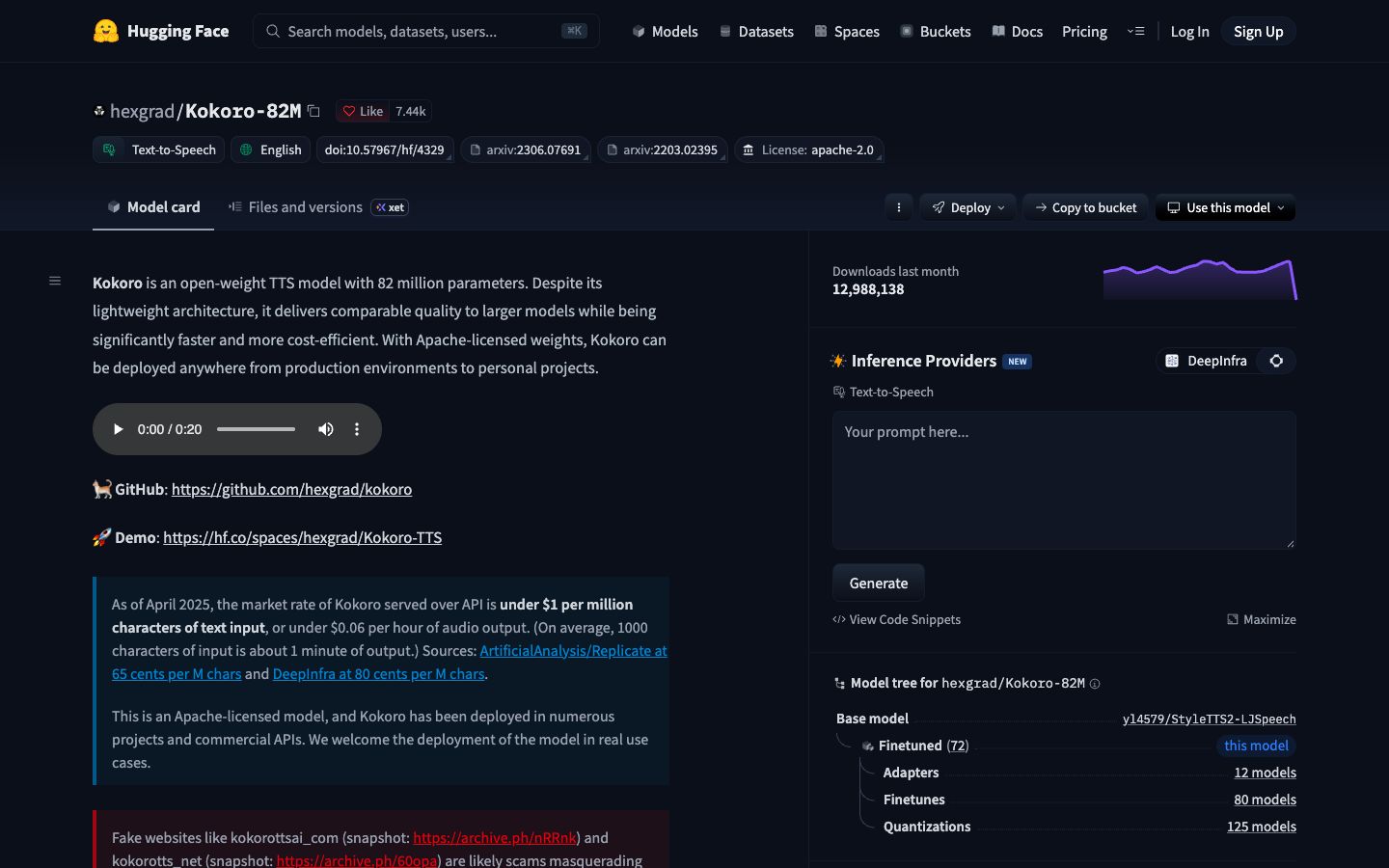
Kokoro is a lightweight open-weight text-to-speech model with 82 million parameters. Its Apache-licensed weights can be run locally via a Python package or deployed in production and commercial projects.

Free
Open-source
Self-hosted
Screenshot of Kokoro TTS website

Kokoro TTS is an open-weight text-to-speech model with 82 million parameters, built on the StyleTTS 2 and ISTFTNet architectures. It is aimed at developers and hobbyists who want to generate speech from text on their own hardware or inside their own products, without paying per character to a hosted service.

Key benefits of Kokoro TTS include:

  • Apache 2.0 license: The weights can be used in personal projects, production environments and commercial APIs.
  • Small and fast: At 82M parameters it is designed to be faster and cheaper to run than larger TTS models.
  • Multiple languages and voices: Version 1.0 ships with 8 languages and 54 voices.
  • Simple Python usage: Install the kokoro package with espeak-ng and generate 24 kHz audio in a few lines of code, including on Google Colab.
  • Permissive training data: It was trained on public domain, permissively licensed and synthetic audio, with no custom voice clones.

If you are leaving ElevenLabs or Speechify, Kokoro lets you produce speech locally for free, and hosted APIs serving it are cited at under $1 per million characters. The trade-off is that it is a model, not a polished app: you need some comfort with Python or a third-party front end, and the model page does not mention voice cloning or the reading and editing features those services offer. Beware of unofficial websites with "kokoro" in their domain, which the author says are not affiliated.

Read the Kokoro TTS review

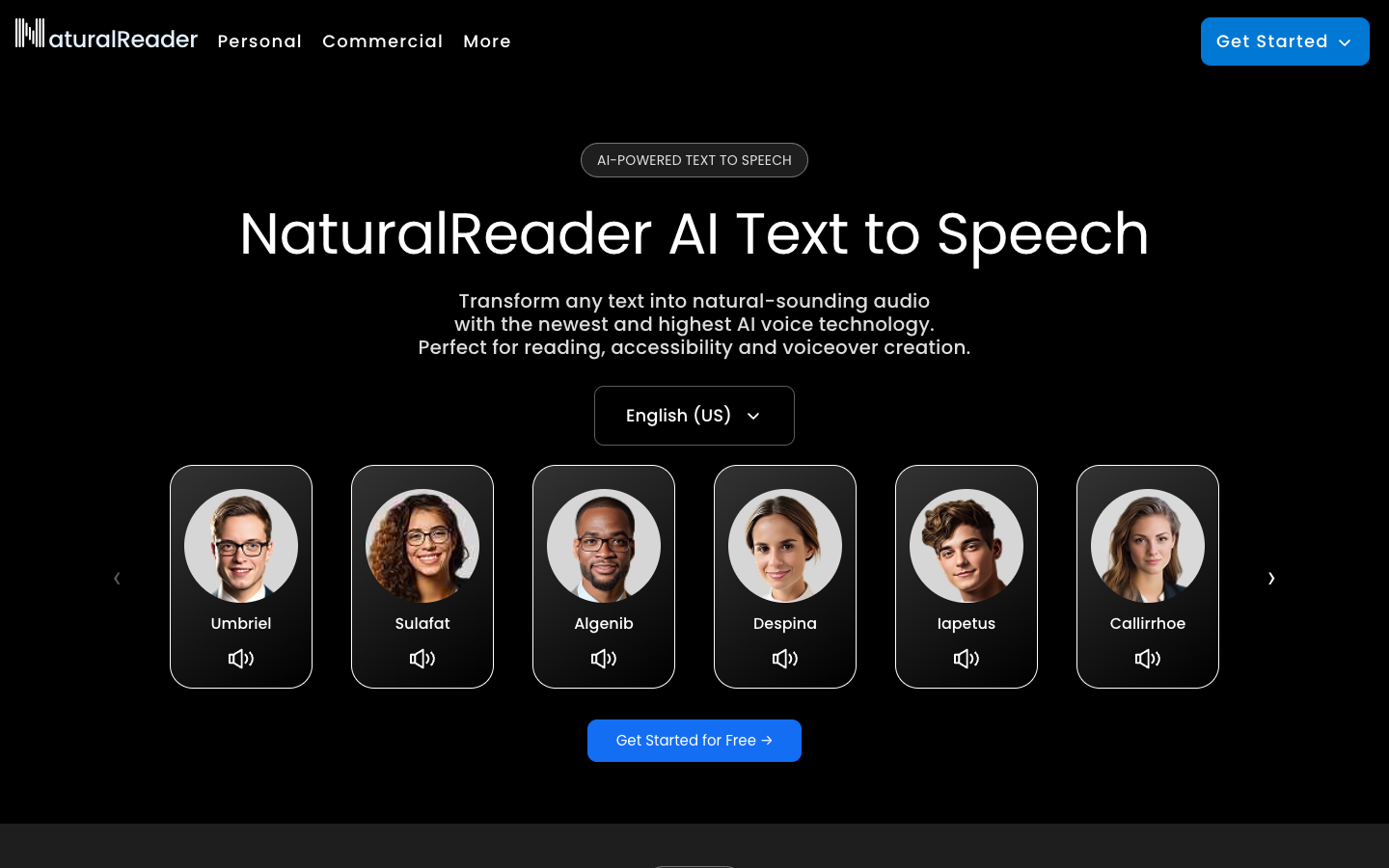
NaturalReader is a text-to-speech service that reads text aloud with AI voices. It is offered online and as a mobile app, with options for personal, education and commercial-license use.

Free + From $9.99/mo
Screenshot of NaturalReader website

NaturalReader is a text-to-speech tool that turns written text into spoken audio using AI voices. It is aimed at people who want to listen to documents and text instead of reading them, as well as schools and businesses that need speech output for their own material. It runs in the browser and as a mobile app.

Key benefits of NaturalReader include:

  • Free to start: The site describes itself as free text to speech, so you can try it without paying first.
  • AI voices: Text is read aloud with AI-generated voices rather than older robotic-sounding speech.
  • Online and mobile: You can use it in a web browser or through a mobile app.
  • Commercial license option: A commercial license is offered for people who need to use generated audio in their own projects.
  • Education offering: There is a dedicated option for educational use.

For someone leaving Speechify, NaturalReader covers the same core job of listening to text, with a free starting point and both web and mobile access. For people coming from ElevenLabs, it offers commercial licensing for generated speech, though the pages reviewed do not describe voice cloning or developer API features, so check that before switching if you rely on them. It is not open source and cannot be self-hosted, and the pages do not list paid plan prices, so compare costs directly on the site.

Read the NaturalReader review

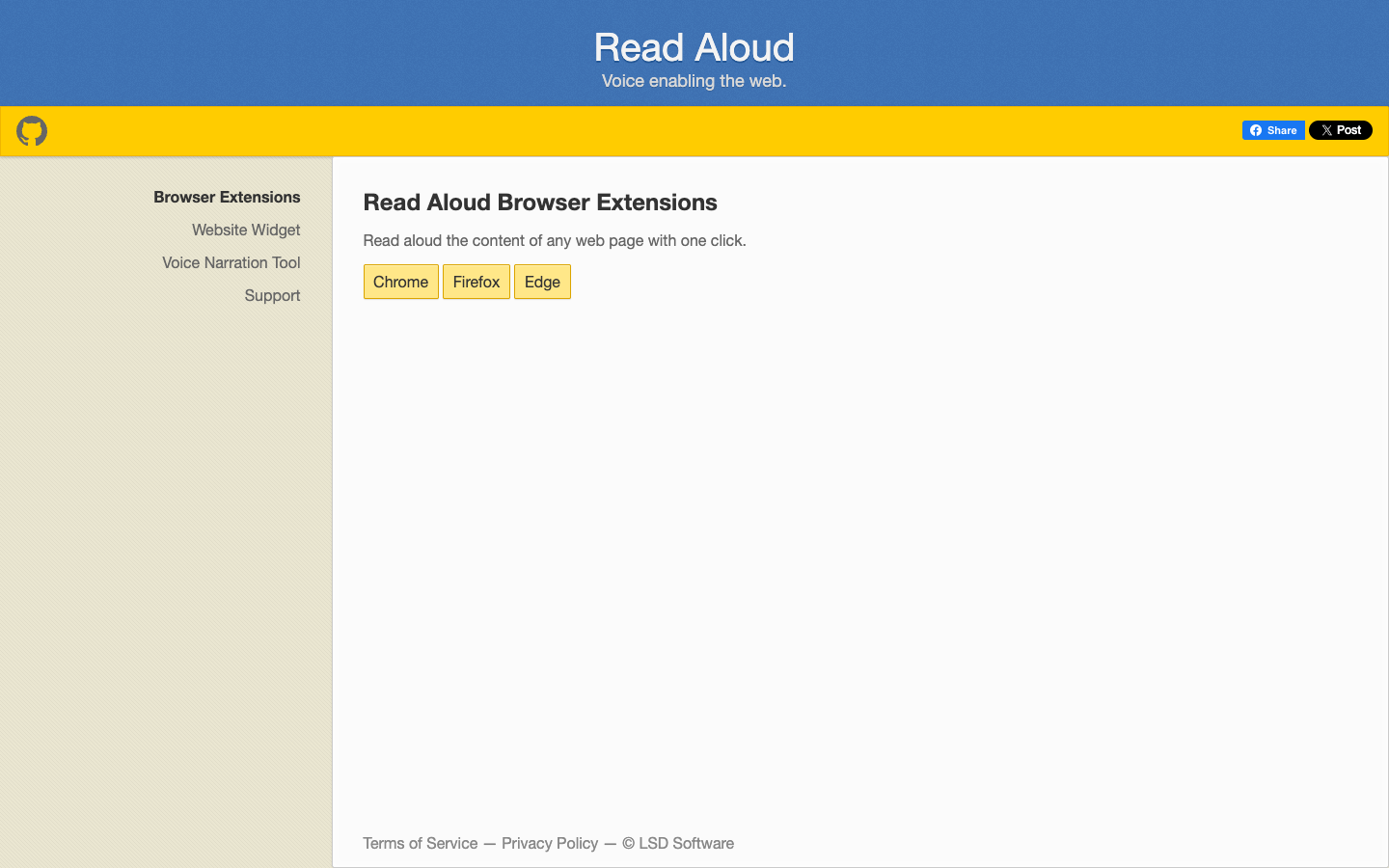
Read Aloud is an open-source text-to-speech browser extension for Chrome, Firefox and Edge that reads the current web page article out loud with one click, with support for 40+ languages.

Free
Open-source
Screenshot of Read Aloud website

Read Aloud is an open-source text-to-speech browser extension from LSD Software that reads the content of any web page out loud with one click. It is aimed at people who prefer listening to articles instead of reading them, whether for convenience, accessibility or multitasking. The extension is available for Chrome, Firefox and Edge, and the same developer offers related tools for website owners and people creating voice narrations.

Key benefits of Read Aloud include:

  • One-click reading: Start narration of the current web page article with a single click from the browser toolbar.
  • Multi-browser support: Install it on Chrome, Firefox or Edge rather than being tied to one browser.
  • 40+ languages: The extension supports reading text in more than 40 languages.
  • Open source: The code is public on GitHub, so you can inspect how it works or contribute.
  • Related tools: A website TTS widget (sitenarrator.com) and a voice narration tool (ttstool.com) are offered by the same developer for embedding audio or creating narrations.

If you are leaving Speechify mainly to listen to web articles, Read Aloud covers that core use case directly in your browser, and its source code is openly available. The trade-off is scope: the pages describe a focused web-page reader, not a full cross-platform reading app, so features you may rely on in Speechify, such as mobile apps or document and book import, are not described here. It works best for people who mostly read in the browser and want a simple, open tool for that.

Read the Read Aloud review

Frequently asked questions

What is the best alternative to Speechify?

The top-rated alternative to Speechify is Balabolka. Balabolka is a freeware text-to-speech program that reads on-screen text, clipboard content and documents aloud using the computer voices installed on your system, and can save the result as audio files. Other popular options include Kokoro TTS, NaturalReader, Read Aloud. Compare features and pricing in the table above.

How many alternatives to Speechify are there?

There are 4 alternatives to Speechify listed on YouMightNotNeed, including Balabolka, Kokoro TTS, NaturalReader. Each listing is hand-reviewed and includes a description, screenshot, pricing, and open-source status.

Are there free alternatives to Speechify?

Yes, there are 3 free alternatives to Speechify: Balabolka, Kokoro TTS, Read Aloud.

Are there open-source alternatives to Speechify?

Yes, there are 2 open-source alternatives to Speechify: Kokoro TTS, Read Aloud. Open-source tools can usually be self-hosted, so you keep full control of your data.

Share:

Discover the best alternatives to

View all

Put your SaaS product in front of active buyers

Reach developers, tech leaders and founders looking for open source tools to adopt.

Submit your product