
Best Popular Adobe Photoshop Alternatives
A curated collection of the 5 best alternatives to Adobe Photoshop.
The best alternative to Adobe Photoshop is Affinity Photo 2. If that doesn't suit you, we've compiled a ranked list of other Adobe Photoshop alternatives to help you find a suitable replacement. Other interesting alternatives to Adobe Photoshop are: Photopea, Pixelmator Pro, Pixlr and Gimp.
Adobe Photoshop alternatives are mainly Photo Editing but may also be Artificial Intelligence or Desktop Apps. Browse these if you want a narrower list of alternatives or looking for a specific functionality of Adobe Photoshop.

A professional photo editing software available for macOS, Windows, and iPad. It offers powerful tools for retouching, RAW development, creating complex compositions, and precise selections.
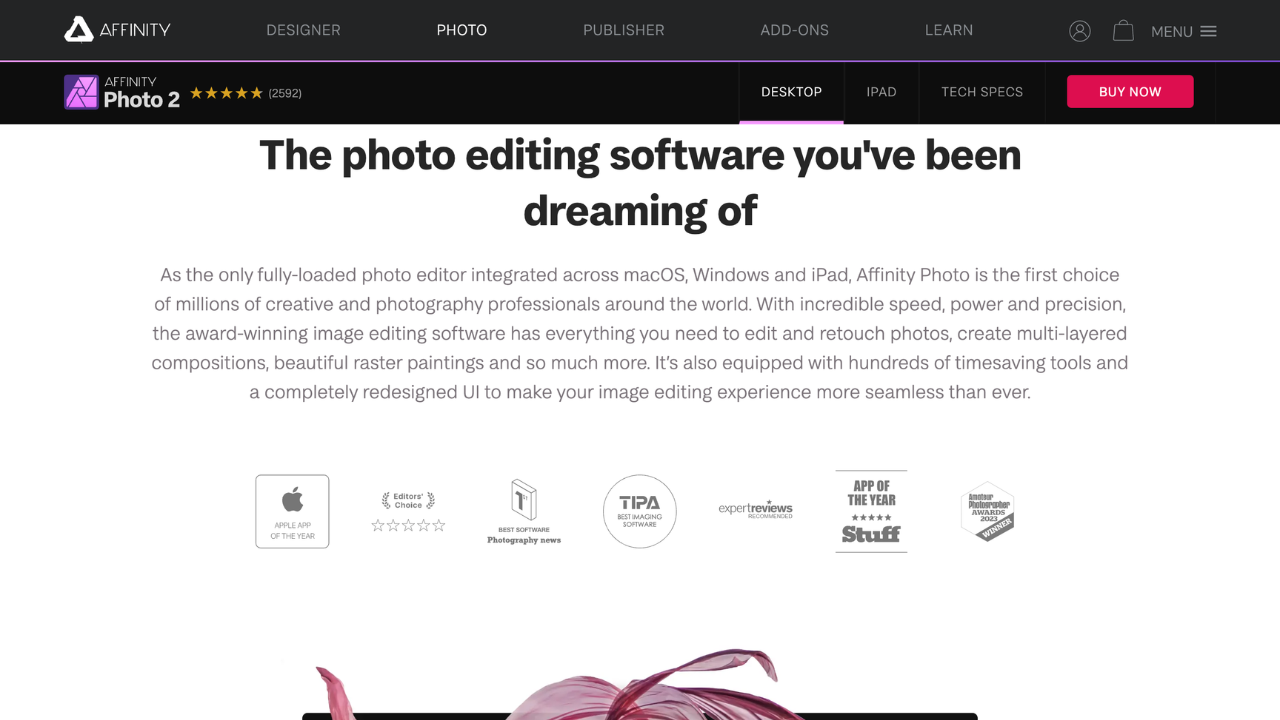
Affinity Photo is a powerful, award-winning photo editing software for macOS, Windows, and iPad. It’s designed for both professionals and enthusiasts, offering a rich set of tools for retouching, composition, RAW processing, and digital painting. The software combines speed, precision, and an intuitive interface.
Key benefits of Affinity Photo include:
- Real-time Adjustment Layers: Edit with maximum speed and precision.
- Flawless Retouching Tools: Remove blemishes and retouch skin with ease.
- RAW Development: Full 32-bit workflow for advanced image adjustments.
- Custom Brushes: Create and use an extensive library of brushes for painting.
- Cross-Platform Compatibility: Seamless workflow across macOS, Windows, and iPad.

A free, online photo editor that lets you edit photos, apply effects, filters, add text, crop or resize pictures.
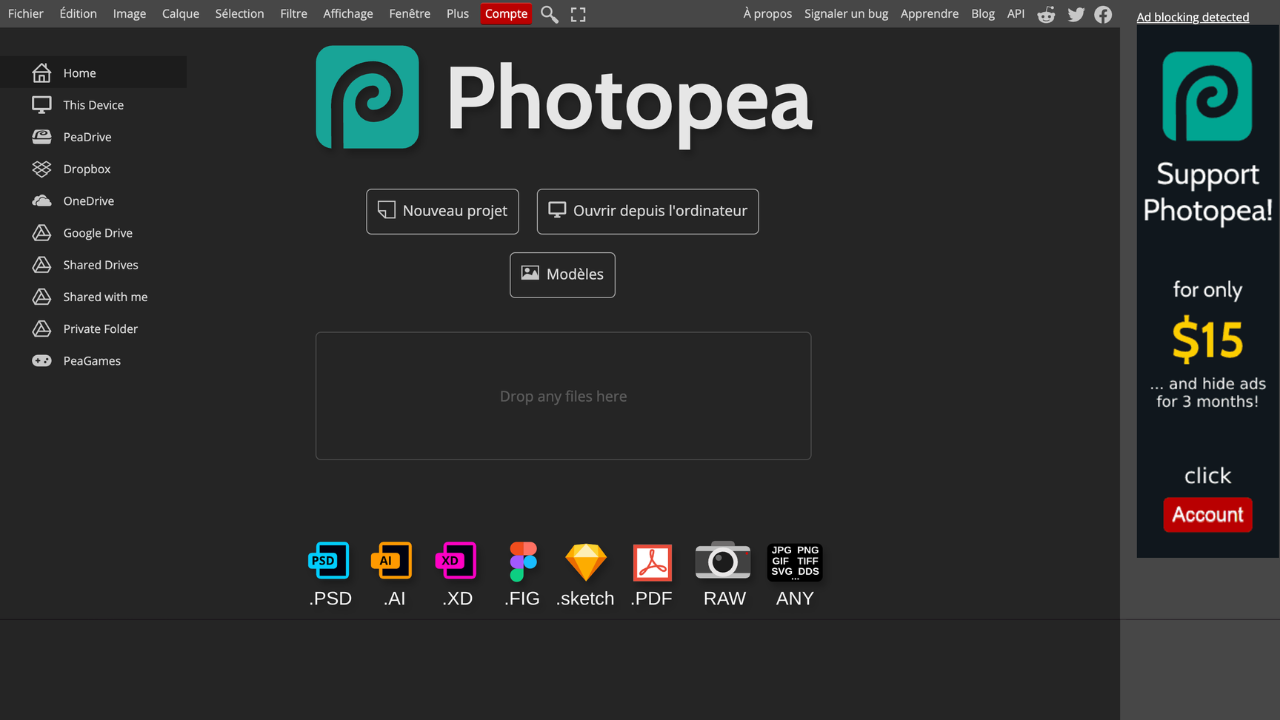
Photopea is a free, web-based photo editor that supports a wide range of formats, including PSD, JPEG, PNG, and more. It provides professional-grade tools for editing photos, creating graphics, and working with vector designs, all without needing to install any software.
Key benefits of Photopea include:
- No Installation Required: Use directly in your browser without downloads.
- Full PSD Support: Open and edit Photoshop files seamlessly.
- Wide File Format Compatibility: Works with numerous file types, including RAW and vector formats.
- AI-powered Features: Includes tools like background removal and content-aware editing.
- Advanced Editing Tools: Layers, masks, filters, and more for professional results.
A professional-grade image editing software for macOS, offering features like AI-powered background removal, non-destructive editing, RAW support, and advanced vector tools.
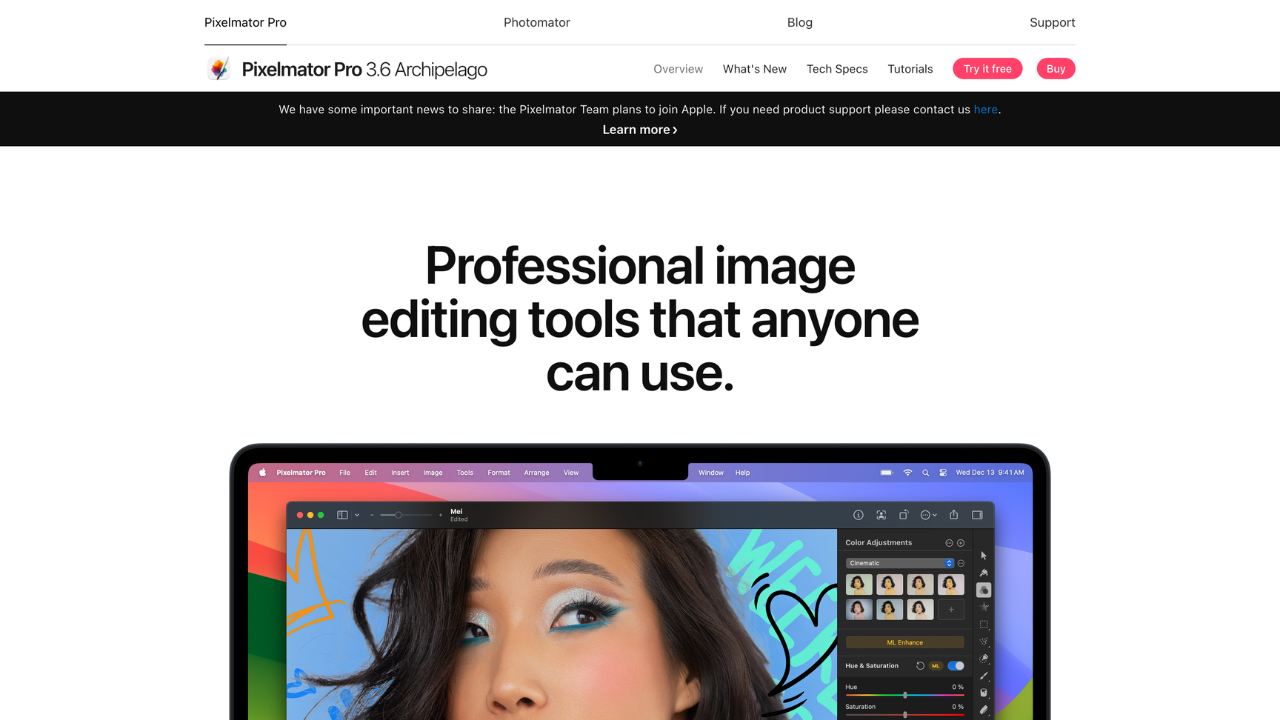
Pixelmator Pro is a professional image editing software for macOS that combines powerful tools with an intuitive interface. Ideal for photographers, designers, and artists, it offers advanced features like AI-driven editing, photo retouching, and vector graphics, while seamlessly integrating with macOS technologies.
Key benefits of Pixelmator Pro include:
- AI-Powered Tools: Enhance photos with intelligent background removal, object repair, and color adjustments.
- Advanced Photo Editing: Includes nondestructive adjustments, RAW support, and detailed retouching capabilities.
- Vector Graphics Support: Create and edit vector-based designs with ease.
- Mac Integration: Deeply integrated with macOS features like Metal and Core ML for optimized performance.
- User-Friendly Interface: Combines simplicity with professional-grade functionality.

An online photo editor and design platform that combines AI tools with traditional editing features.
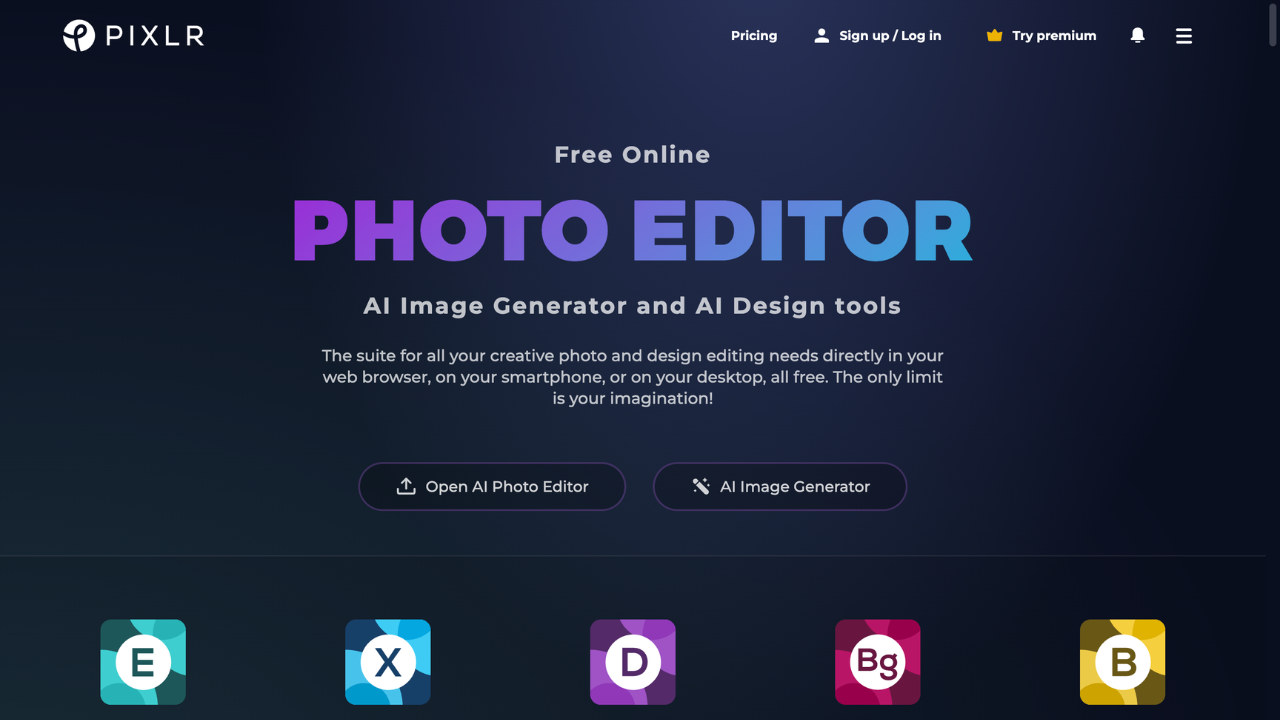
Pixlr is a powerful, user-friendly online photo editing platform designed for creatives of all skill levels. It offers advanced tools, AI-powered features, and seamless cross-platform accessibility. Ideal for quick edits, professional-quality designs, or AI-enhanced creations.
Key benefits of Pixlr include:
AI-Driven Tools: Features like background removal, object eraser, and generative fill simplify complex editing tasks with precision.
Cross-Platform Accessibility: Edit directly from your browser or use mobile and desktop apps for on-the-go creativity.
Wide Range of Editing Tools: Includes filters, effects, touch-ups, and advanced photo manipulation capabilities.
Affordable and Free Options: Enjoy robust free tools or upgrade to premium for ad-free, professional-level editing.

A free, open-source image editor offering advanced tools for photo retouching, graphic design, and original artwork creation.
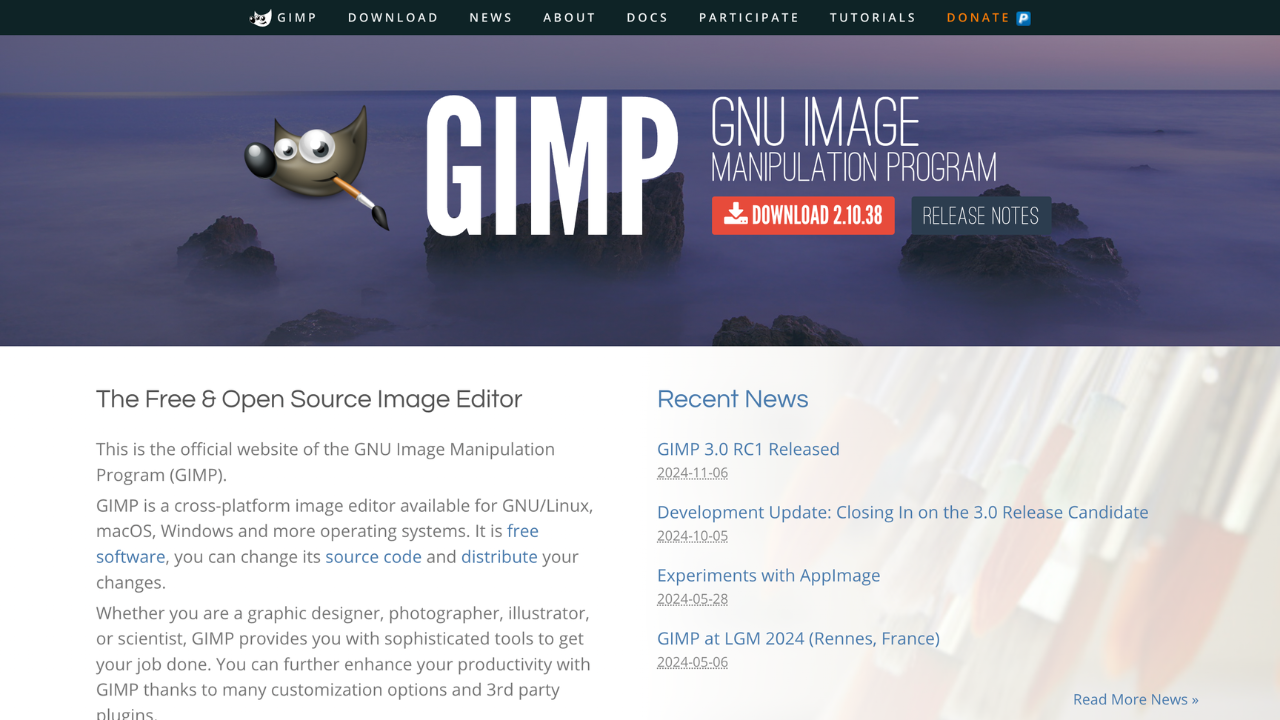
GIMP (GNU Image Manipulation Program) is a free, open-source image editor for photo retouching, graphic design, and more. It offers professional-grade tools and a customizable interface, making it ideal for photographers, designers, and hobbyists seeking a powerful yet cost-effective solution.
Key benefits of GIMP include:
- Open-Source Flexibility: Free to use and supported by an active community of developers.
- Advanced Editing Tools: Offers layers, masks, and filters for professional-quality results.
- Customizable Interface: Tailor the layout and functionality to your workflow.
- Cross-Platform Support: Available on Windows, macOS, and Linux.
- Plugin Integration: Extend functionality with a wide array of plugins and scripts.
Discover the best alternatives to:
View all alternatives
Canva
An online design platform that enables users to create graphics, presentations, social media posts, and more using a drag-and-drop interface.

Typeform
An online form builder with a user-friendly interface that allows businesses to create engaging and interactive forms, surveys, quizzes, and more with a focus on a conversational experience.

Google Analytics
A web analytics service offered by Google that tracks and reports website traffic, providing insights into user behavior.

Calendly
An easy-to-use scheduling software designed for professionals and businesses to streamline appointment booking. It syncs with multiple calendar services, allowing users to set their availability and enabling others to schedule meetings without the hassle of back-and-forth emails.
Notion
An all-in-one workspace for notes, tasks, databases, project management, knowledge sharing, and team collaboration, blending flexibility with organization to streamline your workflow.

Firebase
Google’s mobile and web app development platform that helps developers build apps and games that users will love.