
Best Popular Todoist Alternatives
A curated collection of the 2 best alternatives to Todoist.
The best alternative to Todoist is Yoodoo. If that doesn't suit you, we've compiled a ranked list of other Todoist alternatives to help you find a suitable replacement. Other interesting alternative to Todoist is Do Everything.
Todoist alternatives are mainly Productivity. Browse these if you want a narrower list of alternatives or looking for a specific functionality of Todoist.

A daily planning app, that uses time-blocking to transform your to-dos into a precision-crafted schedule, for unbreakable focus and sky-high productivity.

Yoodoo is a simple yet powerful app designed for organizing daily plans, routines, and tasks, especially beneficial for ADHD users. It combines time-blocking, focus tools, and AI to help users beat procrastination, stay organized, and accomplish goals.
Key benefits of Yoodoo include:
- Time-blocking and Task Highlighting: Divide your day into manageable segments and focus on one task at a time.
- AI-Powered Task Breakdown: Simplifies complex projects into actionable steps for better productivity.
- Customizable Routines and Templates: Build and stick to effective daily habits effortlessly.
- Auto-Reschedule and Reminders: Never miss tasks with automatic adjustments and timely notifications.
- Comprehensive Progress Tracking: Visualize your day, review progress, and optimize productivity using insightful stats.

A versatile productivity app that helps users manage tasks, plan their day, take notes, create lists, and maintain a journal.
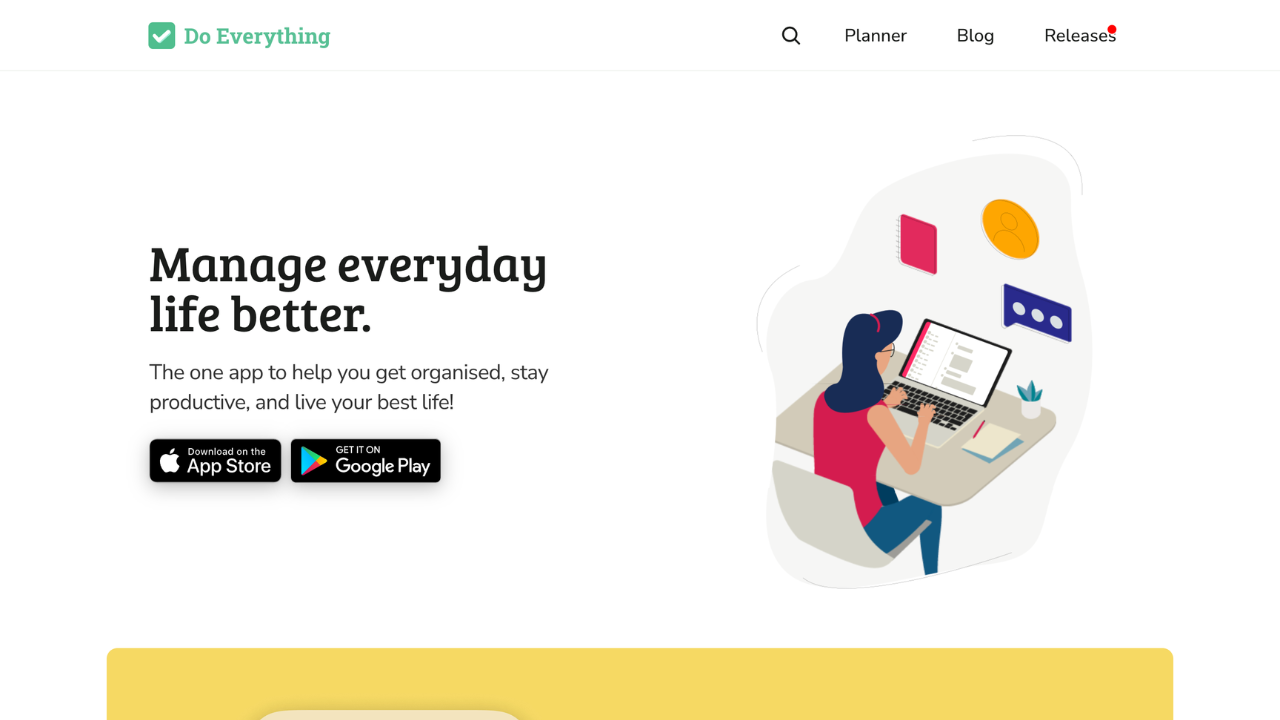
Do Everything is a versatile app designed to help users manage tasks, plan their day, create notes, and maintain journals. Perfect for staying productive and organized, it offers tools to declutter your mind and focus on what matters.
Key benefits of Do Everything include:
- Task Management: Organize tasks with reminders and due dates to stay on track.
- Daily Planning: Set priorities and highlight key tasks to maximize productivity.
- Collaborative Lists: Create and share lists for projects, groceries, or events.
- Notes & Journals: Capture ideas, track moods, and reflect on achievements.

Discover the best alternatives to:
View all alternatives
Adobe Photoshop
A powerful photo editing and illustration tool that enables users to transform images, remove unwanted elements with a click, and create photorealistic results using generative fill tools.

Canva
An online design platform that enables users to create graphics, presentations, social media posts, and more using a drag-and-drop interface.

Typeform
An online form builder with a user-friendly interface that allows businesses to create engaging and interactive forms, surveys, quizzes, and more with a focus on a conversational experience.

Google Analytics
A web analytics service offered by Google that tracks and reports website traffic, providing insights into user behavior.

Calendly
An easy-to-use scheduling software designed for professionals and businesses to streamline appointment booking. It syncs with multiple calendar services, allowing users to set their availability and enabling others to schedule meetings without the hassle of back-and-forth emails.

Notion
An all-in-one workspace for notes, tasks, databases, project management, knowledge sharing, and team collaboration, blending flexibility with organization to streamline your workflow.