
Best Popular Microsoft Teams Alternatives
A curated collection of the 6 best alternatives to Microsoft Teams.
The best alternative to Microsoft Teams is Zoom Workplace. If that doesn't suit you, we've compiled a ranked list of other Microsoft Teams alternatives to help you find a suitable replacement. Other interesting alternatives to Microsoft Teams are: Mattermost, Rocket.Chat, Pumble and Zulip.
Microsoft Teams alternatives are mainly Communication but may also be Messaging or Task Management. Browse these if you want a narrower list of alternatives or looking for a specific functionality of Microsoft Teams.

Tools for team collaboration, including video conferencing, team chat, whiteboarding, and file sharing.
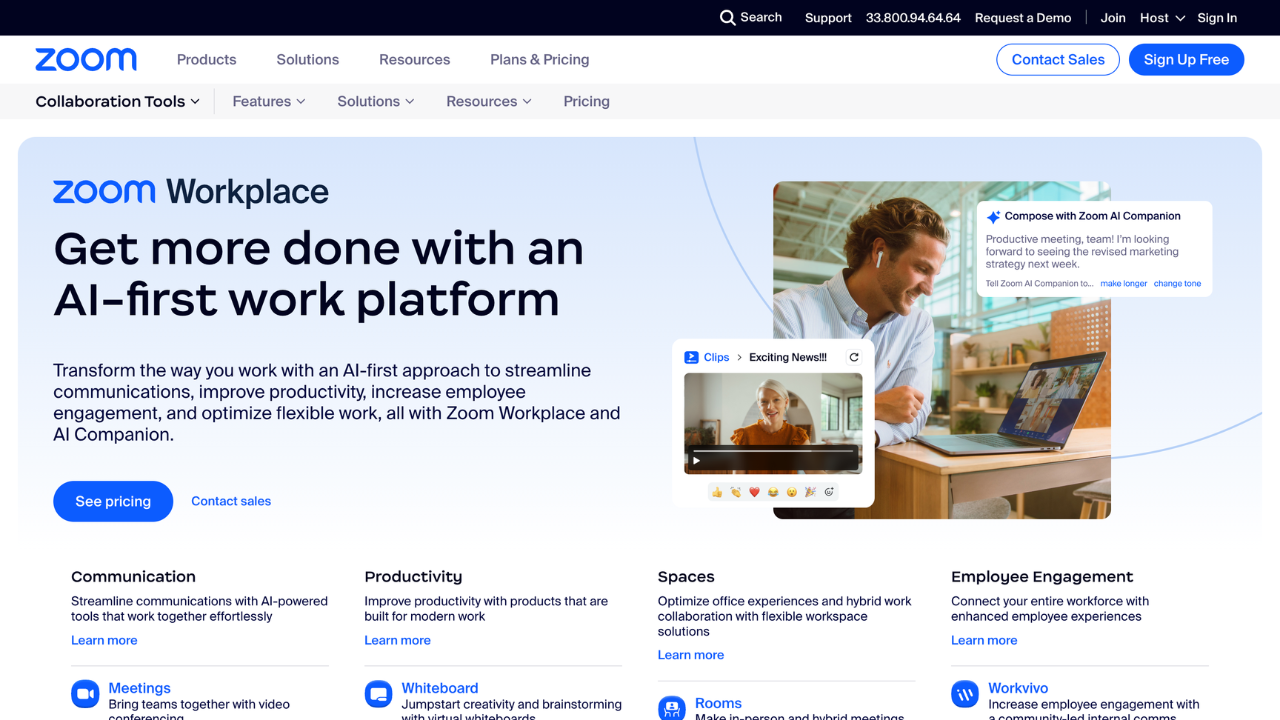
Zoom's collaboration tools enable seamless teamwork with integrated solutions for communication and productivity. Designed for businesses of all sizes, it enhances workflows with tools like Team Chat, Whiteboard, and Docs to support remote and hybrid work environments.
Key benefits of Zoom Workplace include:
- Unified Communication: Combines video, chat, and phone capabilities for streamlined interactions.
- Dynamic Whiteboard: Visualize ideas and collaborate in real time, enhancing creativity.
- Integrated Productivity Tools: Manage schedules and documents effortlessly within the platform.
- Cross-Platform Support: Access tools on desktop, mobile, or web for flexibility.
- Scalable Solutions: Tailored features for businesses of any size, supporting growth and collaboration.

A secure collaboration platform designed for mission-critical operations. It offers customizable tools for team communication, task management, and workflow automation
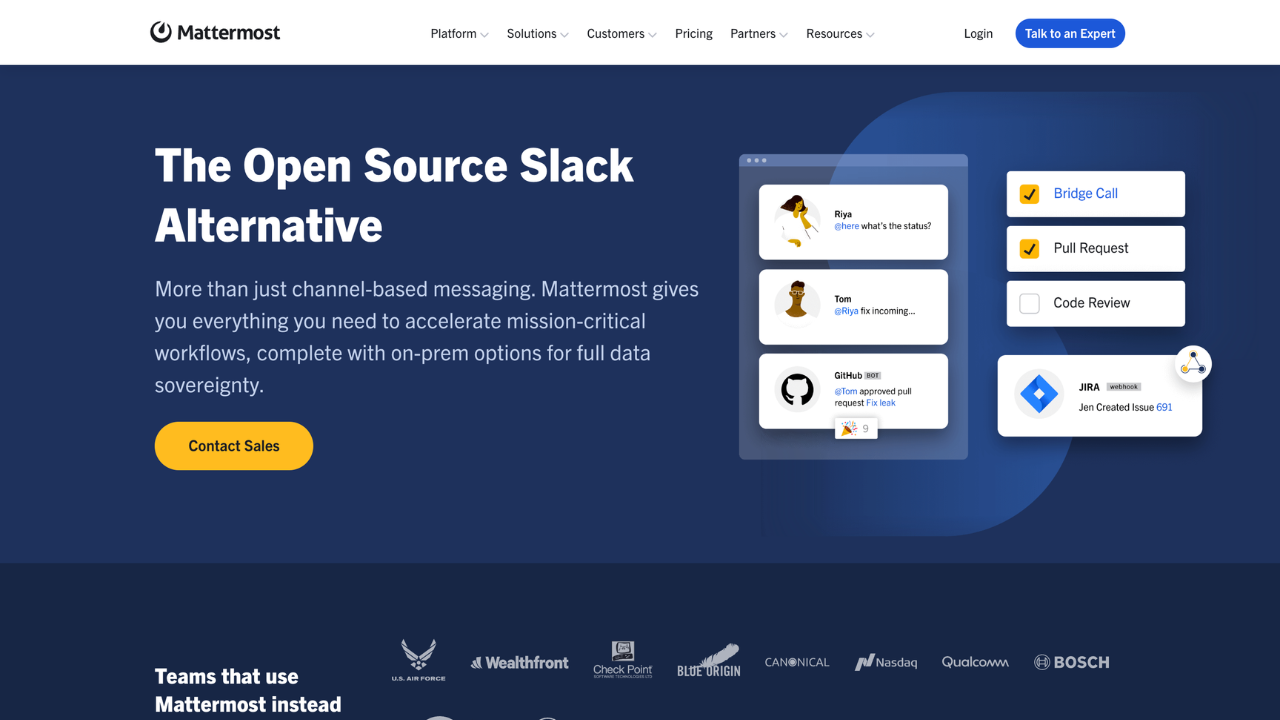
Mattermost is an open-source collaboration platform designed for secure, mission-critical work. It’s ideal for industries like defense, government, and critical infrastructure that need high security, privacy, and real-time communication. Mattermost ensures seamless collaboration with control over data and compliance.
Key benefits of Mattermost include:
- Enhanced Security: Meets strict security, privacy, and compliance requirements.
- Real-Time Collaboration: Supports fast, efficient teamwork through messaging, video, and screen sharing.
- Flexible Deployment: Available on-premise, air-gapped, or in the cloud for full control.
- Customizable Workflow: Create tailored playbooks and process automation.
- Comprehensive Integrations: Seamlessly integrate with other tools to enhance productivity.

An open-source communication platform designed for secure and customizable team collaboration.
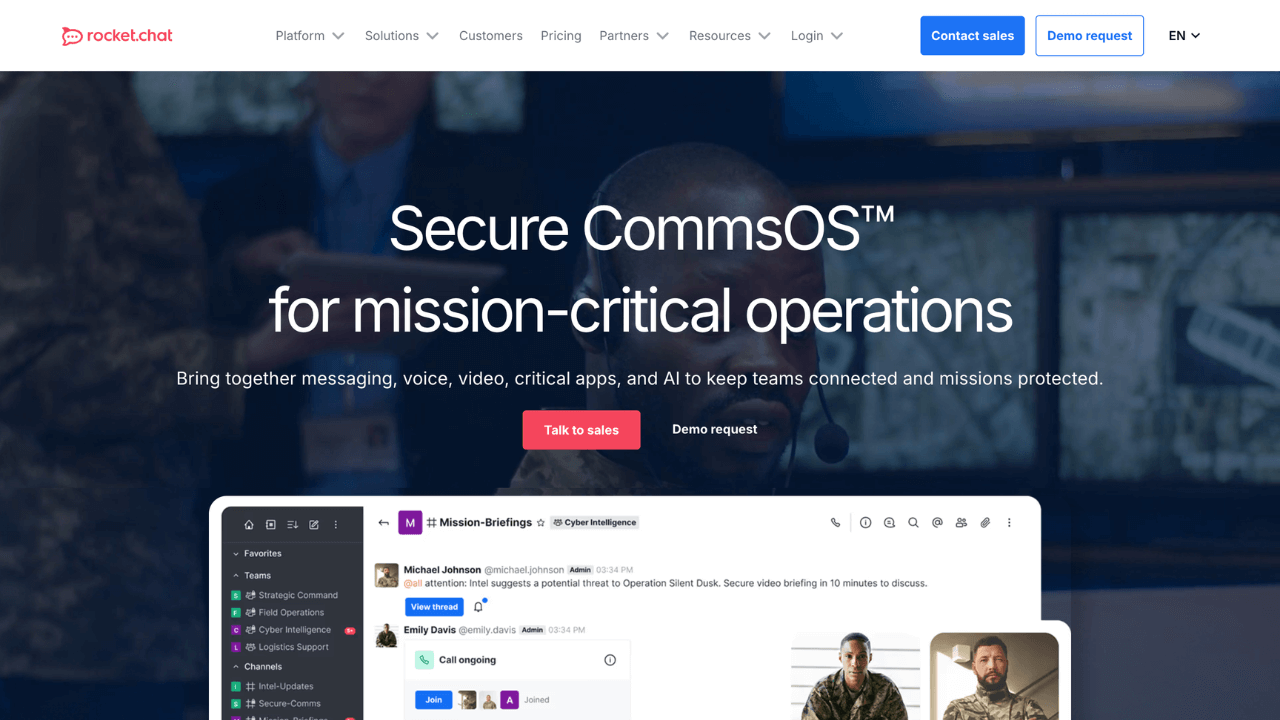
Rocket.Chat is an open-source, secure communication platform designed for organizations requiring robust collaboration tools. It offers real-time messaging, voice and video calls, and extensive customization options, making it ideal for enterprises, government agencies, and regulated industries seeking data sovereignty and compliance.
Key benefits of Rocket.Chat include:
Open-Source Flexibility: Customize and extend the platform to fit your organization's unique needs, with options for self-hosting or cloud deployment.
Secure Communication: Benefit from end-to-end encryption, granular user permissions, and compliance with standards like ISO 27001 and SOC 2, ensuring data protection and privacy.
Integrated Collaboration Tools: Utilize built-in features such as real-time chat, VoIP, video conferencing, and screen sharing to streamline team interactions.
Scalable Architecture: Support thousands of users across departments with high-performance capabilities and federated communication via the Matrix protocol.
Extensive Integrations: Seamlessly connect with tools like Salesforce, Jira, and other business applications to enhance workflow efficiency.
A free team communication app designed to streamline collaboration through organized messaging, voice and video calls, and file sharing.
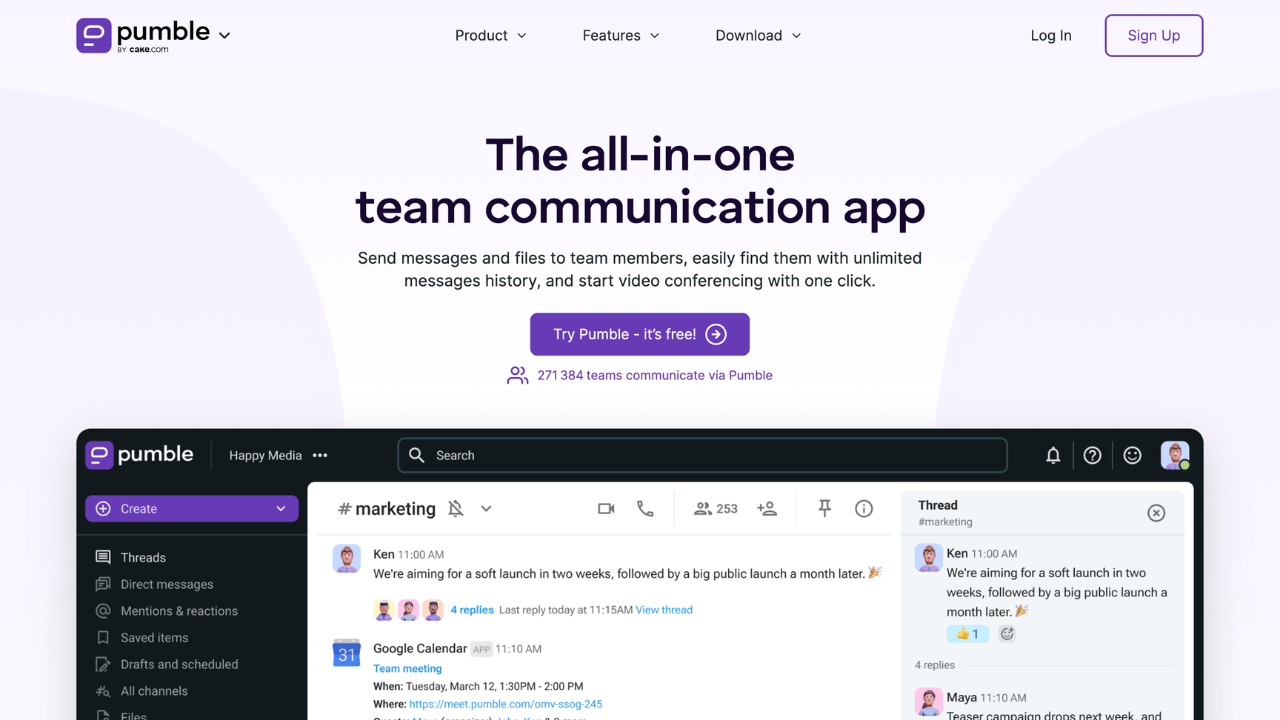
Pumble is a free, all-in-one team communication app designed for businesses of all sizes. It offers unlimited users and message history, making it ideal for startups, remote teams, and growing organizations seeking a streamlined, cost-effective collaboration tool.
Key benefits of Pumble include:
Unlimited Users & Message History: Collaborate freely without limitations—Pumble allows unlimited team members and retains all message history, ensuring easy access to past conversations.
Organized Communication Channels: Structure your discussions with public or private channels and threaded conversations, keeping team communication clear and focused.
Integrated Voice & Video Calls: Initiate voice or video meetings directly within the app, complete with screen sharing and in-call messaging, facilitating seamless virtual collaboration.
Cross-Platform Accessibility: Stay connected across devices with Pumble's availability on Windows, macOS, Linux, iOS, Android, and web browsers.
Enhanced Productivity Features: Utilize smart notifications, scheduled messages, and guest access to streamline workflows and maintain focus on essential tasks.

An organized team chat app for distributed teams of all sizes.
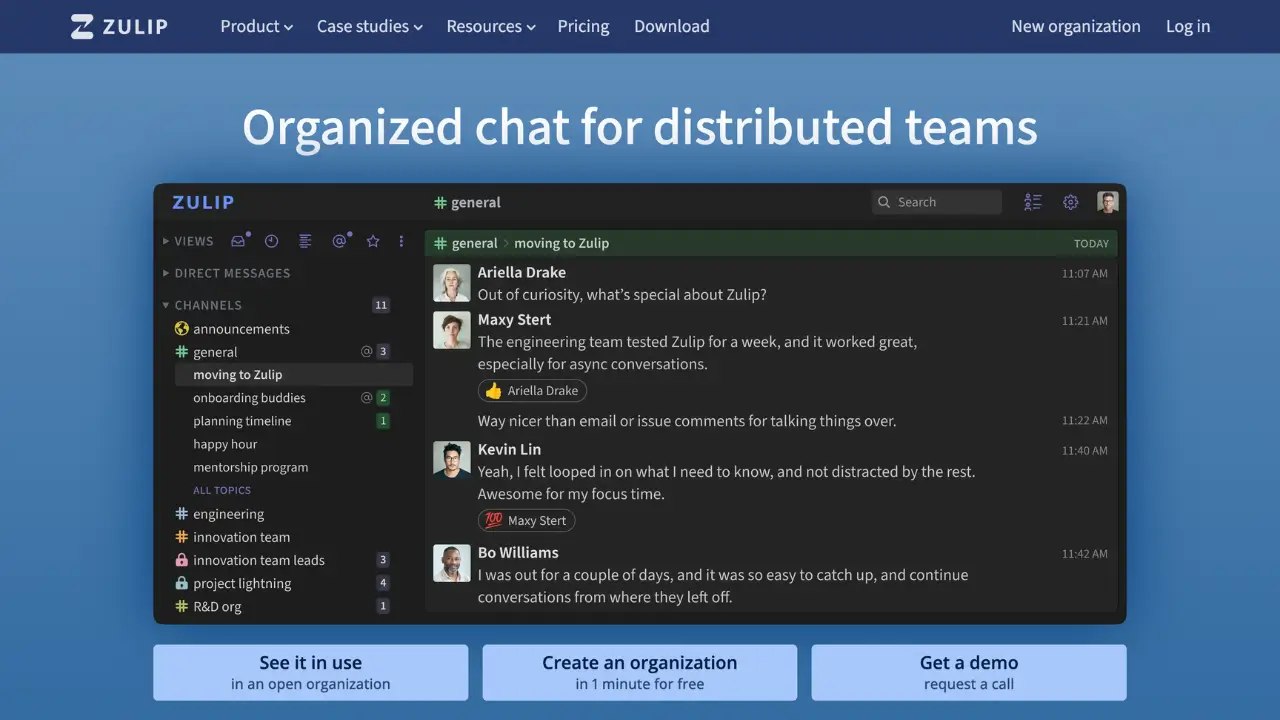
Zulip is an open-source team chat platform that combines real-time messaging with email-style threading. Designed for distributed teams and organizations, Zulip helps users stay organized and focused by structuring conversations into topics within streams, making it easy to catch up on relevant discussions without missing important information.
Key benefits of Zulip include:
Topic-Based Threading: Messages are organized into topics within streams, allowing users to follow specific conversations and reducing information overload.
Asynchronous Communication: Zulip's threading model supports asynchronous discussions, enabling team members across different time zones to participate effectively without losing context.
Cross-Platform Support: Available on web, desktop (Windows, macOS, Linux), and mobile (iOS, Android), ensuring seamless communication across devices.
Extensive Integrations: Integrates with numerous tools and services, including project management platforms and version control systems, enhancing workflow efficiency.
Open Source and Self-Hosting Options: As an open-source platform, Zulip offers flexibility with self-hosting capabilities, giving organizations control over their data and customization.

An open source Matrix-based end-to-end encrypted messenger and secure collaboration app.
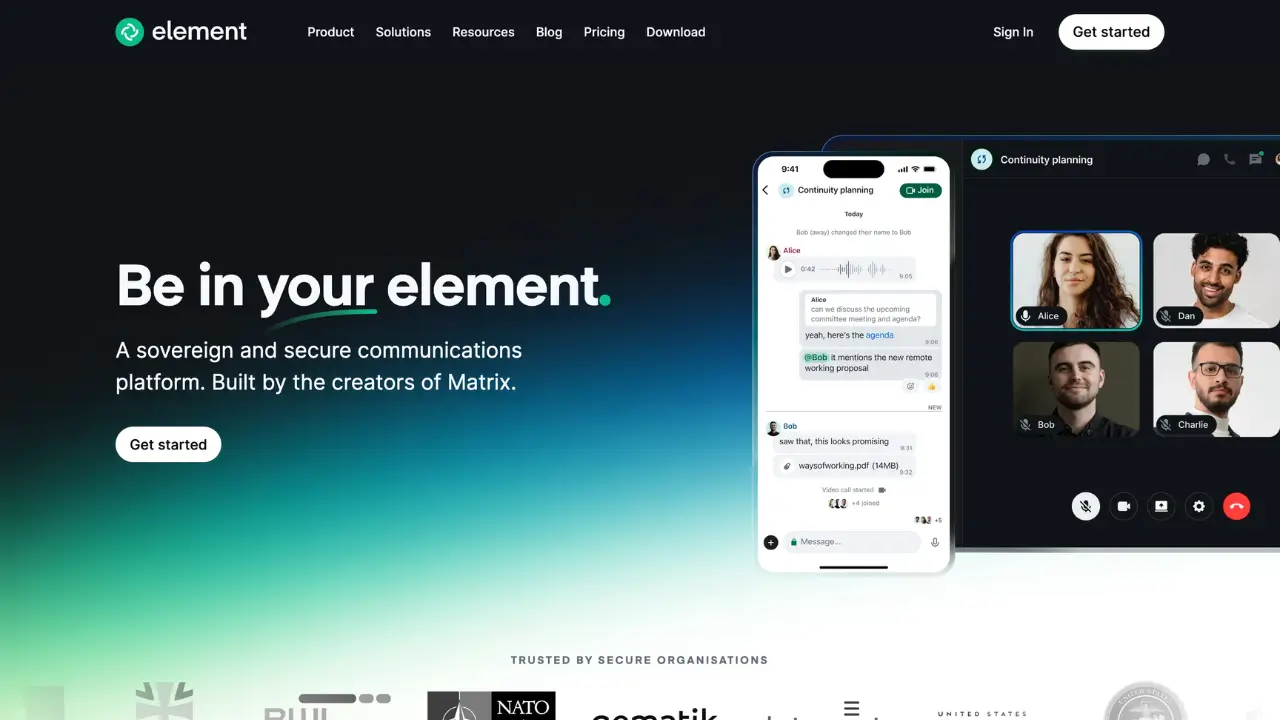
Element is a secure, open-source messaging and collaboration platform built on the Matrix protocol. Designed for individuals, teams, and organizations prioritizing privacy and data sovereignty, Element offers end-to-end encrypted communication with decentralized hosting options, ensuring users have full control over their data.
Key benefits of Element include:
End-to-End Encryption: All messages, calls, and shared files are encrypted, ensuring that only intended recipients can access the content.
Decentralized Architecture: Built on the Matrix protocol, Element allows users to self-host or choose trusted providers, promoting data ownership and reducing reliance on centralized services.
Cross-Platform Support: Available on web, desktop (Windows, macOS, Linux), and mobile (iOS, Android), Element ensures seamless communication across devices.
Rich Collaboration Features: Supports group chats, voice and video calls, file sharing, screen sharing, and integrations with other tools, enhancing team productivity.
Open Source and Customizable: As an open-source platform, Element allows for customization to fit specific needs, fostering transparency and community-driven development.

Discover the best alternatives to:
View all alternatives
Adobe Photoshop
A powerful photo editing and illustration tool that enables users to transform images, remove unwanted elements with a click, and create photorealistic results using generative fill tools.

Canva
An online design platform that enables users to create graphics, presentations, social media posts, and more using a drag-and-drop interface.

Typeform
An online form builder with a user-friendly interface that allows businesses to create engaging and interactive forms, surveys, quizzes, and more with a focus on a conversational experience.

Google Analytics
A web analytics service offered by Google that tracks and reports website traffic, providing insights into user behavior.

Calendly
An easy-to-use scheduling software designed for professionals and businesses to streamline appointment booking. It syncs with multiple calendar services, allowing users to set their availability and enabling others to schedule meetings without the hassle of back-and-forth emails.
Notion
An all-in-one workspace for notes, tasks, databases, project management, knowledge sharing, and team collaboration, blending flexibility with organization to streamline your workflow.