AdAdvertise with us·Reach an audience of professional tech enthusiasts
Favicon of VMware website

Best Popular VMware Alternatives

A curated collection of the 4 best alternatives to VMware.

4 alternatives · Updated

The best alternative to VMware is Proxmox VE. If that doesn't suit you, we've compiled a ranked list of other VMware alternatives to help you find a suitable replacement. Other interesting alternatives to VMware are: UTM, VirtualBox and XCP-ng.

VMware alternatives are mainly Virtualization but may also be Desktop Apps. Browse these if you want a narrower list of alternatives or looking for a specific functionality of VMware.

VMware alternatives compared

#ToolPricingOpen source
1 Proxmox VEFreeYes
2 UTMFreeYes
3 VirtualBoxFreeYes
4 XCP-ngFreeYes

The best VMware alternatives, ranked

Proxmox VE is an open-source server virtualization management platform that you can download and run on your own hardware, offered as a free self-hosted alternative to VMware.
Free
Open-source
Self-hosted
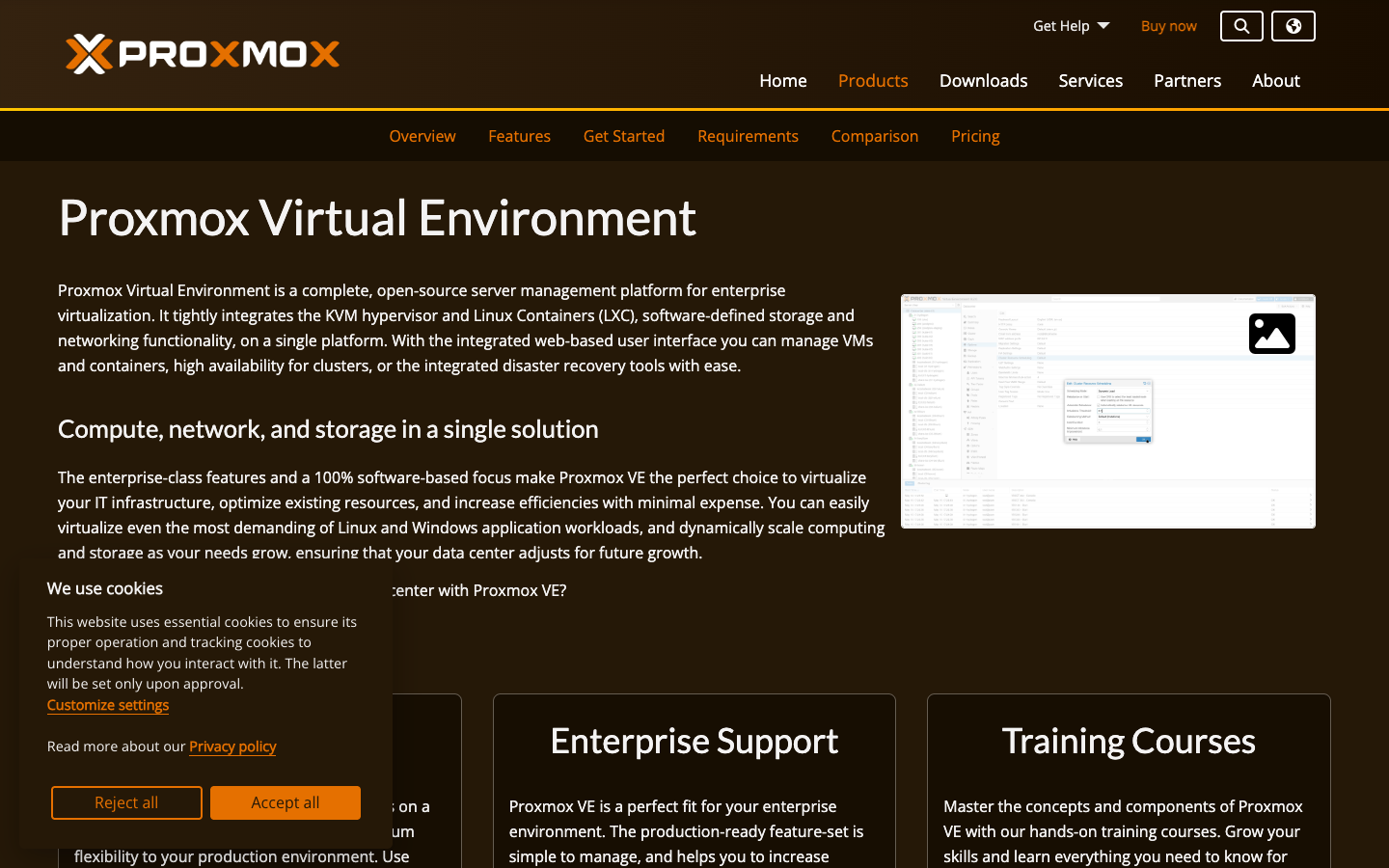
Screenshot of Proxmox VE website

Proxmox Virtual Environment (Proxmox VE) is an open-source server virtualization management platform. It is aimed at administrators and teams who run virtual machines on their own servers and want a self-hosted platform rather than a proprietary hypervisor stack.

Key benefits of Proxmox VE include:

  • Open source: The platform's source is openly available, so you can inspect it and run it without licensing lock-in.
  • Self-hosted: You install and operate it on your own infrastructure, keeping control over your servers and data.
  • Centralized management: It is built as a management platform for server virtualization rather than a single standalone hypervisor.
  • Documentation available: Proxmox publishes official documentation for installing and operating the platform.
  • Optional paid plans: A pricing page lists paid offerings for organizations that want something beyond the free download.

For teams leaving VMware, Proxmox VE is appealing because the platform itself is open source and can be self-hosted. The trade-off is that migrating existing VMs, retraining staff and rebuilding operational processes takes real effort, and the tooling and third-party ecosystem differ from what VMware shops are used to. Check the pricing page for paid plan details and the documentation to confirm it covers the features your environment depends on before committing.
Read the Proxmox VE review
#2
Favicon of UTM website

UTM

UTM is a free and open-source Mac app for running Windows, Linux, macOS and classic operating systems in virtual machines, built on QEMU and Apple Virtualization.

Free
Open-source
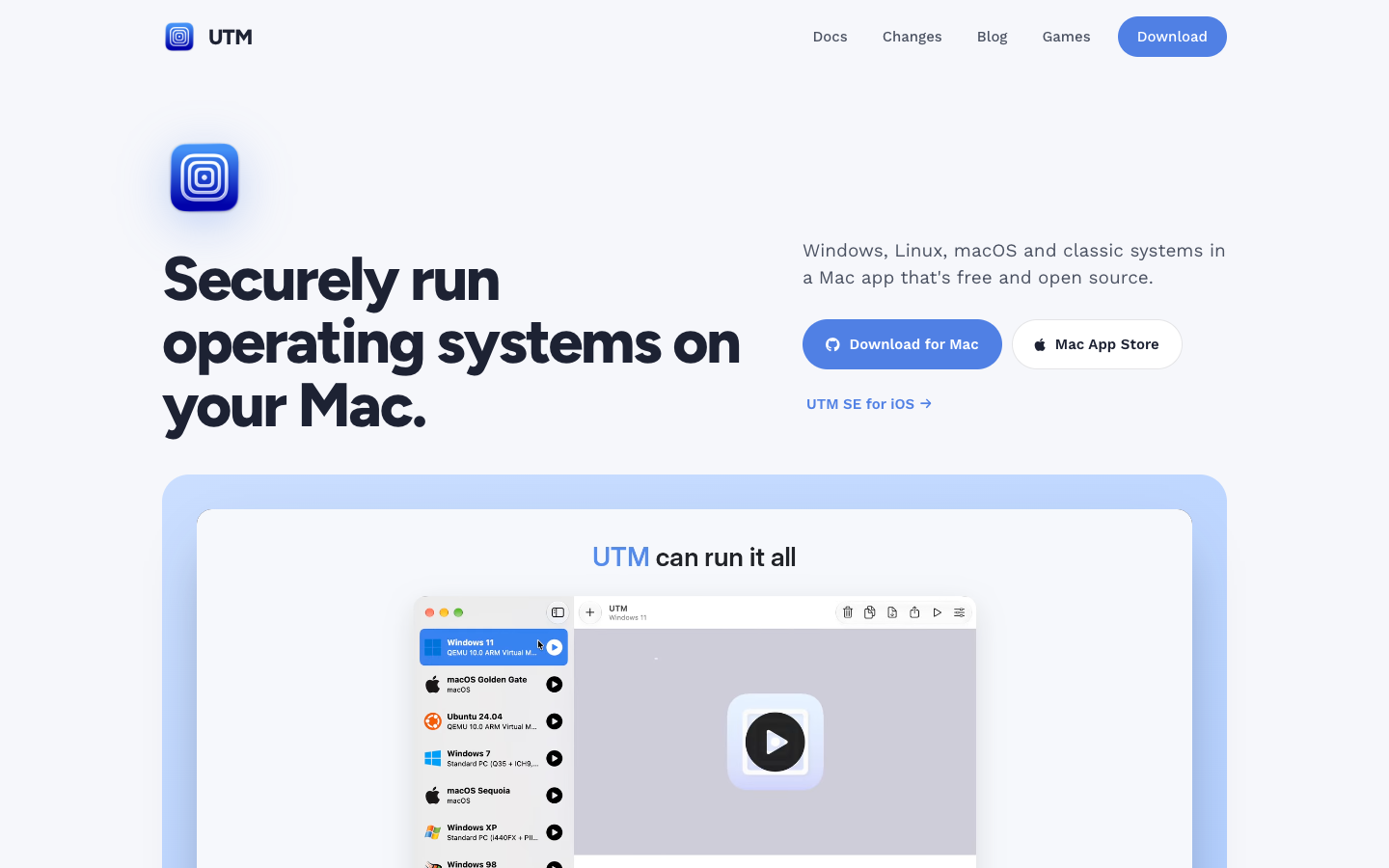
Screenshot of UTM website

UTM is a free and open-source app for running virtual machines on Apple devices. It targets Mac users, especially on Apple Silicon, who need to run Windows, Linux, other macOS instances or older systems, and it wraps QEMU and Apple's Virtualization framework in a native Mac interface.

Key benefits of UTM include:

  • Near-native ARM64 speed: Uses Apple's Hypervisor framework to run ARM64 operating systems on Apple Silicon at near native speed.
  • Broad emulation: Emulates Intel x86/x64 and other architectures such as ARM32, MIPS, PPC, SPARC and RISC-V for running classic systems.
  • macOS guests: Runs multiple macOS instances on Apple Silicon Macs running macOS Monterey or later.
  • Scriptable: VMs can be created, started, snapshotted and controlled through AppleScript or the utmctl command-line tool.
  • Graphics support: Supports DirectX 11 and 12 on Windows 11 guests and Vulkan 1.3 on Linux, though game compatibility is still in progress.

For someone moving off VMware Fusion on a Mac, UTM costs nothing, is open source and has no feature differences between the free download and the paid Mac App Store version. The trade-offs: it only runs on Apple platforms, so it is not a replacement for VMware's server or Windows products, and running x86 guests on Apple Silicon relies on emulation, which is noticeably slower than native virtualization. Game compatibility is described by the project as ongoing work.

Read the UTM review

VirtualBox is an open-source hypervisor from Oracle that lets you run virtual machines with other operating systems on your desktop or laptop. It is a free option for developers, testers and hobbyists.

Free
Open-source
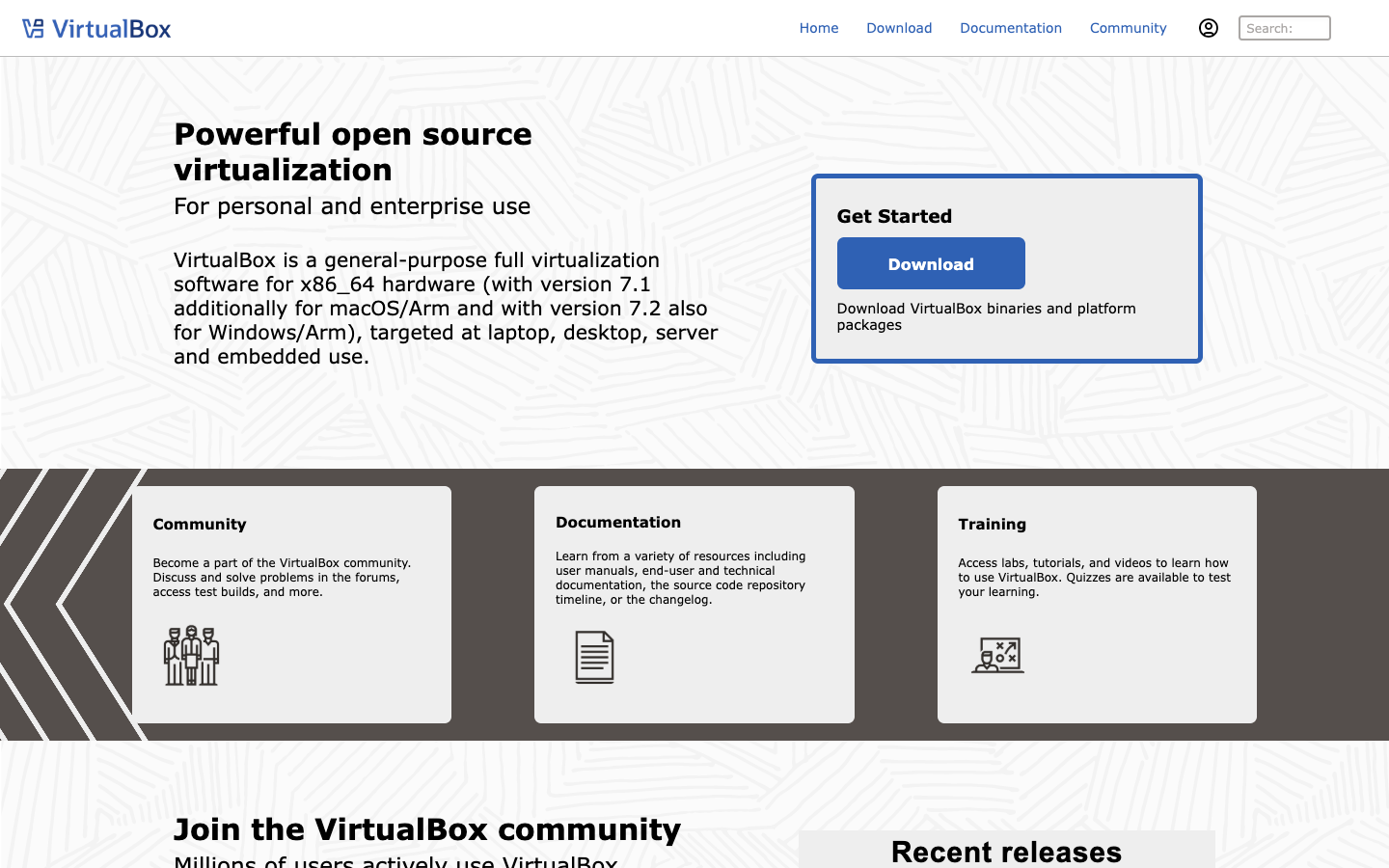
Screenshot of VirtualBox website

VirtualBox is an open-source virtualization application maintained by Oracle. It installs on an existing desktop operating system and lets you create and run virtual machines, so you can try another OS, test software or keep isolated environments on one computer. It suits developers, students, testers and home users who want local VMs without paying for a license.

Key benefits of VirtualBox include:

  • Open source: The core application is open source and can be downloaded and used without a paid license.
  • Cross-platform host: It runs as a desktop application on common host operating systems rather than requiring a dedicated server.
  • Multiple guest systems: You can run several virtual machines with different operating systems side by side on one machine.
  • Isolated testing: VMs keep experiments, test builds and untrusted software separate from your main system.
  • Official documentation: Oracle maintains a documentation wiki covering installation and use.

For someone moving away from VMware's desktop products, VirtualBox is a common free choice for local virtual machines and is well known in developer workflows. The trade-offs are worth weighing: it is a desktop (type 2) hypervisor, so it is not a replacement for VMware's data center and server virtualization stack, and performance or graphics support may differ from VMware Workstation or Fusion depending on your hardware and guest OS. Check the documentation for details on supported hosts and features before migrating existing VMs.

Read the VirtualBox review

XCP-ng is an open-source virtualization platform forked from XenServer and incubated in the Xen Project under the Linux Foundation. It runs VMs on your own bare-metal servers and is managed through Xen Orchestra, an API or a CLI.

Free
Open-source
Self-hosted
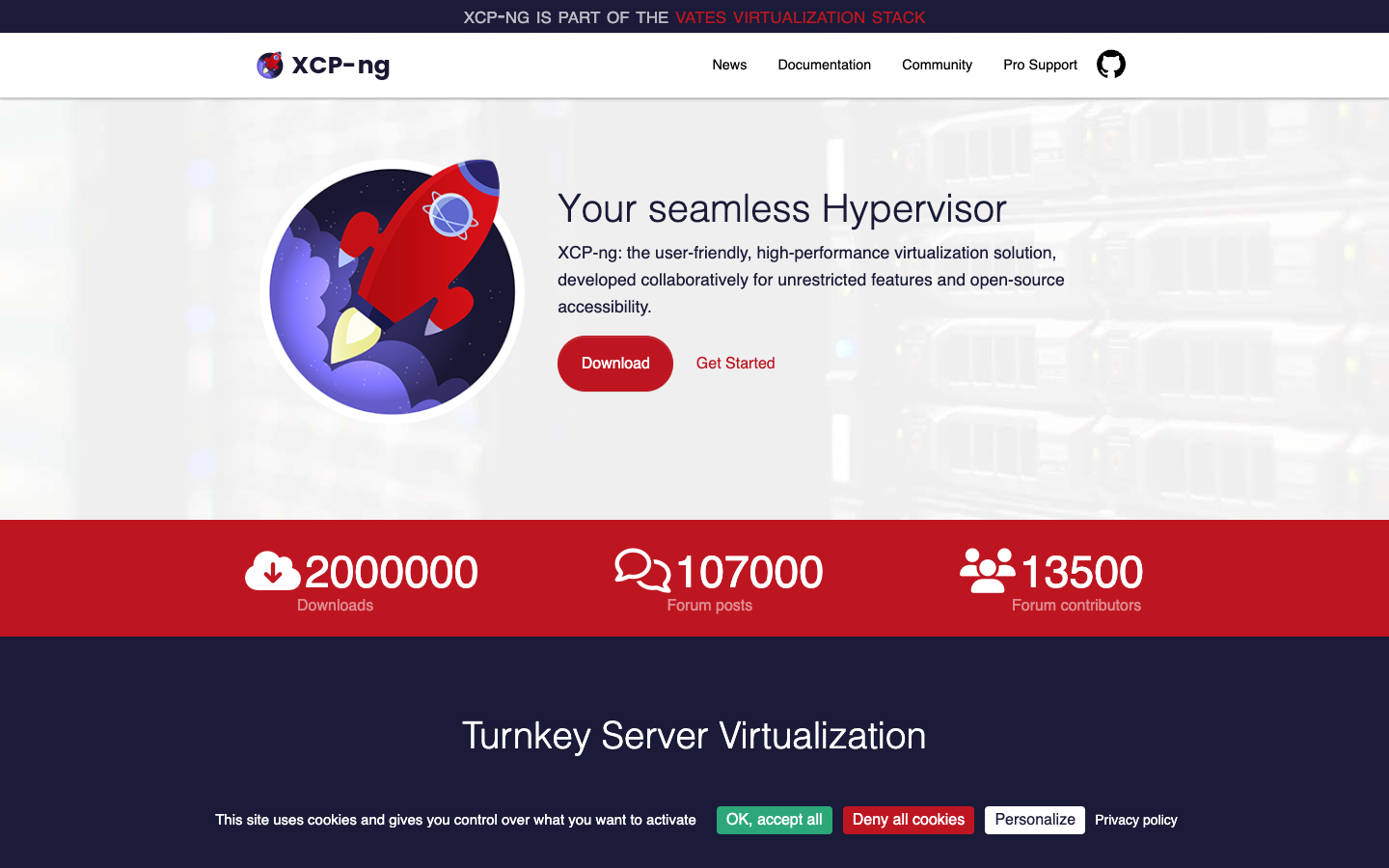
Screenshot of XCP-ng website

XCP-ng is a free, open-source hypervisor that began as a fork of XenServer and is now a Xen Project incubation project hosted by the Linux Foundation. It installs from a bootable ISO onto bare-metal servers and is aimed at teams that want to run their own virtualization infrastructure without license restrictions on features. Development is supported by Vates, which also sells commercial support.

Key benefits of XCP-ng include:

  • Web-based management: Xen Orchestra gives a dashboard of your hosts and VMs, with statistics, IP addresses and CPU/RAM counts, plus native backup features.
  • Live migration: VMs can be moved between hosts without interruption.
  • Multiple management options: Hosts can be controlled through a centralized UI, an API or a CLI, and Terraform and Packer providers are available.
  • VMware import tool: Xen Orchestra can stream VMs directly from any accessible ESXi host, including remote ones, into XCP-ng.
  • Signed packages: Repositories, ISOs and packages are signed with a GPG key so you can verify their authenticity.

For anyone leaving VMware, XCP-ng offers a direct migration path from ESXi, an in-place upgrade from XenServer that keeps storage and VM settings, and a current 8.3 LTS release. The trade-offs: it is built on Xen rather than ESXi, so tooling, terminology and integrations differ, and full management and backup depend on deploying Xen Orchestra as a separate VM. Help comes from the community forum and Discord unless you buy commercial support from Vates, whose pricing is not listed on these pages.

Read the XCP-ng review

Frequently asked questions

What is the best alternative to VMware?

The top-rated alternative to VMware is Proxmox VE. Proxmox VE is an open-source server virtualization management platform that you can download and run on your own hardware, offered as a free self-hosted alternative to VMware. Other popular options include UTM, VirtualBox, XCP-ng. Compare features and pricing in the table above.

How many alternatives to VMware are there?

There are 4 alternatives to VMware listed on YouMightNotNeed, including Proxmox VE, UTM, VirtualBox. Each listing is hand-reviewed and includes a description, screenshot, pricing, and open-source status.

Are there free alternatives to VMware?

Yes, there are 4 free alternatives to VMware: Proxmox VE, UTM, VirtualBox, XCP-ng.

Are there open-source alternatives to VMware?

Yes, there are 4 open-source alternatives to VMware: Proxmox VE, UTM, VirtualBox, XCP-ng. Open-source tools can usually be self-hosted, so you keep full control of your data.

Share:

Discover the best alternatives to

View all

Put your SaaS product in front of active buyers

Reach developers, tech leaders and founders looking for open source tools to adopt.

Submit your product