

About Read Aloud
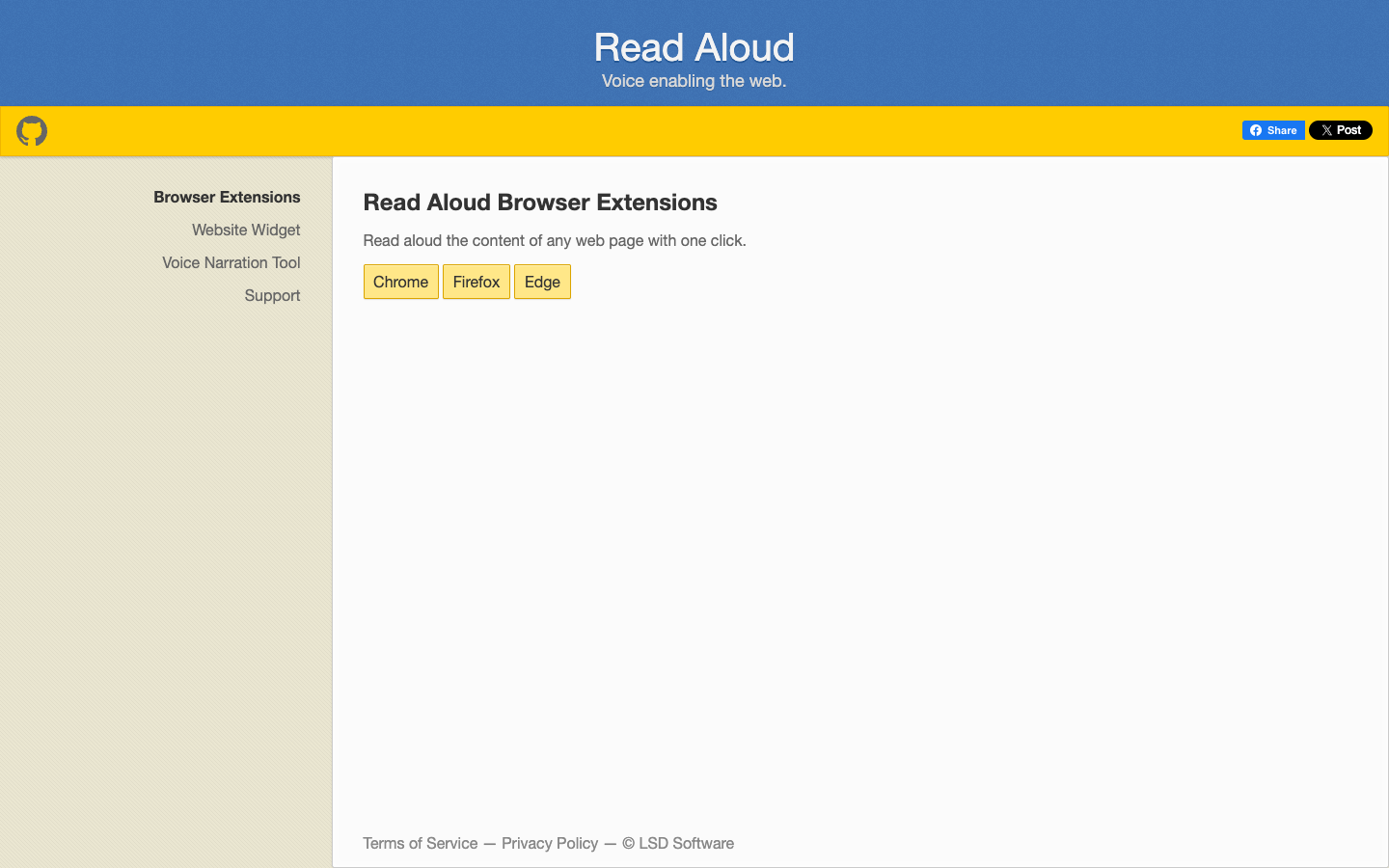
Read Aloud is an open-source text-to-speech browser extension from LSD Software that reads the content of any web page out loud with one click. It is aimed at people who prefer listening to articles instead of reading them, whether for convenience, accessibility or multitasking. The extension is available for Chrome, Firefox and Edge, and the same developer offers related tools for website owners and people creating voice narrations.
Key benefits of Read Aloud include:
- One-click reading: Start narration of the current web page article with a single click from the browser toolbar.
- Multi-browser support: Install it on Chrome, Firefox or Edge rather than being tied to one browser.
- 40+ languages: The extension supports reading text in more than 40 languages.
- Open source: The code is public on GitHub, so you can inspect how it works or contribute.
- Related tools: A website TTS widget (sitenarrator.com) and a voice narration tool (ttstool.com) are offered by the same developer for embedding audio or creating narrations.
If you are leaving Speechify mainly to listen to web articles, Read Aloud covers that core use case directly in your browser, and its source code is openly available. The trade-off is scope: the pages describe a focused web-page reader, not a full cross-platform reading app, so features you may rely on in Speechify, such as mobile apps or document and book import, are not described here. It works best for people who mostly read in the browser and want a simple, open tool for that.