

AdAdvertise with us·Reach an audience of professional tech enthusiasts
Favicon of One Sec website

Free One Sec Alternatives

A curated collection of the 2 best free alternatives to One Sec.

2 free alternatives · Updated

The best free alternative to One Sec is LeechBlock NG. If that doesn't suit you, we've compiled a ranked list of other free One Sec alternatives to help you find a suitable replacement. Other interesting free alternative to One Sec is ScreenZen.

One Sec alternatives are mainly Productivity but may also be Chrome Extension. Browse these if you want a narrower list of alternatives or looking for a specific functionality of One Sec.

Free One Sec alternatives compared

#ToolPricingOpen source
1 LeechBlock NGFreeYes
2 ScreenZenFreeNo

The best free One Sec alternatives, ranked

LeechBlock NG is a free, open-source extension for Firefox, Chrome, Edge and other Chromium browsers that blocks distracting websites during set times, after time limits, or on demand.
Free
Open-source
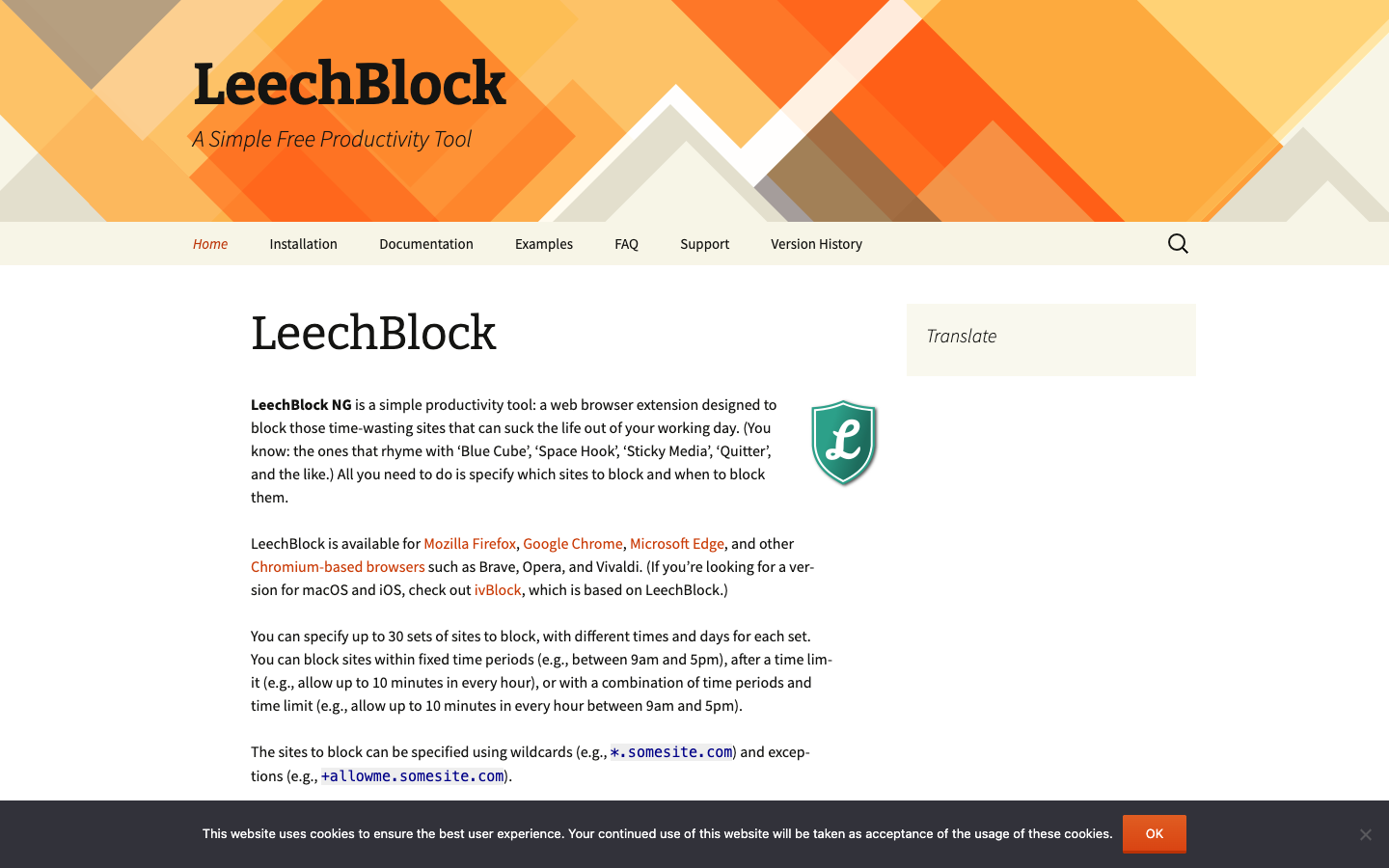
Screenshot of LeechBlock NG website

LeechBlock NG is a free, open-source browser extension for people who lose hours to distracting websites. You list which sites to block and when to block them, and it enforces those rules in Firefox, Chrome, Edge and other Chromium-based browsers such as Brave, Opera and Vivaldi. It is built for self-control while you work. It is not meant for parental control or for filtering offensive content.

Key benefits of LeechBlock NG include:

  • Multiple block sets: Define up to 30 sets of sites, each with its own times and days.
  • Flexible rules: Block during fixed periods, after a time limit such as 10 minutes per hour, or with a combination of both.
  • Precise matching: Use wildcards like *.somesite.com and exceptions like +allowme.somesite.com to control exactly what gets blocked.
  • Lockdown mode: Block sites immediately for a duration you choose.
  • Friction against overrides: Protect the options page with a password or a random access code so changing the rules takes deliberate effort.

If you are leaving Freedom or one sec, LeechBlock NG covers browser-based blocking with detailed scheduling and time limits, and it costs nothing. The trade-off is scope. It only works inside the browser, so it will not block desktop or mobile apps or sync rules across devices the way Freedom does. It also lacks one sec's breathing-pause style interventions. The project notes that a blocked site may still be briefly contacted by the browser, and it suggests a HOSTS file approach if you need to prevent that. For macOS and iOS, the related ivBlock is based on LeechBlock.
Read the LeechBlock NG review

ScreenZen is a donation-supported screen time app that blocks distracting apps and websites with daily limits, schedules, unlock limits and mindful pauses, with no subscription required.

Free
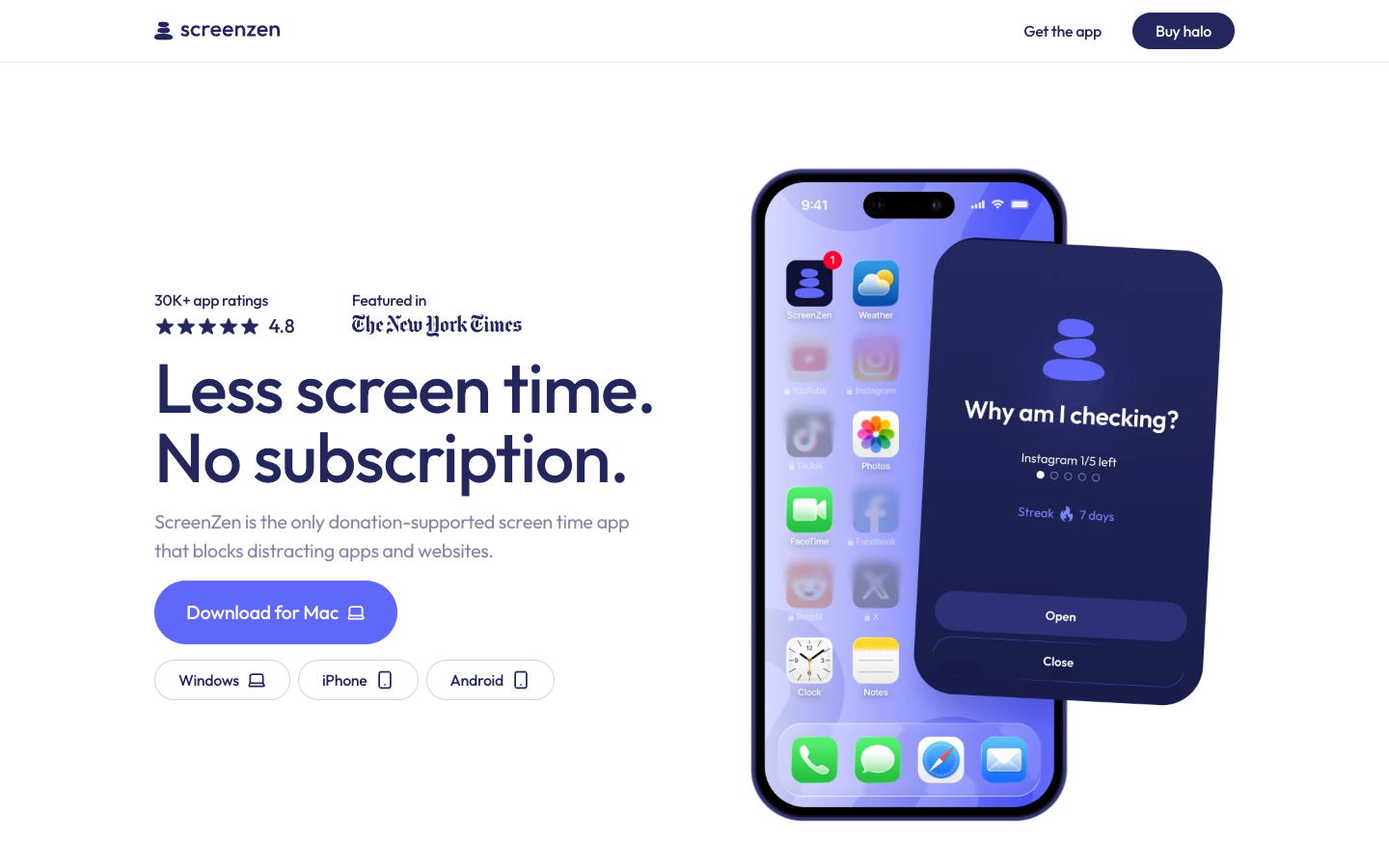
Screenshot of ScreenZen website

ScreenZen is a screen time app for people who want to cut back on mindless scrolling, phone use in bed, or constant phone checks at work. It blocks distracting apps and websites using daily limits and schedules, and it is funded by donations rather than a subscription. The site says more than 500,000 people use it each month.

Key benefits of ScreenZen include:

  • No subscription: The app is donation-supported, so the core blocking features are free to use.
  • Pause before opening: When you try to open a limited app, ScreenZen makes you wait and can show a customizable prompt such as "what are you seeking?"
  • Limited unlocks: You can cap how many times a day you open an app, plus set cooldowns between sessions.
  • Schedules and focus blocks: Set time-based blocks for work or bedtime, and users report tying them to iOS Focus modes.
  • Tracking with filters: Track your screen time and exclude apps like Messages so the total reflects the usage you actually care about.

If you are leaving one sec or Opal mainly because of subscription costs, ScreenZen covers similar ground, with the pause-before-open friction one sec is known for plus Opal-style schedules and limits, without a paywall. One user review says it was easier to set up than one sec. The trade-offs: it is not open source, users mention occasional bugs such as blocks not applying on some days, and the pages focus on iPhone, so support on other platforms is not clear. The company also sells an optional companion device called halo.

Read the ScreenZen review

Share:

Discover the best free alternatives to

View all

Put your SaaS product in front of active buyers

Reach developers, tech leaders and founders looking for open source tools to adopt.

Submit your product
