

AdAdvertise with us·Reach an audience of professional tech enthusiasts
Favicon of CompressX website

Free CompressX Alternatives

A curated collection of the 3 best free alternatives to CompressX.

3 free alternatives · Updated

The best free alternative to CompressX is HandBrake. If that doesn't suit you, we've compiled a ranked list of other free CompressX alternatives to help you find a suitable replacement. Other interesting free alternatives to CompressX are: ImageOptim and Squoosh.

CompressX alternatives are mainly Desktop Apps but may also be Photo Editing or Video Editing. Browse these if you want a narrower list of alternatives or looking for a specific functionality of CompressX.

Free CompressX alternatives compared

#ToolPricingOpen source
1 HandBrakeFreeYes
2 ImageOptimFreeYes
3 SquooshFreeYes

The best free CompressX alternatives, ranked

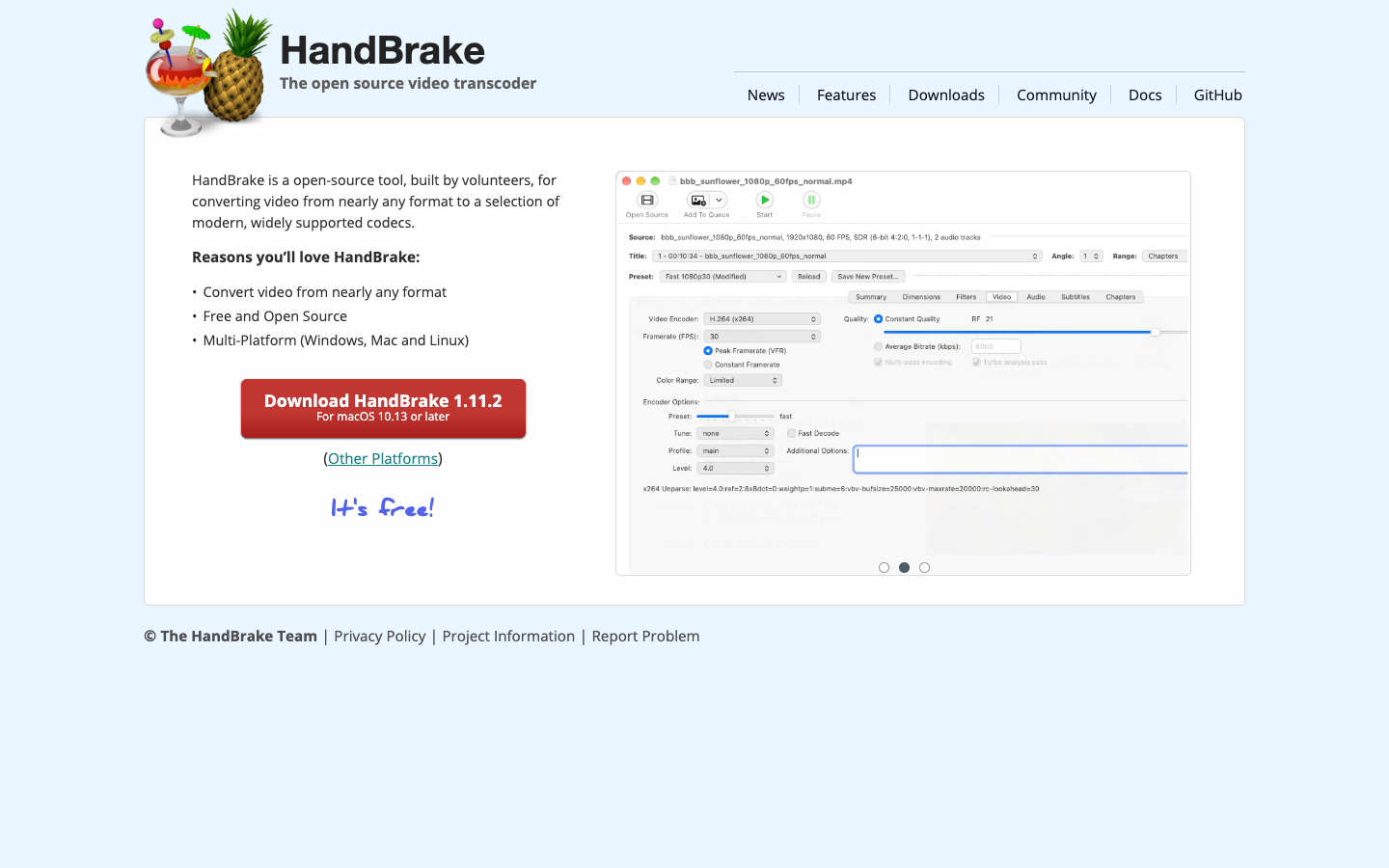
HandBrake is a free, GPL-licensed video transcoder built by volunteers. It converts video from nearly any format into modern, widely supported codecs on Windows, Mac and Linux.
Free
Open-source
Screenshot of HandBrake website

HandBrake is an open-source, GPL-licensed video transcoder maintained by volunteers. It takes video in nearly any format and converts it to a selection of modern, widely supported codecs. It suits anyone who needs to shrink, re-encode or standardize video files without paying for a commercial tool, from casual users preparing clips to people processing larger personal libraries.

Key benefits of HandBrake include:

  • Broad input support: Converts video from nearly any format into modern, widely supported codecs.
  • Free and open source: Released under the GPL, with source code available on GitHub.
  • Multi-platform: Runs on Windows, Mac and Linux, so the same tool works across machines.
  • Multithreaded: Built as a multithreaded transcoder to make use of multiple CPU cores.
  • Community-built: Developed by volunteers, with public docs and a community for help.

For someone leaving CompressX, HandBrake removes the cost and the lock-in to a single platform, since it is free and available on Windows and Linux as well as Mac. The trade-off is that HandBrake is a general-purpose transcoder rather than a tool focused purely on one-click compression, so getting the best size-to-quality balance may take some time learning its settings and reading the documentation. If you value an open codebase and cross-platform use over a minimal interface, it is a solid replacement.

Read the HandBrake review

ImageOptim API is a web service that resizes and compresses images on demand, strips private metadata, and returns standard JPEG and PNG files you can serve from your own servers.

Free
Open-source
Screenshot of ImageOptim website

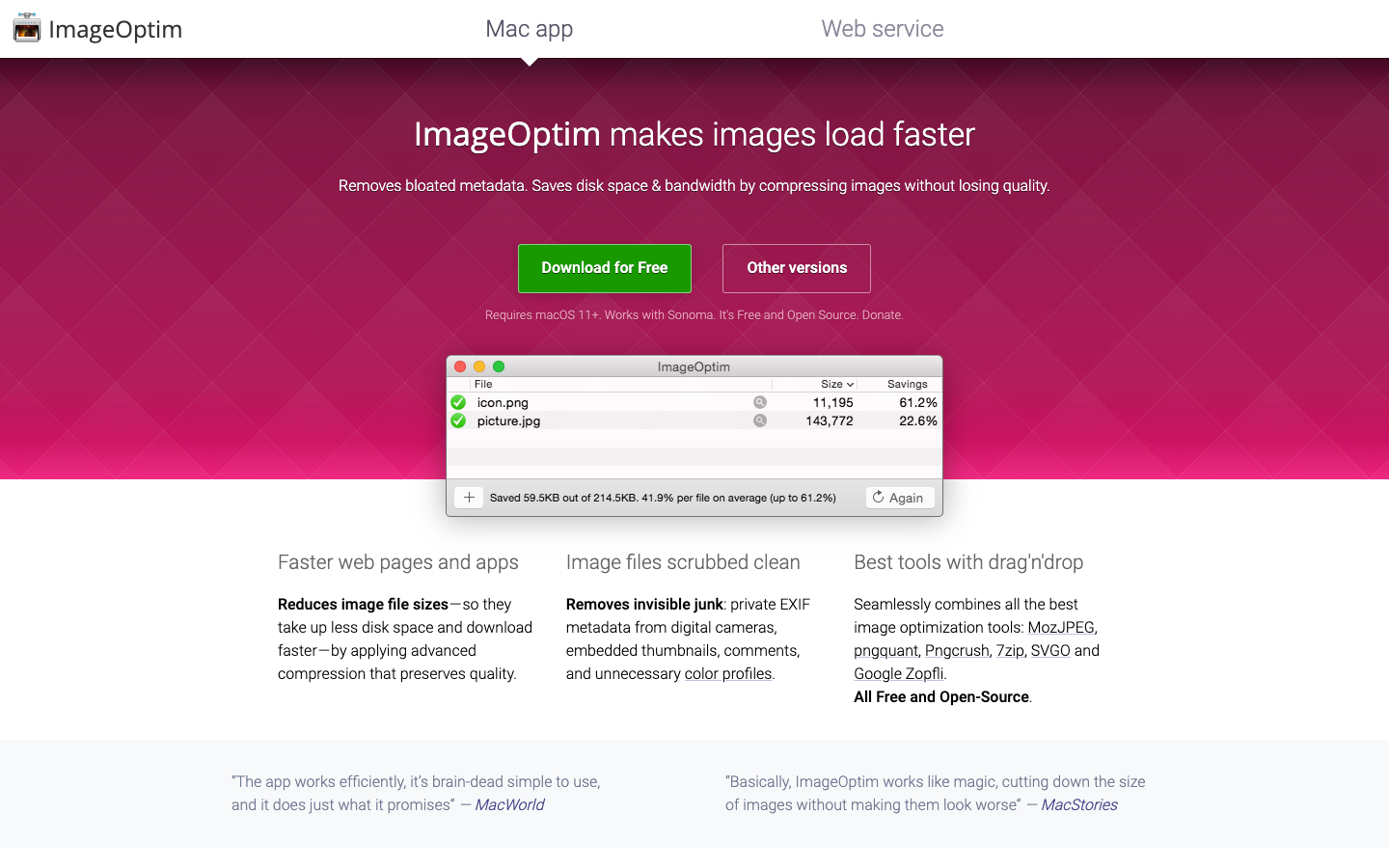
ImageOptim is best known as an open-source Mac app for compressing images. Its web service, ImageOptim API, brings the same work to servers: you send it an image and get back a resized, compressed version tuned for the web. It suits developers running e-commerce sites, CMSes and apps that handle user uploads and need thumbnails and responsive variants without installing image tools themselves.

Key benefits of ImageOptim include:

  • Per-image compression: Custom encoders adjust compression parameters for each image, and PNGs are converted to PNG8 where possible.
  • Accurate resizing: Applies ICC color profiles and resizes in gamma-corrected 48-bit depth to avoid color shifts.
  • High-DPI option: Heavier compression tuned for Retina displays keeps the larger pixel counts from inflating file sizes.
  • Metadata removal: Strips hidden data such as GPS position and camera serial numbers from uploaded photos.
  • Standard output: Files stay compatible with JPEG and PNG standards, so they work in all browsers and cache cleanly on CDNs.

If you are leaving CompressX, ImageOptim gives you two routes: the free, open-source Mac app for desktop batch compression, or the hosted API for automated server-side processing. The trade-off is that the API itself is a paid hosted service rather than self-hosted software, and the pages provided do not list its prices, so check the pricing page before committing. Isolating image processing from your own servers is also presented as a security benefit, since malformed images can exploit vulnerabilities in image libraries.

Read the ImageOptim review

Squoosh is an open-source image optimizer that runs in your browser. Drop or paste an image, compare the output from different codecs, adjust settings and save, with all processing done locally.

Free
Open-source
Screenshot of Squoosh website

Squoosh is an open-source image optimizer that runs entirely in the browser. It is aimed at web developers, designers and anyone who wants smaller image files for faster page loads without installing software or uploading images to a server.

Key benefits of Squoosh include:

  • Local processing: Images never leave your device, because Squoosh does all of the compression work locally.
  • Codec comparison: You can compress an image with different codecs and compare the results to see the trade-off between size and quality.
  • Simple workflow: Open or paste an image, inspect the differences, then save the result.
  • Adjustable settings: For smaller files, you can tweak the compression settings beyond the defaults.
  • Open source: The source code is available on GitHub.

If you are moving away from compressx, Squoosh is a free way to shrink images without sending them to a third party. You also get a visual comparison that makes it easy to judge quality loss before saving. The trade-off is scope. Squoosh is built around optimizing images one at a time in the browser, and its homepage does not mention batch jobs, automation or integrations. If your work relies on bulk compression or an automated pipeline, check whether it covers what you need before switching.

Read the Squoosh review

Share:

Discover the best free alternatives to

View all

Put your SaaS product in front of active buyers

Reach developers, tech leaders and founders looking for open source tools to adopt.

Submit your product
