AdAdvertise with us·Reach an audience of professional tech enthusiasts
Favicon of ChatGPT website

Free ChatGPT Alternatives

A curated collection of the 4 best free alternatives to ChatGPT.

4 free alternatives · Updated

The best free alternative to ChatGPT is Duck.ai. If that doesn't suit you, we've compiled a ranked list of other free ChatGPT alternatives to help you find a suitable replacement. Other interesting free alternatives to ChatGPT are: Jan, LibreChat and Open WebUI.

ChatGPT alternatives are mainly Artificial Intelligence but may also be Desktop Apps. Browse these if you want a narrower list of alternatives or looking for a specific functionality of ChatGPT.

Free ChatGPT alternatives compared

#ToolPricingOpen source
1 Duck.aiFreeNo
2 JanFreeYes
3 LibreChatFreeYes
4 Open WebUIFreeYes

The best free ChatGPT alternatives, ranked

Duck.ai is DuckDuckGo's private AI chat service that lets you use ChatGPT, Claude and other AI models without creating an account. It is free and built to keep your conversations confidential.
Free
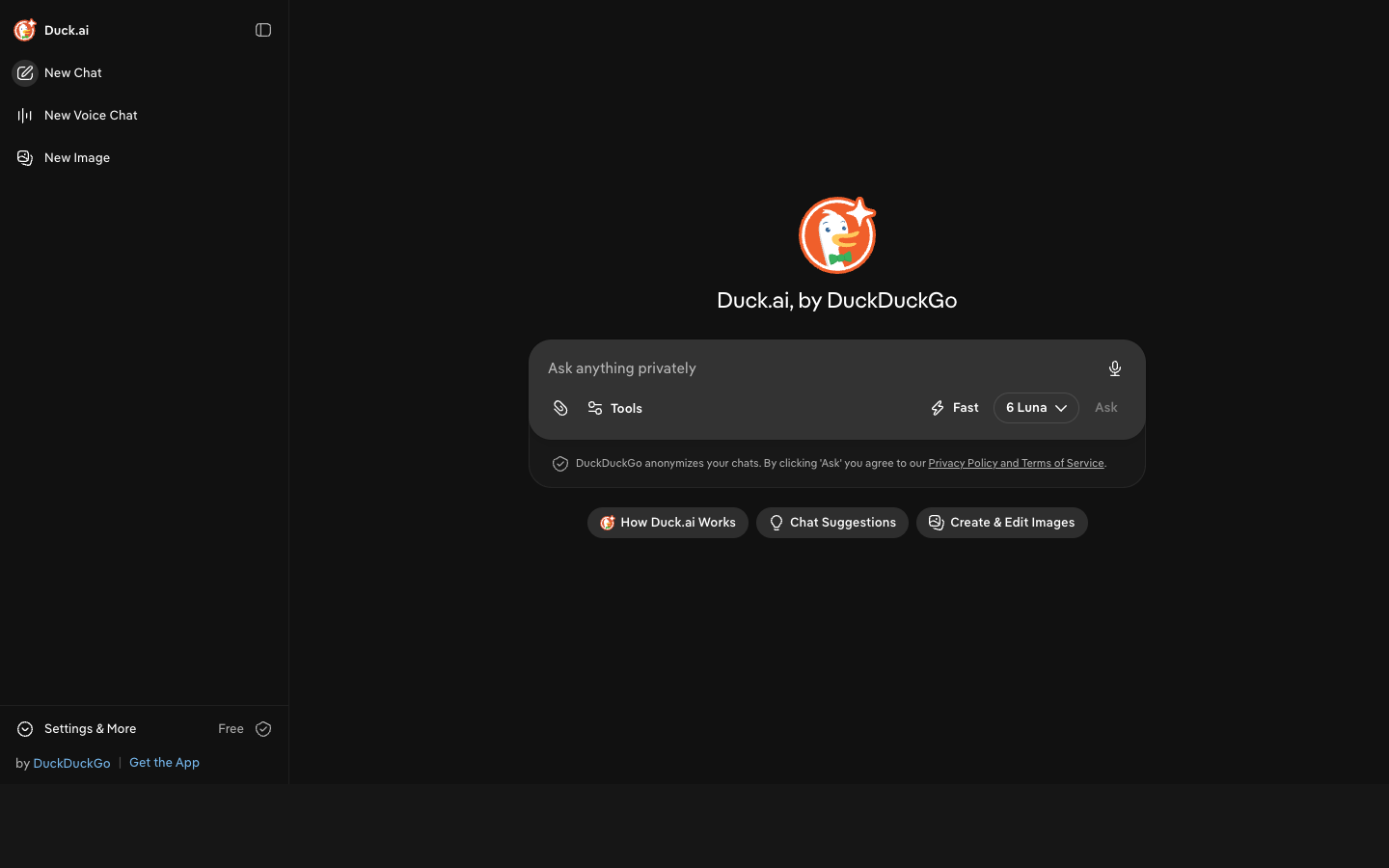
Screenshot of Duck.ai website

Duck.ai is an AI chat service from DuckDuckGo that gives you access to several AI models, including ChatGPT and Claude, through a single private interface. It is aimed at people who want to use AI chatbots for everyday questions and writing but don't want their conversations tied to an account or exposed to companies, hackers or scammers.

Key benefits of Duck.ai include:

  • No account required: You can start chatting right away without signing up or handing over an email address.
  • Multiple AI models: You can use ChatGPT, Claude and other AIs from one place instead of juggling separate services.
  • Privacy focus: The service is designed to protect your chats and keep the information you share confidential.
  • Free to use: DuckDuckGo describes Duck.ai as free.
  • From an established privacy brand: It is built by DuckDuckGo, known for its private search engine.

If you are leaving ChatGPT or Microsoft Copilot mainly because of privacy concerns or account requirements, Duck.ai is a simple swap: you keep access to familiar models like ChatGPT without logging in. The trade-offs are that it is not open source, so you are trusting DuckDuckGo's privacy claims rather than verifying them, and the pages provided don't describe usage limits, file uploads, or other advanced features that paid ChatGPT or Copilot plans offer. Treat it as a private, lightweight chat front end rather than a full replacement for every premium feature.
Read the Duck.ai review
#2
Favicon of Jan website

Jan

Jan is an open-source alternative to ChatGPT that lets you run open AI models such as Llama, Mistral, Qwen and DeepSeek locally, or plug in cloud models like GPT, Claude and Gemini.

Free
Open-source
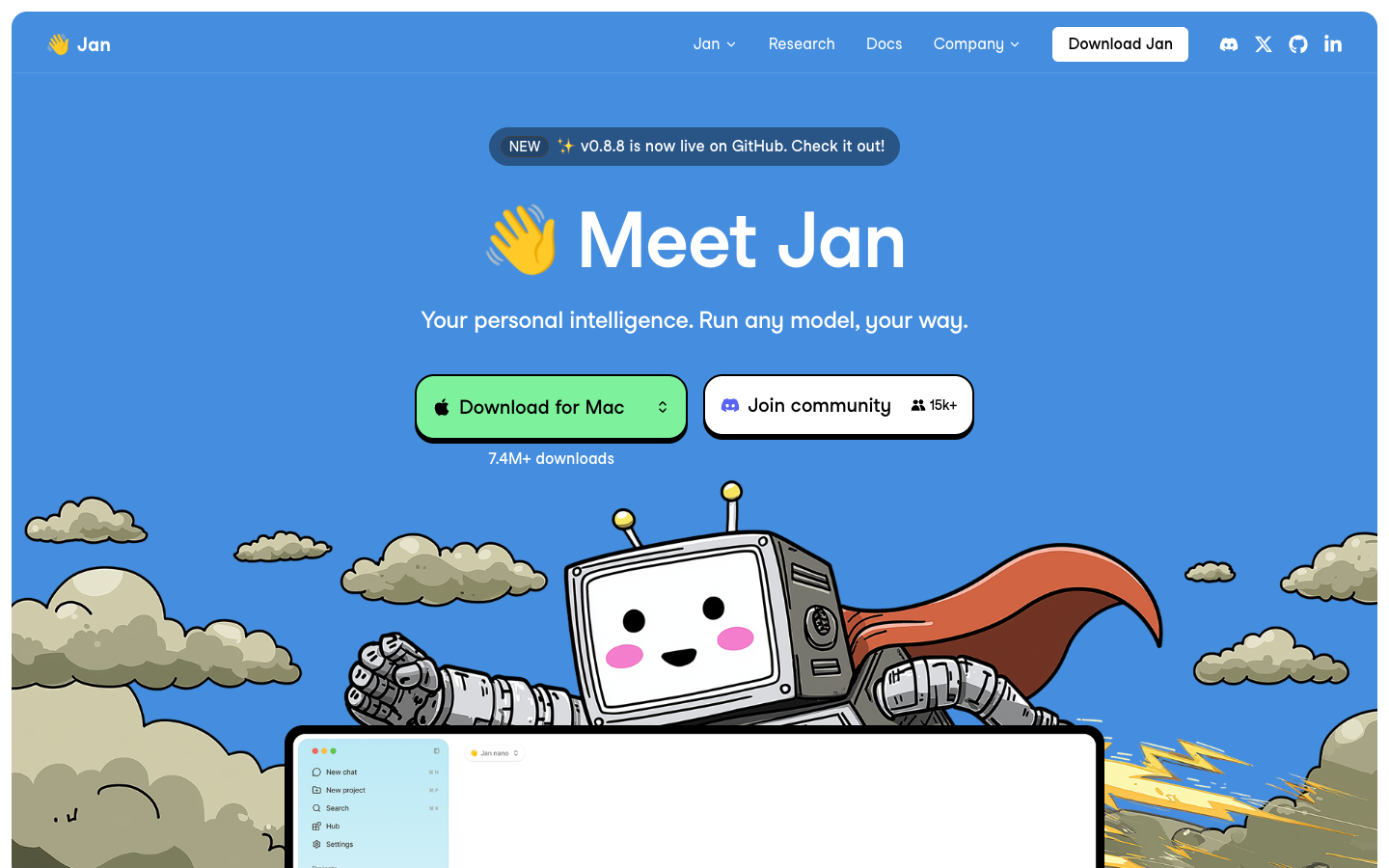
Screenshot of Jan website

Jan is a free, open-source desktop app for chatting with AI models. It is built by Menlo Research for people who want a ChatGPT-style assistant they control: you can run open models on your own machine or connect to online models from providers you already use. The project is developed in public on GitHub, where it has over 45,000 stars.

Key benefits of Jan include:

  • Local models: Run open models such as Llama, Mistral, Qwen, DeepSeek, Gemma and Kimi on your own computer.
  • Cloud model support: Plug in online models including OpenAI's ChatGPT, Anthropic's Claude and Google's Gemini from the same app.
  • Open source: The code is public on GitHub, so you can inspect it, contribute or build on it.
  • Free to download: The desktop app is free, with more than 7 million downloads reported.
  • Active community: Discord, GitHub and a HuggingFace presence with 123 published models.

If you are leaving ChatGPT, Gemini or Copilot, Jan gives you one interface that can run models offline on your own hardware, which keeps conversations on your machine, while still letting you reach hosted models when you need them. The trade-offs: local models depend on your computer's resources and may be slower or less capable than the largest hosted models, and using cloud models still means sending data to, and paying, those providers. Some features, like persistent memory across chats, are listed as coming soon rather than available today.

Read the Jan review

LibreChat is an open-source AI chat platform you can self-host. It connects OpenAI, Anthropic, Google, Ollama and many other providers in one interface, with agents, artifacts, MCP tools, memory and enterprise SSO.

Free
Open-source
Self-hosted
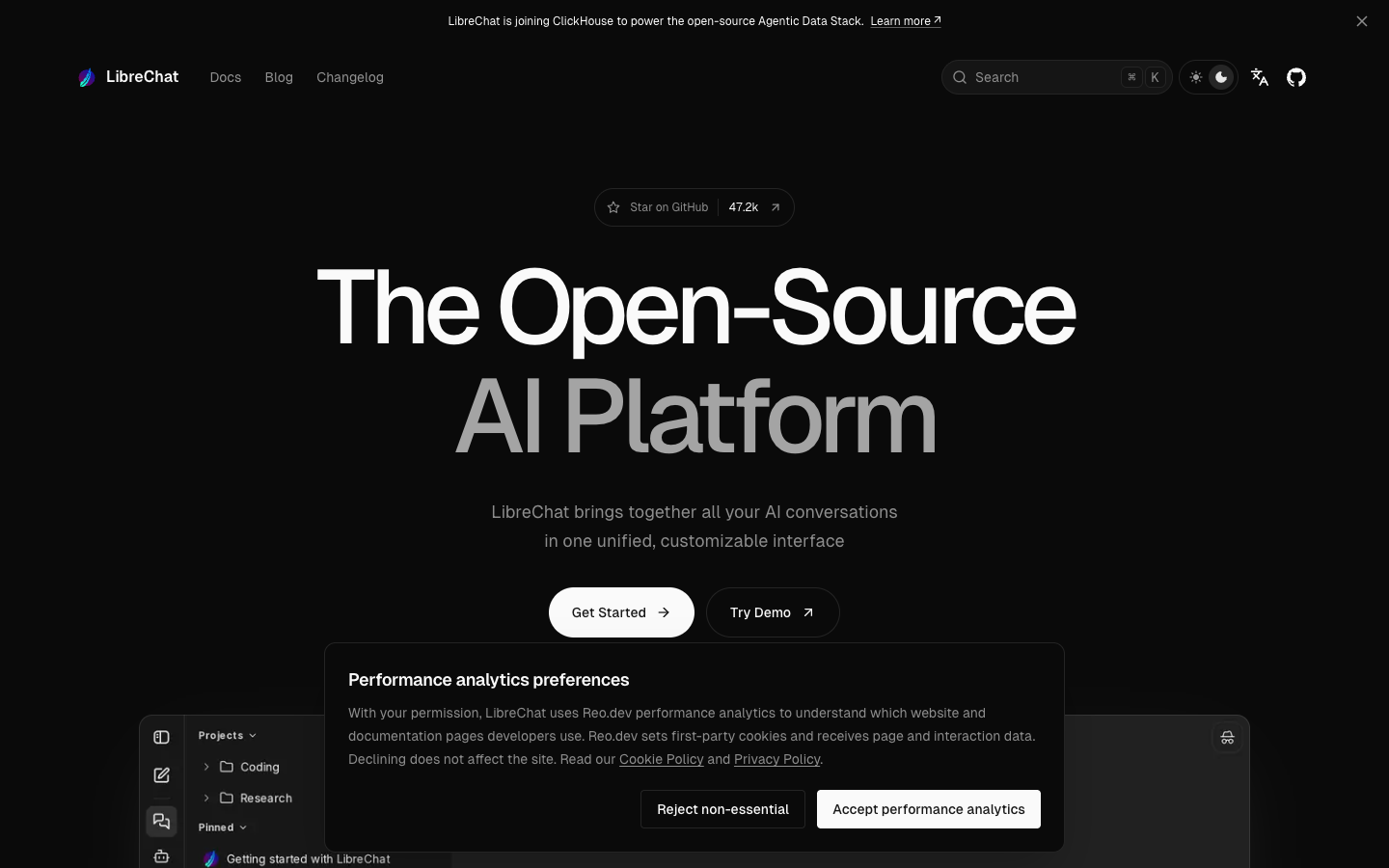
Screenshot of LibreChat website

LibreChat is an open-source AI platform that brings conversations with many AI providers and local models into one customizable interface. It suits individuals, developers and organizations who want a ChatGPT-style workspace they can run on their own infrastructure, with a large community behind it (47.2k GitHub stars and 425 contributors at the time of writing).

Key benefits of LibreChat include:

  • Many models in one place: Connect OpenAI, Anthropic, Google, Azure OpenAI, AWS Bedrock, Mistral, DeepSeek, OpenRouter, Ollama, vLLM and more from a single workspace.
  • Agents and tools: Build agents with your files, reusable skills and subagents, and connect external services through Model Context Protocol (MCP).
  • Artifacts and code execution: Turn conversations into interactive apps, diagrams and documents, and run code in an isolated interpreter.
  • Memory and search: Keep persistent context across chats, organize work into projects, search past messages and give models live web search.
  • Enterprise authentication: Supports SSO with OAuth, SAML and LDAP, plus two-factor authentication.

If you are leaving ChatGPT, Gemini or Copilot, LibreChat lets you keep a familiar chat experience while choosing which models to use, including local ones, and keeping conversation data on your own servers. The trade-off is that you have to install and maintain it yourself (Docker-based local and remote install guides are available), and you still need API keys or a local model runtime, which carry their own costs or hardware requirements.

Read the LibreChat review

Open WebUI is an open-source, self-hosted interface for running AI chat on your own hardware. It connects to Ollama, OpenAI, Anthropic or any compatible API, and can be extended with Python tools and functions.

Free
Open-source
Self-hosted
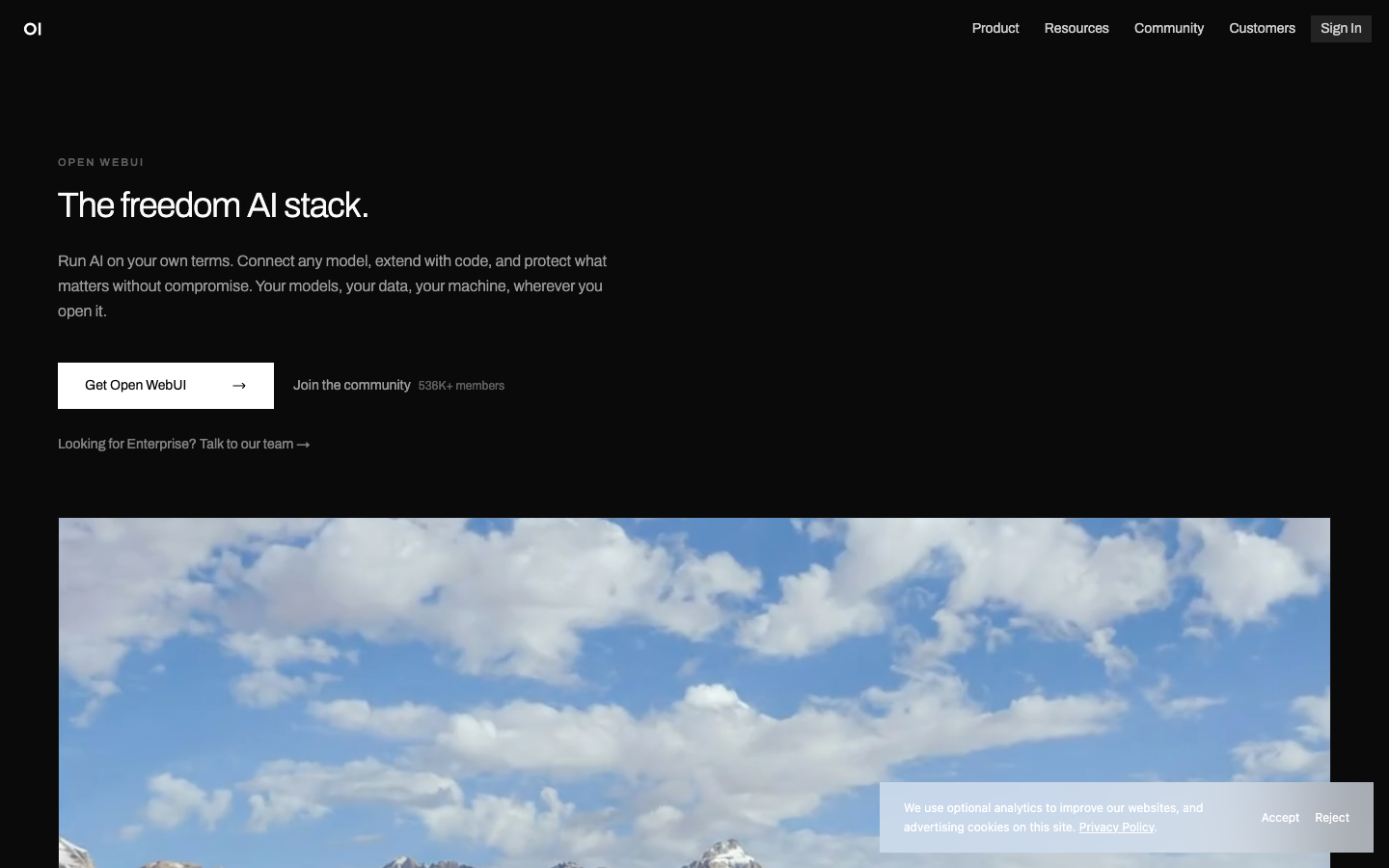
Screenshot of Open WebUI website

Open WebUI is an open-source, self-hosted AI platform that gives you a chat workspace on your own machine, server or cloud. It is aimed at individuals who want to run local models and at organizations that need to keep AI usage and data under their own control, including on-premises or air-gapped setups.

Key benefits of Open WebUI include:

  • Any model: Connect to Ollama, OpenAI, Anthropic or any compatible API, running locally, in the cloud, or both.
  • Quick install: Install with pip install open-webui or Docker, with no account required.
  • Extensible with Python: Add tools, functions and pipelines for RAG, search and code execution.
  • Community library: Browse and install prompts, models, tools and functions shared by community members.
  • Organization features: SSO, RBAC, audit logs and data residency options are available for teams in regulated industries.

For someone moving away from ChatGPT, Gemini or Copilot, Open WebUI offers a familiar chat interface where conversations and data stay on infrastructure you choose, and you are not tied to a single model vendor. The trade-off is that you run it yourself: you need to install and maintain it, and either provide hardware capable of running local models or bring your own API keys (and pay those providers) for cloud models. Response quality depends on which model you connect, not on Open WebUI itself.

Read the Open WebUI review

Share:

Discover the best free alternatives to

View all

Put your SaaS product in front of active buyers

Reach developers, tech leaders and founders looking for open source tools to adopt.

Submit your product