AdAdvertise with us·Reach an audience of professional tech enthusiasts
Favicon of Google Workspace website

Open Source Google Workspace Alternatives

A curated collection of the 4 best open source alternatives to Google Workspace.

4 open source alternatives · Updated

The best open source alternative to Google Workspace is CryptPad. If that doesn't suit you, we've compiled a ranked list of other open source Google Workspace alternatives to help you find a suitable replacement. Other interesting open source alternatives to Google Workspace are: Nextcloud, ONLYOFFICE and Proton Drive.

Google Workspace alternatives are mainly Office Suite but may also be File Hosting or Productivity. Browse these if you want a narrower list of alternatives or looking for a specific functionality of Google Workspace.

Open Source Google Workspace alternatives compared

#ToolPricingOpen source
1 CryptPadFree + From $5/moYes
2 NextcloudFreeYes
3 ONLYOFFICEFree + From $12.42/moYes
4 Proton DriveFree + From $2.49/moYes

The best open source Google Workspace alternatives, ranked

CryptPad is an open-source collaborative office suite where documents, sheets, kanbans, forms and files are end-to-end encrypted. Use a free public instance, self-host it, or pay for the flagship CryptPad.fr service.
Free + From $5/mo
Open-source
Self-hosted
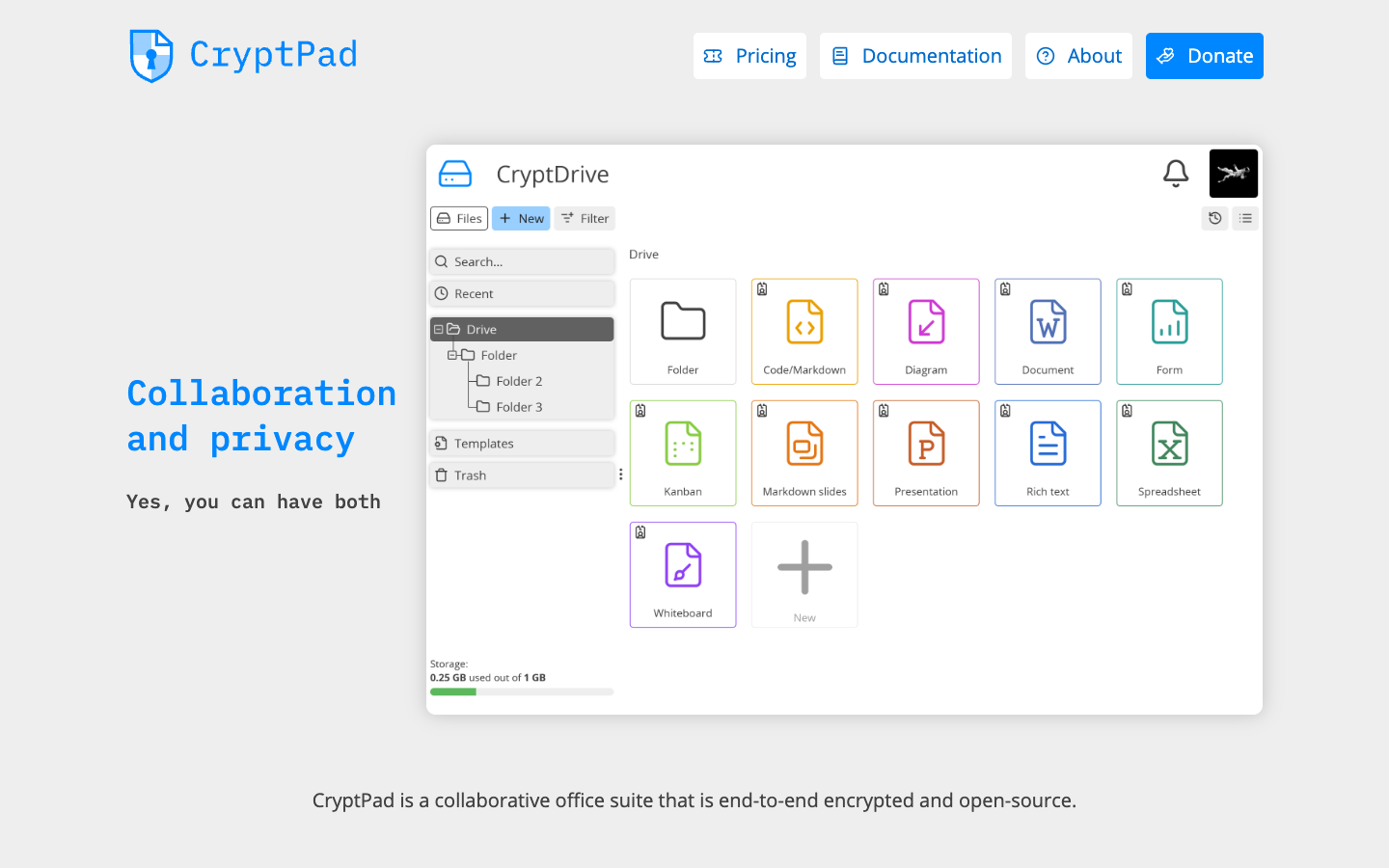
Screenshot of CryptPad website

CryptPad is an end-to-end encrypted, open-source office suite for real-time collaboration in the browser. It suits individuals, associations, schools, NGOs and companies that want shared documents without handing their content to the service provider. Its apps include Rich Text, Sheet, Code/Markdown, Presentation, Form, Kanban and Diagram, with files organised in an encrypted drive.

Key benefits of CryptPad include:

  • End-to-end encryption: Documents are encrypted so the server hosting them cannot read the content.
  • Real-time collaboration: Several people can edit the same document at once, and sharing works without everyone needing an account.
  • Free options: You can use a free account on a public instance or self-host the open-source code.
  • Paid hosting if needed: The flagship CryptPad.fr offers plans from €5 to €100 per month with more storage and priority support.
  • Managed instances for organisations: XWiki SAS runs dedicated instances with custom domains, branding, SSO and storage controls, with 50% off for education and nonprofits.

For people leaving Google Workspace or Microsoft Office, CryptPad's main draw is privacy: your documents are not readable by the host, and you can run your own server. It covers the everyday basics of documents, spreadsheets, presentations, forms and kanbans in one place. The trade-off is that it is a lighter, browser-based suite, so heavy users of advanced Office or Google features and integrations may find gaps, and free public instances come with limited storage.
Read the CryptPad review

Nextcloud is an open source content collaboration platform you can self-host, combining file sync and share, video calls and chat, groupware, online office editing and a local AI assistant.

Free
Open-source
Self-hosted
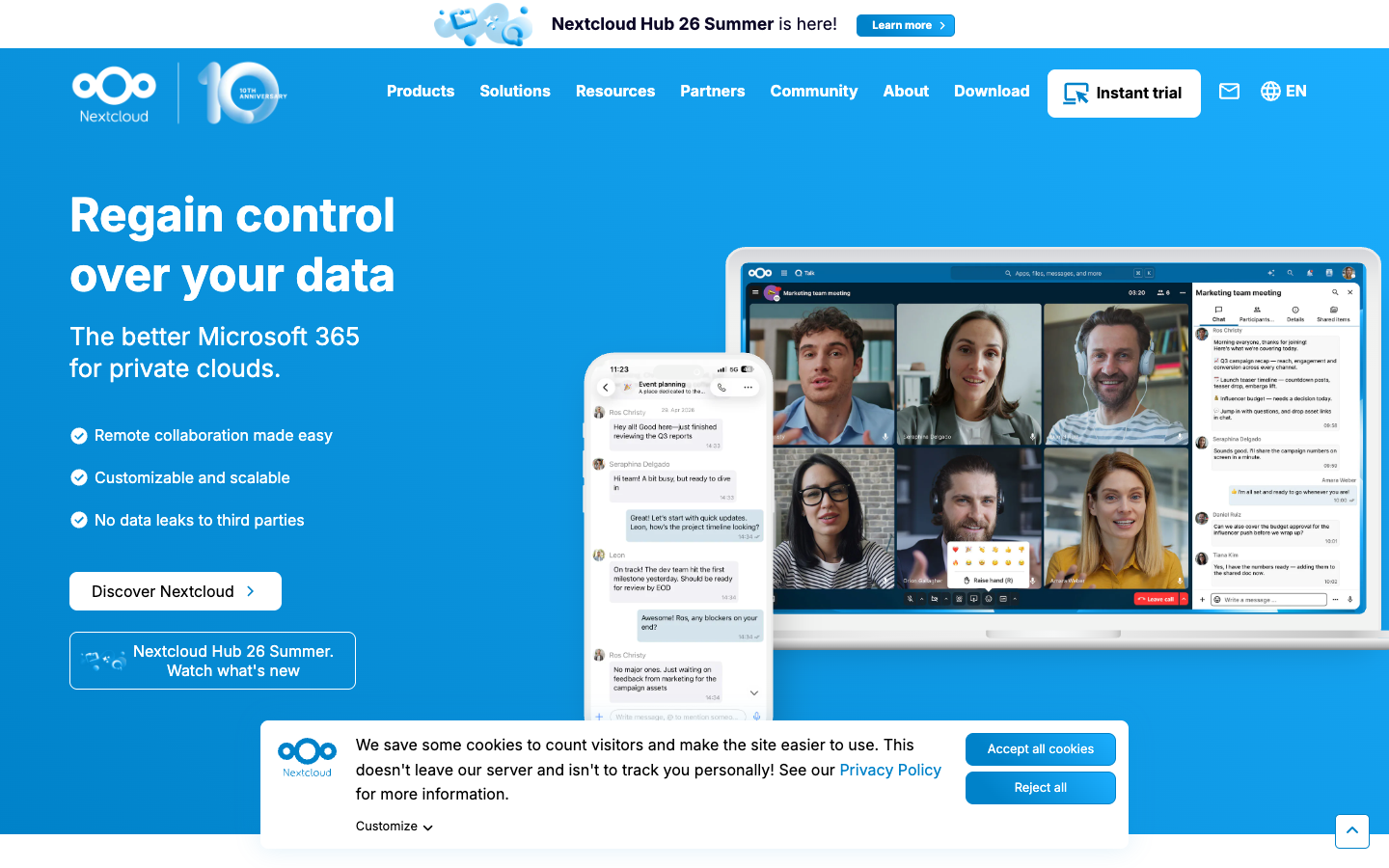
Screenshot of Nextcloud website

Nextcloud is an open source (AGPL) collaboration platform that you run on your own server or get through a hosting provider. Nextcloud Hub bundles Files, Talk, Groupware, Office, Assistant and Flow into one workspace. It is used by individuals and families as well as companies, schools, service providers and public sector bodies, and the project reports over 400,000 deployments, scaling from a Raspberry Pi with 2 users to installations with tens of millions of users.

Key benefits of Nextcloud include:

  • File sync and share: Store and sync files through web, desktop (Windows, macOS, Linux) and mobile (Android, iOS) clients.
  • Talk and Groupware: Chat, audio/video calls with screen sharing and SIP integration, plus calendar, contacts and mail.
  • Online office: Collaborative editing of docx, xlsx and pptx files in the browser, with options such as Collabora Online and Euro-Office.
  • Local AI assistant: Nextcloud Assistant can summarize emails, translate, generate content and answer questions about your data without sending it to a third party.
  • Data control: Keep data on servers you own, with encryption, access control, auditing and compliance tooling.

If you are leaving Google Workspace, Dropbox or Microsoft 365, Nextcloud covers storage, communication and document editing in one self-hostable package, with an app store of hundreds of add-ons. The trade-off is that self-hosting means you handle installation, updates, backups and security yourself, and the office editing and AI features need extra components and server resources. Organizations that want vendor support can buy Nextcloud Enterprise, which starts at 100 users and is billed per user per year; individuals can also sign up for a free account at a provider.

Read the Nextcloud review

ONLYOFFICE is an open-source office suite for editing and co-editing documents, spreadsheets, presentations, PDFs and forms on web, desktop and mobile. It can be self-hosted or used in the cloud.

Free + From $12.42/mo
Open-source
Self-hosted
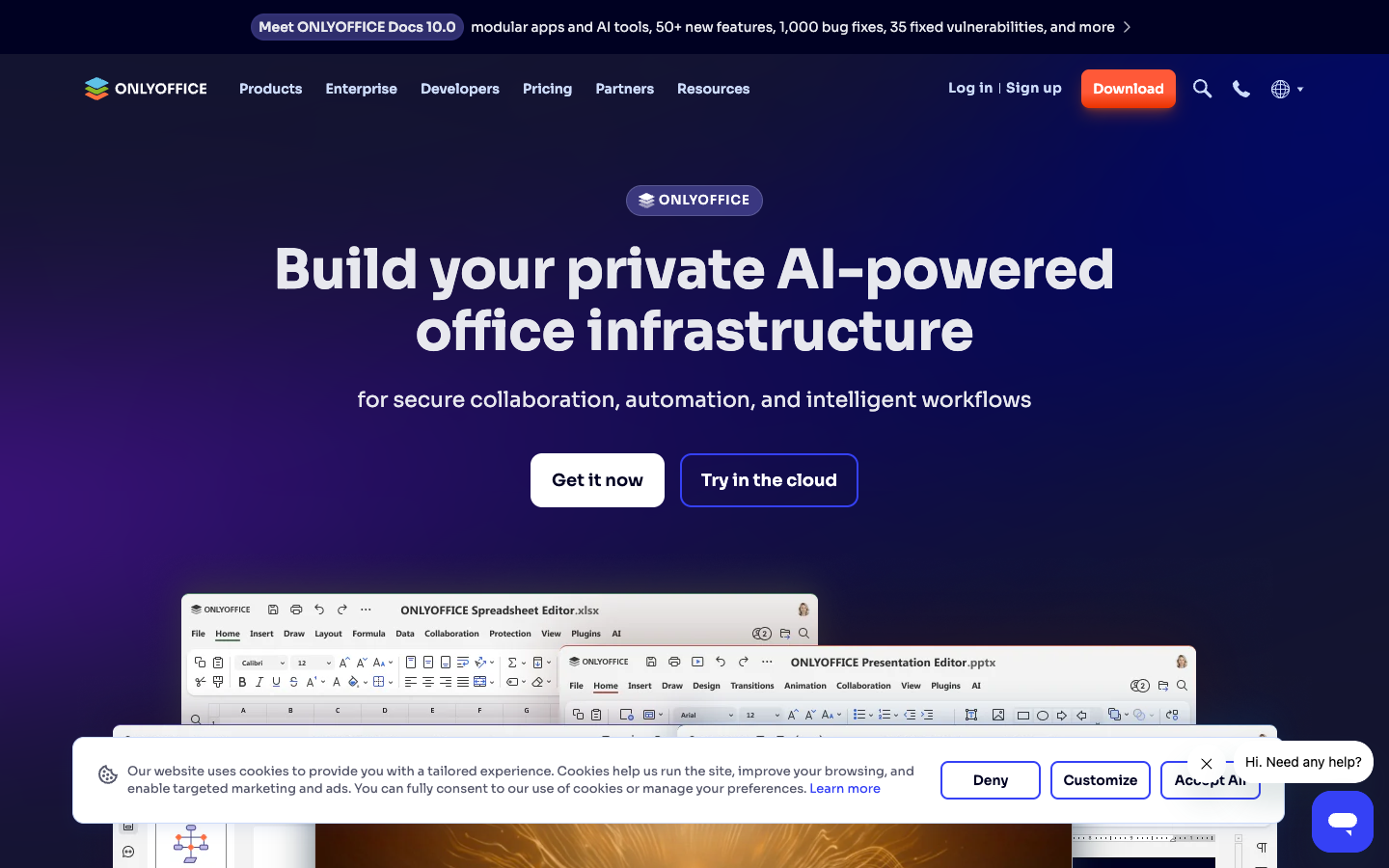
Screenshot of ONLYOFFICE website

ONLYOFFICE is an open-source office suite from Ascensio System SIA for creating, editing and collaborating on text documents, spreadsheets, presentations, PDF forms and PDF files. It runs in the browser, on Windows, Linux and macOS desktops, and on Android and iOS. It suits organizations that want to keep documents on their own servers, and developers who want to embed editors into their own platforms.

Key benefits of ONLYOFFICE include:

  • Self-hosting: ONLYOFFICE Docs can be deployed on private servers, and the Docker image has over 101 million pulls.
  • Free desktop and mobile apps: The Desktop Editors work offline on Windows, Linux and macOS, with free apps for Android and iOS.
  • Real-time co-editing: Teams can work on the same document together, with rooms, granular permissions and guest access.
  • Integrations: More than 50 ready connectors for platforms such as Confluence and Odoo, plus an API and WOPI support for embedding.
  • Optional AI tools: AI agents for writing, summarization and search, with MCP server integration.

For people leaving Google Workspace or Microsoft Office, ONLYOFFICE offers familiar editors for Office-style files plus the option to keep data on infrastructure you control, with no ads. The trade-offs: it is an office suite rather than a full workspace, so email and calendar need other tools, and self-hosted collaboration features for organizations are tied to paid plans. The Home self-hosted plan costs $149 per server per year for up to 10 users, while Enterprise starts from $33 per connection per year with a 50-connection minimum. White labeling is limited to the Developer edition as a paid add-on.

Read the ONLYOFFICE review

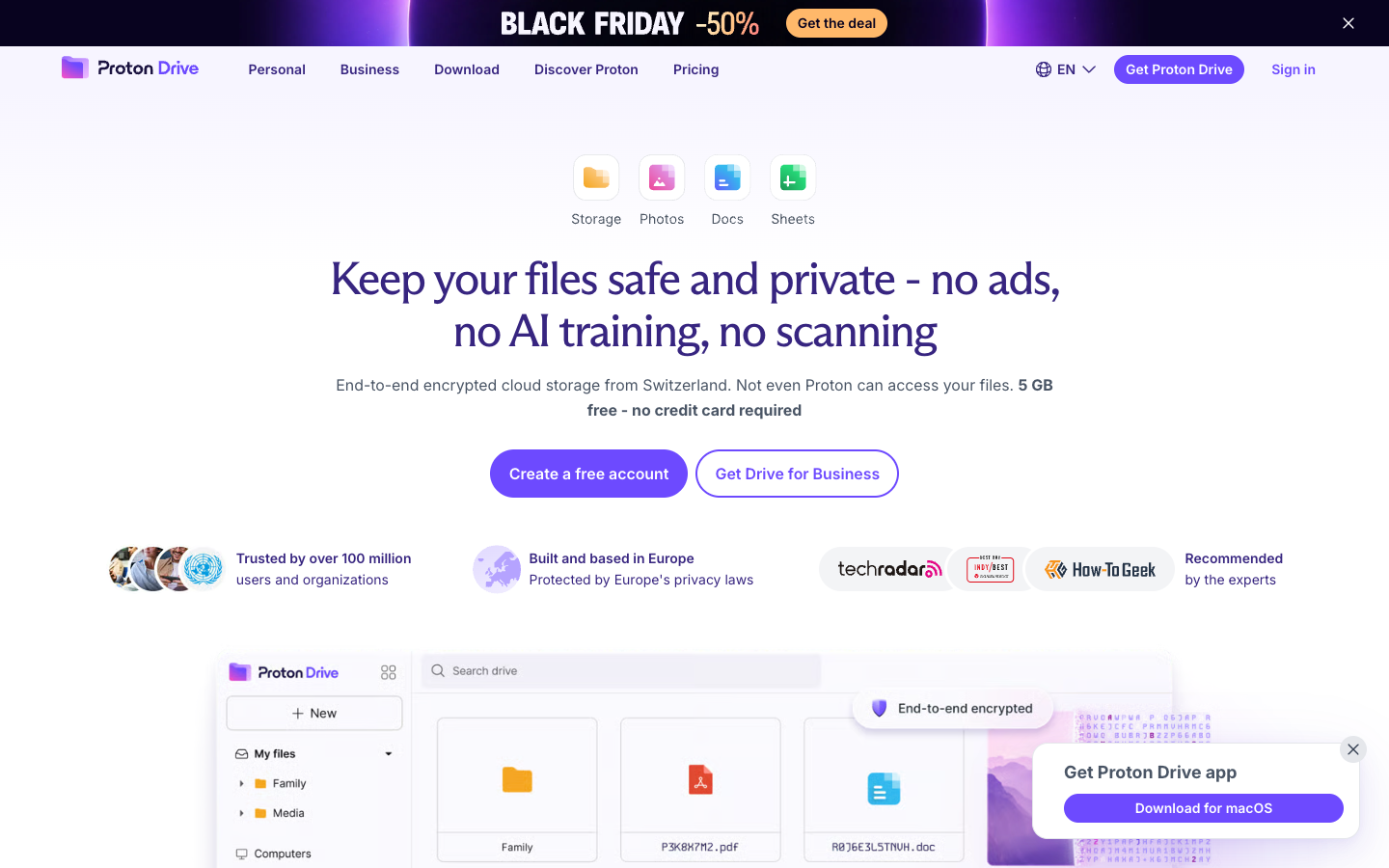
Proton Drive is end-to-end encrypted cloud storage based in Switzerland, with file sync, photo backup, secure sharing and encrypted document and spreadsheet editors. The free plan includes 5 GB.

Free + From $2.49/mo
Open-source
Screenshot of Proton Drive website

Proton Drive is an end-to-end encrypted cloud storage service from Proton, the company behind Proton Mail and Proton VPN. Files and their names are encrypted on your device before upload, so Proton says it cannot access them. It suits individuals and businesses who want Dropbox- or Google Drive-style storage without ads, scanning or AI training on their data.

Key benefits of Proton Drive include:

  • End-to-end encryption: Files, file names and more are encrypted locally, so only you and the people you share with hold the keys.
  • Controlled sharing: Share links can be protected with passwords and expiry dates, or turned off with one click.
  • Photos and sync: Automatic mobile photo backups, collaborative albums and desktop folder syncing keep files current across devices.
  • Encrypted editors: Proton Docs and Proton Sheets provide private document and spreadsheet editing with formulas and charts.
  • Open source and audited: The code is publicly available and the service is regularly audited by independent experts.

If you are leaving Dropbox or Google Workspace, Proton Drive offers a privacy-focused replacement for storage, sharing and basic documents, with apps for Windows, macOS, Android, iOS and the web, plus a CLI. Swiss jurisdiction keeps data outside US and UK law. The trade-offs: the free tier is 5 GB, Proton Docs and Sheets are newer and less feature-rich than Google's office suite, and the advertised low prices are introductory, renewing higher after the first year (Drive Plus renews at $47.88 per year).

Read the Proton Drive review

Share:

Discover the best open source alternatives to

View all

Put your SaaS product in front of active buyers

Reach developers, tech leaders and founders looking for open source tools to adopt.

Submit your product