
AdAdvertise with us·Reach an audience of professional tech enthusiasts
Favicon of Adobe Illustrator website

Open Source Adobe Illustrator Alternatives

A curated collection of the 3 best open source alternatives to Adobe Illustrator.

3 open source alternatives · Updated

Adobe Illustrator is professional graphic design software for creating vector-based artwork, such as logos, illustrations, and other designs. Vector graphics are built from shapes and paths rather than pixels, which is why designers, brand teams, and illustrators rely on it for work that has to stay crisp at any size.

People look for open-source alternatives for familiar reasons. Illustrator is a paid product, so costs add up for freelancers, students, and small teams. Open-source tools are free to use, and many people also like not being tied to a single vendor's licensing and account system.

Our verdict

This page currently lists one tool, so the choice is simple, but it comes with a caveat.

GIMP is a free, open-source image editor with advanced tools for photo retouching, graphic design, and creating original artwork. It's the best fit here if your work leans toward editing photos, painting or composing original images, or general graphic design on a budget.

The caveat is that GIMP is described as an image editor, not a vector illustration tool. If your daily Illustrator work is building logos or other artwork that must scale cleanly, nothing on this page is confirmed as a like-for-like replacement. Try GIMP on a real project before committing, and check that it covers your output needs.

In short:

  • Photo retouching: GIMP is a strong choice.
  • Original artwork and general design: GIMP is worth testing.
  • Vector-first logo work: this listing doesn't yet offer a proven match.

Adobe Illustrator alternatives are mainly Desktop Apps but may also be Photo Editing or Design. Browse these if you want a narrower list of alternatives or looking for a specific functionality of Adobe Illustrator.

Open Source Adobe Illustrator alternatives compared

#ToolPricingOpen source
1 GimpFreeYes
2 PhotoSpliceFreeYes
3 VectorCraftFrom $8/moYes

The best open source Adobe Illustrator alternatives, ranked

A free, open-source image editor offering advanced tools for photo retouching, graphic design, and original artwork creation.

Free
Open-source
Screenshot of Gimp website

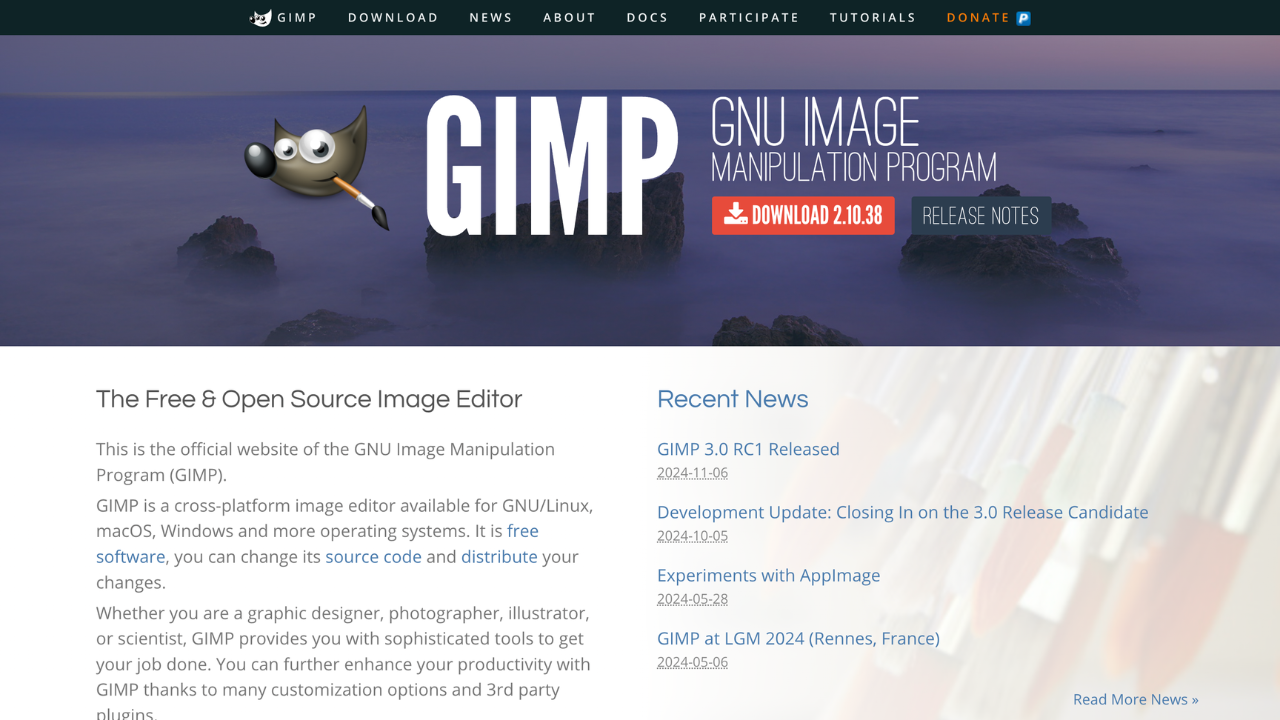
GIMP (GNU Image Manipulation Program) is a free, open-source image editor for photo retouching, graphic design, and more. It offers professional-grade tools and a customizable interface, making it ideal for photographers, designers, and hobbyists seeking a powerful yet cost-effective solution.

Key benefits of GIMP include:

  • Open-Source Flexibility: Free to use and supported by an active community of developers.
  • Advanced Editing Tools: Offers layers, masks, and filters for professional-quality results.
  • Customizable Interface: Tailor the layout and functionality to your workflow.
  • Cross-Platform Support: Available on Windows, macOS, and Linux.
  • Plugin Integration: Extend functionality with a wide array of plugins and scripts.
Read the Gimp review

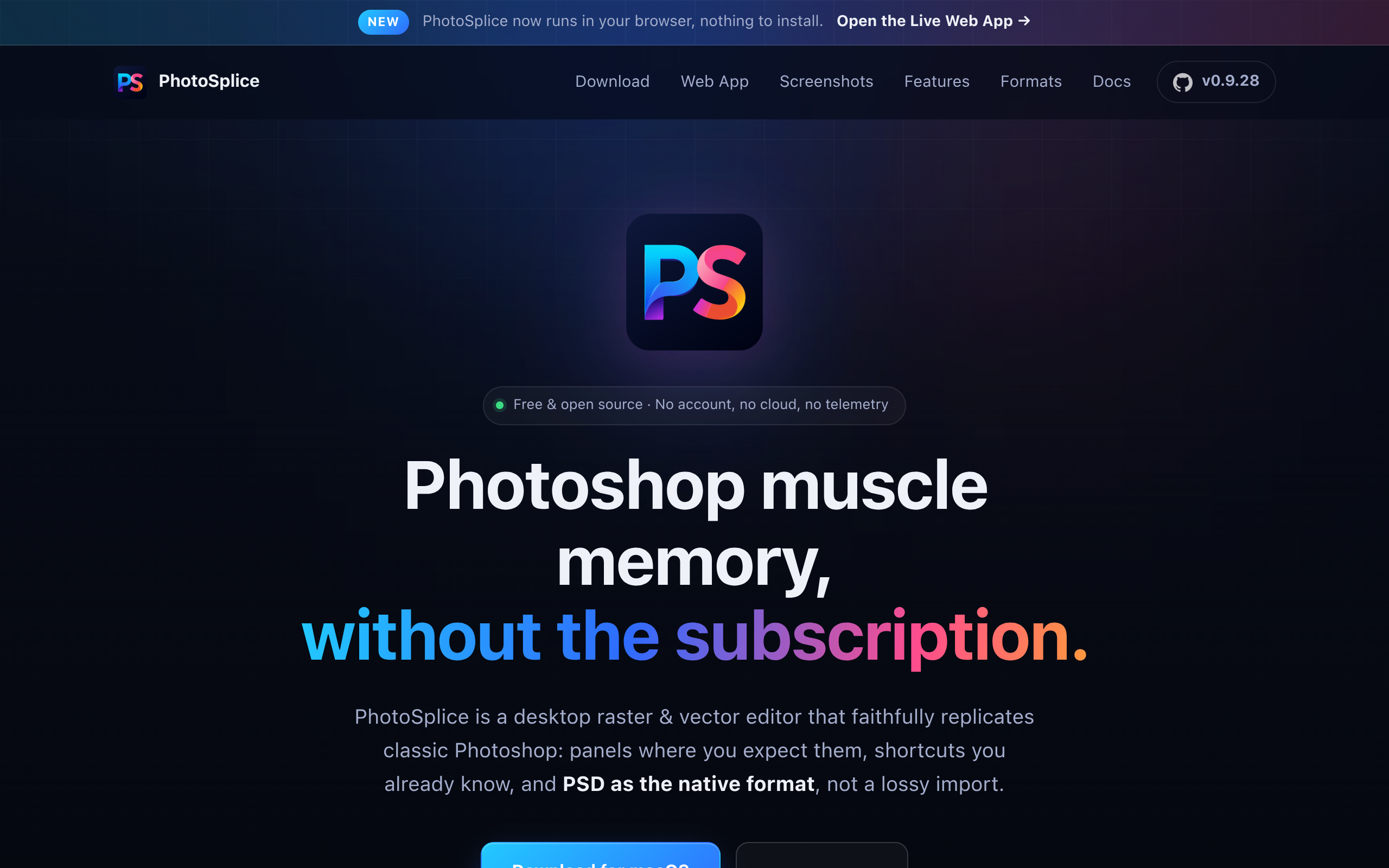
PhotoSplice is a desktop photo editor that faithfully recreates Photoshop's classic interface and functionality. It offers native PSD/PSB file support with round-trip editing, runs offline-first with zero telemetry, and is available across macOS, Windows, and Linux for professionals seeking a privacy-conscious alternative.

Free
Open-source
Screenshot of PhotoSplice website

PhotoSplice brings professional photo editing to the desktop with a philosophy centered on privacy, compatibility, and user control. As a faithful recreation of Photoshop's proven interface, it eliminates the learning curve for users already familiar with Adobe's industry standard while offering a refreshing alternative that respects your data.

Key Benefits of PhotoSplice

Native PSD/PSB Support - Open, edit, and save your Photoshop files without compatibility issues. Full round-trip support means your projects transition seamlessly between PhotoSplice and other tools.

Offline-First Architecture - Work without internet connectivity. All processing happens locally on your machine, giving you complete control over your files and uninterrupted creative flow.

Zero Telemetry - No tracking, no data collection, no analytics. Your editing sessions remain completely private with no monitoring of your activity.

Cross-Platform Availability - Native applications for macOS, Windows, and Linux ensure consistent performance and experience regardless of your operating system.

Classic Photoshop Interface - The familiar Photoshop interface means minimal retraining. Tools, menus, and workflows feel immediately intuitive if you've used Adobe's software.

PhotoSplice is ideal for professional photographers, designers, and digital artists who value privacy, need offline capability, and want to avoid subscription-based software. It's particularly suited for those working with legacy PSD files or requiring a straightforward, feature-rich desktop editor without cloud dependencies or telemetry concerns.

Read the PhotoSplice review

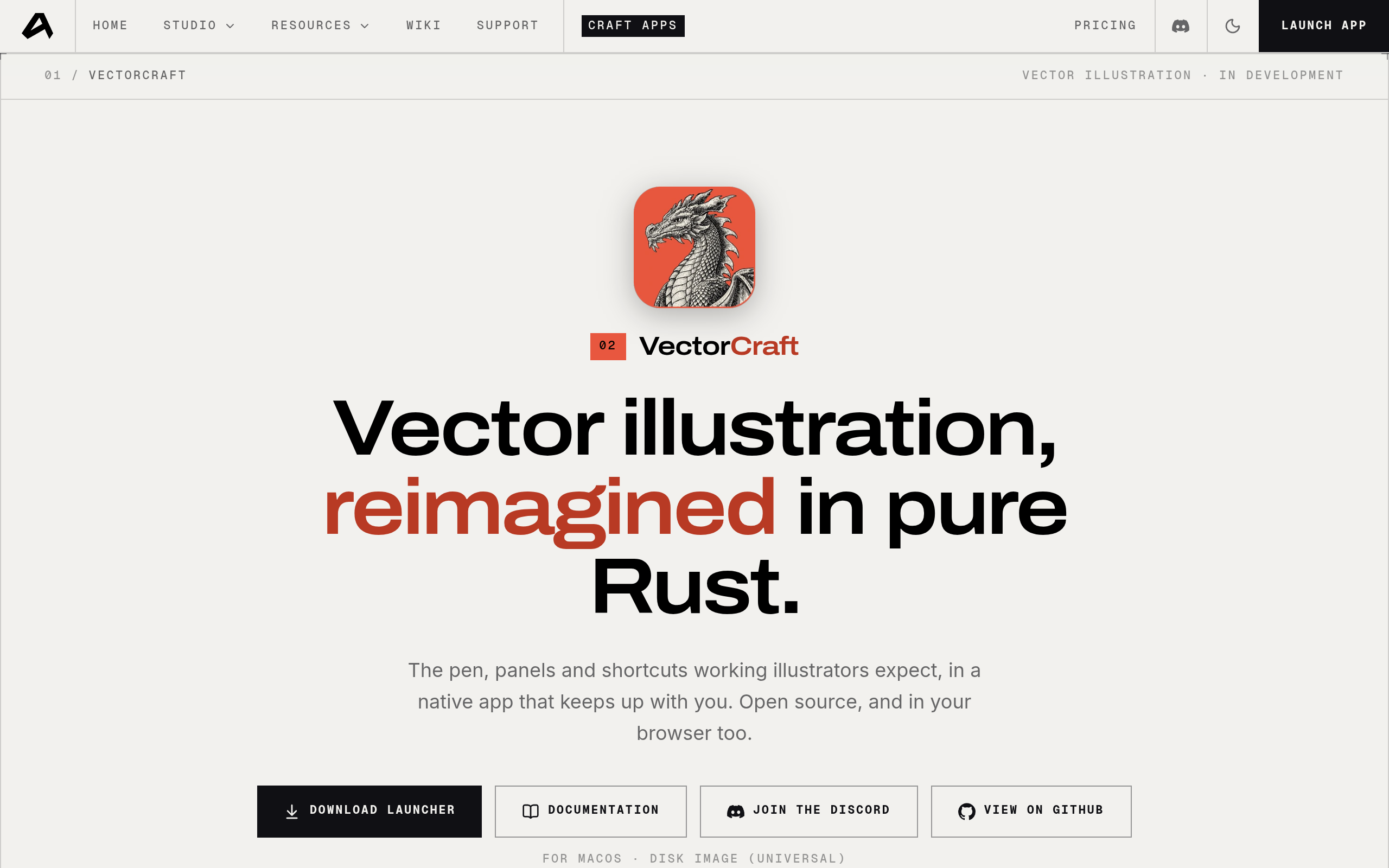
VectorCraft is a fast, open-source vector illustration tool built in pure Rust. It offers high-performance vector graphic creation with modern performance characteristics and an open development model. **Key Features:** - **High-performance rendering** - Built in Rust for speed and efficiency - **Open-source development** - Fully transparent codebase and community-driven - **Vector illustration tools** - Complete set of tools for professional vector graphics - **Modern architecture** - Lightweight and responsive user experience

From $8/mo
Open-source
Screenshot of VectorCraft website

VectorCraft reimagines vector illustration software by combining the power of Rust with an open-source development philosophy. It delivers high-performance vector graphic creation without compromising on features or usability.

Why Choose VectorCraft?

Performance-First Design Built entirely in Rust, VectorCraft provides exceptional speed and efficiency. The language's memory safety guarantees mean fewer crashes and more stable performance, even when working with complex vector compositions.

Open-Source Transparency As an open-source project, VectorCraft offers complete transparency in its development. Users can review the code, contribute improvements, and trust that there are no hidden tracking mechanisms or unexpected behavioral changes.

Professional Vector Tools Despite its lean approach, VectorCraft includes essential vector illustration features needed by designers, illustrators, and graphics professionals. Create precise paths, manage layers, apply effects, and export in standard formats.

Ideal For

  • Designers seeking a lightweight alternative to heavyweight design software
  • Developers who want an open-source vector editor they can customize
  • Teams valuing transparency and community-driven tool development
  • Professionals who prioritize performance and stability

Technical Excellence

The Rust foundation provides VectorCraft with inherent advantages: memory safety without garbage collection, zero-cost abstractions, and concurrent performance. This translates to a tool that stays responsive even during intensive design work.

Whether you're creating logos, icons, illustrations, or complex vector artwork, VectorCraft provides a modern alternative to traditional vector design software with an emphasis on speed, reliability, and openness.

Read the VectorCraft review

Share:

Discover the best open source alternatives to

View all

Put your SaaS product in front of active buyers

Reach developers, tech leaders and founders looking for open source tools to adopt.

Submit your product