
Open Source Google Keep Alternatives
A curated collection of the 2 best open source alternatives to Google Keep.
Logseq stands out as the best open source alternative to Google Keep. If it doesn’t meet your needs, don’t worry, — we’ve put together a ranked list of other open source Google Keep alternatives to help you find the right fit. Other interesting open source alternative to Google Keep is AppFlowy.
Google Keep alternatives are mainly Note Taking but may also be Knowledge Management or Productivity. Browse these if you want a narrower list of alternatives or looking for a specific functionality of Google Keep.
A privacy-first, open-source platform for knowledge management and collaboration.
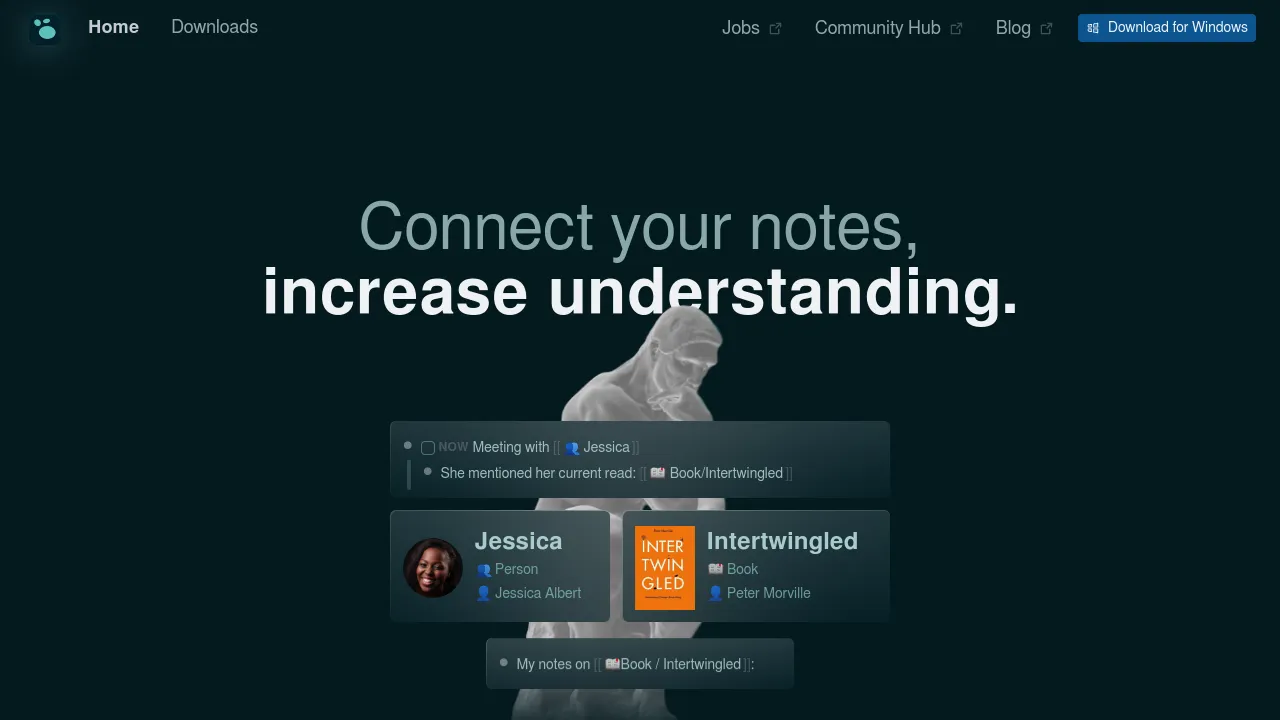
Logseq is a privacy-first, open-source knowledge management tool. It allows you to take notes, build knowledge graphs, and organize your thoughts in a personal, interconnected way. Ideal for individuals seeking a powerful and secure way to manage their information without relying on third-party services.
Key benefits of Logseq include:
- Privacy-first: Your data stays on your device with no third-party access.
- Local and Cloud Sync: Sync notes across devices with ease.
- Markdown Support: Write in Markdown with flexible linking and formatting.
- Powerful Querying: Organize and retrieve information using queries.
- Graph View: Visualize your knowledge network for better understanding.

An open-source alternative to Notion, offering a productivity platform designed for managing projects, tasks, and knowledge bases.
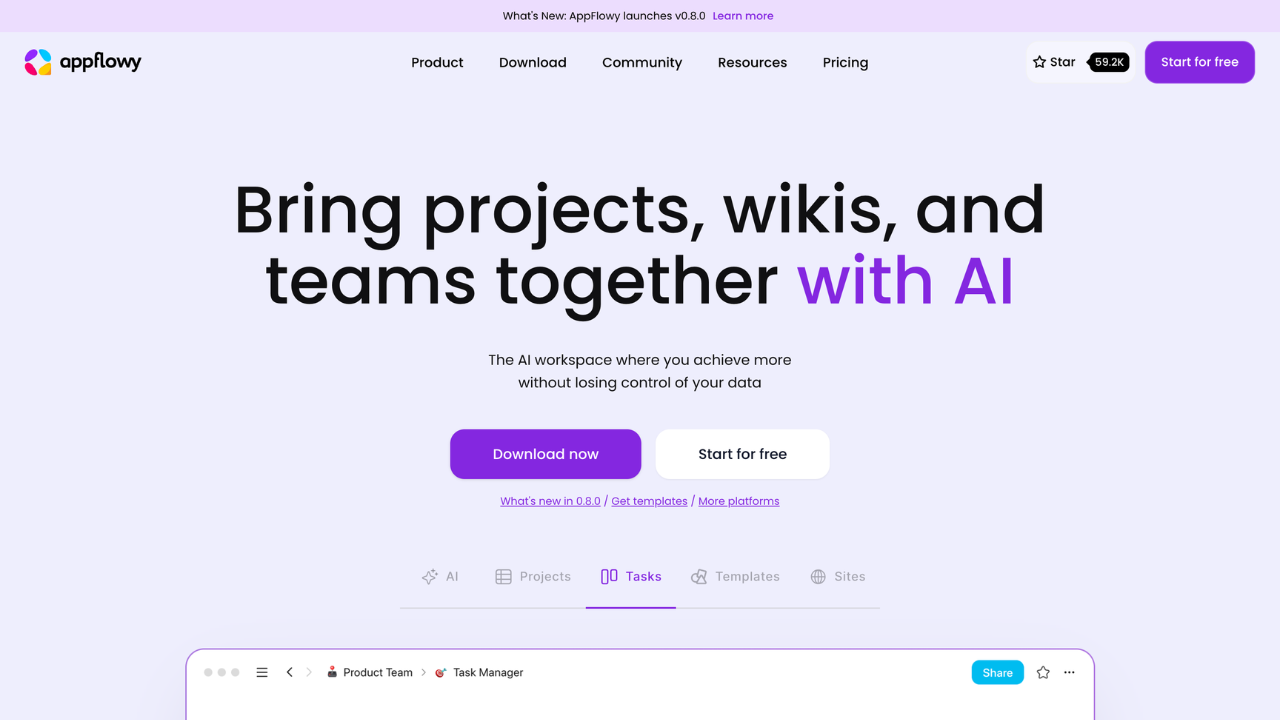
AppFlowy is a customizable, privacy-focused project management and collaboration platform. It empowers teams and individuals to manage tasks, wikis, and projects while retaining full control of their data. Ideal for users seeking flexibility, privacy, and powerful AI-enhanced productivity tools.
Key benefits of AppFlowy include:
- Privacy-first approach: Run AppFlowy locally or self-host to ensure complete control over your data, free from vendor lock-in.
- AI-powered productivity: Utilize AI for generating insights, automating tasks, and improving writing.
- Customizable and flexible: Design workflows with custom views, themes, and properties to suit unique team needs.
- Cross-platform accessibility: Seamlessly transition between devices with mobile and desktop support.
- Community-driven innovation: Access plugins, templates, and contributions from a global developer community.

Discover the best open source alternatives to:
View all alternatives
Adobe Photoshop
A powerful photo editing and illustration tool that enables users to transform images, remove unwanted elements with a click, and create photorealistic results using generative fill tools.

Google Analytics
A web analytics service offered by Google that tracks and reports website traffic, providing insights into user behavior.
Notion
An all-in-one workspace for notes, tasks, databases, project management, knowledge sharing, and team collaboration, blending flexibility with organization to streamline your workflow.

Firebase
Google’s mobile and web app development platform that helps developers build apps and games that users will love.

Intercom
A customer service platform that combines live chat, messaging, and AI-powered support tools. It helps businesses manage customer interactions, automate responses, and improve support efficiency across channels.

Slack
A centralized collaboration platform that connects the right people, resources, and tools to streamline teamwork and achieve goals effectively within organizations or teams.