AdAdvertise with us·Reach an audience of professional tech enthusiasts
Favicon of Atext website

Open Source Atext Alternatives

A curated collection of the 3 best open source alternatives to Atext.

3 open source alternatives · Updated

The best open source alternative to Atext is Beeftext. If that doesn't suit you, we've compiled a ranked list of other open source Atext alternatives to help you find a suitable replacement. Other interesting open source alternatives to Atext are: Espanso and PhraseVault.

Atext alternatives are mainly Productivity but may also be Desktop Apps or Knowledge Management. Browse these if you want a narrower list of alternatives or looking for a specific functionality of Atext.

Open Source Atext alternatives compared

#ToolPricingOpen source
1 BeeftextFreeYes
2 EspansoFreeYes
3 PhraseVaultFrom $16/moYes

The best open source Atext alternatives, ranked

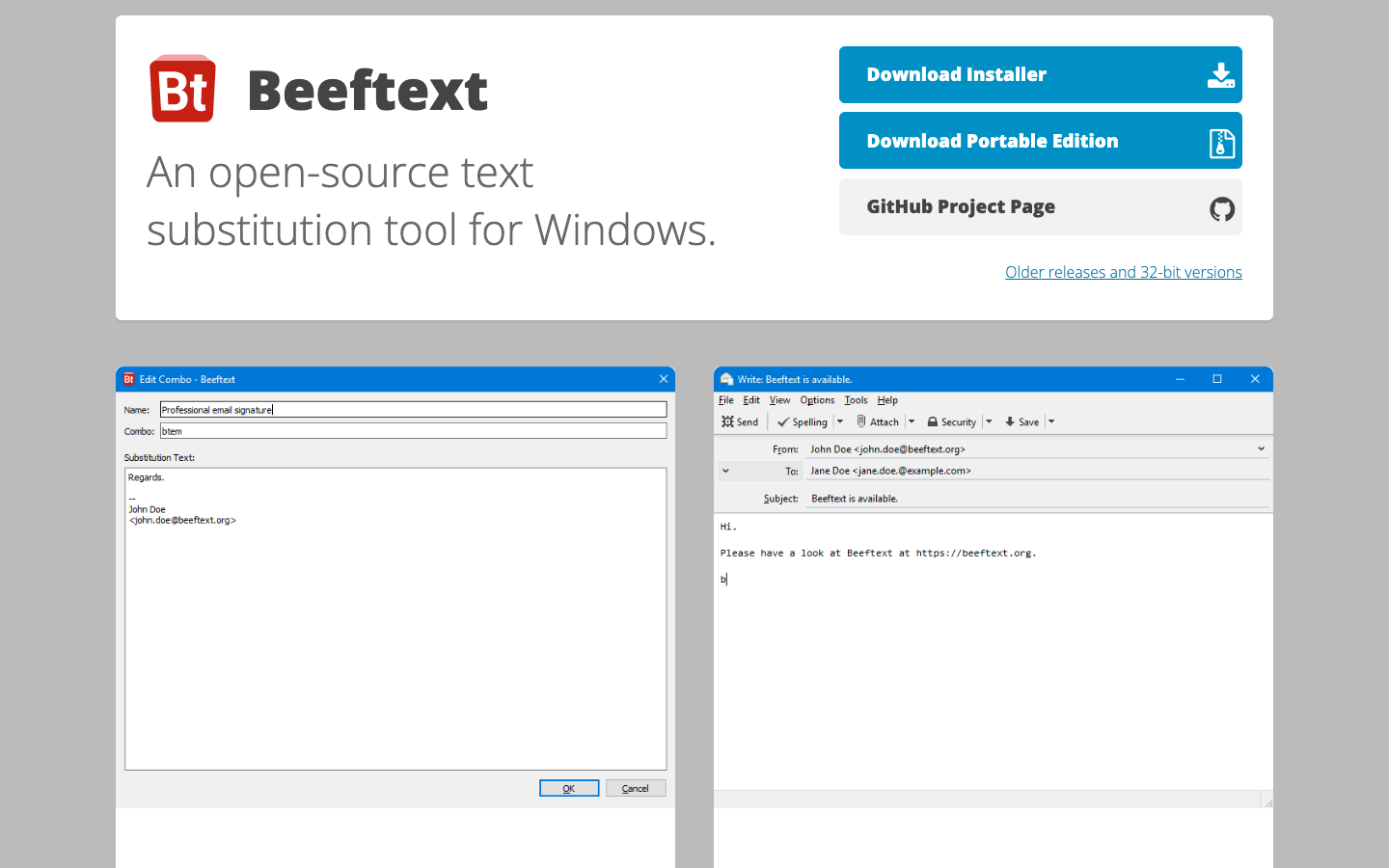
Beeftext is a free, open-source text snippet management tool for Windows. It lets you store reusable pieces of text and insert them as you type, as an alternative to paid expanders like TextExpander and aText.
Free
Open-source
Screenshot of Beeftext website

Beeftext is an open-source text snippet management tool for Windows. It is aimed at people who type the same phrases, replies, signatures or boilerplate over and over and want to save them as snippets instead of retyping them. Because it is open source, the code is publicly available on GitHub, and there is no subscription to pay.

Key benefits of Beeftext include:

  • Free and open source: The source code is published on GitHub, so anyone can use, inspect or contribute to it.
  • Snippet management: It is built around storing and organizing reusable text snippets in one place.
  • Native to Windows: It is made specifically as a Windows tool rather than a cross-platform web app.
  • No subscription: There is no paid plan to sign up for in order to use it.
  • Community-visible development: Issues and changes are tracked in the public repository.

If you are leaving TextExpander because of its subscription pricing, Beeftext covers the core idea of saving and reusing text snippets on Windows at no cost. The trade-offs are worth weighing: Beeftext is Windows-only, so it does not replace aText, which is a Mac app, unless you are also switching platforms, and it will not sync snippets across macOS or mobile devices the way some paid tools do. The official site gives very little detail, so check the GitHub repository for current features, releases and documentation before migrating a large snippet library. For a single Windows user who mainly needs dependable text shortcuts, it is a reasonable free option.

Read the Beeftext review

Espanso is an open-source, cross-platform text expander that replaces typed keywords with snippets system-wide. It supports dates, emojis, forms, shell commands and community packages, configured through plain files.

Free
Open-source
Screenshot of Espanso website

Espanso is a free, open-source text expander licensed under GPL-3. It watches for keywords as you type and replaces them with longer text, working across most applications on Windows, Linux and macOS. It suits anyone who types the same things repeatedly, from customer support replies and email templates to code snippets and medical reports.

Key benefits of Espanso include:

  • Search bar: Press ALT+Space to open a search bar and find a snippet when you can't remember its shortcut.
  • Dates and emojis: Insert past or future dates and emojis in any app with a short trigger.
  • Packages: Extend Espanso with packages from the Espanso Hub, such as mathematical notation or German accents, or publish your own.
  • Shell and script support: Inject the output of shell commands or custom scripts directly into applications.
  • Forms: Build reusable templates with form fields, and pass form values into scripts for more complex workflows.

For people leaving TextExpander or aText, Espanso offers a free, cross-platform option with no subscription, and its configuration lives in simple files you can version and sync yourself. That privacy-first, file-based approach is also the main trade-off: there is no GUI for managing snippets yet (one is planned), so you edit configuration files directly, and there is no built-in team sharing service described. Migrating existing snippets takes some manual conversion, but users who are comfortable with text files get a capable, extensible expander.

Read the Espanso review

A text-expansion and snippet management tool that helps users store and quickly insert frequently used phrases, email templates, code snippets, or prompts into any text field

From $16/mo
Open-source
Screenshot of PhraseVault website

PhraseVault is a text expansion and snippet management tool designed for Windows. It helps users quickly insert saved phrases, templates, and code snippets into any text field, streamlining workflows. Ideal for professionals, writers, and developers who need to reduce repetitive typing tasks.

Key benefits of PhraseVault include:

  • Quick Text Insertion: Insert frequently used phrases with a simple shortcut.
  • Customizable Snippets: Easily store and organize text, templates, and code snippets.
  • Cross-Application Compatibility: Works across all Windows applications like Word, Excel, and email clients.
  • User-Friendly Interface: Simple to use, with an intuitive interface for both beginners and advanced users.
Read the PhraseVault review

Share:

Discover the best open source alternatives to

View all

Put your SaaS product in front of active buyers

Reach developers, tech leaders and founders looking for open source tools to adopt.

Submit your product