AdAdvertise with us·Reach an audience of professional tech enthusiasts
Favicon of Freedom website

Open Source Freedom Alternatives

A curated collection of the 3 best open source alternatives to Freedom.

3 open source alternatives · Updated

The best open source alternative to Freedom is Ashdeck. If that doesn't suit you, we've compiled a ranked list of other open source Freedom alternatives to help you find a suitable replacement. Other interesting open source alternatives to Freedom are: LeechBlock NG and SelfControl.

Freedom alternatives are mainly Productivity but may also be Chrome Extension or Desktop Apps. Browse these if you want a narrower list of alternatives or looking for a specific functionality of Freedom.

Open Source Freedom alternatives compared

#ToolPricingOpen source
1 AshdeckFreeYes
2 LeechBlock NGFreeYes
3 SelfControlFreeYes

The best open source Freedom alternatives, ranked

A productivity tool designed to block distracting websites and applications, helping users maintain focus and improve workflow efficiency.

Free
Open-source
Screenshot of Ashdeck website

Ashdeck helps you block distracting websites and focus on your tasks. Designed for productivity, it’s perfect for professionals, students, and anyone looking to boost efficiency.

Key benefits of Ashdeck include:

  • Website Blocking: Limit access to specific sites during work or study sessions.
  • Customizable Schedules: Set focus times and automatically block distractions.
  • Enhanced Productivity: Maintain focus and complete tasks faster.
Read the Ashdeck review

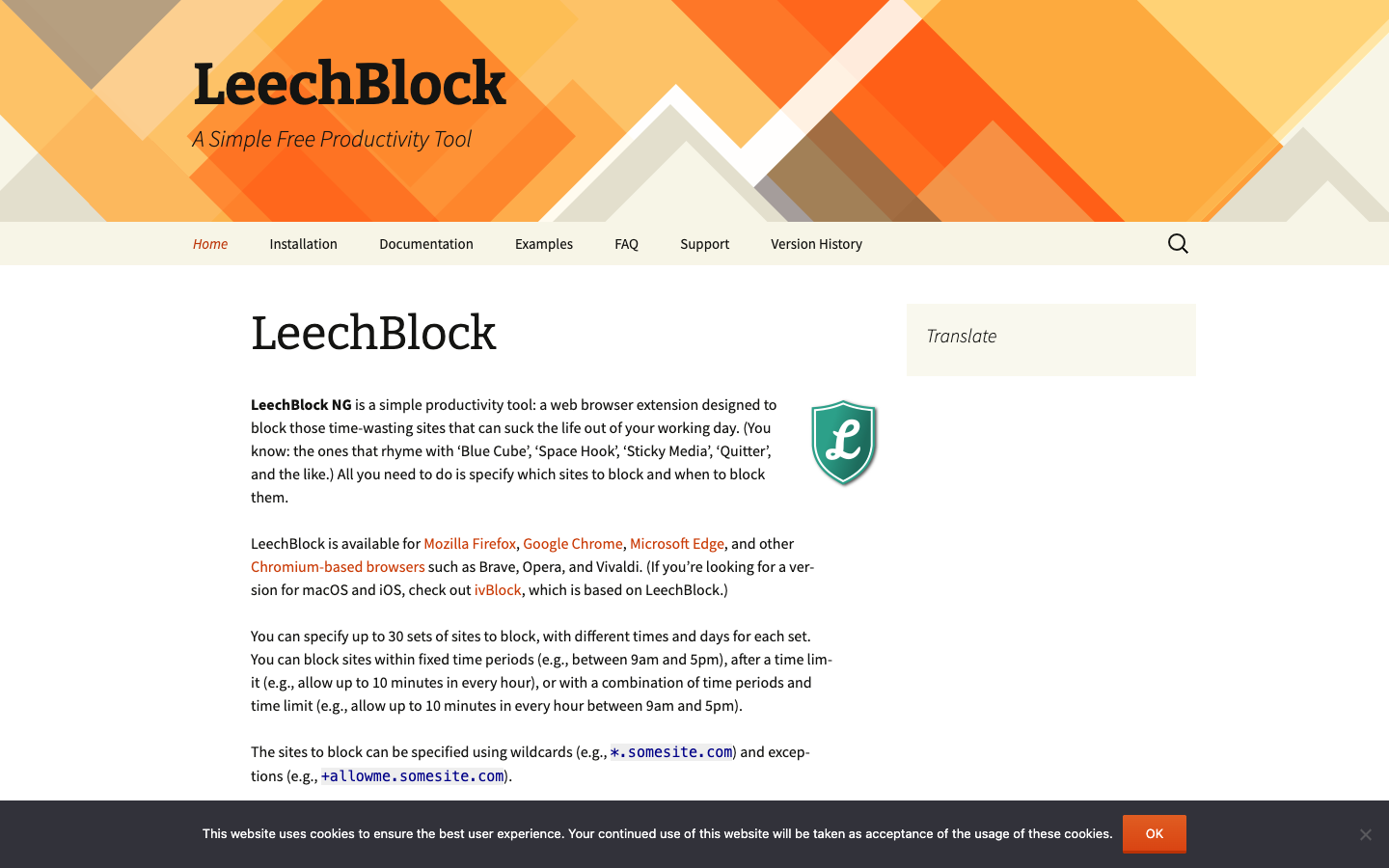
LeechBlock NG is a free, open-source extension for Firefox, Chrome, Edge and other Chromium browsers that blocks distracting websites during set times, after time limits, or on demand.

Free
Open-source
Screenshot of LeechBlock NG website

LeechBlock NG is a free, open-source browser extension for people who lose hours to distracting websites. You list which sites to block and when to block them, and it enforces those rules in Firefox, Chrome, Edge and other Chromium-based browsers such as Brave, Opera and Vivaldi. It is built for self-control while you work. It is not meant for parental control or for filtering offensive content.

Key benefits of LeechBlock NG include:

  • Multiple block sets: Define up to 30 sets of sites, each with its own times and days.
  • Flexible rules: Block during fixed periods, after a time limit such as 10 minutes per hour, or with a combination of both.
  • Precise matching: Use wildcards like *.somesite.com and exceptions like +allowme.somesite.com to control exactly what gets blocked.
  • Lockdown mode: Block sites immediately for a duration you choose.
  • Friction against overrides: Protect the options page with a password or a random access code so changing the rules takes deliberate effort.

If you are leaving Freedom or one sec, LeechBlock NG covers browser-based blocking with detailed scheduling and time limits, and it costs nothing. The trade-off is scope. It only works inside the browser, so it will not block desktop or mobile apps or sync rules across devices the way Freedom does. It also lacks one sec's breathing-pause style interventions. The project notes that a blocked site may still be briefly contacted by the browser, and it suggests a HOSTS file approach if you need to prevent that. For macOS and iOS, the related ivBlock is based on LeechBlock.

Read the LeechBlock NG review

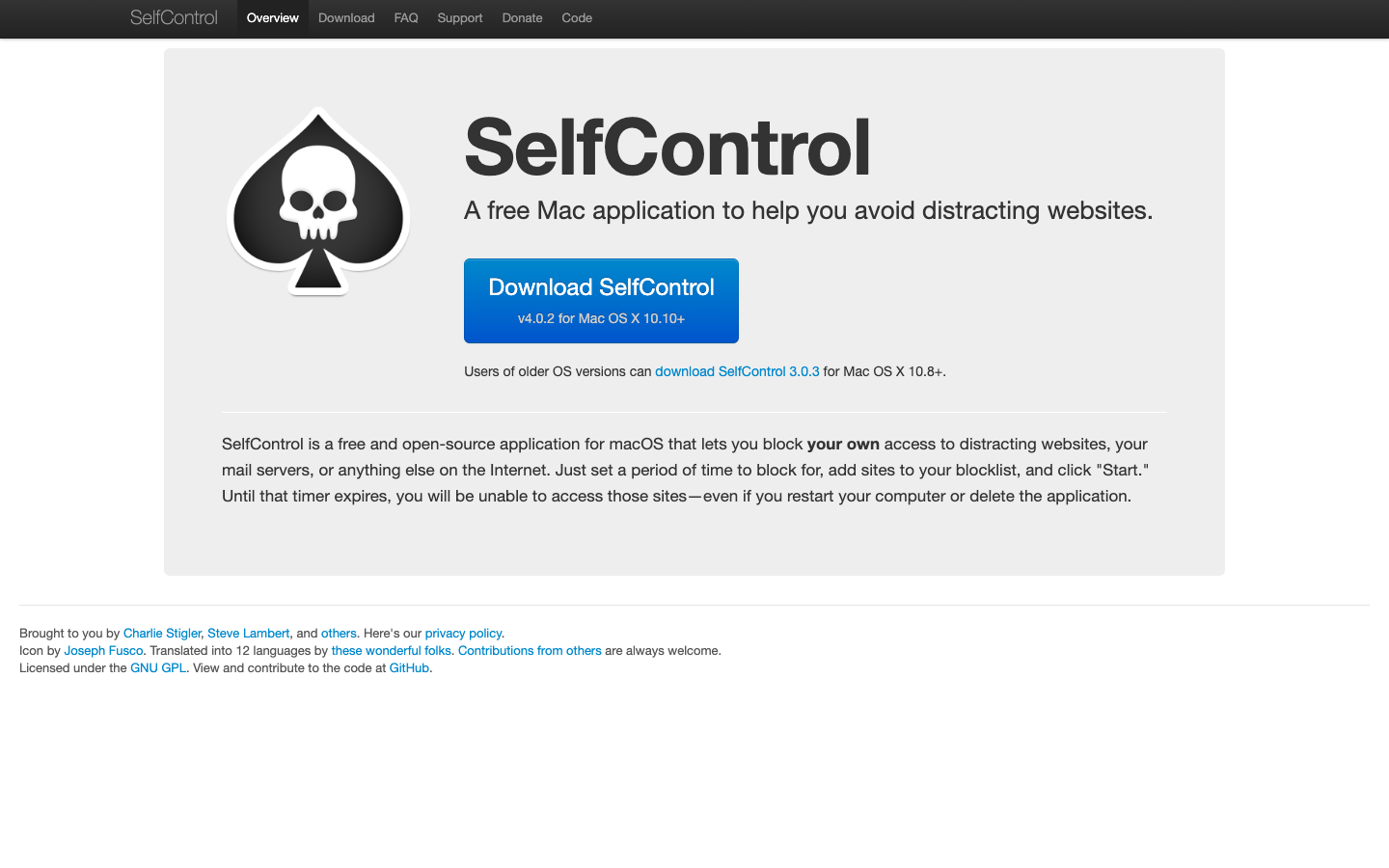
SelfControl is a free and open-source macOS app that blocks your access to distracting websites, mail servers, or other internet hosts until a timer you set runs out, even if you restart or delete the app.

Free
Open-source
Screenshot of SelfControl website

SelfControl is a free and open-source application for macOS that lets you block your own access to distracting websites, your mail servers, or anything else on the Internet. It is aimed at Mac users who want a simple, hard-to-bypass way to stay focused. You set a block duration, add sites to a blocklist, and click "Start."

Key benefits of SelfControl include:

  • Hard-to-break blocks: Until the timer expires, blocked sites stay inaccessible even if you restart your computer or delete the app.
  • Flexible blocklist: Block websites, mail servers, or any other internet host you add to the list.
  • Free and open source: Licensed under the GNU GPL, with the code available on GitHub for anyone to inspect or contribute to.
  • Translated interface: Available in 12 languages thanks to community translators.
  • Support for older Macs: Version 4.0.2 runs on Mac OS X 10.10+, and version 3.0.3 is available for Mac OS X 10.8+.

For someone leaving Freedom, SelfControl covers the core job of blocking distracting sites for a fixed period at no cost and without an account. The trade-off is scope: it is a Mac-only app, so it won't sync blocks across phones, Windows PCs, or other devices the way a cross-platform subscription service can. Its strictness is also a double-edged sword, since once a block starts you cannot easily end it early. If you work mainly on a Mac and want a simple, uncompromising blocker, it is a solid fit.

Read the SelfControl review

Share:

Discover the best open source alternatives to

View all

Put your SaaS product in front of active buyers

Reach developers, tech leaders and founders looking for open source tools to adopt.

Submit your product