

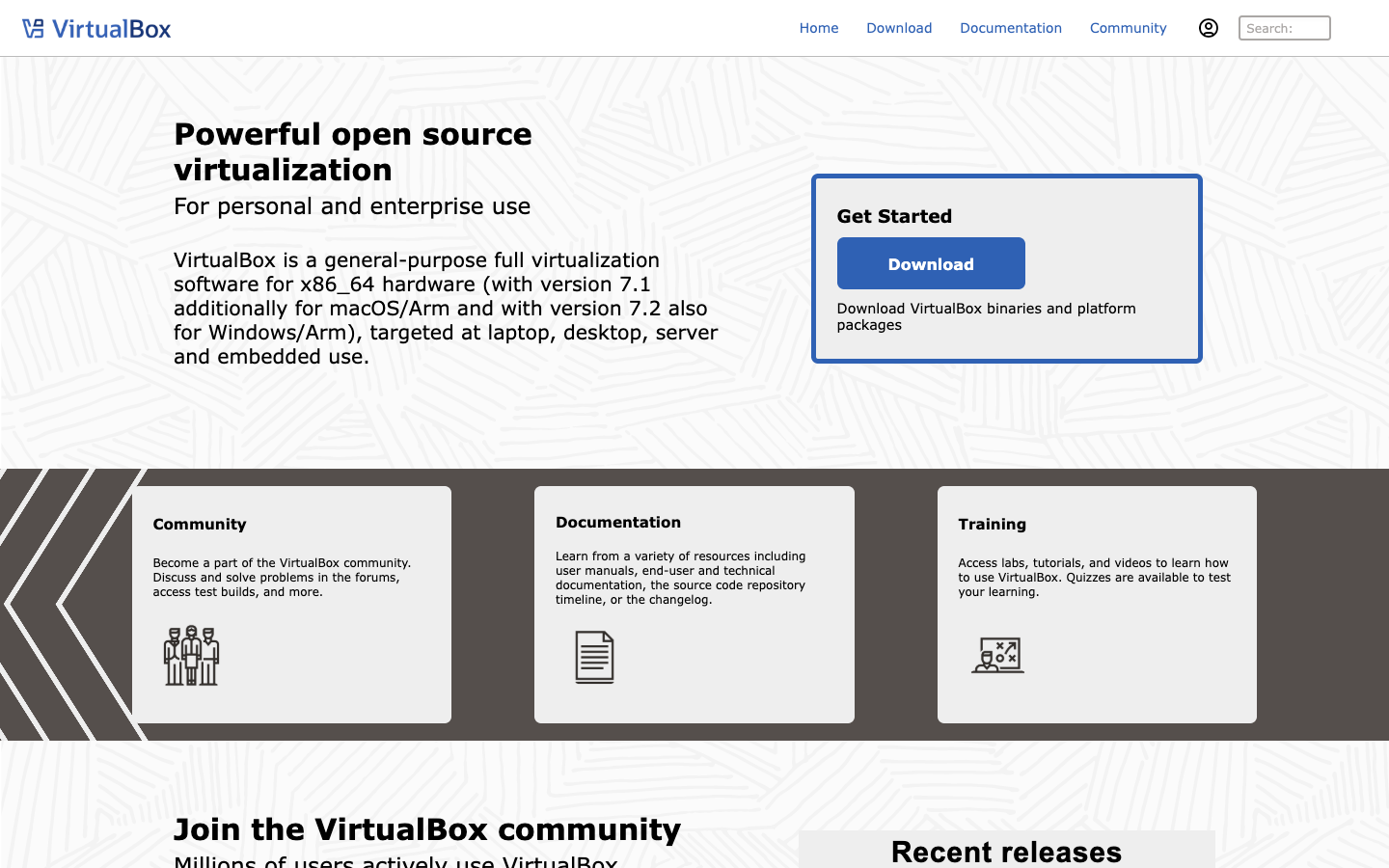
About VirtualBox
VirtualBox is an open-source virtualization application maintained by Oracle. It installs on an existing desktop operating system and lets you create and run virtual machines, so you can try another OS, test software or keep isolated environments on one computer. It suits developers, students, testers and home users who want local VMs without paying for a license.
Key benefits of VirtualBox include:
- Open source: The core application is open source and can be downloaded and used without a paid license.
- Cross-platform host: It runs as a desktop application on common host operating systems rather than requiring a dedicated server.
- Multiple guest systems: You can run several virtual machines with different operating systems side by side on one machine.
- Isolated testing: VMs keep experiments, test builds and untrusted software separate from your main system.
- Official documentation: Oracle maintains a documentation wiki covering installation and use.
For someone moving away from VMware's desktop products, VirtualBox is a common free choice for local virtual machines and is well known in developer workflows. The trade-offs are worth weighing: it is a desktop (type 2) hypervisor, so it is not a replacement for VMware's data center and server virtualization stack, and performance or graphics support may differ from VMware Workstation or Fusion depending on your hardware and guest OS. Check the documentation for details on supported hosts and features before migrating existing VMs.