AdAdvertise with us·Reach an audience of professional tech enthusiasts
Favicon of Jira website

Best Popular Jira Alternatives

A curated collection of the 5 best alternatives to Jira.

5 alternatives · Updated

The best alternative to Jira is Huly. If that doesn't suit you, we've compiled a ranked list of other Jira alternatives to help you find a suitable replacement. Other interesting alternatives to Jira are: OpenProject, Plane, Taiga and YouTrack.

Jira alternatives are mainly Project Management but may also be Communication or Task Management. Browse these if you want a narrower list of alternatives or looking for a specific functionality of Jira.

Jira alternatives compared

#ToolPricingOpen source
1 HulyFree + From $19.99/moYes
2 OpenProjectFree + From $7.25/moYes
3 PlaneFree + From $7/moYes
4 TaigaFreeYes
5 YouTrackFree + From $4.4/moNo

The best Jira alternatives, ranked

Huly is an open-source platform for project, time and knowledge management that bundles task tracking, team chat, collaborative documents and video meetings. It can be self-hosted or used in the cloud with a free plan.

Free + From $19.99/mo
Open-source
Self-hosted
Screenshot of Huly website

Huly is an open-source, all-in-one workspace aimed at developers and product teams. It pitches itself as a replacement for Linear, Jira, Slack and Notion, putting project management, a team planner, chat, documents, an inbox and a virtual office for audio and video calls in one app. You can self-host it or use the hosted cloud version.

Key benefits of Huly include:

  • Two-way GitHub sync: Use Huly as a front end for GitHub Issues and Projects, with changes synced in both directions across multiple repositories.
  • Team Planner and time-blocking: View everyone's tasks in a shared team calendar and turn daily tasks into scheduled time blocks.
  • Virtual office: Create custom rooms for departments or events with audio and video conferencing, and invite guests without leaving the workspace.
  • Collaborative documents: Edit docs in real time with rich text, images, attachments, code blocks, mentions, issue links and version history.
  • Usage-based cloud pricing: Every cloud plan includes unlimited users and Huly objects; you pay according to storage and call traffic, starting with a free tier of 10GB storage per workspace.

If you are juggling Jira for issues, Basecamp for project coordination and Slack for chat, Huly lets you consolidate them into a single tool you can run on your own servers. Pricing is not per seat, which can suit growing teams. The trade-off is breadth versus depth: a single platform covering this much ground may not match each specialised tool's features or integrations, and some advertised pieces, such as Huly AI and MetaBrain, are still upcoming. Migrating a team's chat and tracker at the same time is also a bigger change than swapping one tool.

Read the Huly review

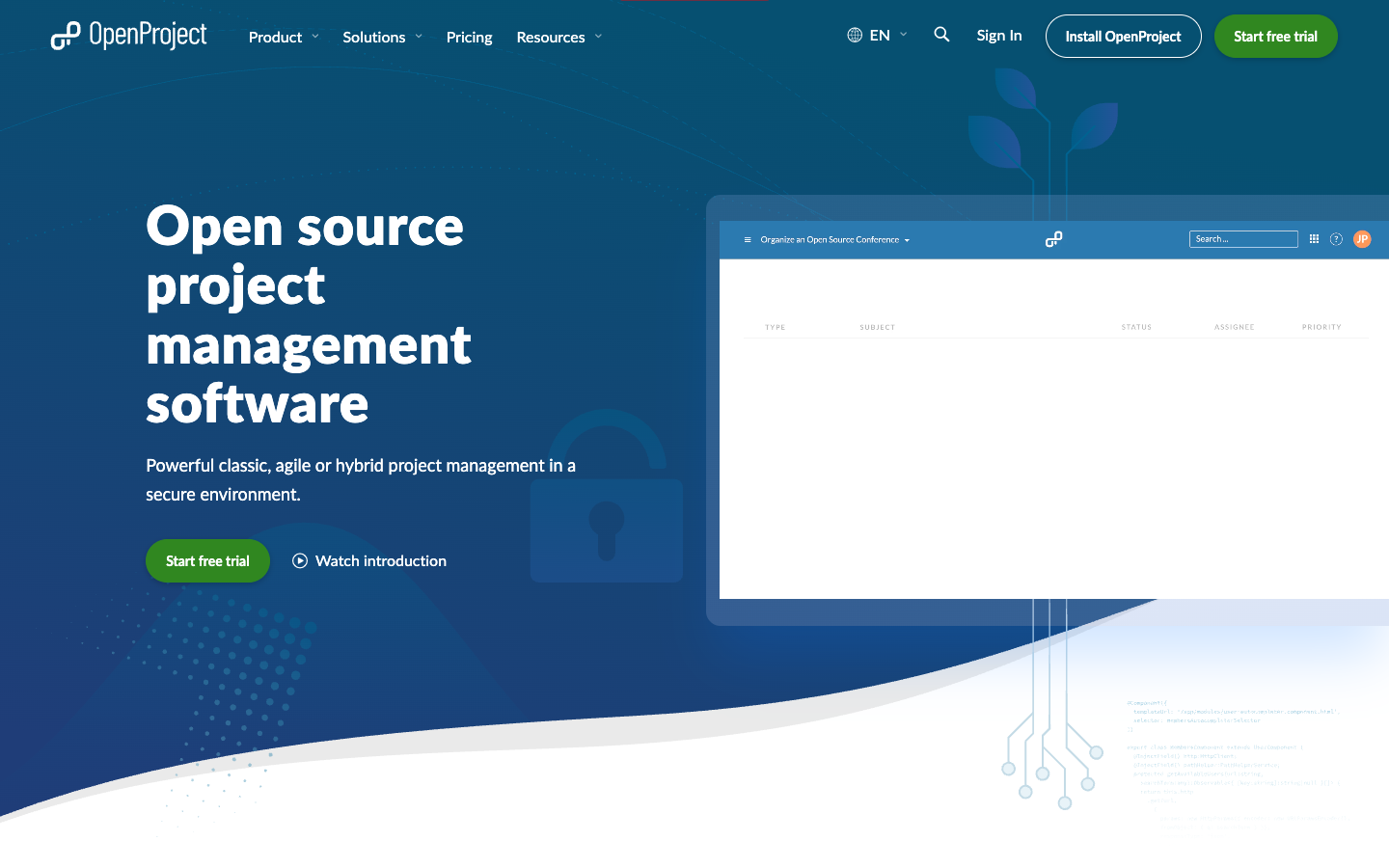
OpenProject is GPLv3 project management software for classic, agile or hybrid teams, with Gantt charts, Scrum and Kanban boards, time and cost reporting. The Community edition is free to self-host.

Free + From $7.25/mo
Open-source
Self-hosted
Screenshot of OpenProject website

OpenProject is open source project management software licensed under the GNU GPL v3. It covers classic, agile and hybrid approaches, and is aimed at teams and organizations that want to plan projects, track work and keep control of their data, including public bodies, universities, NGOs and companies in regulated industries.

Key benefits of OpenProject include:

  • Free Community edition: The self-hosted Community edition is free of charge with no minimum number of users.
  • Planning and scheduling: Gantt charts, a team planner calendar and work package hierarchies help build and visualize detailed project schedules.
  • Agile boards and backlogs: Boards and backlogs support Scrum and Kanban workflows alongside classic plans.
  • Time, cost and budgets: Built-in time tracking, cost tracking, reporting and budgets keep project finances in the same tool.
  • Data sovereignty: Install it on your own infrastructure, or use the Enterprise Cloud hosted in the EU or Germany.

Teams leaving Jira, Asana or monday.com get a single open source tool that handles both waterfall-style planning and agile boards, plus a dedicated Jira Migrator and integrations with GitHub, GitLab and Nextcloud. Self-hosting means your data stays with you. The trade-offs: running it yourself requires Linux or Mac administration experience, and some features are Enterprise add-ons. Paid plans start at €5.95 per user per month with a 25-user minimum, so small teams wanting extras will pay more than per-seat pricing suggests.

Read the OpenProject review

Plane is an open-source project management tool that combines work items, cycles, docs and AI agents in one workspace. It runs on Plane's cloud or self-hosted with Docker or Kubernetes, including air-gapped setups.

Free + From $7/mo
Open-source
Self-hosted
Screenshot of Plane website

Plane is an open-source project and knowledge management platform for teams that want to plan, track and ship work in one place. It covers work items, cycles, epics, initiatives and a built-in wiki, and can run on Plane's cloud, on your own servers, or in air-gapped environments.

Key benefits of Plane include:

  • Multiple views: Switch between Board, Spreadsheet, List and Gantt views of the same work.
  • Cycles and dashboards: Time-box work with velocity tracking, burndown charts and dashboards that populate automatically.
  • Self-hosting options: Deploy with Docker or Kubernetes with Helm charts, bringing your own Postgres, Redis and S3-compatible storage.
  • Built-in docs: A wiki for specs, PRDs and other documentation lives alongside projects.
  • Developer tooling: REST API, webhooks, Node.js and Python SDKs, an MCP server, and YAML-based projects-as-code via Plane Compose.

Teams leaving Jira, Asana, Monday or Basecamp may pick Plane for its open-source code and the option to keep data on their own infrastructure. It offers importers for Jira, Asana, Monday, Linear and ClickUp, plus integrations with GitHub, GitLab and Slack. Basecamp users will find a more structured, sprint-oriented tool than they may be used to. Some features shown on the site, such as AI agents, SSO/LDAP and workflow approvals, appear tied to paid Business or Enterprise plans, so check what the free self-hosted edition includes before migrating.

Read the Plane review

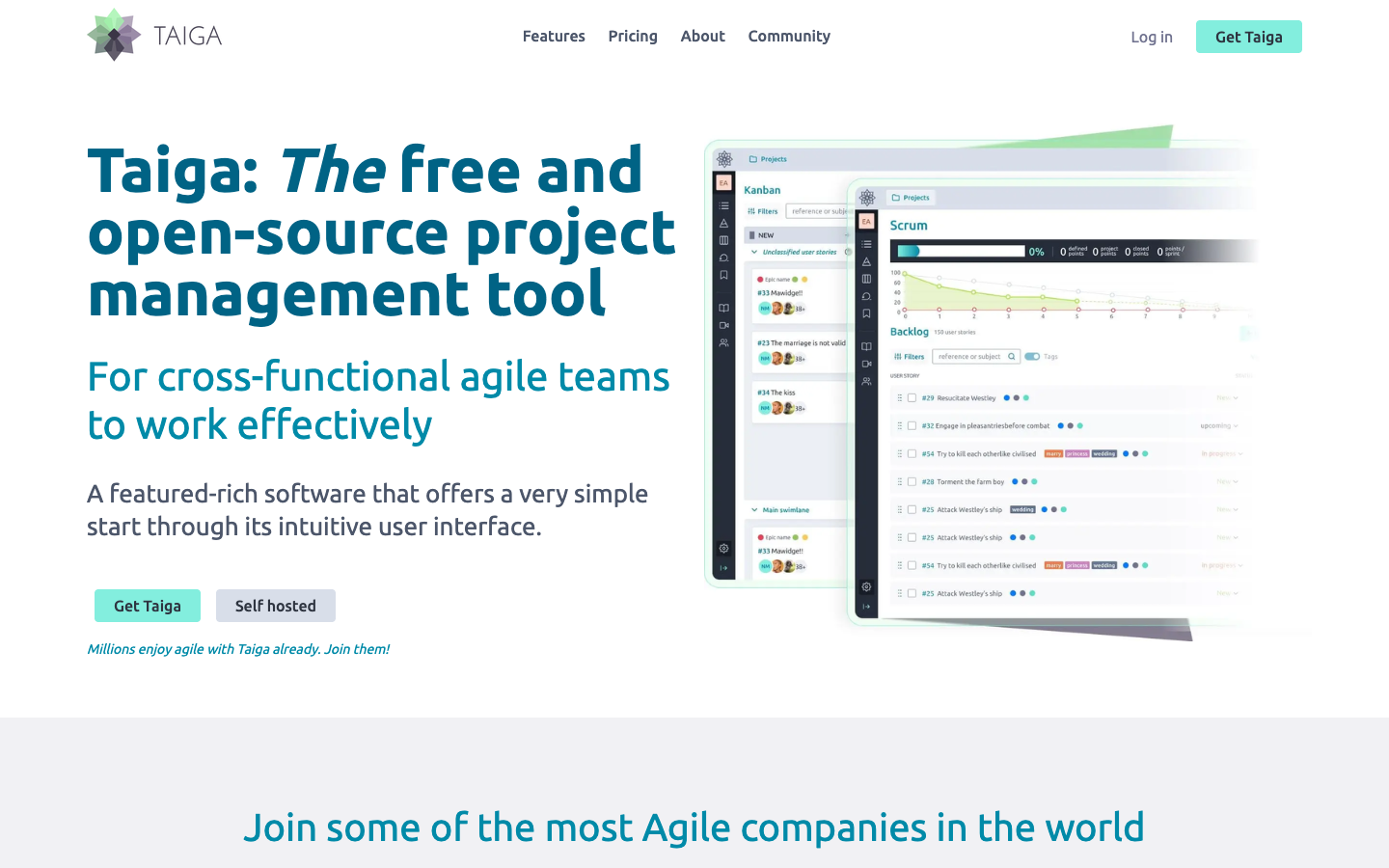
Taiga is a free, open-source project management tool for cross-functional agile teams, with Kanban and Scrum boards, issue tracking, dashboards and a self-hosted option for keeping data on your own servers.

Free
Open-source
Self-hosted
Screenshot of Taiga website

Taiga is a free and open-source project management tool built for cross-functional agile teams. It covers backlog and sprint planning, Kanban boards, bug tracking and reporting, and can be used as a hosted service or installed on your own servers. It aims for a simple start, with more features activated as a team needs them.

Key benefits of Taiga include:

  • Kanban and Scrum in one tool: Kanban boards with swim lanes and WIP limits sit alongside backlog, sprint planning and burndown charts, and projects can switch between the two methods.
  • Integrated issue tracking: Custom issue types, priorities and severities, with the option to add issues to sprints or promote them to user stories.
  • Dashboards and reporting: Team performance and personal dashboards, a project timeline, a wiki and custom real-time reports via a CSV URL link.
  • Self-hosting: The 100% open-source on-premise option keeps all data on your own servers and lets you customize the installation.
  • Customization and languages: Define roles and permissions, custom tags, fields, stages and colors, with the interface translated into more than 20 languages.

Teams leaving Jira will find familiar agile concepts such as epics, sub-tasks, estimations and sprint boards, without per-seat licensing if they self-host. Trello users get a Kanban board with more structure, including WIP limits and Scrum support. The trade-offs: integrations are more limited and partly rely on Zapier, and self-hosting means taking on server maintenance and updates yourself. Project import and export can help with migration.

Read the Taiga review

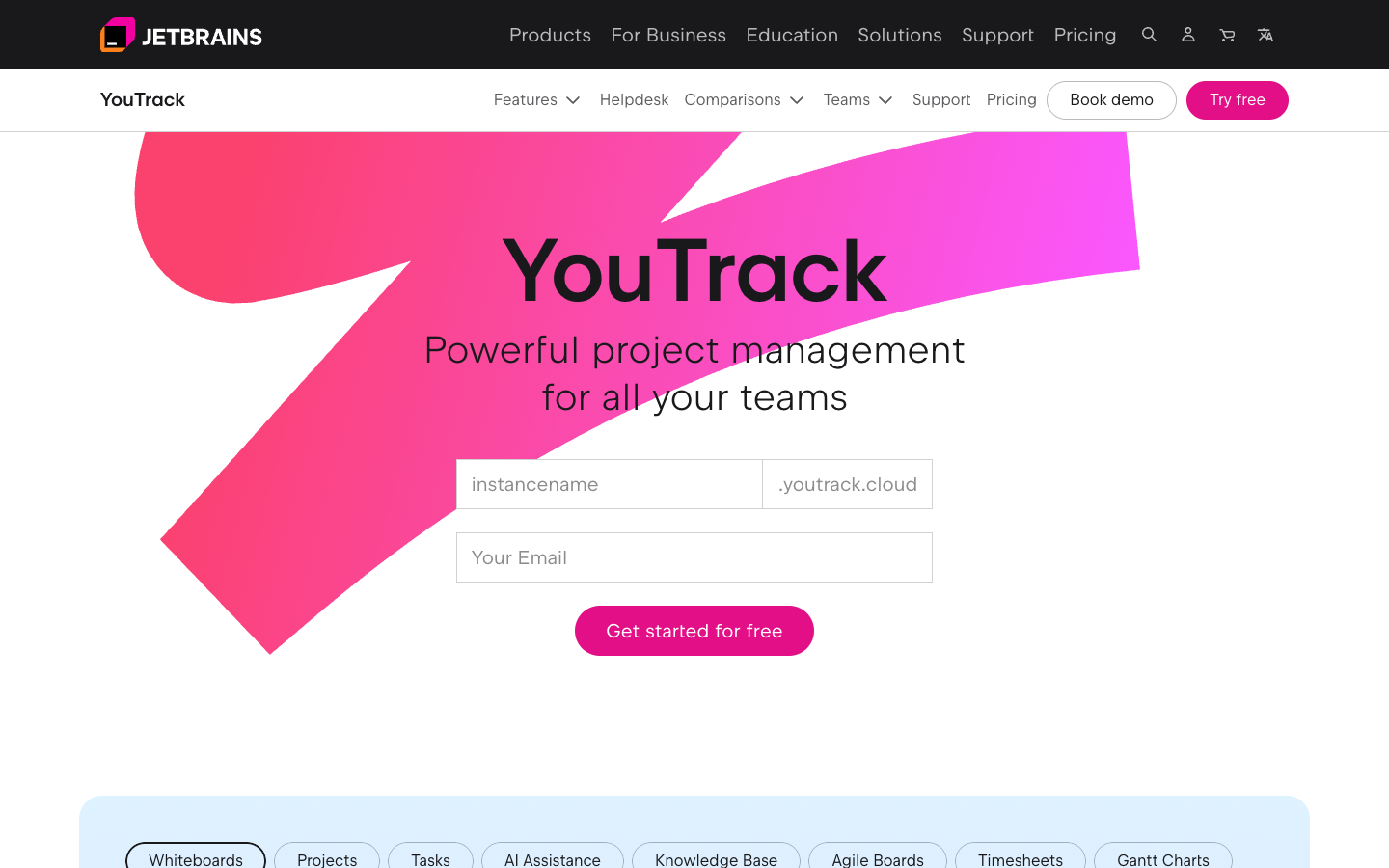
YouTrack is a JetBrains project management tool for tracking tasks, managing projects, keeping a knowledge base and supporting customers. It is free for teams of up to 10 and runs in the cloud or on your own server.

Free + From $4.4/mo
Screenshot of YouTrack website

YouTrack is a project management tool from JetBrains that brings task tracking, project planning, a knowledge base and customer support into one place. It is aimed at whole teams, not just developers, and can be used either in JetBrains' cloud or installed on your own server.

Key benefits of YouTrack include:

  • Free for small teams: Teams of up to 10 users can use it without paying.
  • Task and project tracking: Track tasks and manage projects from a single workspace.
  • Built-in knowledge base: Keep team documentation alongside the work it relates to.
  • Customer support: Handle customer requests in the same tool used to plan and ship work.
  • Cloud or self-hosted: Choose between a hosted cloud version and running it on your own server.

For teams leaving Jira, YouTrack covers similar ground in one product, with tracking, documentation and support together rather than spread across separate add-ons. The free tier for up to 10 users and the self-hosting option make it practical for small teams or organizations that want to keep data on their own infrastructure. The trade-offs: YouTrack is not open source, so you rely on JetBrains for its development and licensing, and larger teams will need a paid plan. Its ecosystem of third-party integrations is also likely smaller than Jira's, so check that the tools you depend on are supported before migrating.

Read the YouTrack review

Frequently asked questions

What is the best alternative to Jira?

The top-rated alternative to Jira is Huly. Huly is an open-source platform for project, time and knowledge management that bundles task tracking, team chat, collaborative documents and video meetings. It can be self-hosted or used in the cloud with a free plan. Other popular options include OpenProject, Plane, Taiga. Compare features and pricing in the table above.

How many alternatives to Jira are there?

There are 5 alternatives to Jira listed on YouMightNotNeed, including Huly, OpenProject, Plane. Each listing is hand-reviewed and includes a description, screenshot, pricing, and open-source status.

Are there free alternatives to Jira?

Yes, there is 1 free alternative to Jira: Taiga.

Are there open-source alternatives to Jira?

Yes, there are 4 open-source alternatives to Jira: Huly, OpenProject, Plane, Taiga. Open-source tools can usually be self-hosted, so you keep full control of your data.

Share:

Discover the best alternatives to

View all

Put your SaaS product in front of active buyers

Reach developers, tech leaders and founders looking for open source tools to adopt.

Submit your product