AdAdvertise with us·Reach an audience of professional tech enthusiasts
Favicon of Quickbooks website

Open Source Quickbooks Alternatives

A curated collection of the 4 best open source alternatives to Quickbooks.

4 open source alternatives · Updated

The best open source alternative to Quickbooks is Akaunting. If that doesn't suit you, we've compiled a ranked list of other open source Quickbooks alternatives to help you find a suitable replacement. Other interesting open source alternatives to Quickbooks are: GnuCash, InvoiceNinja and Odoo.

Quickbooks alternatives are mainly Finance but may also be Desktop Apps or CRM. Browse these if you want a narrower list of alternatives or looking for a specific functionality of Quickbooks.

Open Source Quickbooks alternatives compared

#ToolPricingOpen source
1 AkauntingFree + From $8/moYes
2 GnuCashFreeYes
3 InvoiceNinjaFree + From $10/moYes
4 OdooFree + From $24.9/moYes

The best open source Quickbooks alternatives, ranked

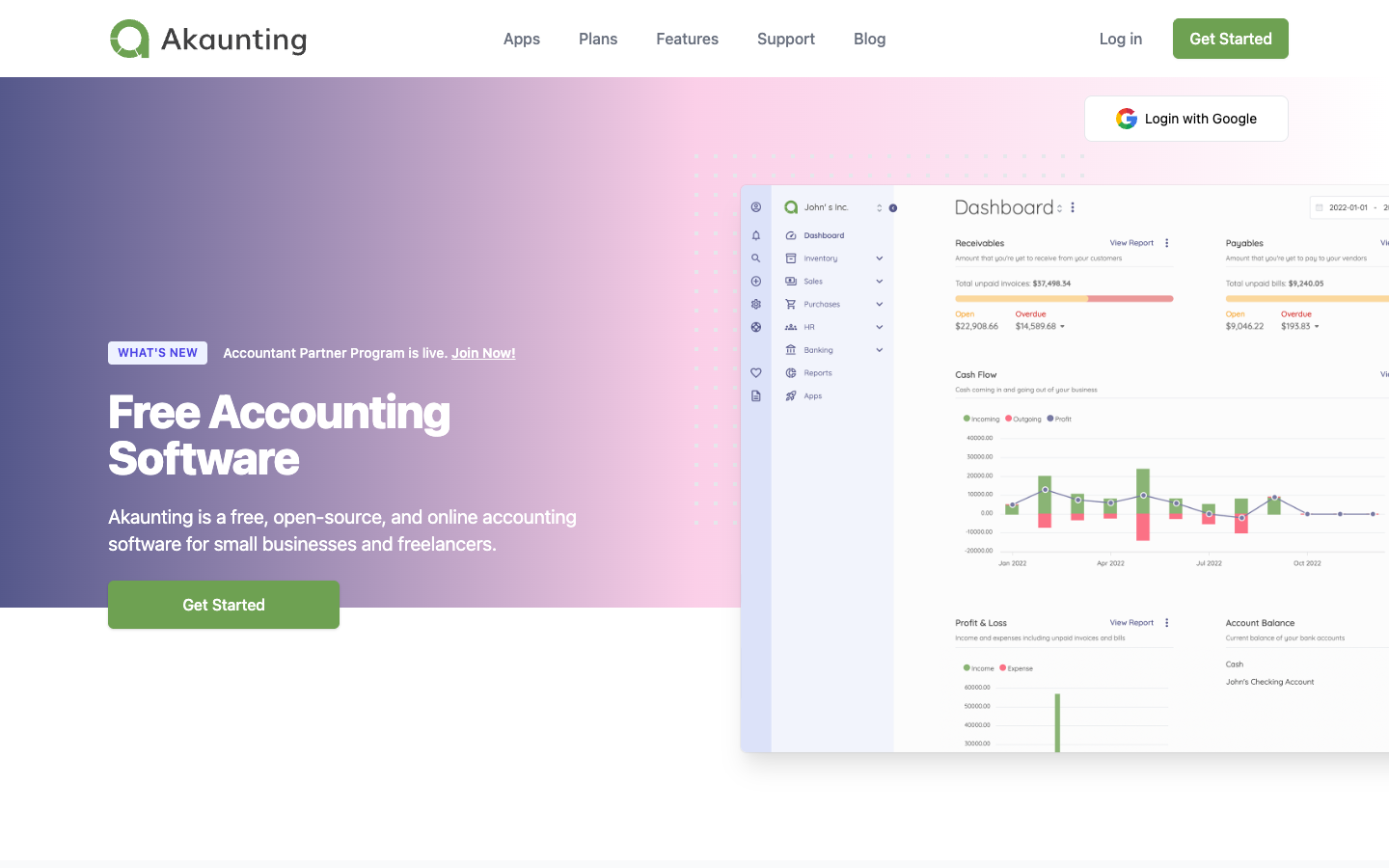
Akaunting is free, open-source accounting software for small businesses and freelancers. Send invoices, track expenses and run reports on your own server or on its paid cloud plans.
Free + From $8/mo
Open-source
Self-hosted
Screenshot of Akaunting website

Akaunting is an open-source accounting application for freelancers, small businesses and accountants. You can self-host it for free or use one of the hosted cloud plans on akaunting.com. It covers invoicing, expense tracking, customers, vendors and reporting, and an app store with 50+ apps extends it further.

Key benefits of Akaunting include:

  • Self-hosting option: The open-source code can run on your own server, so your financial data stays under your control.
  • Core accounting included: Unlimited customers, vendors, reports and products/services, plus multiple currencies, sales tax calculation and multiple bank accounts.
  • Modular app store: Add-ons cover double-entry bookkeeping, inventory, projects, payroll, CRM and expense claims.
  • Multi-company support: Higher cloud plans handle 10, 30 or unlimited companies, which suits accountants managing several clients.
  • Recurring reminders and imports: Payment reminders and import from file are available on every cloud plan.

If you are leaving QuickBooks or Zoho, Akaunting lets you drop the subscription by self-hosting and keep your data in-house. The trade-off is that many advanced features are sold as separate apps or tied to higher cloud tiers. Double-entry and bank feeds start at Premium, and payroll, inventory and projects start at Elite. Cloud plans begin at $8/month billed yearly ($12 monthly). Self-hosting also means you handle installs, updates and backups yourself.
Read the Akaunting review

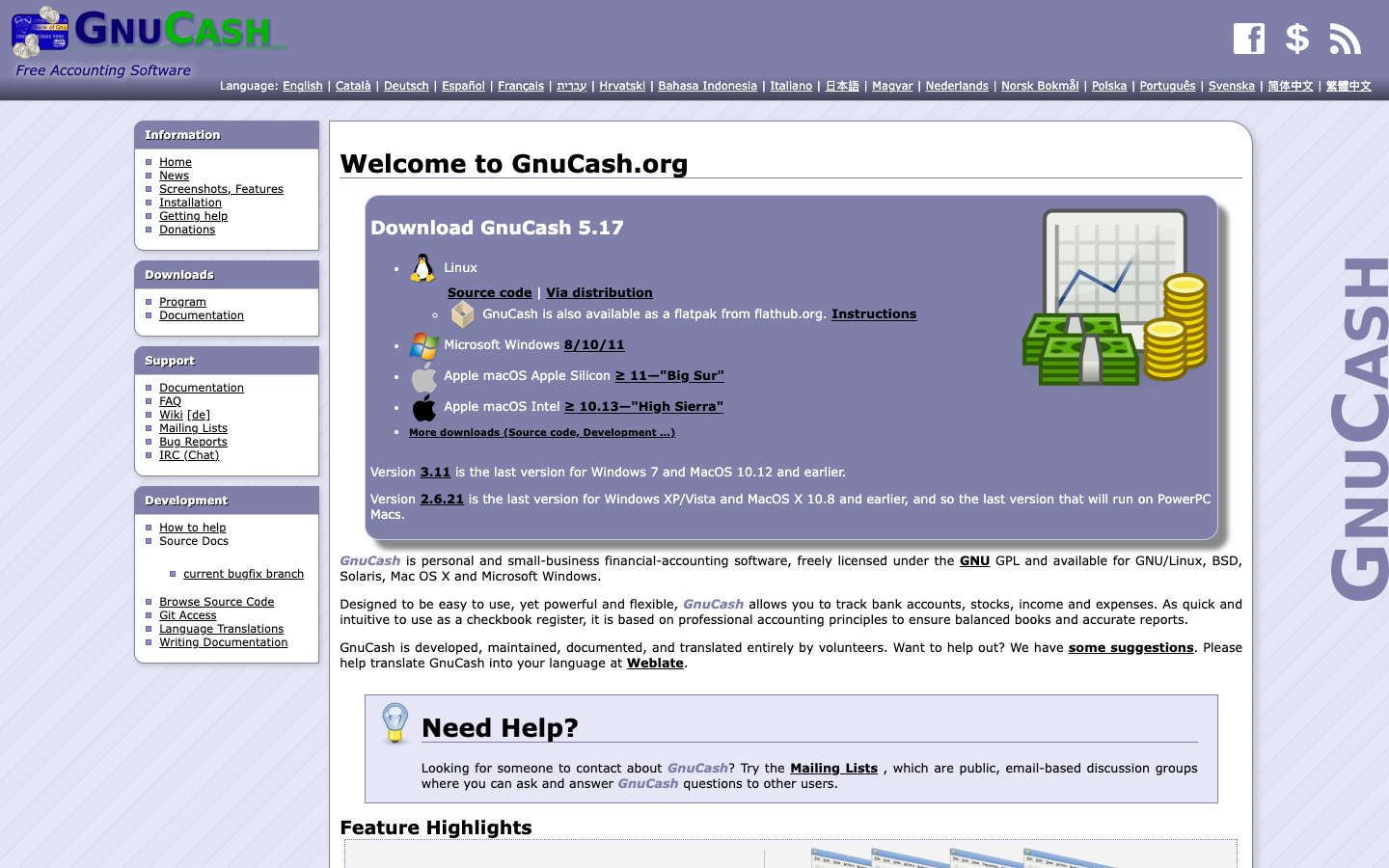
GnuCash is personal and small-business financial-accounting software licensed under the GNU GPL. It tracks bank accounts, stocks, income and expenses on Linux, BSD, macOS and Windows.

Free
Open-source
Screenshot of GnuCash website

GnuCash is free desktop accounting software for individuals and small businesses. It is licensed under the GNU GPL, runs on GNU/Linux, BSD, Solaris, macOS and Windows, and is developed, documented and translated entirely by volunteers. It works like a checkbook register but follows professional accounting principles so books stay balanced and reports stay accurate.

Key benefits of GnuCash include:

  • Double-entry accounting: Every transaction is recorded against balanced accounts, giving you reliable books and reports.
  • Investment tracking: Stock, bond and mutual fund accounts let you follow investments alongside your everyday finances.
  • Small-business features: Built-in small-business accounting tools sit next to personal finance in the same application.
  • Bank data import: QIF, OFX and HBCI import with transaction matching cuts down on manual entry.
  • Scheduled transactions and reports: Recurring entries, financial calculations, reports and graphs come included.

Someone leaving QuickBooks would pick GnuCash to stop paying a subscription and keep their financial data in a local, open format they control. The trade-offs are real: it is a desktop application rather than a hosted cloud service, support comes from public mailing lists, a wiki and IRC instead of a vendor help desk, and you should expect to learn double-entry concepts. For a small business with straightforward needs, or anyone who wants long-term ownership of their records, it is a capable free option.

Read the GnuCash review

A comprehensive invoicing and time-tracking platform tailored for freelancers and small to mid-sized businesses.

Free + From $10/mo
Open-source
Self-hosted
Screenshot of InvoiceNinja website

Invoice Ninja is a versatile invoicing and accounting platform for freelancers, small businesses, and teams. It offers unlimited invoices, quotes, expenses, time tracking, and more—complete with both cloud-hosted and self-hosted options—making it ideal for managing billing and finances efficiently.

Key benefits of Invoice Ninja include:

  • Unlimited Invoicing & Quotes: Create and send unlimited invoices and quotes with live PDF previews and customizable branding.

  • Automated & Recurring Payments: Set up recurring invoices with auto-billing via Stripe, PayPal, and other gateways; send timely reminders when invoices are viewed or due.

  • Projects, Time & Expense Tracking: Manage projects, track billable hours, record expenses, and convert tasks into invoices with one click.

  • Multi-Currency & Client Portal: Support international clients with multiple currencies/languages and provide a self-service portal for viewing invoices and payments.

  • Self-Hosted & Open Source: Choose full control with self-hosted deployment (Docker, Laravel, Flutter) or use the cloud version—with extensions for branding, team access, and payment compliance.

Read the InvoiceNinja review

Odoo is a suite of open source business apps covering CRM, accounting, inventory, point of sale, eCommerce, HR and project management. The Community edition is free to self-host; paid cloud plans add extra apps and hosting.

Free + From $24.9/mo
Open-source
Self-hosted

Odoo is a suite of integrated business apps covering CRM, sales, accounting, invoicing, inventory, manufacturing, point of sale, eCommerce, website building, HR, marketing and project management. It is aimed at companies of any size that want one platform instead of a stack of separate tools, and it comes in two editions: Community (open source, free) and Enterprise (extra apps, infrastructure and professional services).

Key benefits of Odoo include:

  • Free self-hosting: The Community edition is open source and 100% free to run on your own servers.
  • No data lock-in: Data is stored in PostgreSQL with no proprietary format, and you get the source code via GitHub.
  • Broad app coverage: Official apps span finance, sales, supply chain, HR, marketing and services, plus 40k+ community apps.
  • Free cloud option: Odoo Online offers one app free with unlimited users.
  • Flat per-user pricing: Paid plans include all apps per user, with no usage-based pricing or long-term contracts stated.

If you are leaving Salesforce, HubSpot, Zoho or QuickBooks, Odoo can replace CRM, marketing and accounting in a single system, so data does not have to be synced between tools. The trade-off is scope: a full ERP takes real effort to configure, and implementation services, custom code maintenance and in-app credits (SMS, lead generation, bill scanning) cost extra. Some apps and features are only in the paid Enterprise edition, so check the edition comparison before committing to the free Community version. Paid cloud plans are priced in euros, starting at 24.90 € per user per month for Standard (with a first-year discount).

Read the Odoo review

Share:

Discover the best open source alternatives to

View all

Put your SaaS product in front of active buyers

Reach developers, tech leaders and founders looking for open source tools to adopt.

Submit your product