AdAdvertise with us·Reach an audience of professional tech enthusiasts
Favicon of Make website

Open Source Make Alternatives

A curated collection of the 3 best open source alternatives to Make.

3 open source alternatives · Updated

The best open source alternative to Make is Activepieces. If that doesn't suit you, we've compiled a ranked list of other open source Make alternatives to help you find a suitable replacement. Other interesting open source alternatives to Make are: Node-RED and Windmill.

Make alternatives are mainly Workflow Automation but may also be Artificial Intelligence or No-Code. Browse these if you want a narrower list of alternatives or looking for a specific functionality of Make.

Open Source Make alternatives compared

#ToolPricingOpen source
1 ActivepiecesFree + From $1200/moYes
2 Node-REDFreeYes
3 WindmillFree + From $10/moYes

The best open source Make alternatives, ranked

An open-source, no-code platform for business automation enabling users to automate tasks across various apps, such as marketing, sales, IT, and support.

Free + From $1200/mo
Open-source
Screenshot of Activepieces website

Activepieces is an open-source, no-code platform for automating business workflows in marketing, sales, and operations. It offers self-hosting options, AI-enhanced automation, and seamless integrations, making it an ideal choice for flexible and cost-effective solutions.

Key benefits of Activepieces include:

  • Open-Source and Self-Hosted: Retain full control by hosting workflows on your servers.
  • No-Code Workflow Builder: Simplify automation with a drag-and-drop interface.
  • Extensive Integrations: Connect with tools like Slack, Gmail, and HubSpot.
  • AI-Powered Automation: Enhance workflows with intelligent tools like ChatGPT.
Read the Activepieces review

Node-RED is an open-source, low-code tool built on Node.js for wiring together devices, APIs and services into flows that collect, transform and visualize real-time data. It runs on a Raspberry Pi, in Docker or in the cloud.

Free
Open-source
Self-hosted
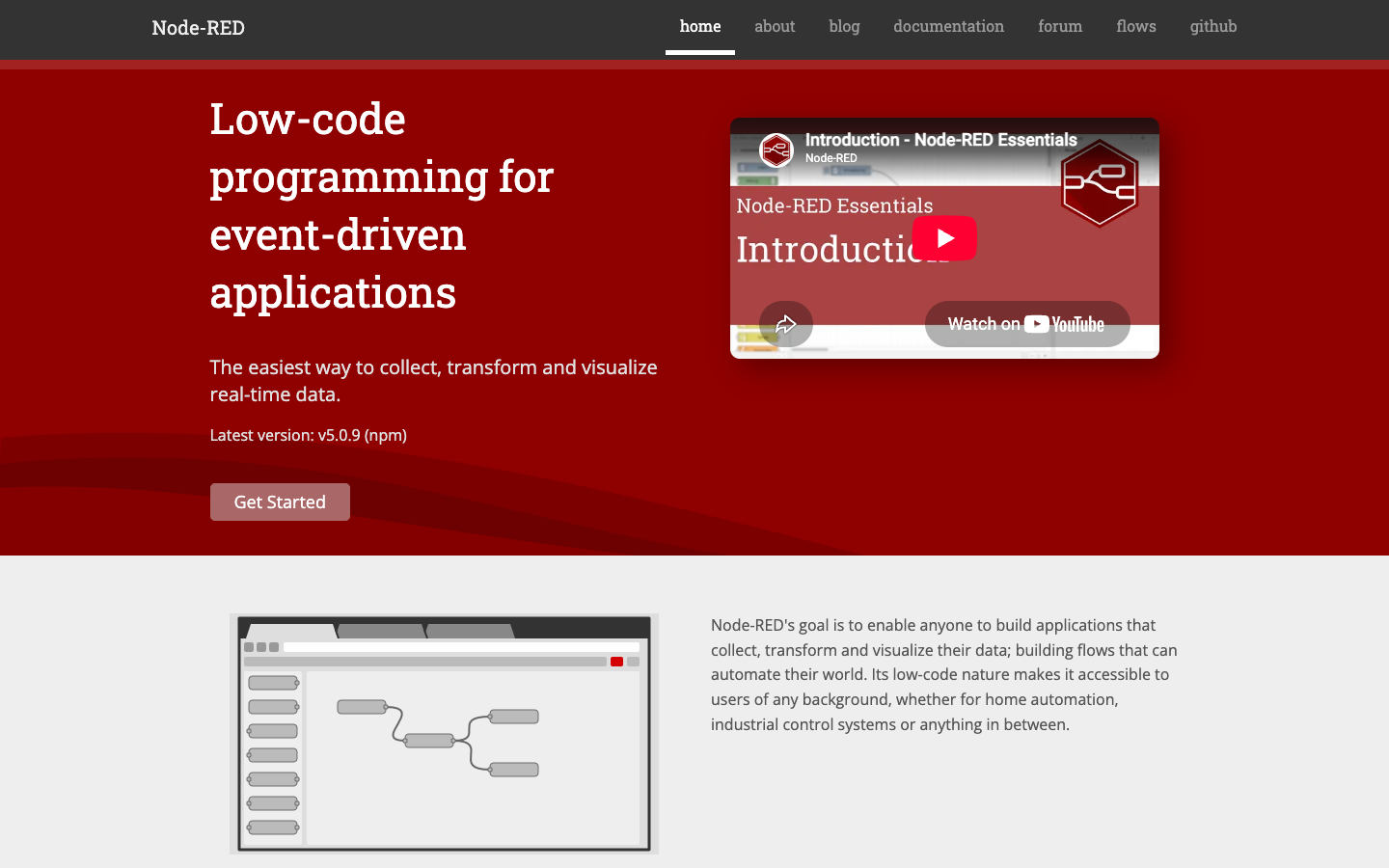
Screenshot of Node-RED website

Node-RED is an open-source, low-code programming tool for building event-driven applications. You connect nodes in a browser-based editor to create flows that collect, transform and visualize data. It is used for everything from home automation to industrial control systems, and is part of the OpenJS Foundation.

Key benefits of Node-RED include:

  • Large library of nodes: The community has built over 5,000 nodes and flows you can reuse to get started quickly.
  • Runs on low-cost hardware: Built on Node.js's event-driven, non-blocking model, it works well at the edge on devices like the Raspberry Pi and BeagleBone Black.
  • Flexible deployment: Install it locally, run it in Docker, on Android, or in the cloud on AWS, Microsoft Azure or FlowFuse.
  • Hardware integration: Documentation covers interacting with Arduino and other devices, not just web services.
  • Active community: Support is available through a forum, Slack team, Stack Overflow and GitHub.

If you are leaving Make or Zapier, Node-RED lets you run automations on your own hardware with no per-task fees and full control over your data. It also reaches places those services cannot, such as local devices and sensors. The trade-off is that you host and maintain it yourself, and it does not come with the same catalog of polished, pre-authenticated SaaS connectors; some integrations will mean configuring HTTP requests or writing a bit of JavaScript in function nodes.

Read the Node-RED review

Windmill turns scripts in 20+ languages into API endpoints, forms, workflows and internal apps, and runs them on a self-hostable job orchestrator. It is open source, with a hosted cloud option.

Free + From $10/mo
Open-source
Self-hosted
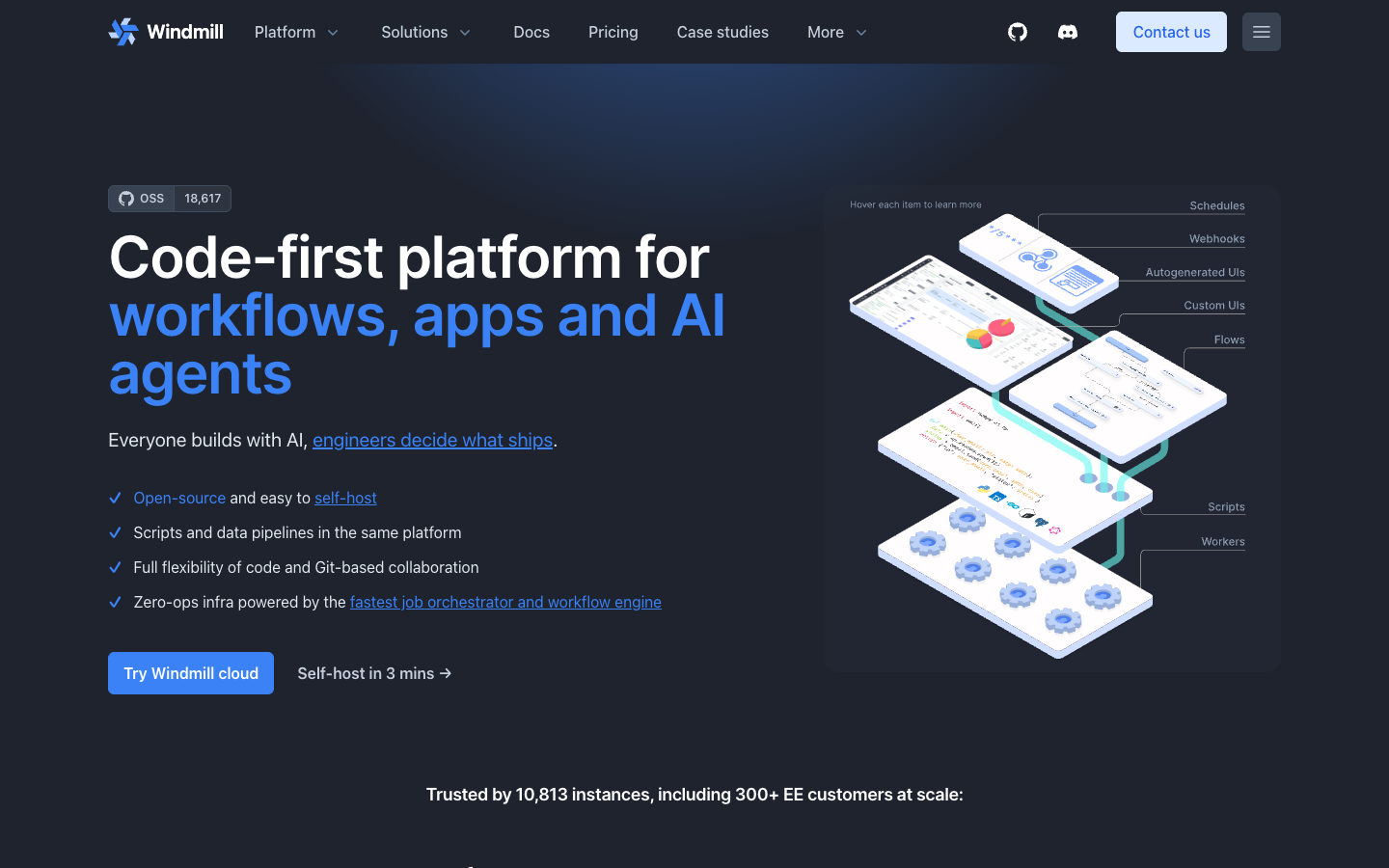
Screenshot of Windmill website

Windmill is an open-source, code-first platform for building and running internal software: scripts, workflows, data pipelines, AI agents and apps. It is aimed at engineering teams who want automation and internal tools defined in code, versioned in Git, and run on infrastructure they control, either self-hosted or on Windmill cloud.

Key benefits of Windmill include:

  • Scripts in 20+ languages: A function in TypeScript, Python, Go, Rust, Bash, SQL and more becomes an API endpoint and a form, with imports resolved and versions locked at each deploy.
  • Workflows as DAGs or code: Draw flows in the editor or write them in Python or TypeScript, with retries, approvals and parallel branches built in.
  • Apps backed by your code: Build React or Svelte frontends whose backend is your existing scripts and workflows, then share or embed them.
  • AI agents and data pipelines: Agents run on 12 providers or your own OpenAI-compatible model using scripts and MCP servers as tools; DuckDB, Python and dbt steps run on your own workers.
  • Self-hosted infrastructure: Worker groups, autoscaling and instance settings live in a YAML file applied by the CLI or a Kubernetes operator, in your cloud or on-prem.

For teams leaving Zapier or Make, Windmill replaces visual connectors with real code and Git-based collaboration, which gives more control but expects developers to write and maintain scripts rather than click together prebuilt integrations. For Retool users, it covers internal apps plus the backend logic behind them in one place. The trade-off is that you take on setup and operations if you self-host, and some features are tied to the enterprise edition.

Read the Windmill review

Share:

Discover the best open source alternatives to

View all

Put your SaaS product in front of active buyers

Reach developers, tech leaders and founders looking for open source tools to adopt.

Submit your product