

AdAdvertise with us·Reach an audience of professional tech enthusiasts
Favicon of LastPass website

Free LastPass Alternatives

A curated collection of the 2 best free alternatives to LastPass.

2 free alternatives · Updated

The best free alternative to LastPass is KeePassXC. If that doesn't suit you, we've compiled a ranked list of other free LastPass alternatives to help you find a suitable replacement. Other interesting free alternative to LastPass is Vaultwarden.

LastPass alternatives are mainly Password Managers but may also be Desktop Apps. Browse these if you want a narrower list of alternatives or looking for a specific functionality of LastPass.

Free LastPass alternatives compared

#ToolPricingOpen source
1 KeePassXCFreeYes
2 VaultwardenFreeYes

The best free LastPass alternatives, ranked

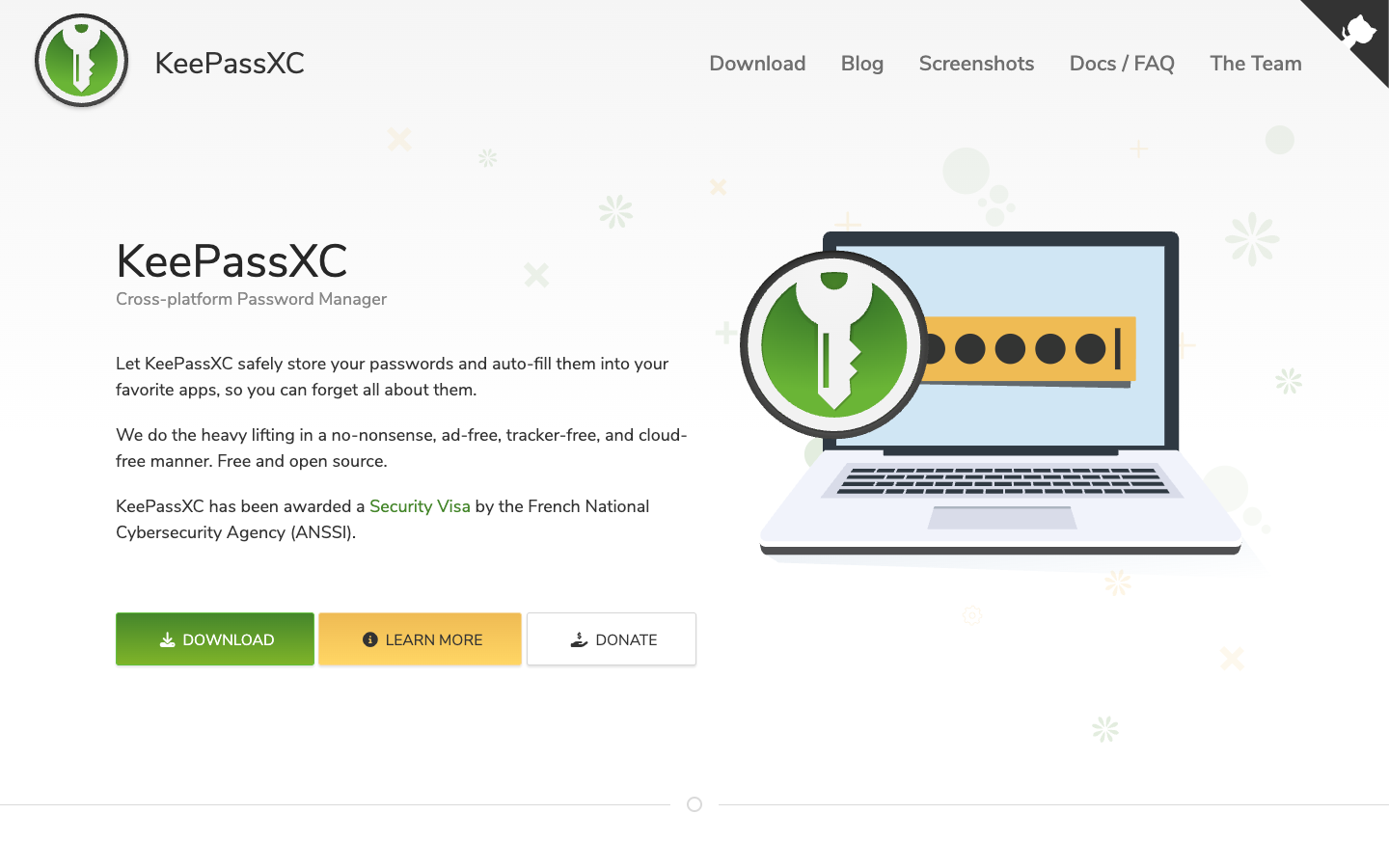
KeePassXC is a free, GPLv3-licensed password manager that keeps your passwords, notes and attachments in an encrypted local file, with no cloud, ads or subscriptions.
Free
Open-source
Screenshot of KeePassXC website

KeePassXC is a cross-platform, open-source password manager for Windows, macOS and Linux. It stores usernames, passwords, URLs, attachments and notes in an offline, encrypted database file that you can keep anywhere, including your own cloud storage. It is aimed at people who want full control over their sensitive data rather than handing it to a hosted service.

Key benefits of KeePassXC include:

  • No cloud by design: Your passwords stay encrypted at all times and nothing is stored on KeePassXC's servers.
  • Auto-fill and Auto-Type: It can fill credentials into your apps, and version 2.8.0 adds Auto-Type on Wayland for Linux.
  • Certified security: Version 2.7.9 received a security Visa from the French National Cybersecurity Agency (ANSSI) after passing its CSPN certification.
  • Open source under GPLv3: The full source code is on GitHub for anyone to inspect or contribute to.
  • Broad platform support: Every feature is tested on Windows, macOS and Linux, with native ARM64 builds for Windows starting in 2.8.0.

If you are leaving 1Password or LastPass, KeePassXC removes the subscription and the third-party cloud vault entirely. It can also import from Bitwarden and supports passkeys. The trade-off is that syncing is your job: you need to move the database file between devices yourself, using a cloud folder or external sync tools. There is also no built-in hosted sharing or account recovery like a commercial service offers. If you are comfortable managing one encrypted file, it is a strong, free replacement.
Read the KeePassXC review

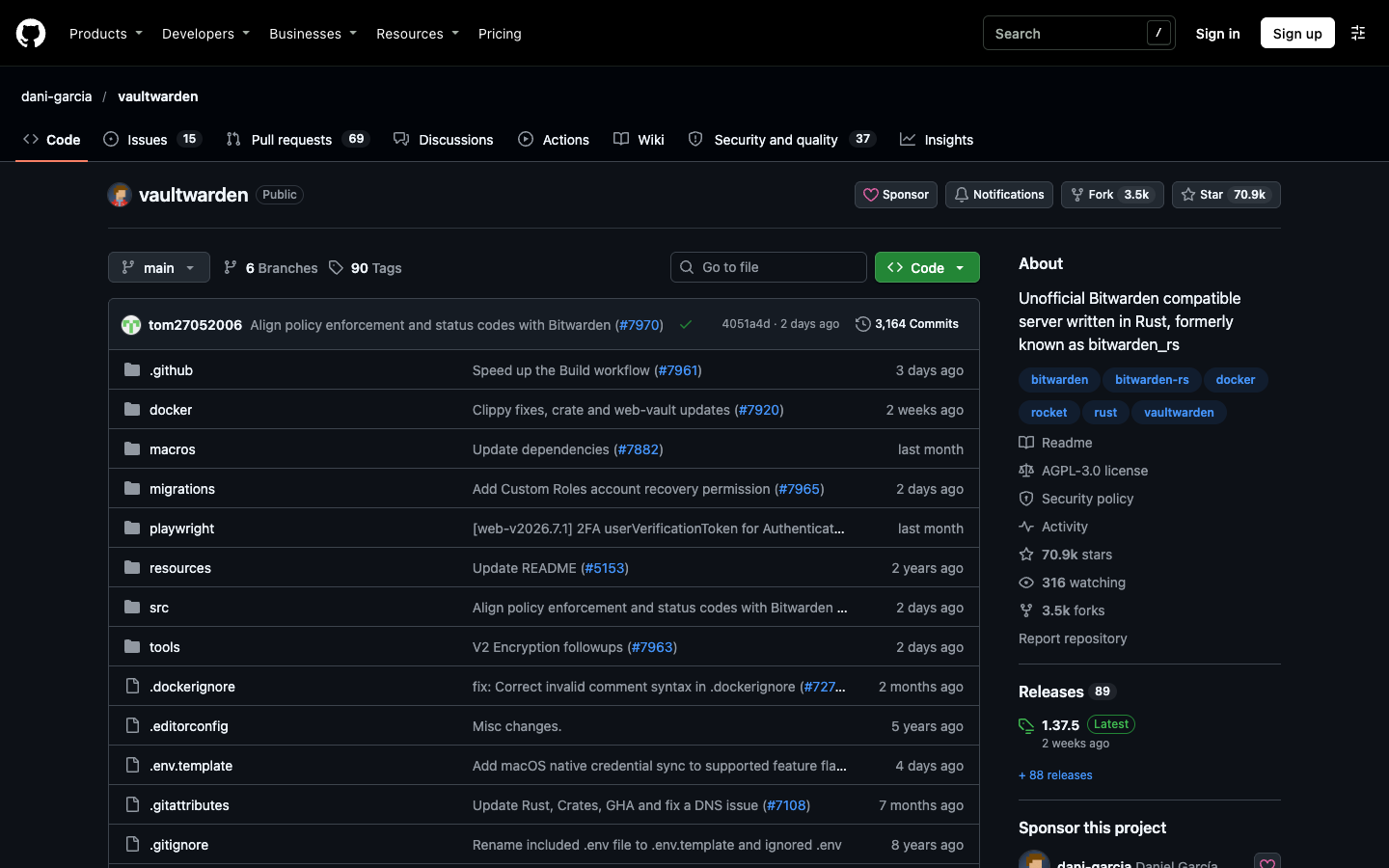
Vaultwarden is an unofficial, open-source server implementation of the Bitwarden Client API, written in Rust. It works with official Bitwarden clients and is built for self-hosting where the official server is too resource-heavy.

Free
Open-source
Self-hosted
Screenshot of Vaultwarden website

Vaultwarden is an alternative server for the Bitwarden Client API, written in Rust and licensed under AGPL-3.0. It works with the official Bitwarden mobile, desktop and browser clients, and is aimed at the self-hosting community: individuals, families and small organizations who want to run their own password server without the resource demands of the official Bitwarden service. It was formerly known as bitwarden_rs.

Key benefits of Vaultwarden include:

  • Works with Bitwarden clients: Use the official Bitwarden apps and browser extensions against your own server.
  • Broad feature coverage: Implements most of the Bitwarden API, including personal vaults, Send, attachments, organizations, collections, groups, event logs and emergency access.
  • Two-factor options: Supports authenticator apps, email, FIDO2 WebAuthn, YubiKey and Duo.
  • Simple deployment: Official container images on ghcr.io, docker.io and quay.io run with a single Docker, Podman or Compose setup.
  • Admin backend and web vault: Ships with an admin panel and a modified web vault bundled in the container.

If you are leaving 1Password or LastPass, Vaultwarden lets you keep your vault on hardware you control with no subscription, while still using polished Bitwarden clients. The trade-off is that you are responsible for running it: the web vault requires HTTPS (a reverse proxy is recommended), and the maintainers state they cannot be held liable for data loss, so regular backups of files and the database are on you. It is not affiliated with Bitwarden, Inc., and support comes from the community via Matrix, GitHub Discussions and forums rather than official Bitwarden channels.

Read the Vaultwarden review

Share:

Discover the best free alternatives to

View all

Put your SaaS product in front of active buyers

Reach developers, tech leaders and founders looking for open source tools to adopt.

Submit your product
