AdAdvertise with us·Reach an audience of professional tech enthusiasts
Favicon of WeTransfer website

Free WeTransfer Alternatives

A curated collection of the 4 best free alternatives to WeTransfer.

4 free alternatives · Updated

The best free alternative to WeTransfer is LocalSend. If that doesn't suit you, we've compiled a ranked list of other free WeTransfer alternatives to help you find a suitable replacement. Other interesting free alternatives to WeTransfer are: PairDrop, Send and Wormhole.

WeTransfer alternatives are mainly File Hosting but may also be Desktop Apps. Browse these if you want a narrower list of alternatives or looking for a specific functionality of WeTransfer.

Free WeTransfer alternatives compared

#ToolPricingOpen source
1 LocalSendFreeYes
2 PairDropFreeYes
3 SendFreeYes
4 WormholeFreeNo

The best free WeTransfer alternatives, ranked

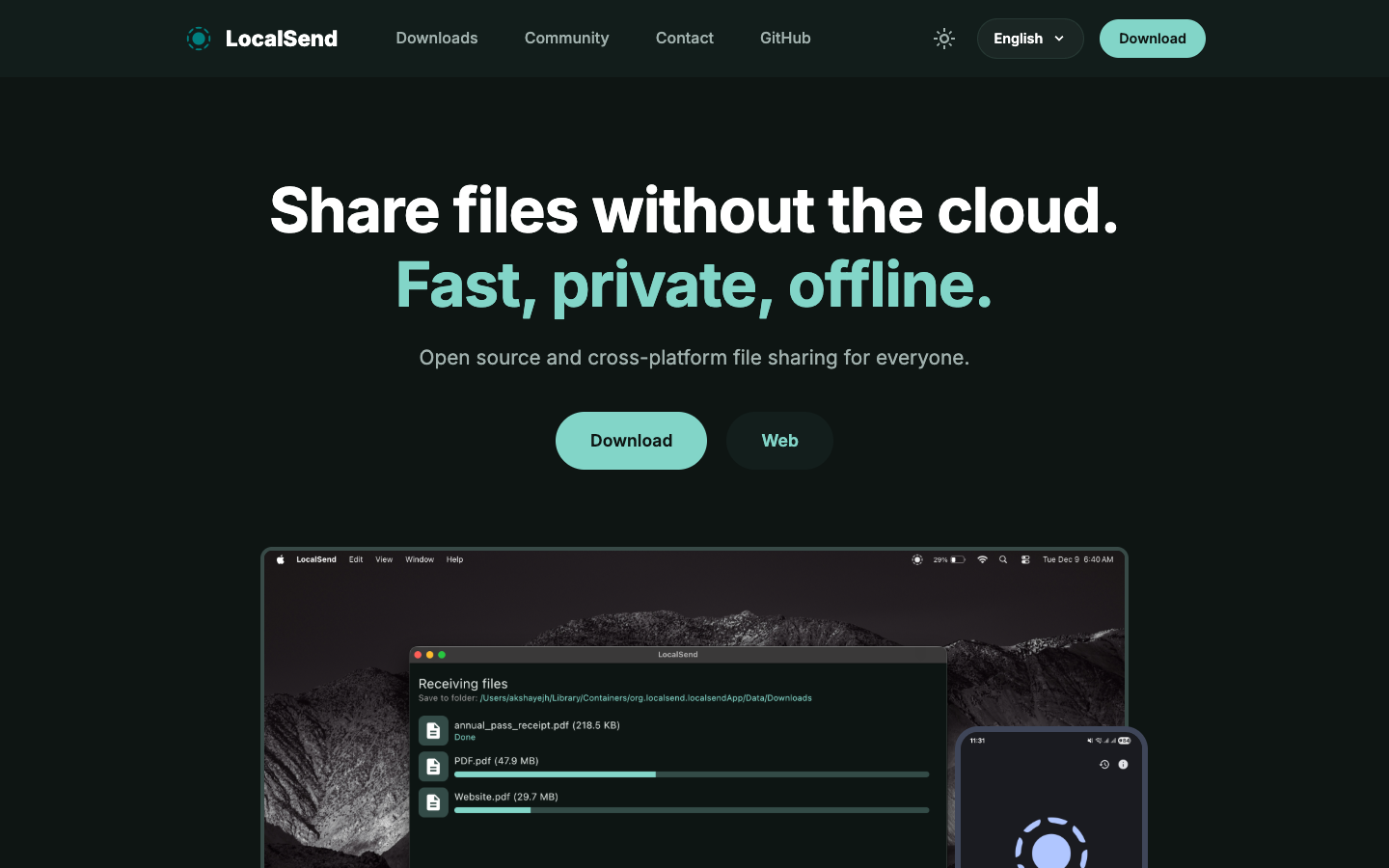
LocalSend is a free, open-source app for sending files and text between nearby devices on the same WiFi network. It runs on Windows, macOS, Linux, Android and iOS, needs no account, and works without internet.
Free
Open-source
Screenshot of LocalSend website

LocalSend is a cross-platform app for sharing files with devices on the same local network, often described as an open-source AirDrop alternative. It suits anyone who moves photos, videos, documents or text between their own phones and computers, or with people in the same room or office, and does not want to upload anything to a cloud service. There is also a web app.

Key benefits of LocalSend include:

  • Cross-platform: Available for Windows, macOS, Linux, Android and iOS.
  • No account needed: Install and start sharing with no login and no servers.
  • Encrypted transfers: Files are sent over HTTPS, with optional PIN verification for extra security.
  • Works offline: Data stays on your local network and transfers run at your WiFi speed with no bandwidth limits.
  • Free with no ads or tracking: Licensed under Apache 2.0, with no hidden costs.

If you mostly use WeTransfer to move large files between your own devices or to someone nearby, LocalSend does the job without uploads, size caps or a third party holding your files. The trade-off is significant: LocalSend does not work over the internet, so both devices must be on the same local network. It cannot replace WeTransfer for sending files to a client or colleague in another location, and there are no shareable download links. For remote delivery you will still need a separate tool.
Read the LocalSend review

PairDrop is an open-source, browser-based tool for sending images, videos, PDFs and links directly between devices using peer-to-peer transfers, with no account required.

Free
Open-source
Self-hosted
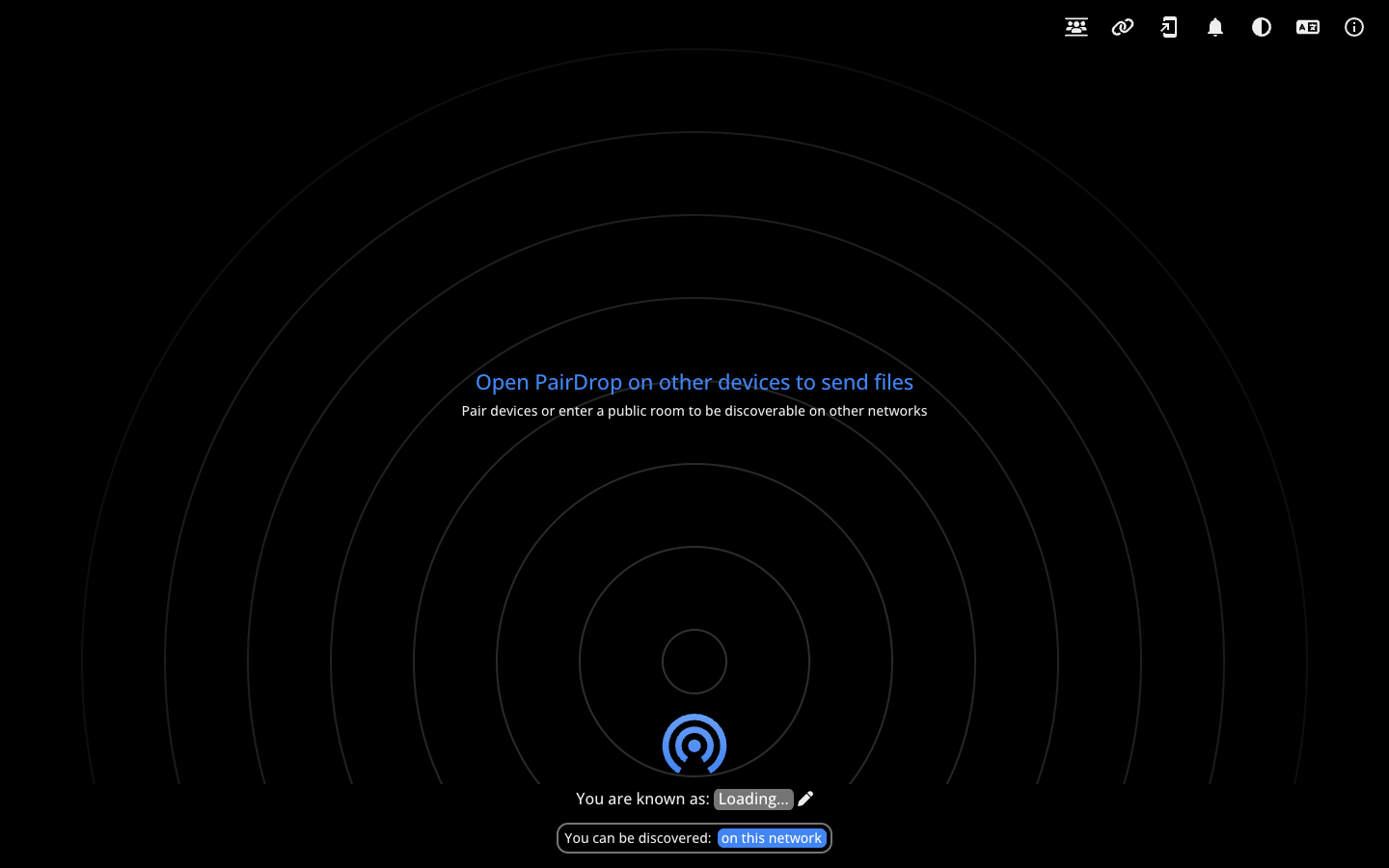
Screenshot of PairDrop website

PairDrop is an open-source web app for sending files between devices. You open pairdrop.net in a browser on each device, and files such as images, videos, PDFs and links go directly from one peer to the other. It suits people who want to move files between their own phone and laptop, or share with someone nearby, without creating an account or installing anything.

Key benefits of PairDrop include:

  • No signup: You can send files without registering or logging in.
  • Peer-to-peer transfers: Files travel between devices instead of being uploaded for later download.
  • Cross-platform: It runs in the browser, so it works across operating systems.
  • Rooms and pairing: The interface supports rooms for connecting devices beyond the local network.
  • Self-hostable and translated: The code is on GitHub for self-hosting, and the interface is available in more than 30 languages.

For someone leaving WeTransfer, PairDrop removes the account, the upload step and the third-party storage of your files, and it costs nothing. The trade-off is that it works differently: transfers happen live between connected devices, so it is not a drop-off service where you upload a file and send a link for someone to fetch days later. If you mostly share files with people or devices that are online at the same time, it is a simple replacement; for asynchronous delivery you may still need another tool.

Read the PairDrop review

Send is an open-source file sharing service that encrypts files and shares them through a link that expires automatically, so documents don't stay online forever. It can be self-hosted.

Free
Open-source
Self-hosted
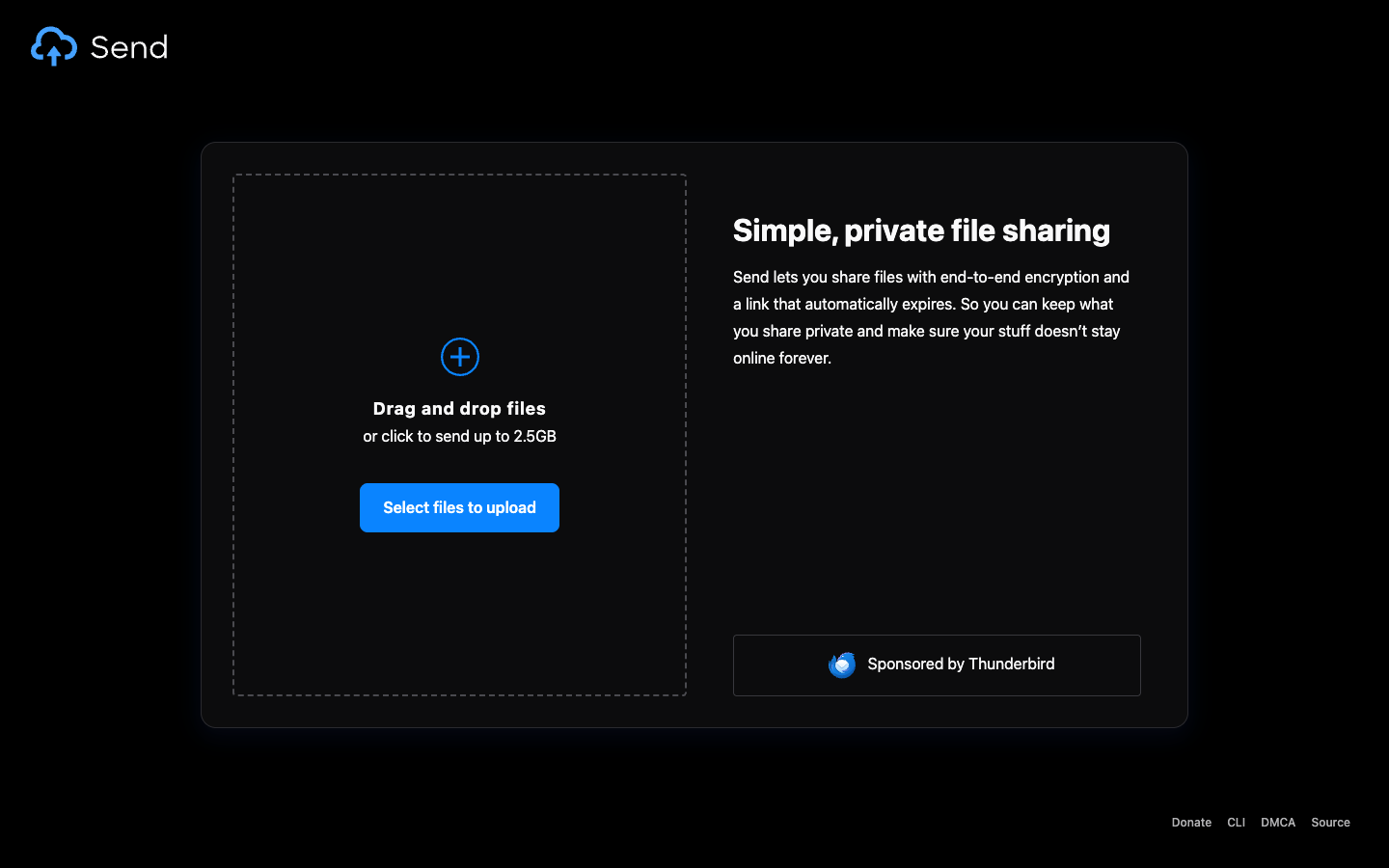
Screenshot of Send website

Send is an open-source tool for sharing files through a link. Files are encrypted, and the link expires automatically, so important documents don't stay online indefinitely. It suits people who need to pass files to someone else and want fewer copies left on third-party servers. You can use the public instance at send.vis.ee or run your own.

Key benefits of Send include:

  • Encryption: Files are encrypted before they are shared, rather than sitting on a server in readable form.
  • Expiring links: Download links stop working automatically, which limits how long a file stays available.
  • Open source: The source code is public, so you can check how the service handles your files.
  • Self-hostable: You can run Send on your own server and decide where files are stored.
  • Link-based sharing: Recipients only need the link to download, without setting up an account.

Someone leaving WeTransfer would choose Send for encryption, automatic expiry and the option to self-host. There is no dependence on a commercial provider's terms. The trade-offs: the pages provided don't give upload size limits, retention periods or details about the public instance, so check those before relying on it. Self-hosting means you handle the server, storage and maintenance yourself. WeTransfer's extras, such as branded transfer pages and paid team plans, aren't described here.

Read the Send review

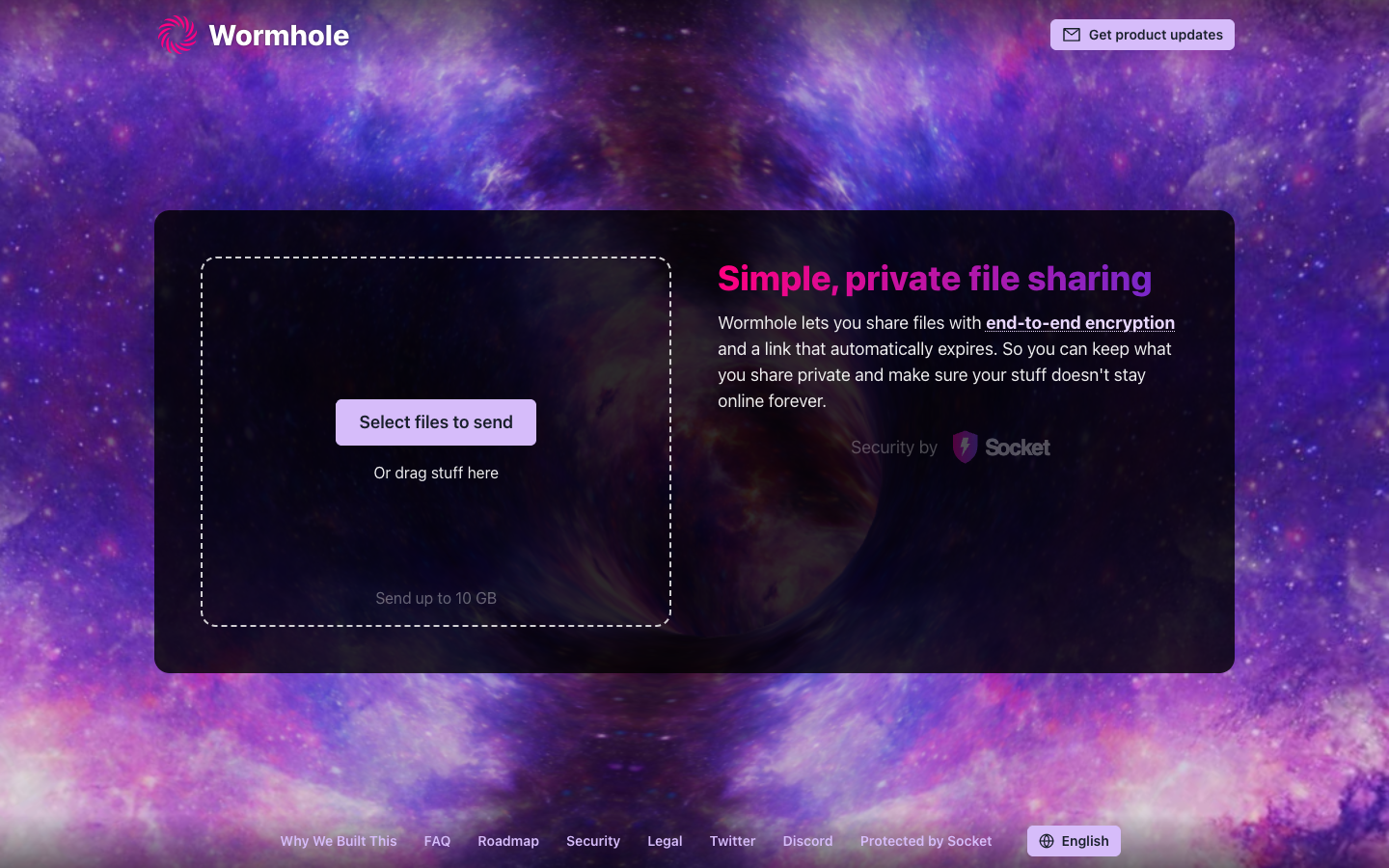
Wormhole is a browser-based file sharing service that encrypts files end to end and gives you a link that automatically expires. You can send up to 10 GB by selecting or dragging files.

Free
Screenshot of Wormhole website

Wormhole is a simple web app for sending files to other people. You select files or drag them into the page, and Wormhole gives you a link to share. Files are protected with end-to-end encryption and the link expires automatically. It suits anyone who wants to send large files quickly while keeping them private and not leaving them online indefinitely.

Key benefits of Wormhole include:

  • End-to-end encryption: Files are encrypted so what you share stays private.
  • Expiring links: Share links expire automatically, so your files don't stay online forever.
  • Large transfers: You can send up to 10 GB at a time.
  • Simple workflow: Select files or drag them onto the page to start sending.
  • Public roadmap and security info: The site links to a roadmap, a security page and an FAQ.

For someone leaving WeTransfer, Wormhole offers a similar drag-and-drop experience with end-to-end encryption and links that expire automatically, and it is aimed at people who care about privacy. The trade-offs are that Wormhole is not open source, so you are still relying on a hosted third-party service, and the homepage does not describe pricing, paid plans or team features. Check the FAQ and security pages before relying on it for sensitive or business-critical transfers.

Read the Wormhole review

Share:

Discover the best free alternatives to

View all

Put your SaaS product in front of active buyers

Reach developers, tech leaders and founders looking for open source tools to adopt.

Submit your product