

AdAdvertise with us·Reach an audience of professional tech enthusiasts
Favicon of DocuSign website

Open Source DocuSign Alternatives

A curated collection of the 3 best open source alternatives to DocuSign.

3 open source alternatives · Updated

The best open source alternative to DocuSign is Documenso. If that doesn't suit you, we've compiled a ranked list of other open source DocuSign alternatives to help you find a suitable replacement. Other interesting open source alternatives to DocuSign are: DocuSeal and OpenSign.

DocuSign alternatives are mainly Digital Signature. Browse these if you want a narrower list of alternatives or looking for a specific functionality of DocuSign.

Open Source DocuSign alternatives compared

#ToolPricingOpen source
1 DocumensoFree + From $25/moYes
2 DocuSealFree + From $20/moYes
3 OpenSignFree + From $10/moYes

The best open source DocuSign alternatives, ranked

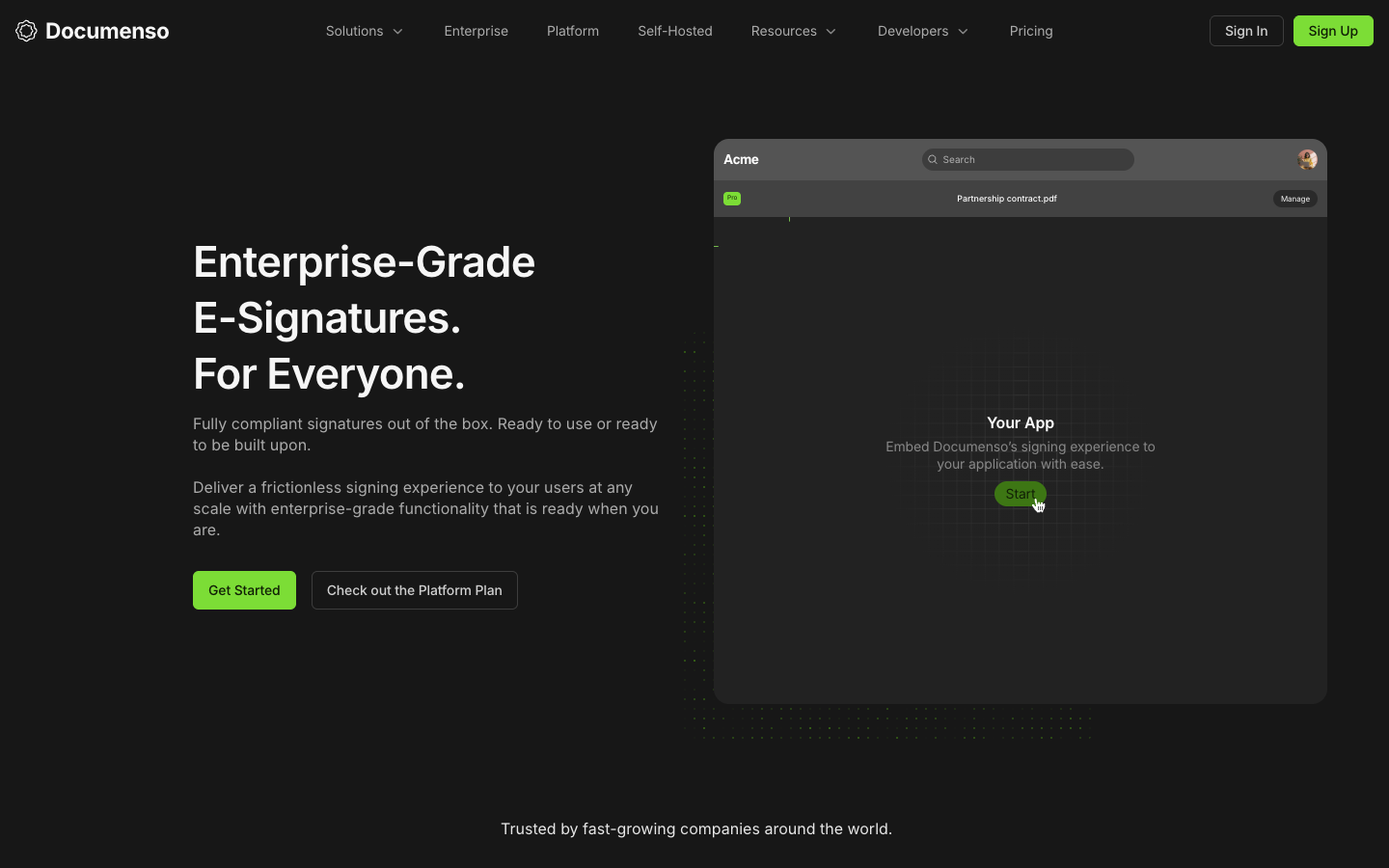
Documenso is an open-source document signing platform for sending, signing and managing documents, with templates, direct signing links, an API and embeddable signing. Use the hosted service or self-host it.
Free + From $25/mo
Open-source
Self-hosted
Screenshot of Documenso website

Documenso is an open-source e-signature platform for individuals, teams and developers who need to collect signatures on documents. You can use the hosted version at documenso.com or run it on your own infrastructure, and developers can build signing into their own apps through its API and embeds.

Key benefits of Documenso include:

  • Open source and self-hostable: The code is public on GitHub, so you can inspect it or run Documenso on your own servers.
  • Templates and direct links: Reusable templates can be shared as a single link so recipients can sign on demand.
  • API and embedding: An API covers document creation through user management, and signing can be embedded in React or Vue apps, with Zapier and webhooks for automation.
  • Teams: Create teams to collaborate on signing workflows while keeping personal documents separate.
  • Compliance: The site lists support for ESIGN Act, UETA, 21 CFR Part 11, SOC2 and HIPAA.

For someone leaving DocuSign, Documenso offers a free hosted plan (5 documents per month, up to 10 recipients per document) and paid hosted plans starting at $25 per month billed yearly for unlimited documents. The main draw is open code and the option to keep documents on your own infrastructure. Trade-offs: the free tier is limited, paid plans are billed yearly, white-label embedding is only on the $250/month Platform plan, and commercial self-hosting with support uses separate licenses, with enterprise compliance features sold on custom terms.
Read the Documenso review

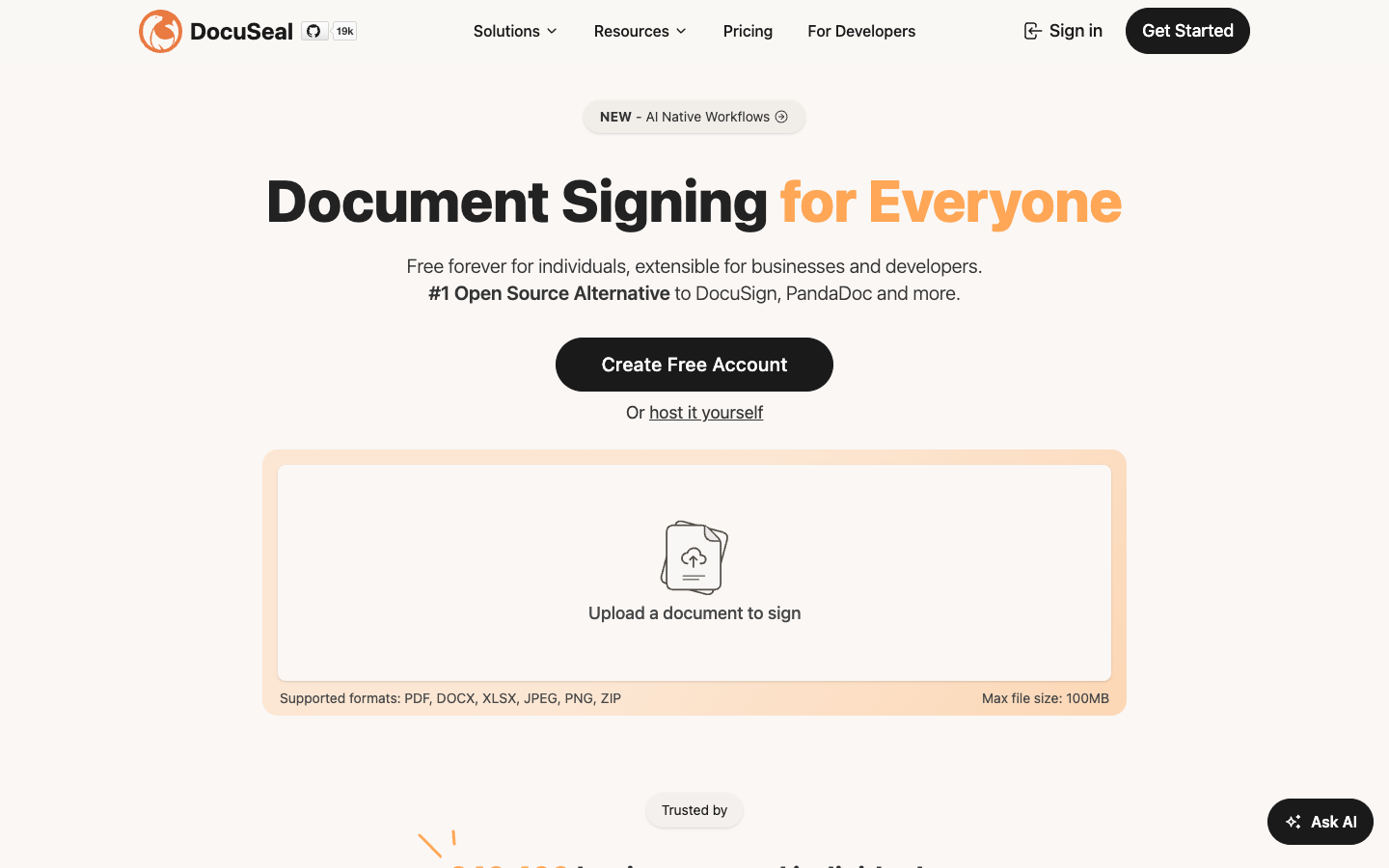
DocuSeal is an open-source tool for creating fillable PDF forms and collecting legally-binding eSignatures. Use the hosted cloud with a free Basic plan or deploy the free open-source edition on your own servers.

Free + From $20/mo
Open-source
Self-hosted
Screenshot of DocuSeal website

DocuSeal is an open-source document signing platform for creating custom PDF forms that people can fill in and sign online. It suits individuals and small teams who need legally-binding eSignatures, as well as developers who want to add signing to their own products through an API and embeddable components.

Key benefits of DocuSeal include:

  • Free self-hosting: The open-source edition can be deployed on your own servers with multiple signers, user management, 10 field types and your own SMTP for emails.
  • Free cloud plan: The Basic cloud plan costs $0 and includes legally-binding eSignatures, indefinite document retention and 10 request emails per month.
  • Developer tools: An eSignature API, webhooks, embedded signing and a React integration let you build signing into other apps.
  • Form creation tools: Field autodetection, conditional fields, formula fields and import from DocuSign help you build templates quickly.
  • Extra signing options: Features include audit logs, shared link signing, in-person signing, witness invites and collecting attachments.

If you are leaving DocuSign, DocuSeal gives you a free path for basic signing, either self-hosted or in the cloud, plus a DocuSign template import. The trade-offs: the free cloud plan caps request emails at 10 per month, and features such as automated reminders, bulk send, SSO/SAML, SMS identity verification, white-labeling and API/embedding sit in the Pro plan at $20 per user per month. Some add-ons like ID verification and qualified signatures carry per-use fees, and free self-hosted support is through GitHub only.

Read the DocuSeal review

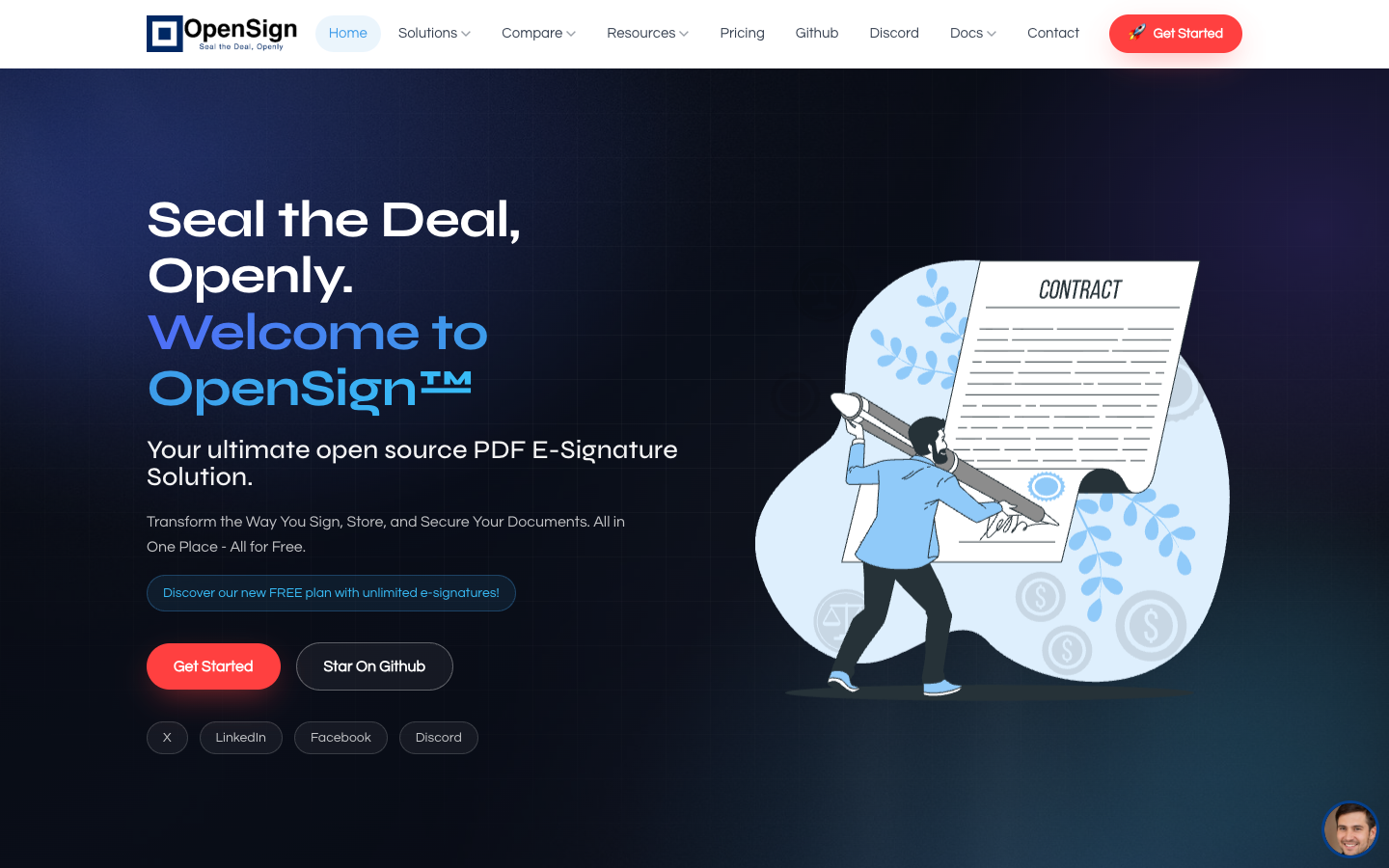
OpenSign is an open-source e-signature platform for signing, storing and sending PDF documents. It offers a free plan with unlimited signatures, completion certificates, an API, and can be self-hosted.

Free + From $10/mo
Open-source
Self-hosted
Screenshot of OpenSign website

OpenSign is an open-source PDF e-signature solution for individuals and businesses that need to sign, organize and deliver documents. It runs as a hosted service with a free plan, and the code is on GitHub for teams that prefer to self-host. The site lists use cases including HR, real estate and small business.

Key benefits of OpenSign include:

  • Unlimited free signatures: The free plan does not cap the number of e-signatures you can collect.
  • Free collaboration: You can invite multiple people into the signing process at no extra cost.
  • Completion certificates: Every signed document comes with a certificate that includes access logs.
  • Document storage: Signed files can be stored and organized in the OpenSign Drive vault.
  • API and self-hosting: Documented API and self-hosting guides let you integrate signing into your own apps or run it on your own servers.

For someone leaving DocuSign, the main draw is cost: core signing, multi-party workflows and audit certificates are free, and self-hosting keeps documents on your own infrastructure. The trade-off is that OpenSign is a younger, smaller project, so expect a narrower set of integrations and enterprise features than DocuSign offers. Self-hosting also means you take on setup, updates and security yourself. Paid plans exist, but the pages provided do not list their prices, so check the pricing page before committing a larger team.

Read the OpenSign review

Share:

Discover the best open source alternatives to

View all

Put your SaaS product in front of active buyers

Reach developers, tech leaders and founders looking for open source tools to adopt.

Submit your product
