AdAdvertise with us·Reach an audience of professional tech enthusiasts
Favicon of Cursor website

Free Cursor Alternatives

A curated collection of the 4 best free alternatives to Cursor.

4 free alternatives · Updated

The best free alternative to Cursor is Aider. If that doesn't suit you, we've compiled a ranked list of other free Cursor alternatives to help you find a suitable replacement. Other interesting free alternatives to Cursor are: Cline, Continue and OpenHands.

Cursor alternatives are mainly AI Coding Assistants. Browse these if you want a narrower list of alternatives or looking for a specific functionality of Cursor.

Free Cursor alternatives compared

#ToolPricingOpen source
1 AiderFreeYes
2 ClineFreeYes
3 ContinueFreeYes
4 OpenHandsFreeYes

The best free Cursor alternatives, ranked

Aider is an open-source command-line tool for pair programming with LLMs. It maps your codebase, edits files across many languages, and commits each change to git with a descriptive message.
Free
Open-source
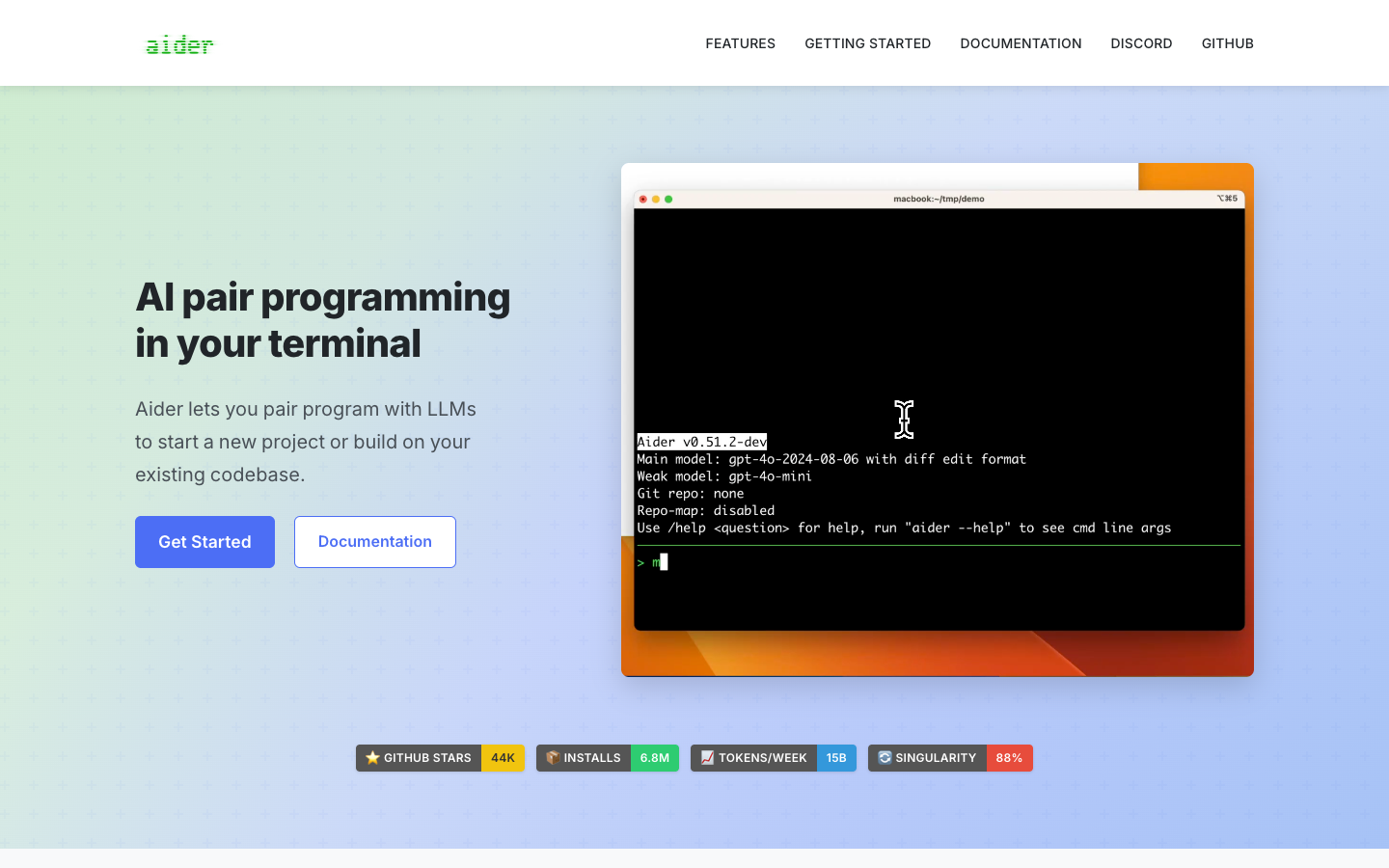
Screenshot of Aider website

Aider is an open-source AI pair programming tool that runs in your terminal. You point it at a project directory, connect it to an LLM such as Claude 3.7 Sonnet, DeepSeek, OpenAI o3-mini or GPT-4o, or a local model, and ask it to write or change code. It suits developers who are comfortable on the command line and want AI help on new projects or existing codebases without switching editors.

Key benefits of Aider include:

  • Bring your own model: Connects to almost any LLM API, including local models, so you choose the provider and pay only for what you use.
  • Codebase map: Builds a map of your whole repository, which helps it work in larger projects.
  • Git integration: Commits each change automatically with a sensible message, so you can diff, manage and undo AI edits with normal git tools.
  • Works alongside your editor: Watches for comments you add in your IDE and acts on them, and can also take images, web pages and voice input as context.
  • Lint and test loop: Runs your linters and test suites after each change and can fix the problems they report.

If you are leaving Cursor, Aider removes the subscription and the dedicated editor. You keep your current IDE and connect directly to the model you prefer. The trade-off is that the main interface is a terminal chat rather than a graphical editor with inline autocomplete. You also need to manage your own API keys and token costs, and the setup takes more hands-on configuration than an all-in-one app.
Read the Aider review

Cline is an open-source AI coding agent with Plan and Act modes, multi-file edits, terminal commands and MCP support. It is free for individual developers, who pay only for AI inference or bring their own API keys.

Free
Open-source
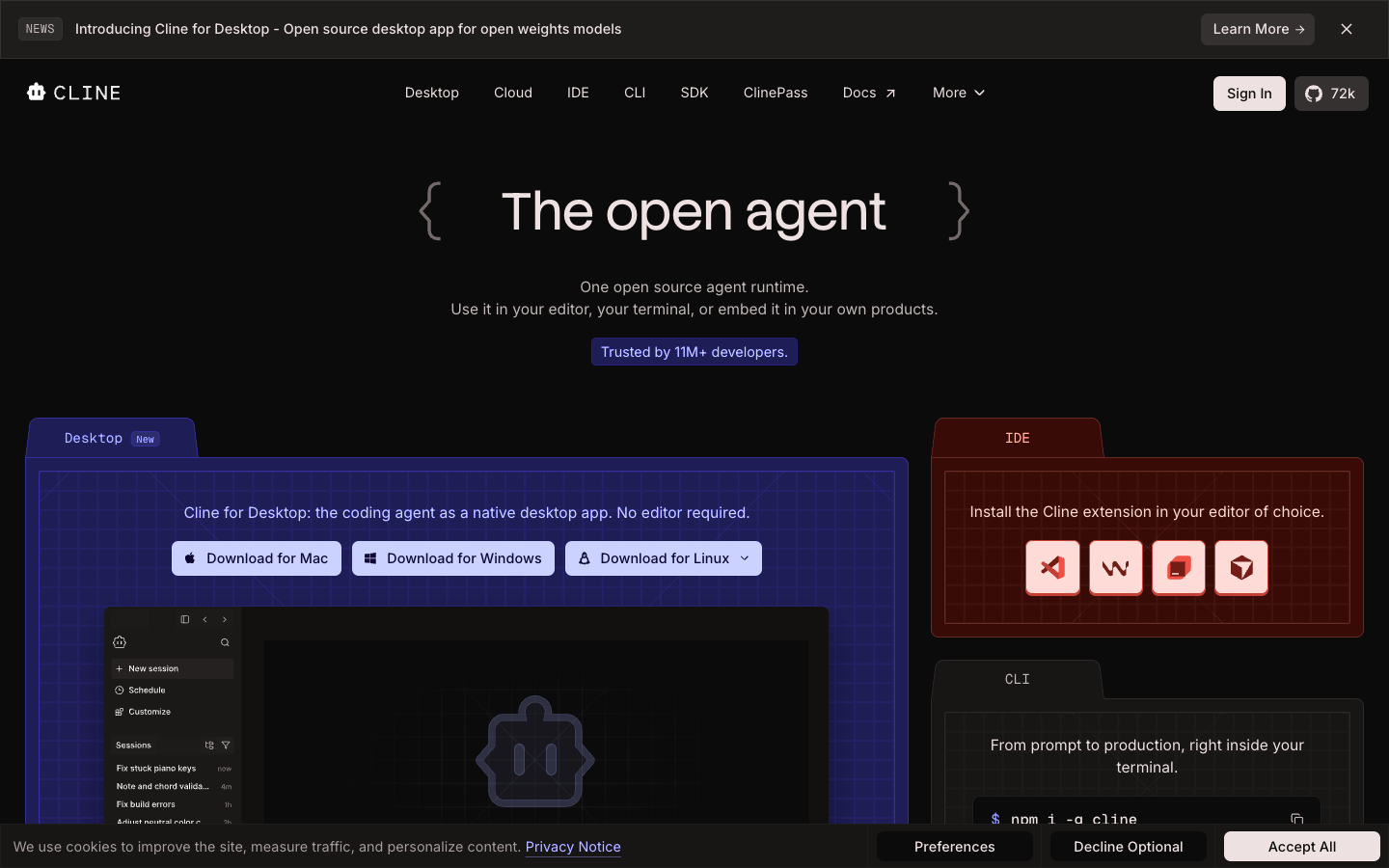
Screenshot of Cline website

Cline is an open-source AI coding agent that runs as an extension in VS Code, Windsurf, JetBrains and Cursor, as a native desktop app, as a CLI, or as an SDK you can embed in your own products. It is aimed at developers who want an agent that can read a codebase, plan changes, edit files and run commands while letting them choose which model does the work.

Key benefits of Cline include:

  • Plan and Act modes: Agree on a strategy in Plan mode, then switch to Act and approve each step or turn on auto-approve.
  • Any model: Use Claude, GPT, Gemini, local models via Ollama or LM Studio, or any OpenAI-compatible endpoint with your own key.
  • Project-wide edits: Multi-file changes come with diffs, checkpoints and one-click undo on every step.
  • Terminal execution: Runs bash commands, reacts to output live, and can handle dev servers, tests and deploys.
  • Extensible: Add MCP servers, custom tools via the SDK, and .clinerules files that teach the agent your project conventions.

For someone leaving Cursor, Cline removes the subscription: the extension is free and you pay your model provider directly, or use Cline's provider at cost. You can even keep using Cursor's editor and install Cline inside it, or move to plain VS Code. The trade-off is that costs are usage-based, so heavy agent use with premium models can cost more than a flat plan, and Cline is an agent rather than a full AI editor with built-in features like Cursor's tab completion. Team features such as SSO and centralized billing require the custom-priced Enterprise plan.

Read the Cline review

Continue is an open-source AI coding agent for developers. The company has been acquired by Cursor, but its open-source codebase remains freely available as a foundation for others to use and build on.

Free
Open-source
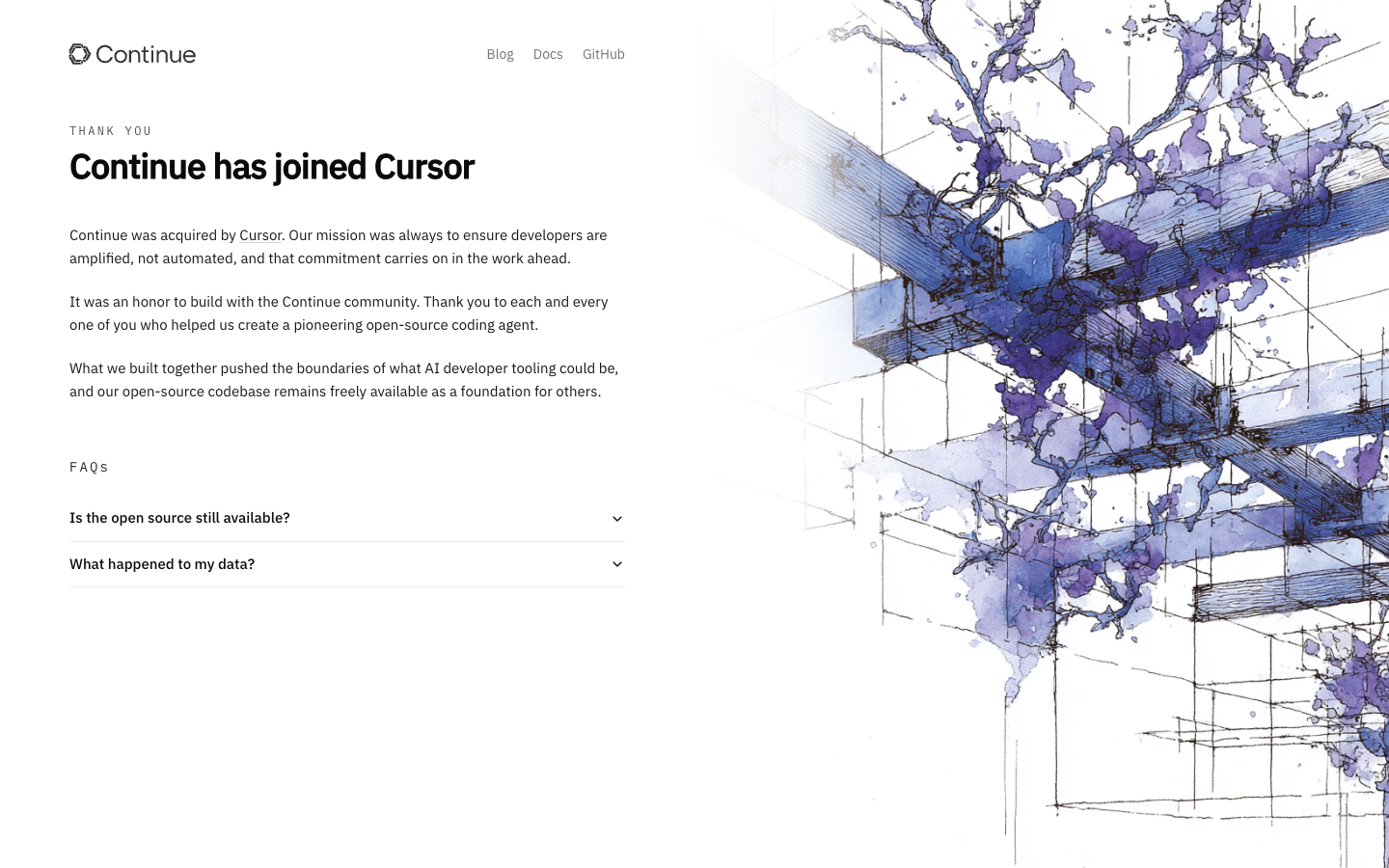
Screenshot of Continue website

Continue is an open-source AI coding agent built around the idea that developers should be amplified, not automated. The project has been acquired by Cursor, and the team states that its open-source codebase remains freely available. It suits developers who want to inspect, self-run, or fork an AI coding assistant rather than depend on a closed product.

Key benefits of Continue include:

  • Open-source code: The full codebase is still publicly available for anyone to use or study.
  • Forkable foundation: The team explicitly offers the code as a base for others to build their own tooling.
  • Developer-first philosophy: It was designed to assist developers rather than replace their judgment.
  • Existing documentation: Docs remain published at docs.continue.dev for setup and reference.
  • Community history: It was built with an active open-source community around AI developer tooling.

For someone leaving Cursor, Continue offers transparent code you can run and modify without relying on a proprietary editor. The trade-off is significant: Continue now belongs to Cursor, and its homepage reads as an announcement of the acquisition rather than an active product page, so future maintenance, updates, and support are uncertain. Treat it as a codebase to adopt or fork rather than a supported service, and check the documentation and repository activity before committing to it.

Read the Continue review

OpenHands is an MIT-licensed platform for building and running AI coding agents. Run it on your laptop with any model or agent, and automate tasks like PR review, CI fixes and issue triage.

Free
Open-source
Self-hosted
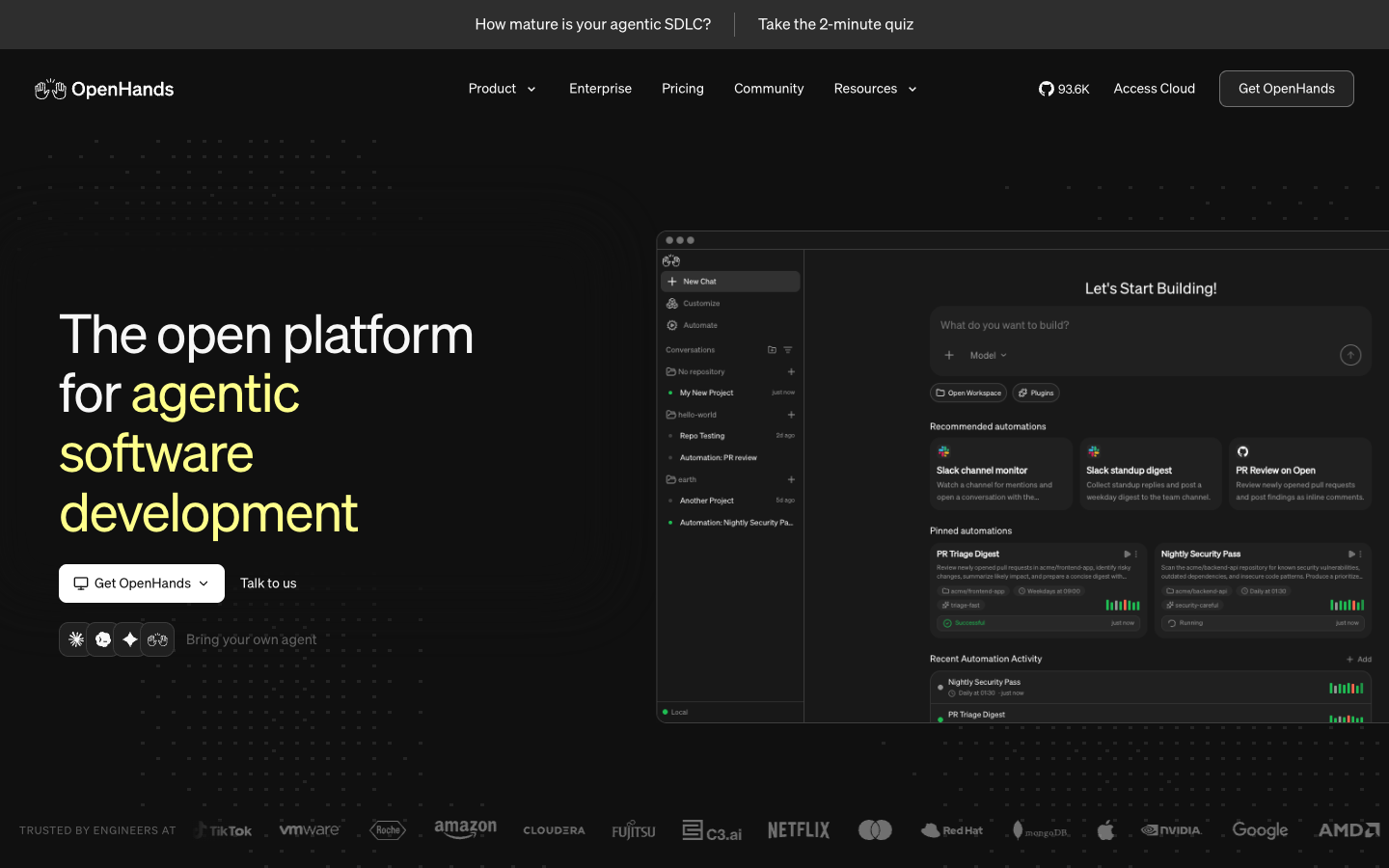
Screenshot of OpenHands website

OpenHands is an open-source (MIT) platform for agentic software development. Its free Agent Canvas runs on your laptop or a shared VM, lets you bring your own LLM key, and works with OpenHands' own agent or third-party agents like Claude Code, Codex and Gemini CLI. It is aimed at individual developers who want a local coding agent, and at teams that want to automate repetitive engineering work.

Key benefits of OpenHands include:

  • Model and agent choice: Use closed models or open weights such as Kimi, DeepSeek and Qwen, and swap between agents without changing your workflow.
  • Automations: Trigger agent workflows from GitHub, Slack, Jira, Linear, CI or schedules, with templates for PR review, CI failure fixes and issue triage.
  • Free self-hosting: The Agent Canvas is free to download and run locally, with no seat fees.
  • MCP support: Connect internal tools, APIs and data sources so agents can act across your stack.
  • SDK: Build your own agents and tooling on the OpenHands SDK.

If you are leaving Cursor or Replit, OpenHands gives you an open-source agent you control, with no lock-in to a single model or vendor. The trade-offs: it is an agent platform rather than a full editor or hosted IDE, so you keep your own editor and environment, and you pay your LLM provider directly through your own key. The free tier is single-user; multi-user identity, SSO and budgeting require the Teams plan at $500/month for up to 10 users.

Read the OpenHands review

Share:

Discover the best free alternatives to

View all

Put your SaaS product in front of active buyers

Reach developers, tech leaders and founders looking for open source tools to adopt.

Submit your product