AdAdvertise with us·Reach an audience of professional tech enthusiasts
Favicon of Confluence website

Best Popular Confluence Alternatives

A curated collection of the 4 best alternatives to Confluence.

4 alternatives · Updated

The best alternative to Confluence is BookStack. If that doesn't suit you, we've compiled a ranked list of other Confluence alternatives to help you find a suitable replacement. Other interesting alternatives to Confluence are: Docmost, Outline and Wiki.js.

Confluence alternatives are mainly Knowledge Management. Browse these if you want a narrower list of alternatives or looking for a specific functionality of Confluence.

Confluence alternatives compared

#ToolPricingOpen source
1 BookStackFreeYes
2 DocmostFree + From $6/moYes
3 OutlineFree + From $3/moNo
4 Wiki.jsFreeYes

The best Confluence alternatives, ranked

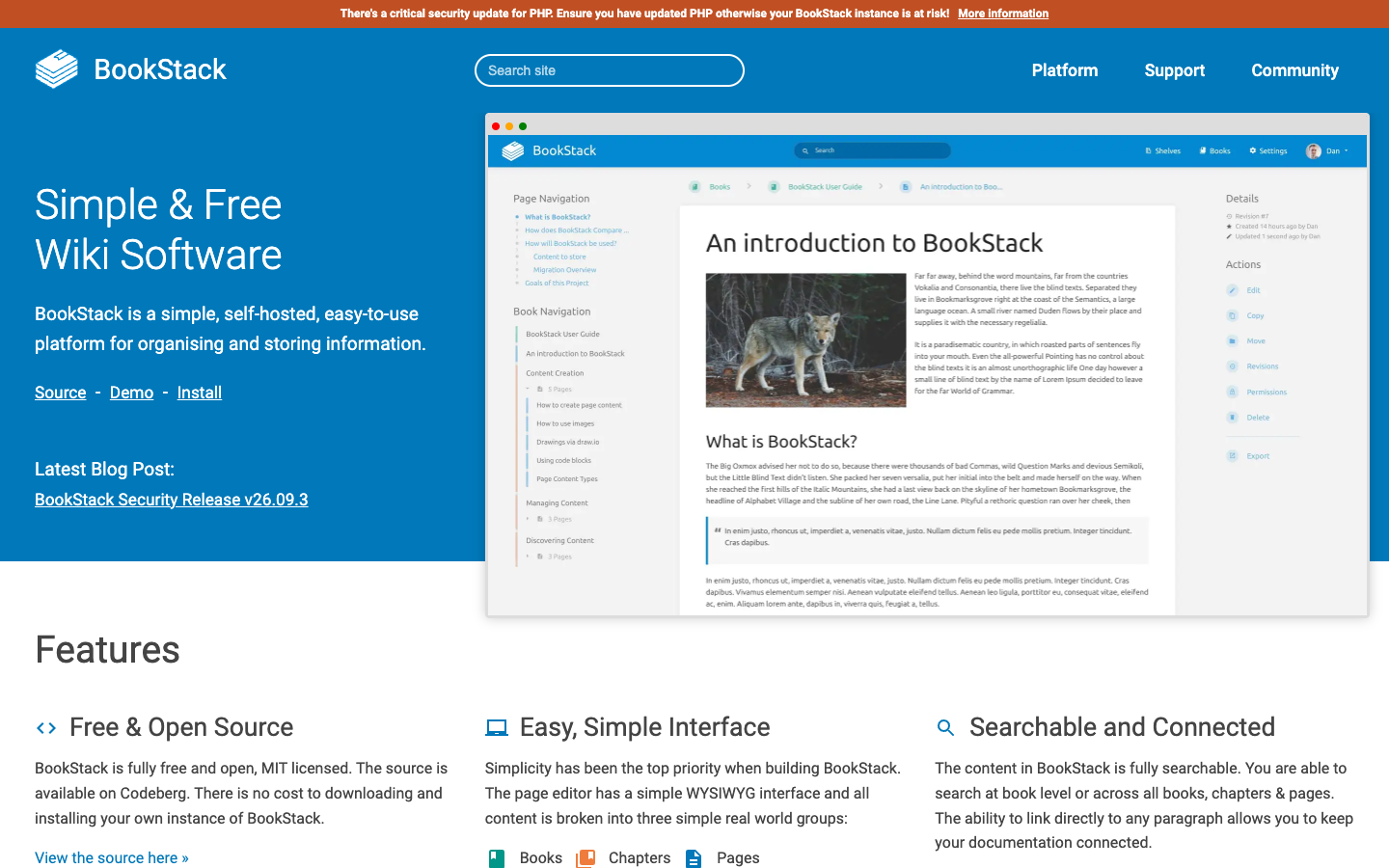
BookStack is a free, open-source wiki platform built on PHP and Laravel for organising and storing documentation. It offers a WYSIWYG or Markdown editor, full-text search, roles and permissions, and SSO options.
Free
Open-source
Self-hosted
Screenshot of BookStack website

BookStack is a simple, self-hosted platform for organising and storing information. It is MIT licensed, built with PHP on the Laravel framework with MySQL, and suits teams that want an internal wiki or documentation site they run themselves. Content is arranged into three familiar levels: books, chapters and pages.

Key benefits of BookStack include:

  • Free and open source: There is no cost to download and install your own instance, and the source is available on Codeberg.
  • Flexible editing: Write in a WYSIWYG editor or an optional Markdown editor with live preview, with diagrams.net drawing built in.
  • Search and linking: Search within a book or across all content, and link directly to any paragraph.
  • Access control and SSO: A full role and permission system works alongside OIDC, SAML2 and LDAP login, plus per-role enforceable MFA via TOTP or backup codes.
  • Light requirements: The project says it runs happily on a £2.50 VPS, and includes page revisions, image management and light/dark themes.

For teams leaving Confluence, BookStack covers the core wiki needs (structured docs, revisions, permissions, enterprise login) without per-user licensing. Notion users will find it more focused: it is a documentation tool, not a database or all-in-one workspace, so features like linked databases and task boards are not part of it. The trade-off is that you host and update it yourself, including keeping PHP patched; paid support plans are available if you want help.
Read the BookStack review

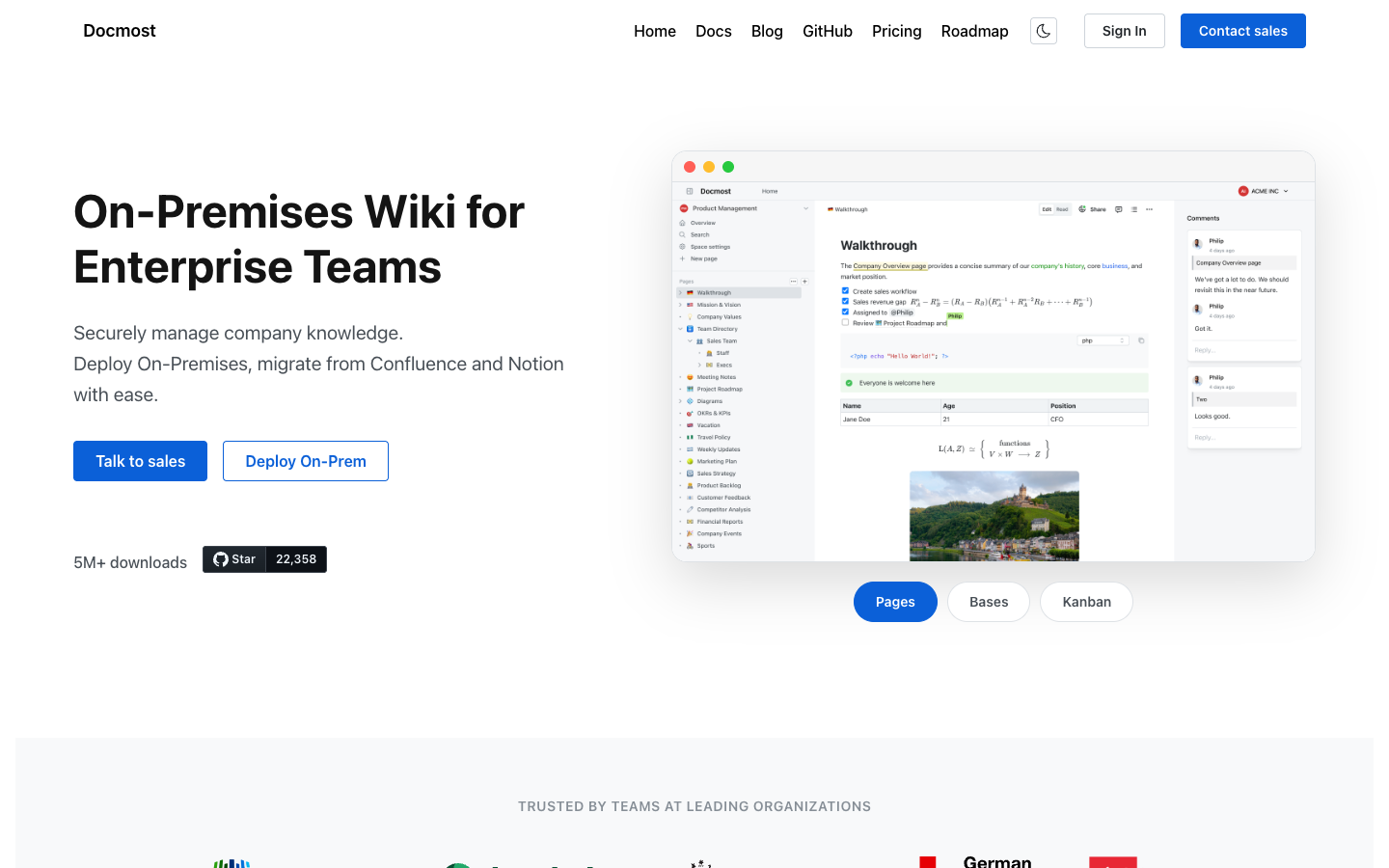
Docmost is an open-source wiki and documentation platform you deploy on your own servers. The free Community edition covers real-time collaboration, spaces and full-text search, while paid tiers add SSO, AI and granular permissions.

Free + From $6/mo
Open-source
Self-hosted
Screenshot of Docmost website

Docmost is an open-source wiki for teams that want to keep company knowledge on their own infrastructure. It is deployed self-hosted or on-premises, including air-gapped environments, and is aimed at teams replacing Confluence or Notion with a documentation tool they control.

Key benefits of Docmost include:

  • Real-time collaboration: Edit pages together with live cursors and instant sync across users and devices.
  • Free Community edition: The open-source edition includes the editor, spaces, page history, comments, templates, public sharing and full-text search.
  • Built-in diagrams: Draw.io, Excalidraw and Mermaid diagrams can be created directly inside pages.
  • Imports from other tools: Markdown, HTML and Notion imports are supported, with a Confluence importer in the paid Business plan.
  • Optional self-hosted AI: Business adds AI search, chat with citations and MCP support, working with Ollama, vLLM, OpenAI or other compatible providers.

For teams leaving Confluence or Notion, Docmost offers a familiar pages-and-spaces model with your data staying on your own servers. The trade-off is that you run and maintain it yourself, and several features people may expect from Confluence, such as SSO, page-level permissions, MFA, Kanban and databases, attachment search and the Confluence importer, sit in the Business plan at $6 per seat per month (billed annually, minimum 10 seats). Audit logs, SCIM and review workflows require Enterprise pricing. Small teams that only need a collaborative wiki can run the Community edition at no cost.

Read the Docmost review

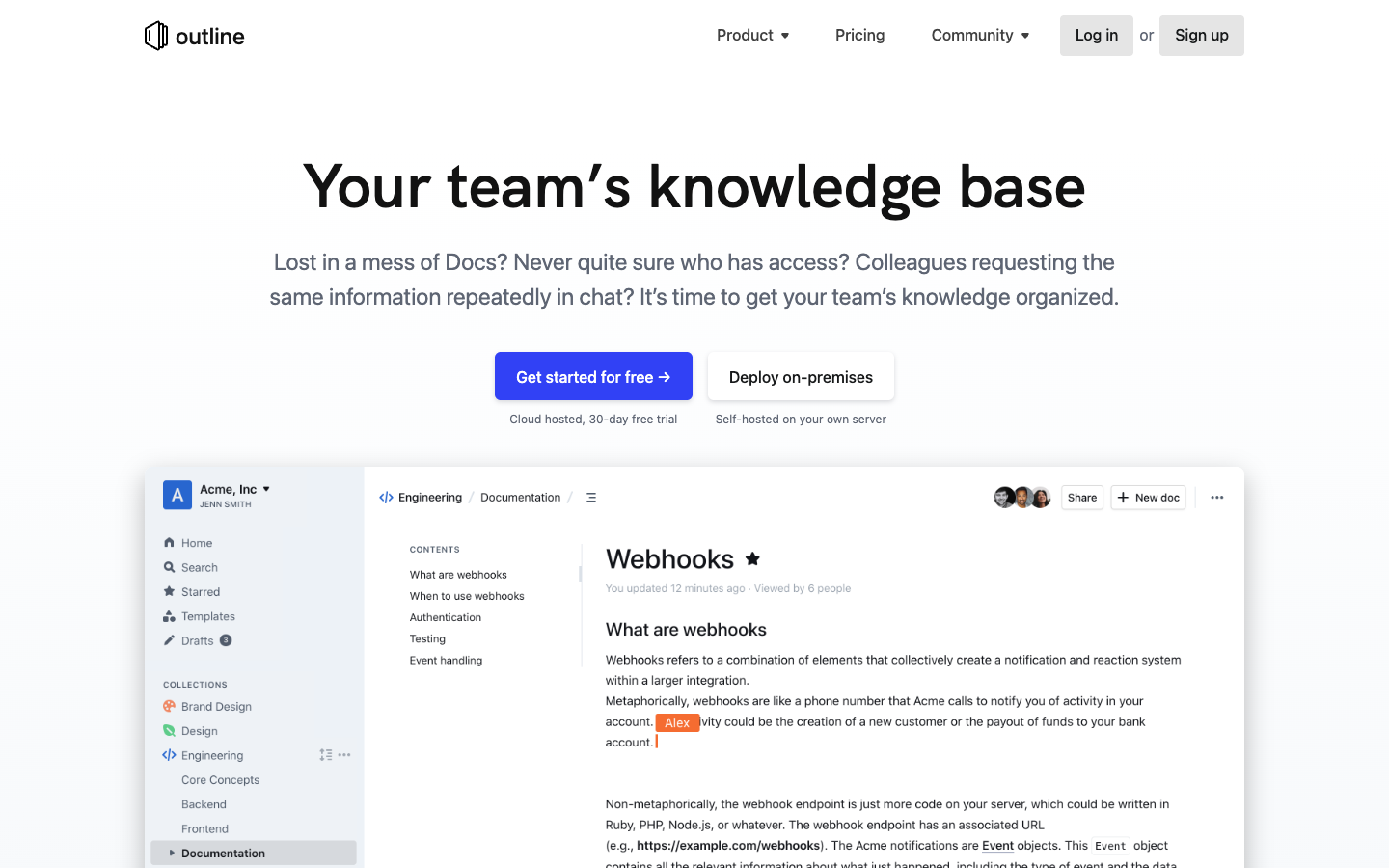
Outline is a team wiki and knowledge base with a fast markdown editor, realtime collaboration, search and Slack integration. Use the hosted cloud service or run the free Community Edition on your own server.

Free + From $3/mo
Self-hosted
Screenshot of Outline website

Outline is a knowledge base for teams to keep internal documentation, product specs, support answers, meeting notes and onboarding material in one place. It is offered as a hosted cloud service with a 30-day trial, or as a self-hosted install on your own infrastructure. Its source code is public on GitHub and development happens in the open.

Key benefits of Outline include:

  • Fast editor: A markdown-friendly editor with slash commands, interactive embeds and document templates.
  • Realtime collaboration: Multiple people can edit at once, with comments, threads and @mentions.
  • Permissions and sharing: Read and write permissions, user groups, guest users, and public links with custom branding and domains.
  • Integrations and API: 20+ integrations including Slack, Figma, Loom and Zapier, plus an API, webhooks and a built-in MCP server for AI assistants.
  • Self-hosting option: A free Community Edition can run on your own server, with 20 language translations and RTL support.

Teams leaving Confluence or Notion often pick Outline for a lighter, faster wiki focused on documents rather than databases, and for the option to host it themselves. The trade-offs: the free Community Edition has limited features and no support, and items such as AI question answering, SAML, guest users, audit logs and the Confluence importer require a paid self-hosted plan (from $4/user/month, 10 user minimum). Cloud plans start at $3/user/month after the trial, with no permanent free cloud tier.

Read the Outline review

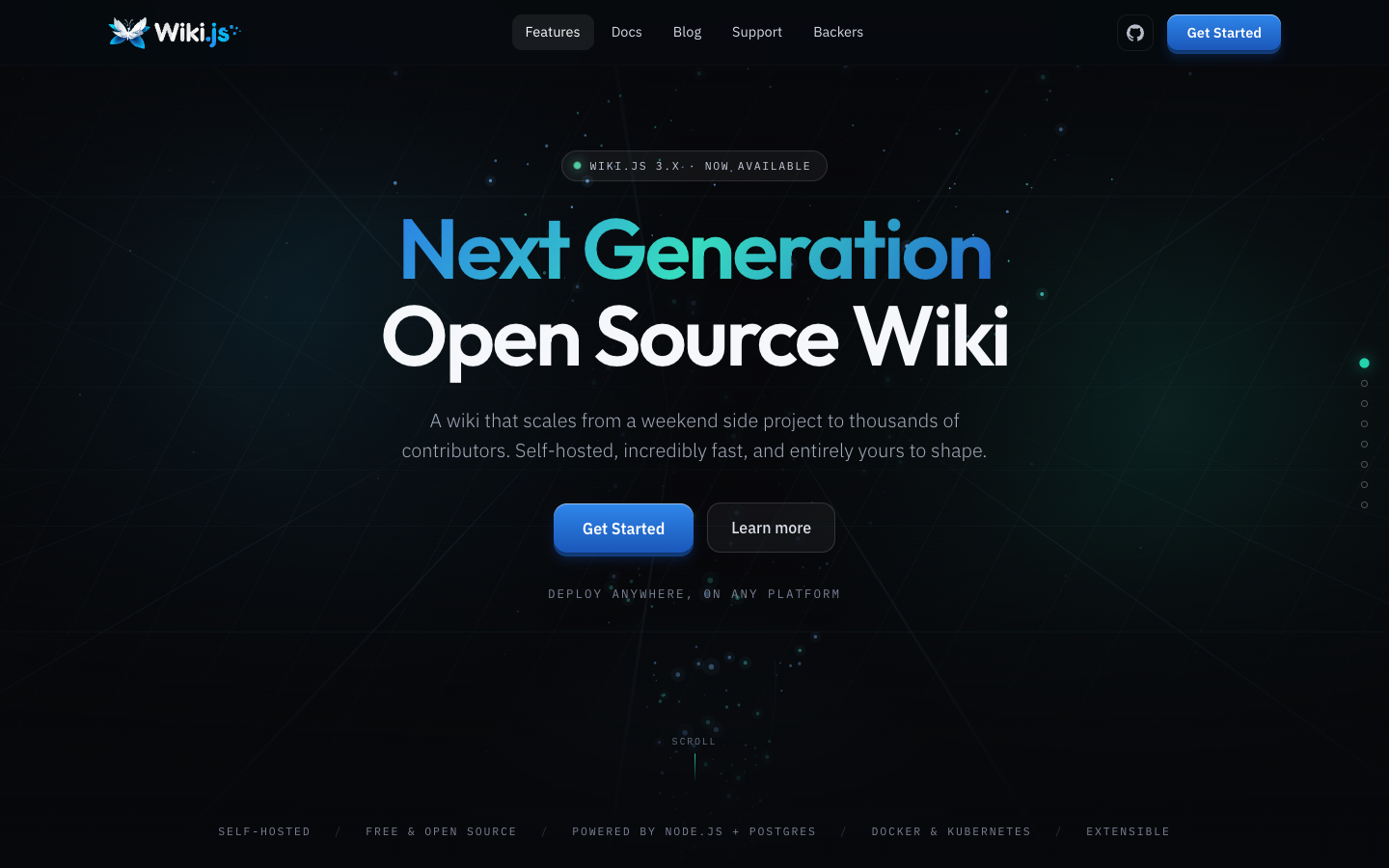
Wiki.js is a free, open source wiki you host yourself, with Markdown and visual editors, real-time collaborative notes, Git sync, granular permissions and SSO via OIDC, LDAP or SAML.

Free
Open-source
Self-hosted
Screenshot of Wiki.js website

Wiki.js is a free, open source wiki that runs on Node.js and PostgreSQL and can be deployed with Docker or Kubernetes. It is aimed at anyone from a solo side project to large teams that want a documentation and knowledge base they host and control themselves.

Key benefits of Wiki.js include:

  • Several editors: A Markdown editor with live split preview, plus visual, AsciiDoc and Excalidraw editors, with Mermaid, PlantUML and Draw.io diagrams.
  • Real-time collaboration: Live Notes let many people write one document at once, with comments, annotations and an approval workflow for proposed edits.
  • Content you own: Pages stay plain Markdown, with two-way Git sync and backups to S3, Azure, GCP, SFTP or local disk.
  • Governance and identity: OIDC, LDAP, SAML and local accounts, SCIM provisioning, and permissions per group, path, locale and site.
  • Built-in search and multi-site: PostgreSQL full-text search with no external service, and several independent wikis from one instance.

Teams leaving Confluence get page trees, version history, audit trails, notifications and a REST API without per-user licensing, and their content lives in plain Markdown rather than a proprietary format. The trade-off is that you run and maintain the server, database and upgrades yourself, and you won't get Atlassian's tight integration with Jira or its marketplace of apps. Migrating existing Confluence spaces will also take some work.

Read the Wiki.js review

Frequently asked questions

What is the best alternative to Confluence?

The top-rated alternative to Confluence is BookStack. BookStack is a free, open-source wiki platform built on PHP and Laravel for organising and storing documentation. It offers a WYSIWYG or Markdown editor, full-text search, roles and permissions, and SSO options. Other popular options include Docmost, Outline, Wiki.js. Compare features and pricing in the table above.

How many alternatives to Confluence are there?

There are 4 alternatives to Confluence listed on YouMightNotNeed, including BookStack, Docmost, Outline. Each listing is hand-reviewed and includes a description, screenshot, pricing, and open-source status.

Are there free alternatives to Confluence?

Yes, there are 2 free alternatives to Confluence: BookStack, Wiki.js.

Are there open-source alternatives to Confluence?

Yes, there are 3 open-source alternatives to Confluence: BookStack, Docmost, Wiki.js. Open-source tools can usually be self-hosted, so you keep full control of your data.

Share:

Discover the best alternatives to

View all

Put your SaaS product in front of active buyers

Reach developers, tech leaders and founders looking for open source tools to adopt.

Submit your product