
AdAdvertise with us·Reach an audience of professional tech enthusiasts
Favicon of Adobe Photoshop website

Open Source Adobe Photoshop Alternatives

A curated collection of the 3 best open source alternatives to Adobe Photoshop.

3 open source alternatives · Updated

Adobe Photoshop is the industry-standard photo editing and illustration tool. Photographers, designers, and digital artists use it to transform images, remove unwanted elements with a click, and build photorealistic results with generative fill. It is a subscription product, and much of its appeal comes from how much it can do in one place.

Why look for an open-source alternative?

The reasons are usually practical. A monthly subscription is hard to justify if you edit images occasionally, or if you only need a fraction of Photoshop's features. Some people want software they can use without an account or a recurring bill. Others prefer open-source tools because the code is public and the project isn't controlled by a single vendor.

Our verdict

This page currently lists one tool: GIMP. It is free and open source, and it offers advanced tools for photo retouching, graphic design, and creating original artwork. That covers the core of what most people do in Photoshop.

  • Photo retouching: GIMP is a solid choice for cleaning up and adjusting photos without paying for a subscription.
  • Graphic design and original artwork: It handles both, so it can serve as a general-purpose editor for hobbyists and independent creators.
  • Budget-conscious or occasional users: Being free makes it an easy first thing to try.

One caveat: the information we have doesn't say whether GIMP matches Photoshop's generative fill or one-click object removal, so if those are central to your workflow, test them before you commit. For everyone else, GIMP is the obvious place to start.

Adobe Photoshop alternatives are mainly Desktop Apps but may also be Photo Editing or Design. Browse these if you want a narrower list of alternatives or looking for a specific functionality of Adobe Photoshop.

Open Source Adobe Photoshop alternatives compared

#ToolPricingOpen source
1 GimpFreeYes
2 PhotoCraftFree + From $8/moYes
3 PhotoSpliceFreeYes

The best open source Adobe Photoshop alternatives, ranked

A free, open-source image editor offering advanced tools for photo retouching, graphic design, and original artwork creation.

Free
Open-source
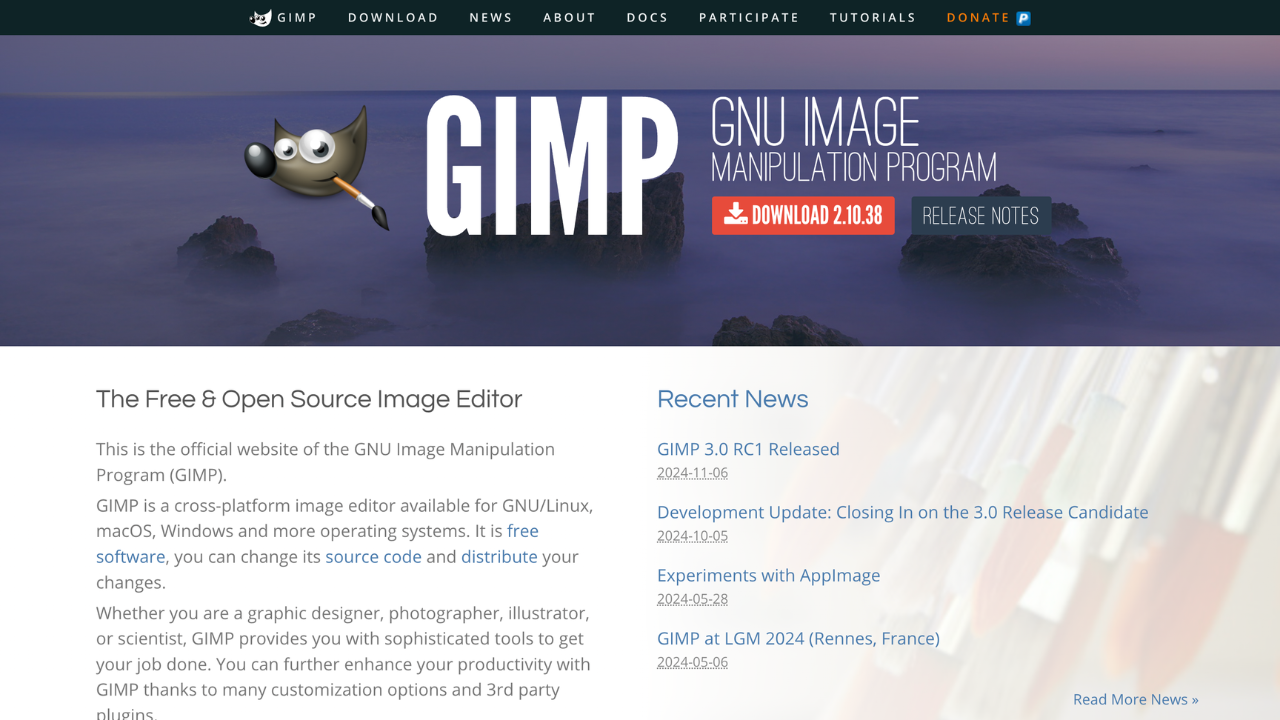
Screenshot of Gimp website

GIMP (GNU Image Manipulation Program) is a free, open-source image editor for photo retouching, graphic design, and more. It offers professional-grade tools and a customizable interface, making it ideal for photographers, designers, and hobbyists seeking a powerful yet cost-effective solution.

Key benefits of GIMP include:

  • Open-Source Flexibility: Free to use and supported by an active community of developers.
  • Advanced Editing Tools: Offers layers, masks, and filters for professional-quality results.
  • Customizable Interface: Tailor the layout and functionality to your workflow.
  • Cross-Platform Support: Available on Windows, macOS, and Linux.
  • Plugin Integration: Extend functionality with a wide array of plugins and scripts.
Read the Gimp review

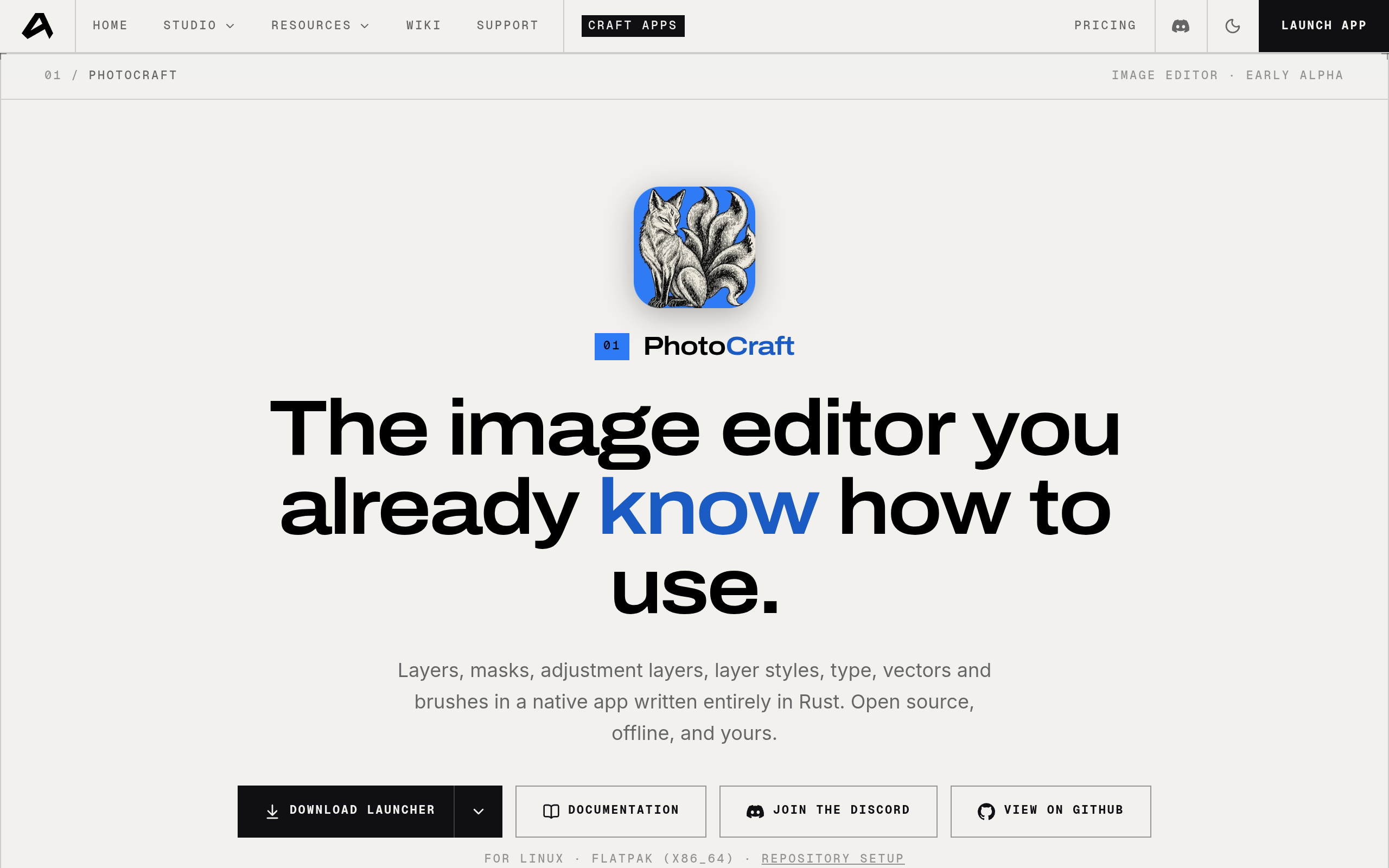
PhotoCraft is an open-source image editor designed for accessibility and ease of use. It combines powerful editing capabilities with an intuitive interface that feels familiar to users of popular design tools, making professional-grade image editing available to everyone.

Free + From $8/mo
Open-source
Screenshot of PhotoCraft website

PhotoCraft brings professional image editing to the masses through an open-source platform that prioritizes user familiarity and accessibility. Rather than forcing users to learn a completely new interface, PhotoCraft adopts patterns and workflows that users already recognize from popular design applications, dramatically reducing the learning curve.

Key Features

Intuitive Interface: Built on familiar design paradigms, PhotoCraft lets users jump in without extensive training. The layout and tools follow conventions users already understand.

Open-Source Foundation: Being fully open-source means transparency, community-driven development, and the freedom to customize or extend the tool to your specific needs.

Powerful Editing Capabilities: Despite its approachability, PhotoCraft doesn't compromise on features. It supports layer editing, filters, transformations, and other professional-grade tools needed for serious image work.

Cost-Effective: As open-source software, PhotoCraft eliminates expensive subscription costs, making it ideal for students, freelancers, and organizations looking to reduce software expenses.

Who Should Use PhotoCraft?

PhotoCraft is perfect for designers, content creators, marketers, and anyone needing to edit images without the complexity of enterprise tools. It's especially valuable for open-source advocates, budget-conscious teams, and those who want community-driven development over proprietary solutions.

Whether you're creating social media graphics, editing product photos, or working on design projects, PhotoCraft provides the tools you need in an interface that feels instantly familiar.

Read the PhotoCraft review

PhotoSplice is a desktop photo editor that faithfully recreates Photoshop's classic interface and functionality. It offers native PSD/PSB file support with round-trip editing, runs offline-first with zero telemetry, and is available across macOS, Windows, and Linux for professionals seeking a privacy-conscious alternative.

Free
Open-source
Screenshot of PhotoSplice website

PhotoSplice brings professional photo editing to the desktop with a philosophy centered on privacy, compatibility, and user control. As a faithful recreation of Photoshop's proven interface, it eliminates the learning curve for users already familiar with Adobe's industry standard while offering a refreshing alternative that respects your data.

Key Benefits of PhotoSplice

Native PSD/PSB Support - Open, edit, and save your Photoshop files without compatibility issues. Full round-trip support means your projects transition seamlessly between PhotoSplice and other tools.

Offline-First Architecture - Work without internet connectivity. All processing happens locally on your machine, giving you complete control over your files and uninterrupted creative flow.

Zero Telemetry - No tracking, no data collection, no analytics. Your editing sessions remain completely private with no monitoring of your activity.

Cross-Platform Availability - Native applications for macOS, Windows, and Linux ensure consistent performance and experience regardless of your operating system.

Classic Photoshop Interface - The familiar Photoshop interface means minimal retraining. Tools, menus, and workflows feel immediately intuitive if you've used Adobe's software.

PhotoSplice is ideal for professional photographers, designers, and digital artists who value privacy, need offline capability, and want to avoid subscription-based software. It's particularly suited for those working with legacy PSD files or requiring a straightforward, feature-rich desktop editor without cloud dependencies or telemetry concerns.

Read the PhotoSplice review

Share:

Discover the best open source alternatives to

View all

Put your SaaS product in front of active buyers

Reach developers, tech leaders and founders looking for open source tools to adopt.

Submit your product