
Free Adobe Photoshop Alternatives
A curated collection of the 2 best free alternatives to Adobe Photoshop.
Gimp stands out as the best free alternative to Adobe Photoshop. If it doesn’t meet your needs, don’t worry, — we’ve put together a ranked list of other free Adobe Photoshop alternatives to help you find the right fit. Other interesting free alternative to Adobe Photoshop is Photopea.
Adobe Photoshop alternatives are mainly Photo Editing but may also be Desktop Apps. Browse these if you want a narrower list of alternatives or looking for a specific functionality of Adobe Photoshop.

A free, open-source image editor offering advanced tools for photo retouching, graphic design, and original artwork creation.
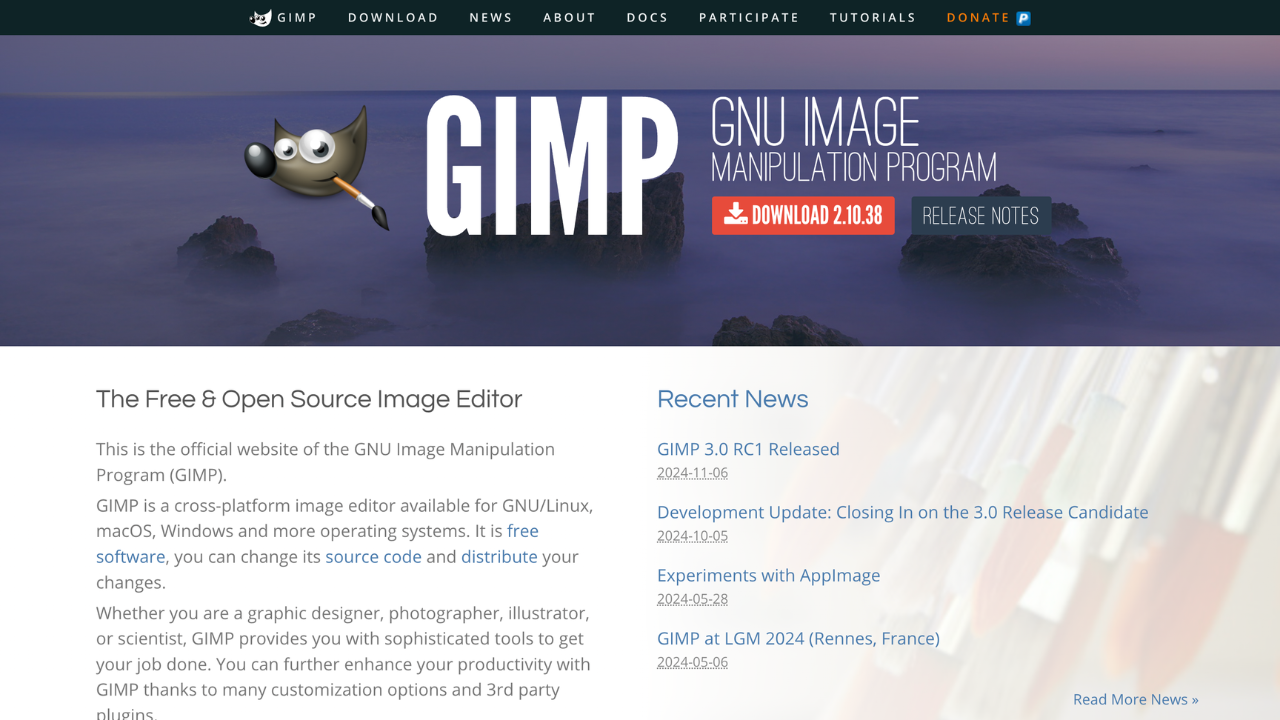
GIMP (GNU Image Manipulation Program) is a free, open-source image editor for photo retouching, graphic design, and more. It offers professional-grade tools and a customizable interface, making it ideal for photographers, designers, and hobbyists seeking a powerful yet cost-effective solution.
Key benefits of GIMP include:
- Open-Source Flexibility: Free to use and supported by an active community of developers.
- Advanced Editing Tools: Offers layers, masks, and filters for professional-quality results.
- Customizable Interface: Tailor the layout and functionality to your workflow.
- Cross-Platform Support: Available on Windows, macOS, and Linux.
- Plugin Integration: Extend functionality with a wide array of plugins and scripts.

A free, online photo editor that lets you edit photos, apply effects, filters, add text, crop or resize pictures.
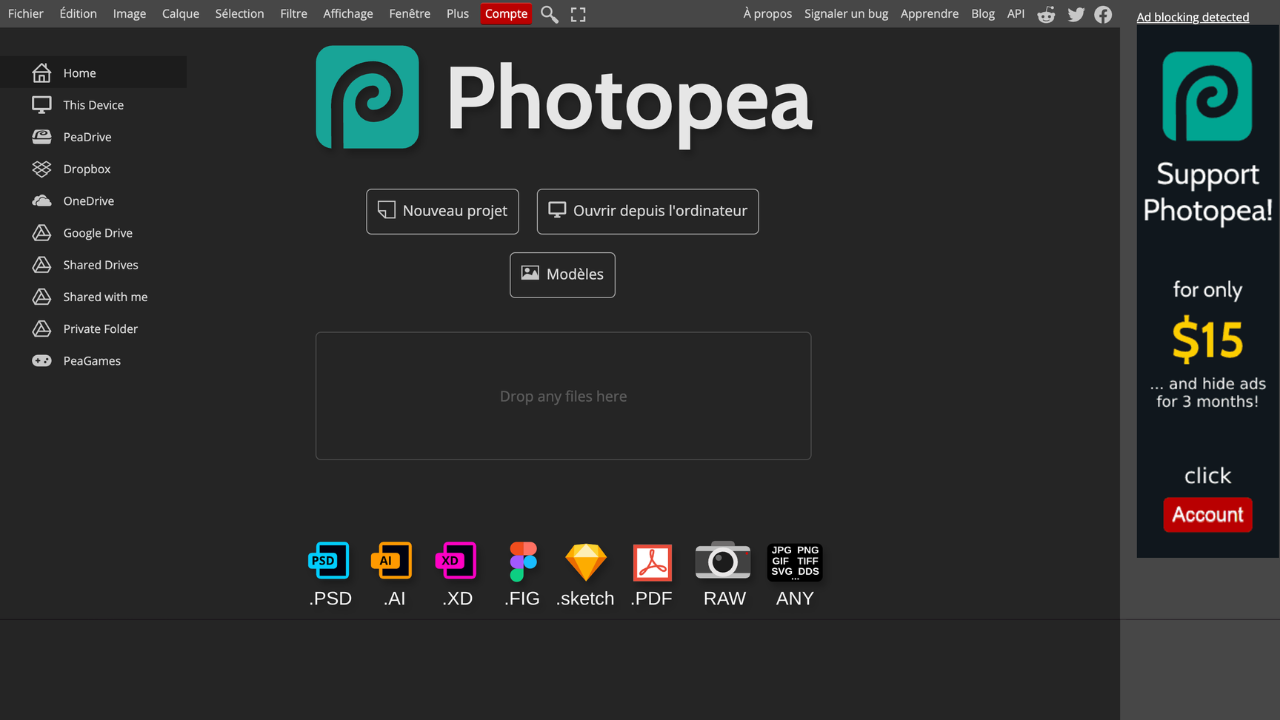
Photopea is a free, web-based photo editor that supports a wide range of formats, including PSD, JPEG, PNG, and more. It provides professional-grade tools for editing photos, creating graphics, and working with vector designs, all without needing to install any software.
Key benefits of Photopea include:
- No Installation Required: Use directly in your browser without downloads.
- Full PSD Support: Open and edit Photoshop files seamlessly.
- Wide File Format Compatibility: Works with numerous file types, including RAW and vector formats.
- AI-powered Features: Includes tools like background removal and content-aware editing.
- Advanced Editing Tools: Layers, masks, filters, and more for professional results.
Discover the best free alternatives to:
View all alternatives
Adobe Illustrator
A professional graphic design software used for creating vector-based artwork, such as logos, illustrations, and designs.

Discord
A free communication platform that enables users to connect via text, voice, and video.

Freedom
A productivity app that blocks distracting websites, apps, and internet access across multiple devices.

Google Chrome
A fast, secure, and widely used web browser developed by Google.
Google Keep
A note-taking app that helps users capture and organize ideas, lists, and reminders. Free with a Google account.

Hunter.io
A tool for finding and verifying professional email addresses to improve outreach and lead generation.