BigBlueButton is open-source virtual classroom software for online teaching. It includes multi-user whiteboards, breakout rooms, polling and live engagement analytics, and can be self-hosted or used through LMS integrations.
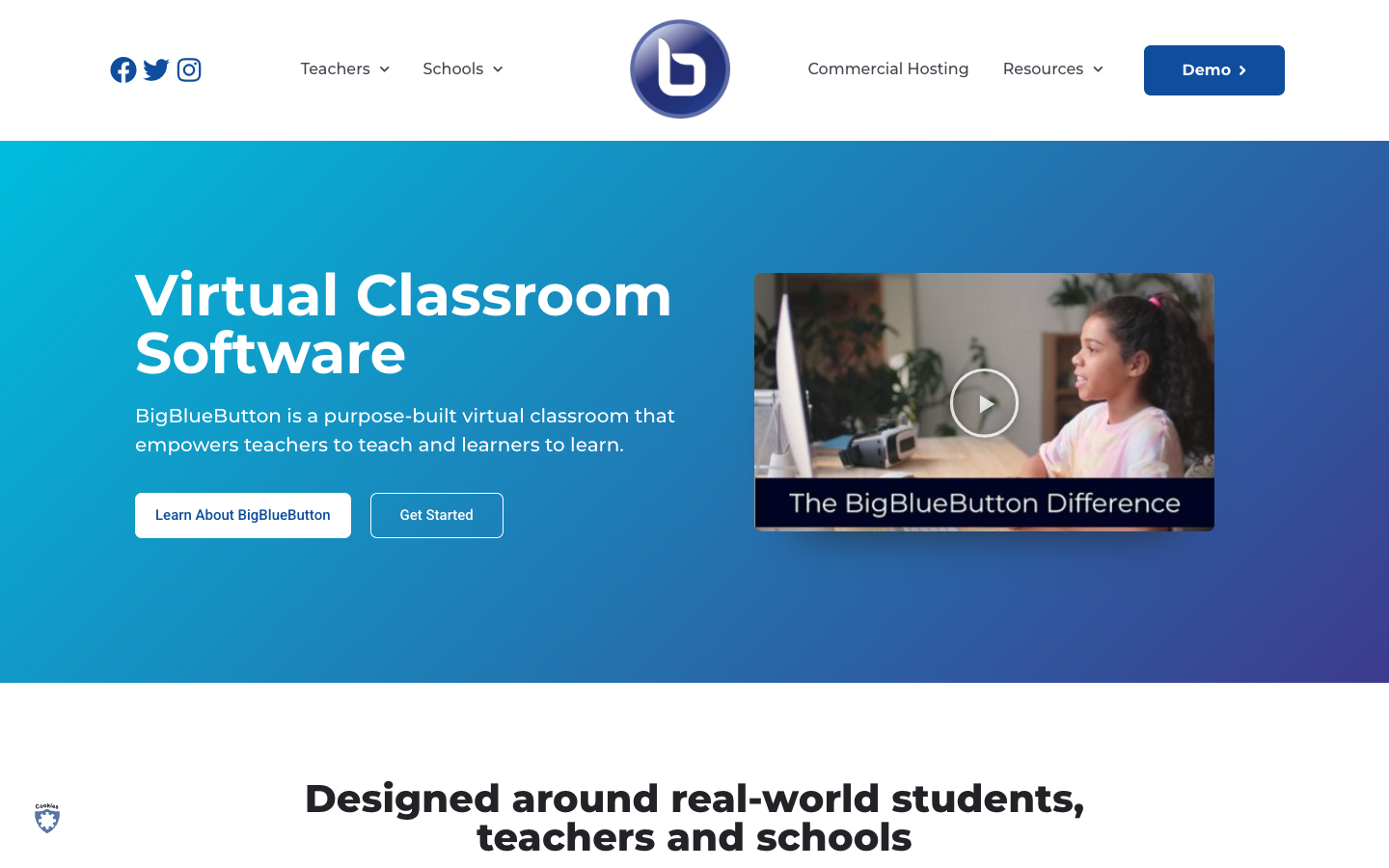
BigBlueButton is an open-source virtual classroom developed at Carleton University in Ottawa in 2007. Unlike general video conferencing tools, it is designed around teaching: schools, universities, tutors and training organizations use it for live classes, office hours and group work. It is the default virtual classroom in LMS platforms such as Canvas, Moodle Cloud, Sakai, D2L and Schoology, and is available in over 65 languages.
Key benefits of BigBlueButton include:
- Teaching tools built in: Multi-user whiteboard, polling, shared notes, hand raise and breakout rooms are part of the core product.
- Presentation support: Upload PowerPoint, Word, PDF and image files and annotate them on the whiteboard during class.
- Engagement analytics: Live analytics help teachers see which students are struggling or excelling.
- LMS integrations: Works with major learning management systems, so classes can be launched from tools schools already use.
- Self-hostable: You can install it on your own server, or choose a commercial hosting provider.
If you are leaving Zoom for teaching or training, BigBlueButton gives you classroom-specific tools without per-host licensing, and self-hosting keeps data on your own infrastructure. The trade-off is that it is focused on education rather than general business meetings, and running your own server requires administration work and suitable hardware. Organizations without IT capacity may prefer a paid hosting partner instead.