
AdAdvertise with us·Reach an audience of professional tech enthusiasts
Favicon of Evernote website

Open Source Evernote Alternatives

A curated collection of the 5 best open source alternatives to Evernote.

5 open source alternatives · Updated

The best open source alternative to Evernote is Affine. If that doesn't suit you, we've compiled a ranked list of other open source Evernote alternatives to help you find a suitable replacement. Other interesting open source alternatives to Evernote are: AppFlowy, Joplin, Notesnook and Trilium Notes.

Evernote alternatives are mainly Note Taking but may also be Knowledge Management or Project Management. Browse these if you want a narrower list of alternatives or looking for a specific functionality of Evernote.

Open Source Evernote alternatives compared

#ToolPricingOpen source
1 AffineFree + From $6.75/moYes
2 AppFlowyFree + From $10/moYes
3 JoplinFree + From $2.99/moYes
4 NotesnookFree + From $2/moYes
5 Trilium NotesFreeYes

The best open source Evernote alternatives, ranked

An open-source, all-in-one productivity platform that combines documents, whiteboards, and databases into a unified workspace.
Free + From $6.75/mo
Open-source
Self-hosted
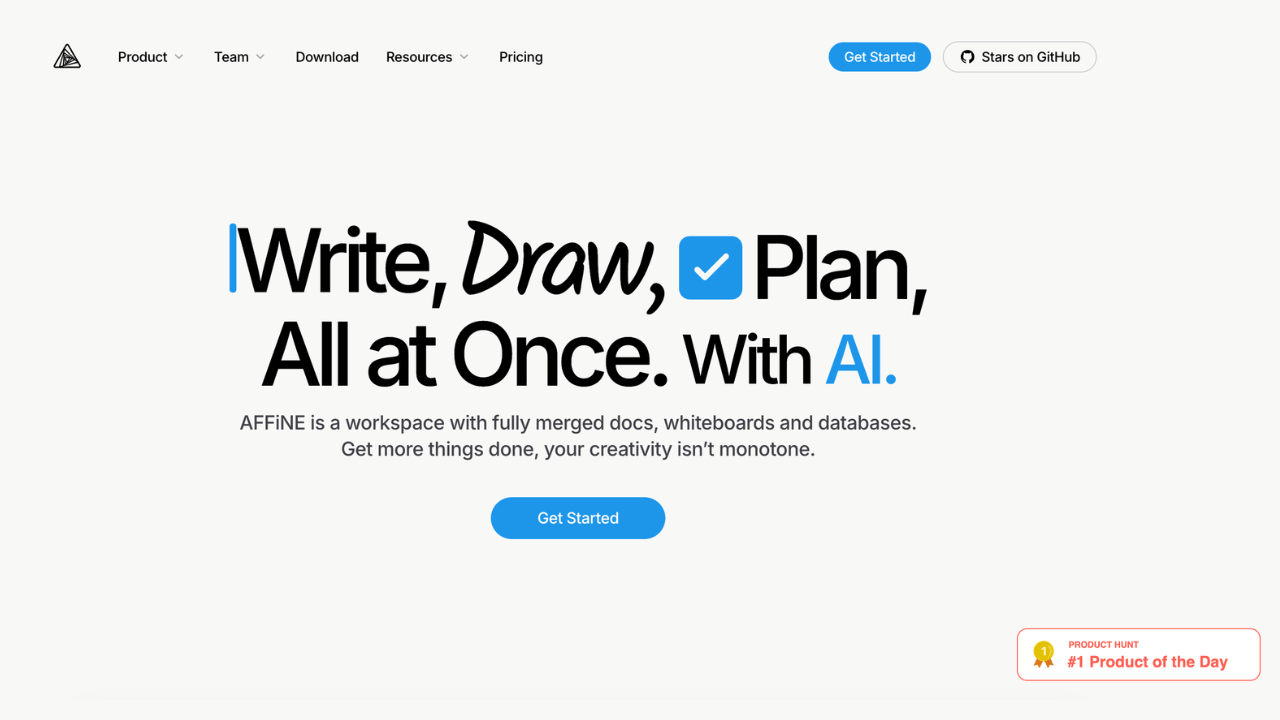
Screenshot of Affine website

AFFiNE is an open-source, privacy-first KnowledgeOS that seamlessly combines documents, whiteboards, and databases into a unified workspace. Designed for individuals and teams, it offers a flexible platform to write, draw, and plan, enhancing productivity and creativity.

Key benefits of AFFiNE include:

  • Unified Workspace: Integrates docs, whiteboards, and databases, allowing seamless transitions between writing, visualizing, and organizing tasks.

  • Block-Based Architecture: Enables dynamic content creation with reusable, linkable blocks, facilitating efficient knowledge management.

  • Privacy-Focused & Open-Source: Offers self-hosting options and local-first data storage, ensuring complete control over your information.

  • Cross-Platform Compatibility: Built with web technologies, AFFiNE runs smoothly on Windows, macOS, and Linux, providing a consistent experience across devices.

  • Flexible Views & Real-Time Collaboration: Supports multiple views like Kanban and whiteboard modes, with real-time syncing for collaborative work.
Read the Affine review

An open-source alternative to Notion, offering a productivity platform designed for managing projects, tasks, and knowledge bases.

Free + From $10/mo
Open-source
Self-hosted
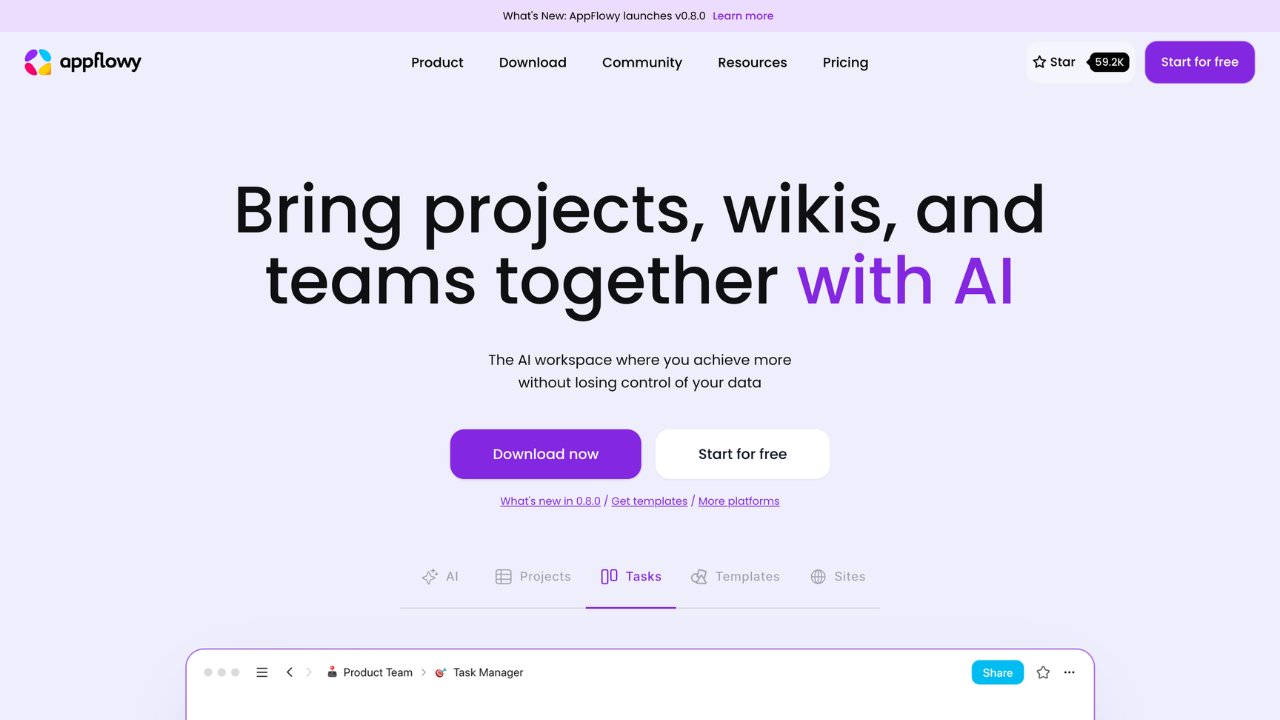
Screenshot of AppFlowy website

AppFlowy is a customizable, privacy-focused project management and collaboration platform. It empowers teams and individuals to manage tasks, wikis, and projects while retaining full control of their data. Ideal for users seeking flexibility, privacy, and powerful AI-enhanced productivity tools.

Key benefits of AppFlowy include:

  • Privacy-first approach: Run AppFlowy locally or self-host to ensure complete control over your data, free from vendor lock-in.
  • AI-powered productivity: Utilize AI for generating insights, automating tasks, and improving writing.
  • Customizable and flexible: Design workflows with custom views, themes, and properties to suit unique team needs.
  • Cross-platform accessibility: Seamlessly transition between devices with mobile and desktop support.
  • Community-driven innovation: Access plugins, templates, and contributions from a global developer community.
Read the AppFlowy review

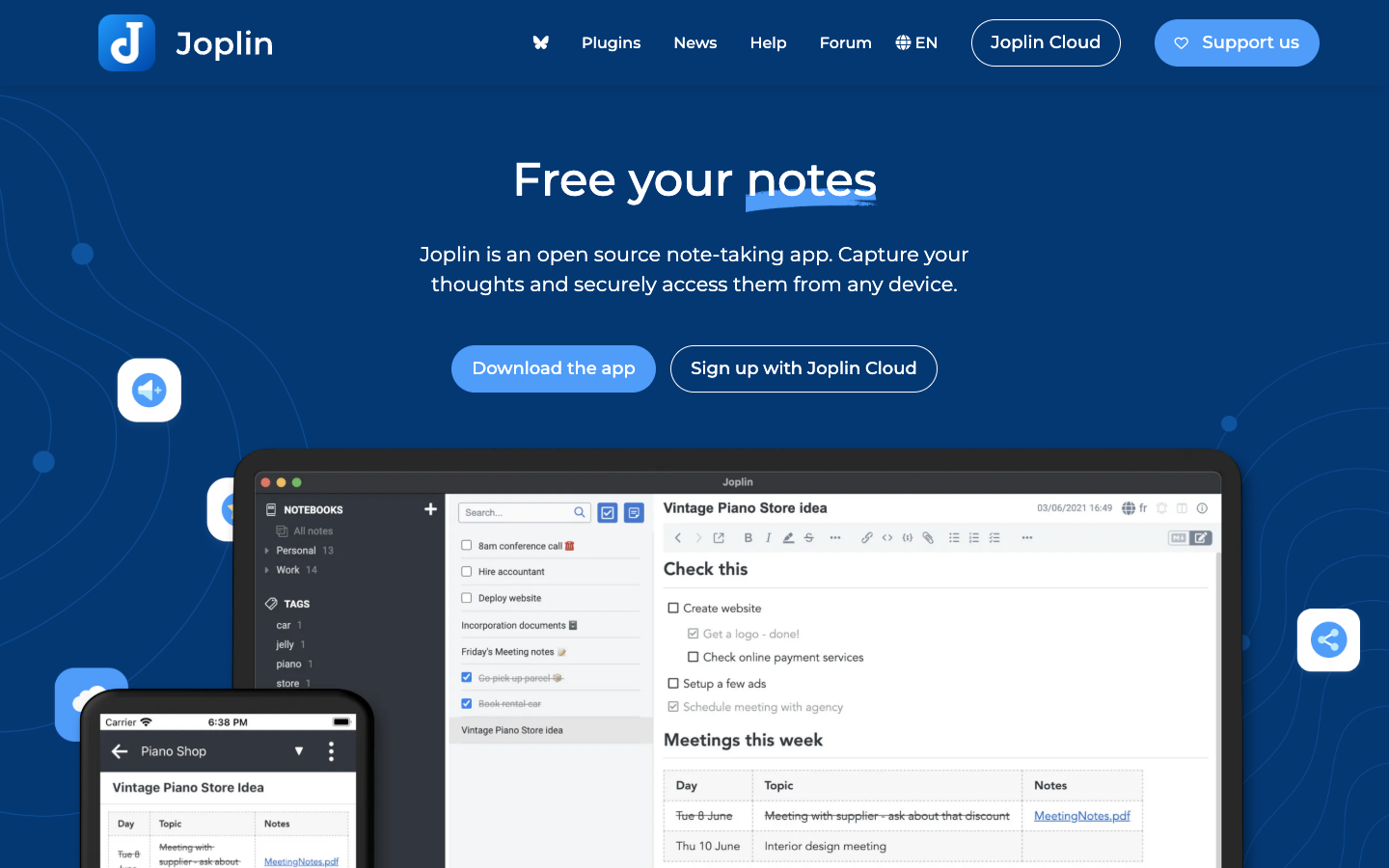
Joplin is an open source note-taking app for Windows, macOS, Linux, Android, iOS and the terminal. Notes are stored in an open format and can be synced through Joplin Cloud, Dropbox or OneDrive with end-to-end encryption.

Free + From $2.99/mo
Open-source
Self-hosted
Screenshot of Joplin website

Joplin is an open source note-taking app for people who want to capture notes, to-dos and web clippings and reach them from any device without locking their data into a proprietary service. It runs on Windows, macOS, Linux, Android and iOS, and there is also a terminal app.

Key benefits of Joplin include:

  • End-to-end encryption: Notes can be encrypted so that no one but you can read them, including the sync provider.
  • Flexible sync: Synchronise through Joplin Cloud, Dropbox, OneDrive or other supported services.
  • Open format: Notes are saved in an open format, so you keep access to them regardless of the app.
  • Web clipper: Browser extensions for Chrome and Firefox save web pages or screenshots as notes.
  • Extensible: Plugins, custom themes, a choice of Rich Text or Markdown editors, and an Extension API for your own scripts.

For Evernote users, Joplin covers the core workflow: notebooks of multimedia notes with images, PDFs and audio, a web clipper, and mobile photo capture, while letting you choose where your data is stored. Notion users will find a more traditional note app rather than a database and wiki workspace, so things like linked databases and page layouts are not the focus. Sharing and collaboration on notes require Joplin Cloud, the paid hosted service based in France; the apps themselves are free and you can sync through your own storage instead.

Read the Joplin review

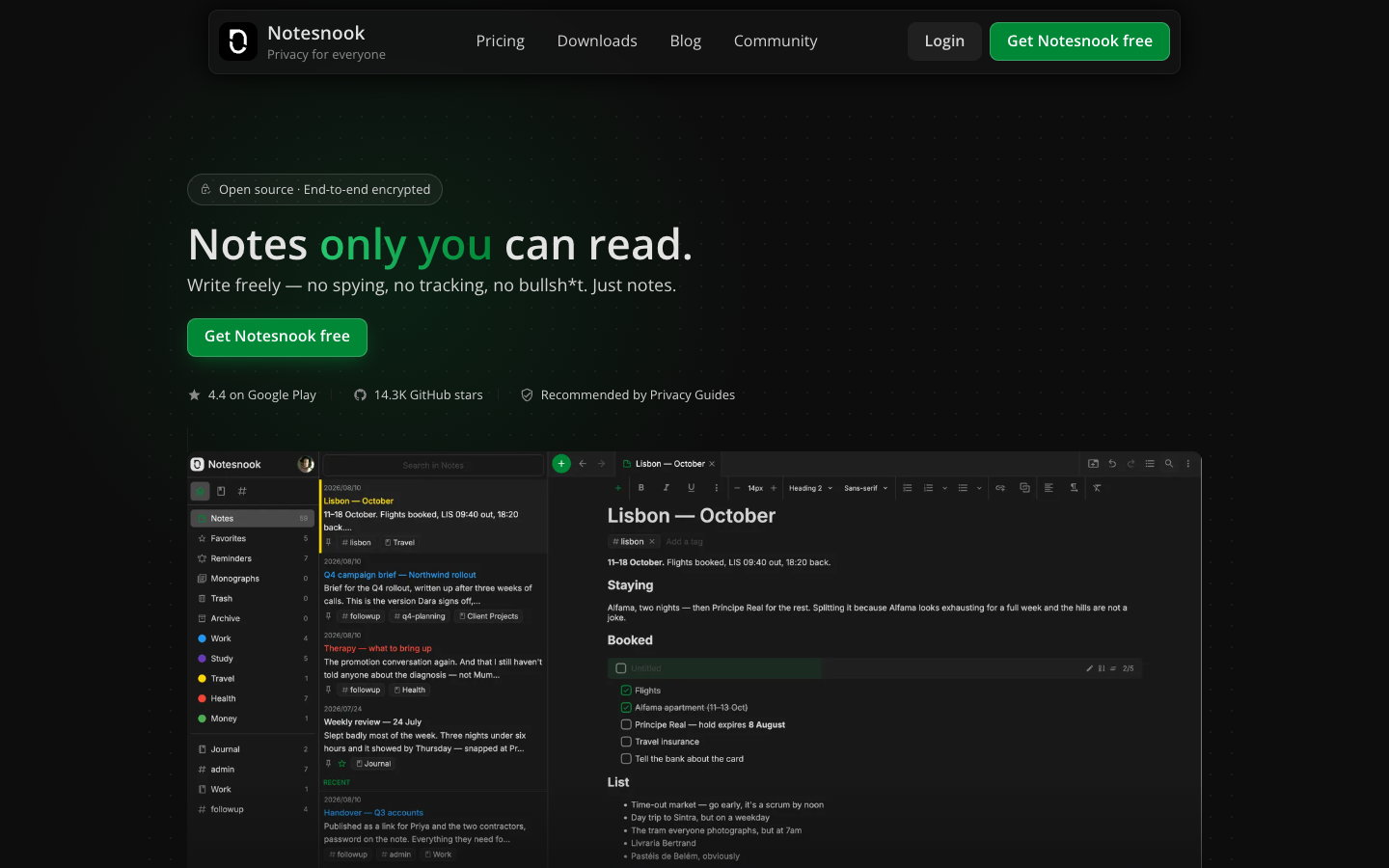
Notesnook is an open-source, zero-knowledge note-taking app with end-to-end encryption, unlimited free notes on unlimited devices, and apps for Windows, macOS, Linux, Android, iOS and the web.

Free + From $2/mo
Open-source
Screenshot of Notesnook website

Notesnook is a private note-taking app from Streetwriters where notes are encrypted on your device before they sync. The clients and the sync server are open source under GPLv3, and it runs on Windows, macOS, Linux, Android, iOS and the web. It suits people who keep sensitive material such as health notes, bank details or recovery codes in their notes app and want to know nobody else can read it.

Key benefits of Notesnook include:

  • Free plan with no time limit: Unlimited notes on unlimited devices, encrypted by default, with 50MB of attachment storage per month and no card required.
  • Verifiable privacy: Client and server code is public, a self-hostable sync server is available, and the Vericrypt tool lets you check your own encrypted notes.
  • Capable editor: Tables, task lists, outlines, maths, code blocks, attachments, Markdown support and linked notes with backlinks.
  • Extra locks: An app lock using fingerprint, PIN or password, plus a separate password-protected vault for your most private notes.
  • Capture and sharing tools: A web clipper, reminders, an inbox API for Zapier, IFTTT or scripts, and password-protected published notes.

For anyone leaving Evernote or Google Keep, Notesnook offers an importer and a free tier that does not cap notes or devices, with export available on every plan. The trade-offs: free attachment storage is small at 50MB per month, and limits on notebooks, tags and reminders push heavier users toward paid plans, which start around 1.82 € per month billed annually. Self-hosting the sync server is still listed as in progress on the roadmap.

Read the Notesnook review

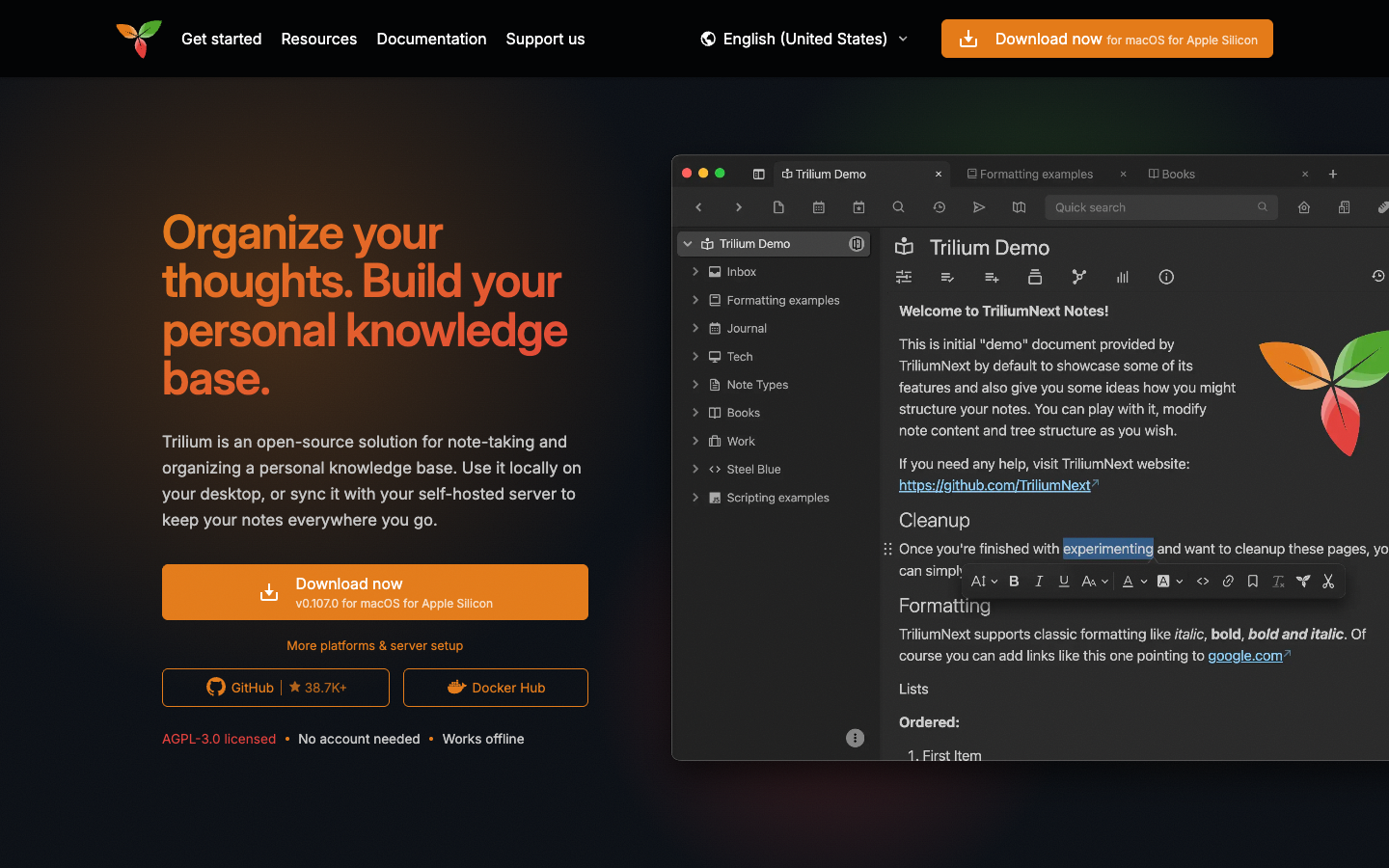
Trilium Notes is a free, AGPL-3.0 licensed note-taking and personal knowledge base app. Use it offline on your desktop without an account, or sync notes across devices through a server you host yourself.

Free
Open-source
Self-hosted
Screenshot of Trilium Notes website

Trilium Notes is an open-source app for note-taking and organizing a personal knowledge base. It runs locally as a desktop application with no account needed, and can optionally sync with a self-hosted server so your notes are available on other devices and in a browser. It suits individuals who want a structured, programmable notebook they fully control.

Key benefits of Trilium Notes include:

  • Flexible hierarchy: Notes nest inside other notes, and a single note can appear in multiple places in the tree, with labels and relations for categorization.
  • Many note types: Rich text, Markdown, code, spreadsheets, canvas, Mermaid diagrams, mind maps and files, plus calendar, table, Kanban and map views via collections.
  • Search and capture: Full-text search includes text inside images and PDFs via OCR, and a web clipper extension saves pages or screenshots.
  • Privacy controls: Sensitive notes can be encrypted behind a password-protected session, and AI features are opt-in and disabled by default.
  • Scriptable: JavaScript widgets, scheduled backend scripts and a REST API let you automate workflows and build integrations.

For someone leaving Evernote, Trilium offers a completely free app with no paid tiers, notes stored locally in an SQLite database, an Evernote-style web clipper, and export to Markdown, HTML and OPML. The trade-offs are real: there is no official mobile app (only a PWA via your server or the unofficial TriliumDroid for Android), no official hosted service (third parties like PikaPods offer managed hosting), and it is single-user with no real-time collaboration.

Read the Trilium Notes review

Share:

Discover the best open source alternatives to

View all

Put your SaaS product in front of active buyers

Reach developers, tech leaders and founders looking for open source tools to adopt.

Submit your product