AdAdvertise with us·Reach an audience of professional tech enthusiasts
Favicon of Dropbox website

Free Dropbox Alternatives

A curated collection of the 3 best free alternatives to Dropbox.

3 free alternatives · Updated

The best free alternative to Dropbox is Nextcloud. If that doesn't suit you, we've compiled a ranked list of other free Dropbox alternatives to help you find a suitable replacement. Other interesting free alternatives to Dropbox are: Seafile and Syncthing.

Dropbox alternatives are mainly File Hosting but may also be Productivity or Desktop Apps. Browse these if you want a narrower list of alternatives or looking for a specific functionality of Dropbox.

Free Dropbox alternatives compared

#ToolPricingOpen source
1 NextcloudFreeYes
2 SeafileFreeYes
3 SyncthingFreeYes

The best free Dropbox alternatives, ranked

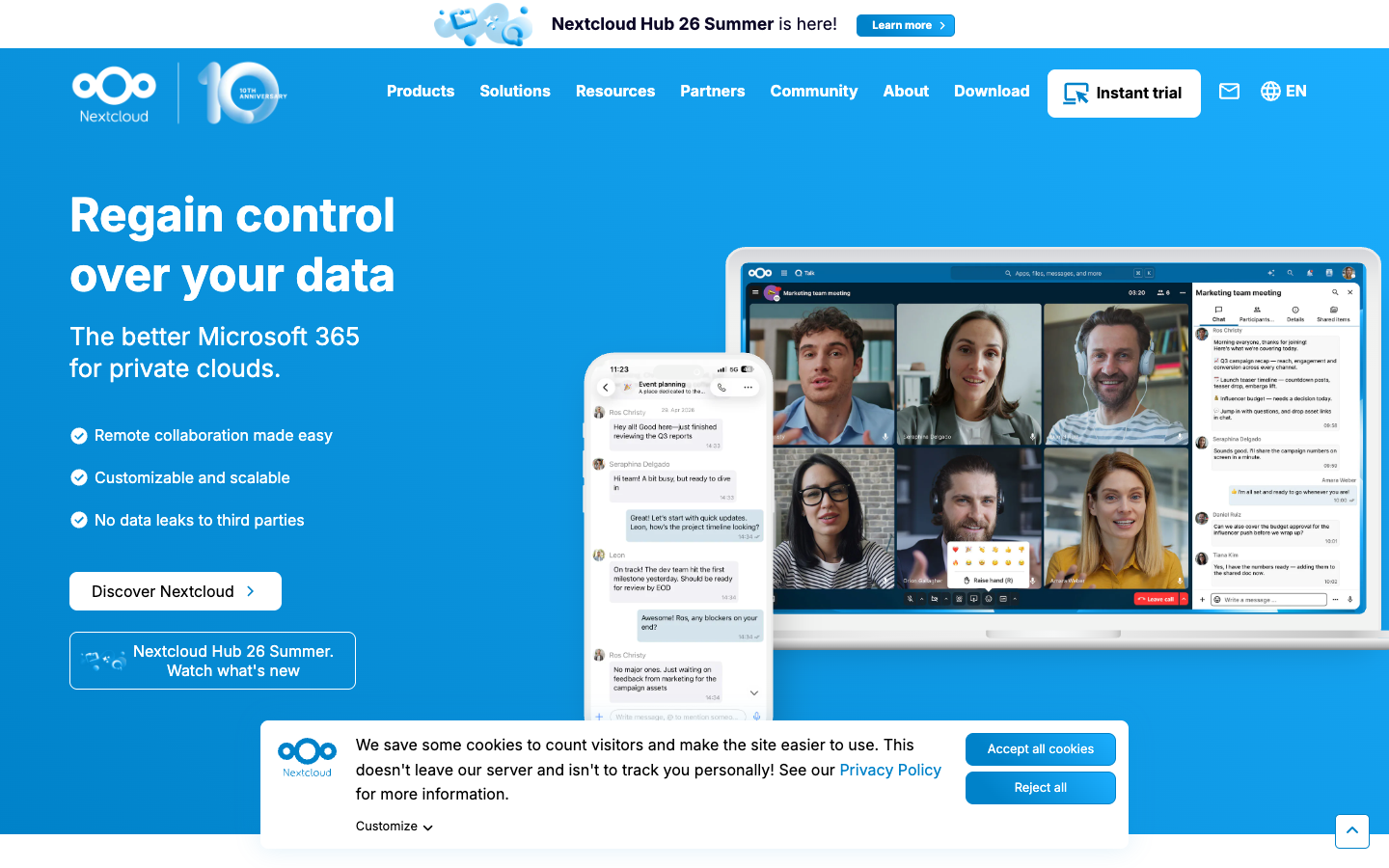
Nextcloud is an open source content collaboration platform you can self-host, combining file sync and share, video calls and chat, groupware, online office editing and a local AI assistant.
Free
Open-source
Self-hosted
Screenshot of Nextcloud website

Nextcloud is an open source (AGPL) collaboration platform that you run on your own server or get through a hosting provider. Nextcloud Hub bundles Files, Talk, Groupware, Office, Assistant and Flow into one workspace. It is used by individuals and families as well as companies, schools, service providers and public sector bodies, and the project reports over 400,000 deployments, scaling from a Raspberry Pi with 2 users to installations with tens of millions of users.

Key benefits of Nextcloud include:

  • File sync and share: Store and sync files through web, desktop (Windows, macOS, Linux) and mobile (Android, iOS) clients.
  • Talk and Groupware: Chat, audio/video calls with screen sharing and SIP integration, plus calendar, contacts and mail.
  • Online office: Collaborative editing of docx, xlsx and pptx files in the browser, with options such as Collabora Online and Euro-Office.
  • Local AI assistant: Nextcloud Assistant can summarize emails, translate, generate content and answer questions about your data without sending it to a third party.
  • Data control: Keep data on servers you own, with encryption, access control, auditing and compliance tooling.

If you are leaving Google Workspace, Dropbox or Microsoft 365, Nextcloud covers storage, communication and document editing in one self-hostable package, with an app store of hundreds of add-ons. The trade-off is that self-hosting means you handle installation, updates, backups and security yourself, and the office editing and AI features need extra components and server resources. Organizations that want vendor support can buy Nextcloud Enterprise, which starts at 100 users and is billed per user per year; individuals can also sign up for a free account at a provider.
Read the Nextcloud review

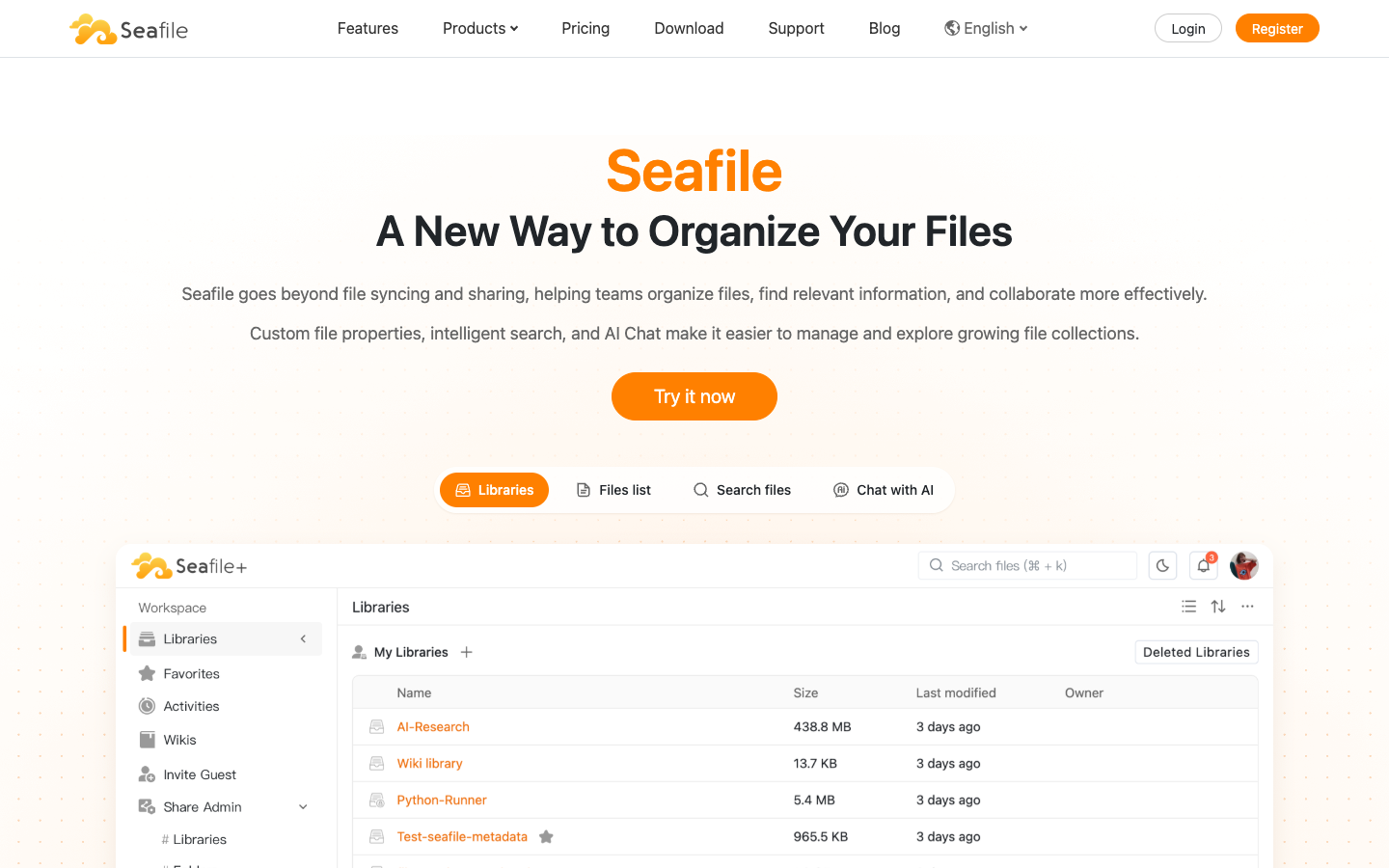
Seafile is an open-source file sync and share platform you can run on your own server or private cloud. It adds custom file properties, collaborative documents, wikis and AI-assisted search on top of syncing.

Free
Open-source
Self-hosted
Screenshot of Seafile website

Seafile is an open-source file sync and share platform that teams can self-host on their own infrastructure or private cloud. It covers the basics of cloud storage (syncing across devices, browser viewing and editing, sharing) and adds tools for organizing and finding files in larger collections. It suits organizations that want Dropbox-style storage while keeping control of where their data lives.

Key benefits of Seafile include:

  • Self-hosted deployment: Run Seafile on your own servers and keep control over your data.
  • File sync and sharing: Keep files in sync across desktop and mobile devices and share them with flexible access controls.
  • Secure sharing and history: Protect share links with passwords and expiration dates, restore previous file versions and review audit logs.
  • Organization tools: Add custom file properties, hierarchical tags and table, Kanban, gallery or map views.
  • Docs, wikis and AI search: Co-edit documents with SeaDoc, build team wikis, and use full-text, semantic search and AI Chat to find content.

Someone leaving Dropbox would pick Seafile mainly for data ownership: files sit on infrastructure you run rather than a third-party cloud, and the open-source code is available on GitHub. It also goes further than plain syncing with wikis, collaborative documents and metadata-based organization. The trade-off is that self-hosting means you handle installation, storage, backups and updates yourself. Some features are tied to specific editions or the SeafilePlus Cloud offering, so check the pricing page to see what the free version includes.

Read the Seafile review

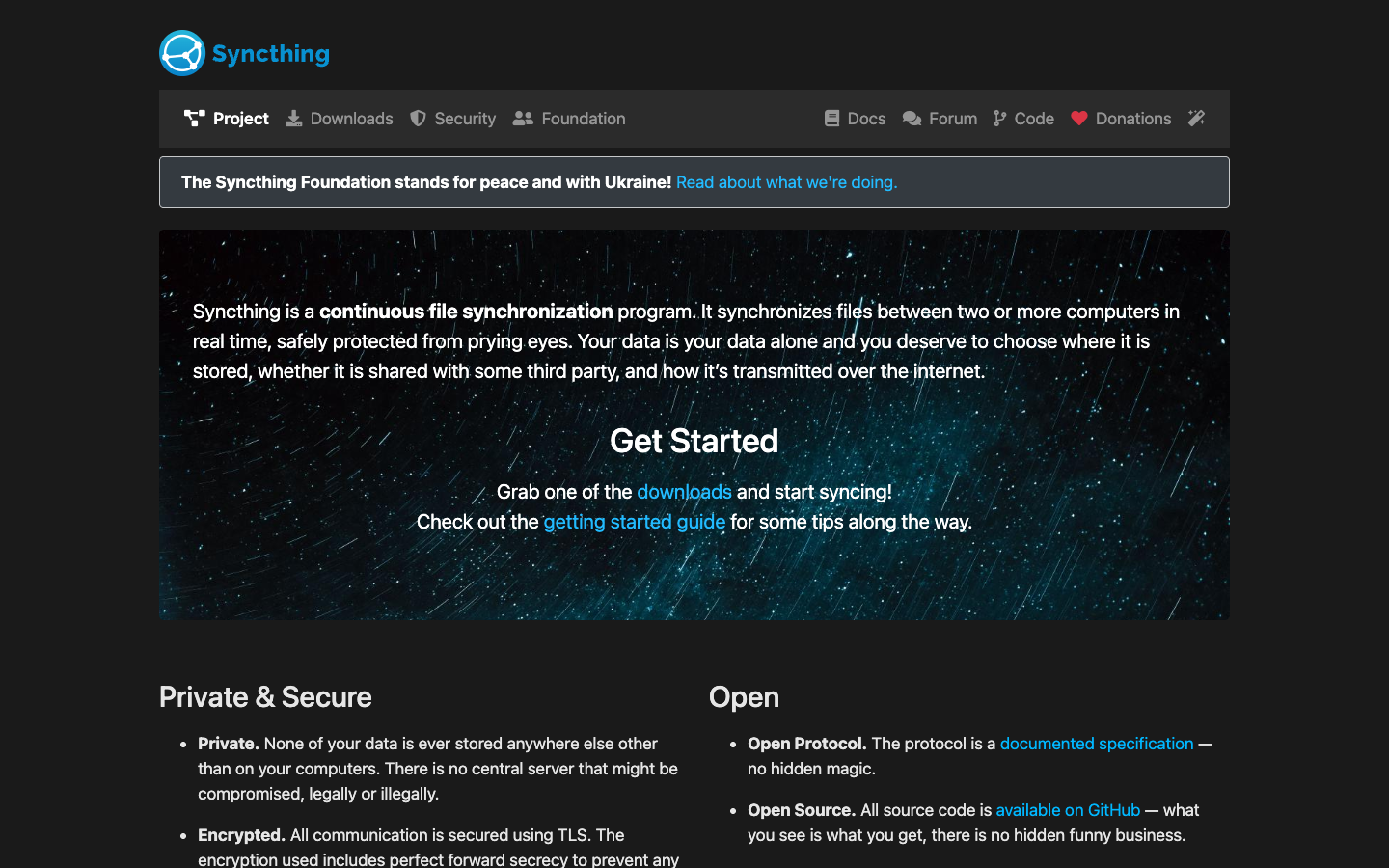
Syncthing is a free, open-source program that continuously synchronizes files between two or more computers in real time. Data stays on your own devices and all traffic is encrypted with TLS.

Free
Open-source
Self-hosted
Screenshot of Syncthing website

Syncthing is a continuous file synchronization program that keeps folders in sync between two or more computers in real time. It is for people who want Dropbox-style syncing without handing their files to a third party: your data is only ever stored on your own machines, and you decide which devices and people can connect.

Key benefits of Syncthing include:

  • No central server: Files are never stored anywhere other than on your computers, so there is no cloud server that could be compromised.
  • Encrypted and authenticated: All communication uses TLS with perfect forward secrecy, and each device is identified by a cryptographic certificate you must explicitly allow.
  • Open protocol and code: The sync protocol is a documented specification and all source code is on GitHub, with bugs and development discussed in the open.
  • Wide platform support: It runs on macOS, Windows, Linux, FreeBSD, Solaris, OpenBSD and more, and is managed through a browser-based interface.
  • Simple connections: Devices are identified by an ID rather than IP addresses, and it works over LAN and the internet, using UPnP if you don't want to set up port forwarding.

If you are leaving Dropbox for privacy or cost reasons, Syncthing lets you sync as many folders as you need between your own devices and with other people at no charge. The trade-off is that there is no hosted storage: files only sync when at least two of your devices are online, so for an always-available copy or backup you need to run it on a server or machine you keep on yourself. Commercial support is available from Kastelo if you need it.

Read the Syncthing review

Share:

Discover the best free alternatives to

View all

Put your SaaS product in front of active buyers

Reach developers, tech leaders and founders looking for open source tools to adopt.

Submit your product