

AdAdvertise with us·Reach an audience of professional tech enthusiasts
Favicon of Coolify website

Free Coolify Alternatives

A curated collection of the 2 best free alternatives to Coolify.

2 free alternatives · Updated

The best free alternative to Coolify is CapRover. If that doesn't suit you, we've compiled a ranked list of other free Coolify alternatives to help you find a suitable replacement. Other interesting free alternative to Coolify is Dokku.

Coolify alternatives are mainly PaaS & Deployment. Browse these if you want a narrower list of alternatives or looking for a specific functionality of Coolify.

Free Coolify alternatives compared

#ToolPricingOpen source
1 CapRoverFreeYes
2 DokkuFreeYes

The best free Coolify alternatives, ranked

CapRover is an open-source platform-as-a-service that deploys and manages apps on your own servers, handling builds, routing, HTTPS and scaling through Docker Swarm. It is free and licensed under Apache 2.0.
Free
Open-source
Self-hosted
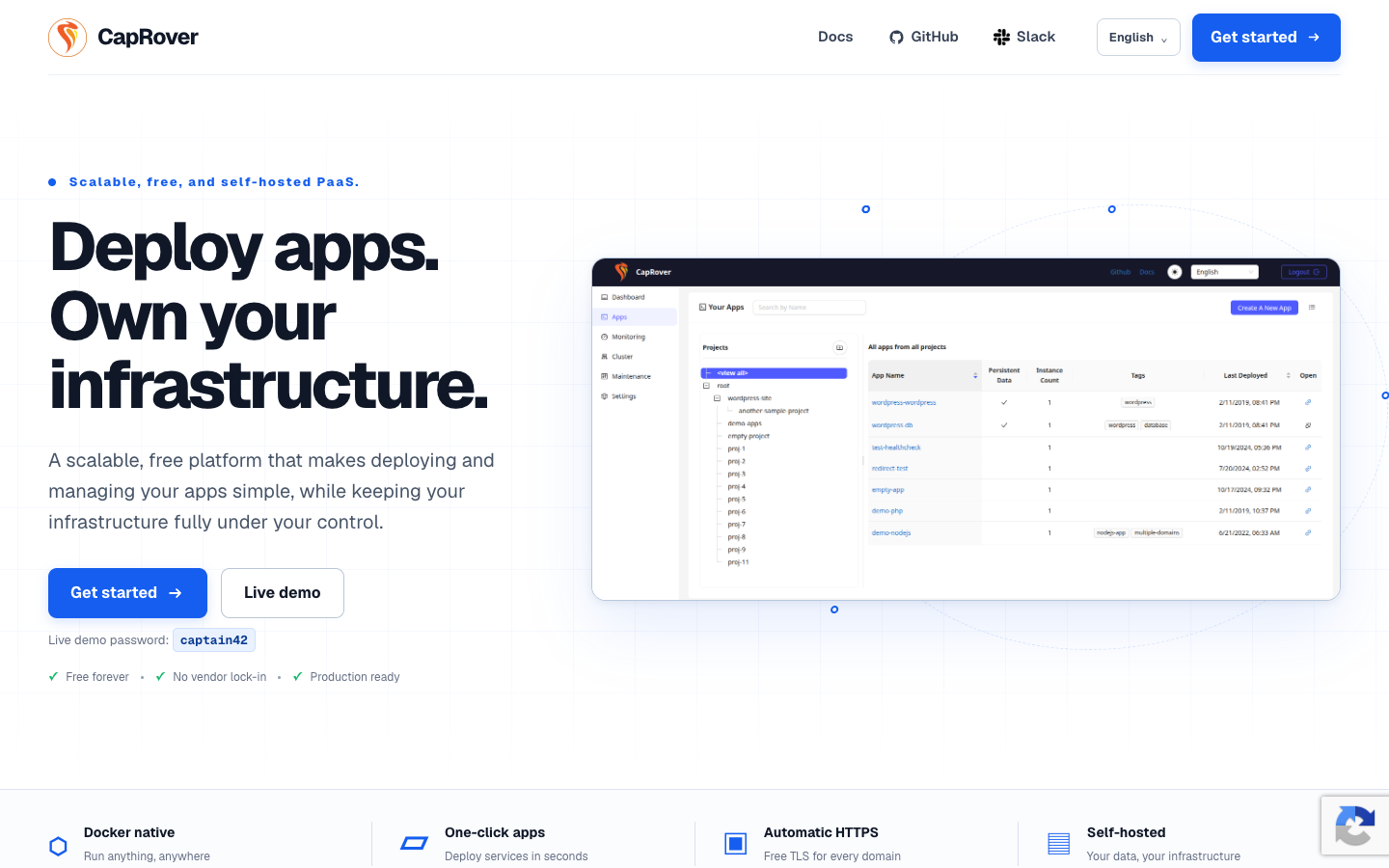
Screenshot of CapRover website

CapRover is a free, open-source PaaS that runs on your own infrastructure. It wraps Docker, nginx, Let's Encrypt and Docker Swarm in a web dashboard and CLI, so developers can deploy apps without hand-writing server setup, certificate renewals or nginx configs. It suits solo developers and small teams who want a Heroku-style workflow on servers they control.

Key benefits of CapRover include:

  • Any language: Deploy Node.js, Python, PHP, Java, Ruby, .NET or any app that runs in a container.
  • One-click apps: Launch databases, WordPress, monitoring tools and dozens of other services from a catalog.
  • Flexible deploys: Ship from the dashboard, the caprover deploy CLI, a webhook or your existing Git workflow.
  • Automatic HTTPS: Let's Encrypt certificates are issued and renewed for you, with one-click HTTP to HTTPS redirects.
  • Ready to scale: Add nodes to the Docker Swarm cluster and CapRover handles load balancing across them.

If you are leaving Heroku, CapRover gives you a similar push-to-deploy experience without per-dyno pricing, though you take on running and patching the server yourself. Compared with DigitalOcean's managed App Platform, you trade managed convenience for full control and only pay for the underlying VPS. Against Coolify, both are self-hosted and free; CapRover's draw is its Docker Swarm-based multi-node scaling and long-standing one-click app catalog, while you still need to be comfortable reaching into Docker and nginx when things go wrong. Setup is described as about 10 minutes on your own server, and a live demo is available to try first.
Read the CapRover review

Dokku is an open source platform-as-a-service powered by Docker. Push Heroku-compatible apps via Git, build them with Heroku buildpacks, and run them in isolated containers on your own server.

Free
Open-source
Self-hosted
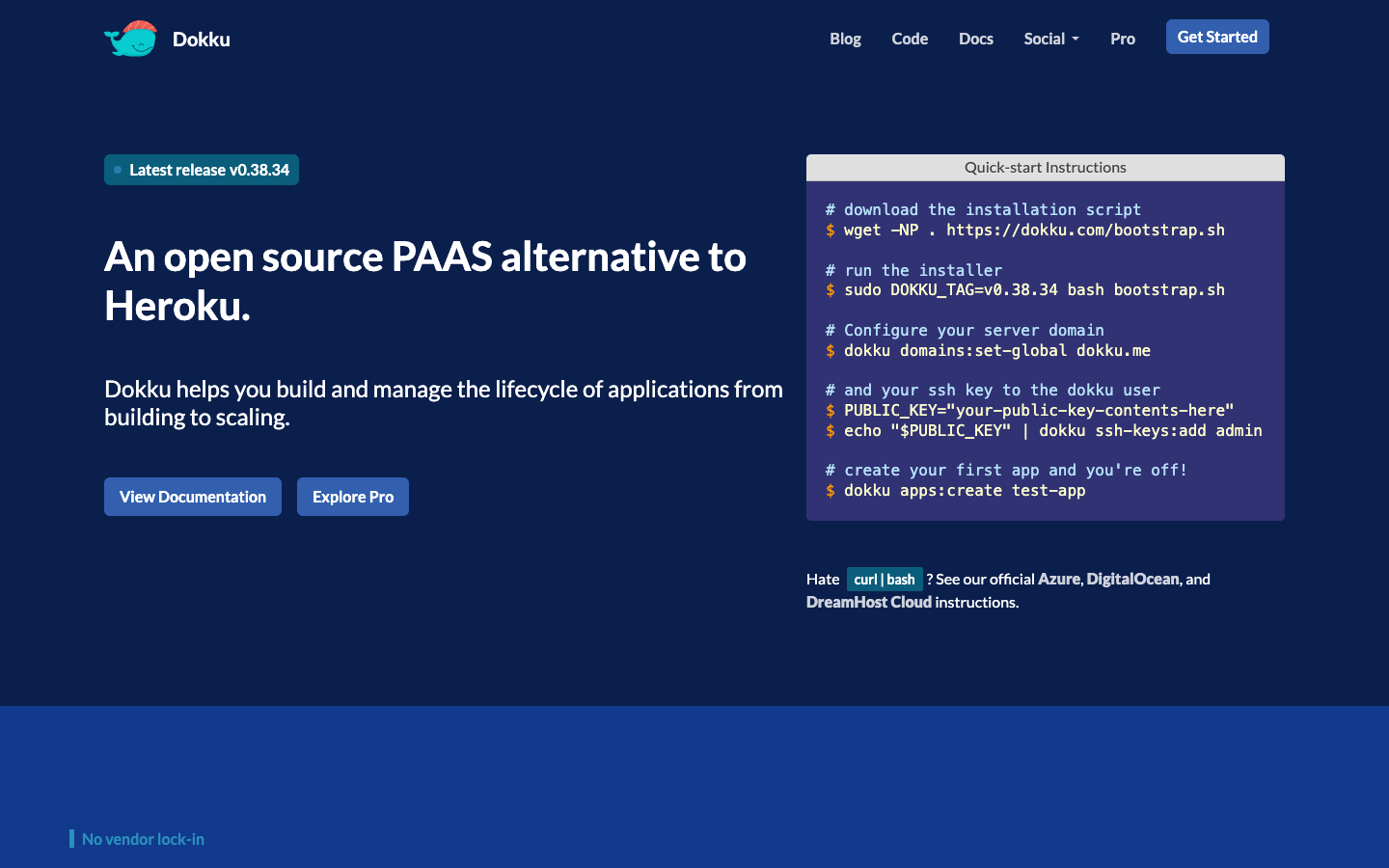
Screenshot of Dokku website

Dokku is a small, open source PaaS that gives you your own single-host version of Heroku. It is aimed at developers who want Git-push deployments without paying a hosted platform, and who are comfortable managing a Linux server. Because it is powered by Docker, it can be installed on any hardware or on inexpensive cloud providers, with official instructions for Azure, DigitalOcean and DreamHost Cloud.

Key benefits of Dokku include:

  • Heroku-compatible deploys: Push apps via Git and they build using Heroku buildpacks, then run in isolated containers.
  • No vendor lock-in: Run it on any host you choose using tools you already know, like Docker and SSH.
  • Plugin system: Dokku itself is built from plugins, and you can write your own in any language and share them.
  • Simple setup: A bootstrap script installs it, then you set a domain, add an SSH key and create your first app.
  • Full app lifecycle: Manage applications from building and deploying through to scaling from the command line.

For someone leaving Heroku, Dokku keeps the familiar buildpack and Git-push workflow while cutting hosting costs to whatever your server costs. Compared with Coolify, it is CLI-driven and minimal rather than built around a web dashboard. The trade-offs are real: it is a single-host setup, so you are responsible for the server, backups, updates and uptime. Some features are reserved for a paid Pro version, though the open source core is free to use.

Read the Dokku review

Share:

Discover the best free alternatives to

View all

Put your SaaS product in front of active buyers

Reach developers, tech leaders and founders looking for open source tools to adopt.

Submit your product
