

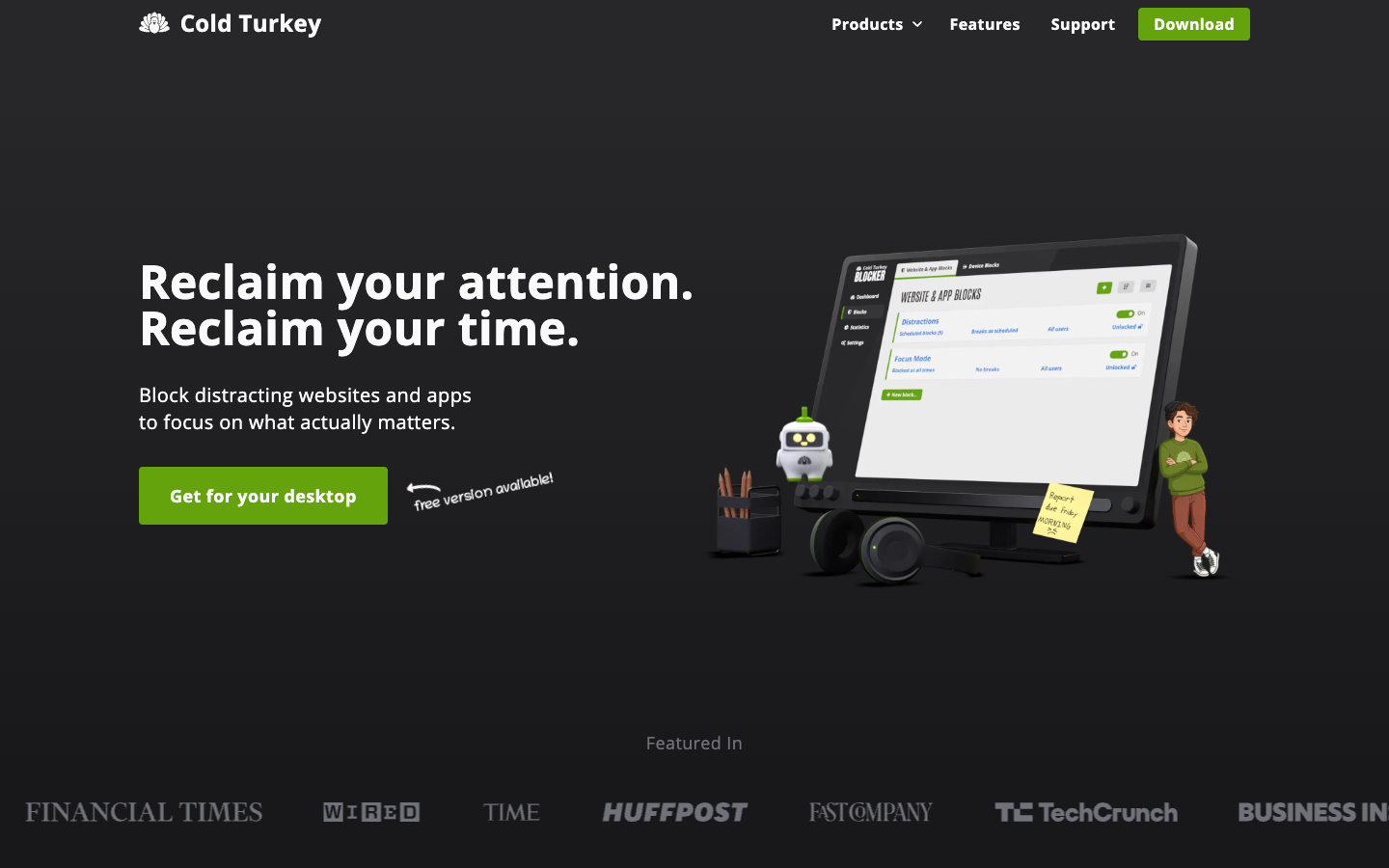
About Cold Turkey Blocker
Cold Turkey Blocker is a desktop app for Windows and macOS that blocks distracting websites, apps, games, or the entire internet. It is built for people who want a block they cannot easily undo: once a block is locked, it is designed to be very hard to stop, and uninstall prevention keeps you from simply removing it. Browser extensions are installed alongside the app for supported browsers.
Key benefits of Cold Turkey Blocker include:
- Free website blocking: Blocker Free covers website blocking, website exceptions, timed blocks and usage statistics.
- Hard-to-bypass locks: Locked blocks cannot be changed, and uninstall prevention stops easy workarounds.
- Fine-grained rules: Pro adds app blocking, weekly schedules, breaks and allowances, passwords and per-user settings, plus YouTube channel and keyword search blocking.
- Local data: Settings and statistics are stored on your device, and the developer says it does not collect them.
- No subscription: Pro is a one-time purchase covering all computers you personally use, with free updates and a 30-day refund guarantee.
For someone leaving Freedom or Opal, the main draws are the one-time price instead of a subscription, a usable free tier, and a reputation for strict, difficult-to-circumvent blocking. The trade-offs are real: it only runs on Windows and macOS, with no Linux, ChromeOS, Android or iOS support, so it cannot sync blocks to your phone the way cross-device tools do. It is also closed source, and the strictness that makes it effective can be frustrating if you lock a block by mistake. A 7-day Pro trial is included in the free version, and students can request 20% off.