AdAdvertise with us·Reach an audience of professional tech enthusiasts
Favicon of Grammarly website

Best Popular Grammarly Alternatives

A curated collection of the 3 best alternatives to Grammarly.

3 alternatives · Updated

The best alternative to Grammarly is Harper. If that doesn't suit you, we've compiled a ranked list of other Grammarly alternatives to help you find a suitable replacement. Other interesting alternatives to Grammarly are: LanguageTool and ProWritingAid.

Grammarly alternatives are mainly Writing Assistant. Browse these if you want a narrower list of alternatives or looking for a specific functionality of Grammarly.

Grammarly alternatives compared

#ToolPricingOpen source
1 HarperFreeYes
2 LanguageToolFree + From $4.99/moYes
3 ProWritingAidFree + From $10/moNo

The best Grammarly alternatives, ranked

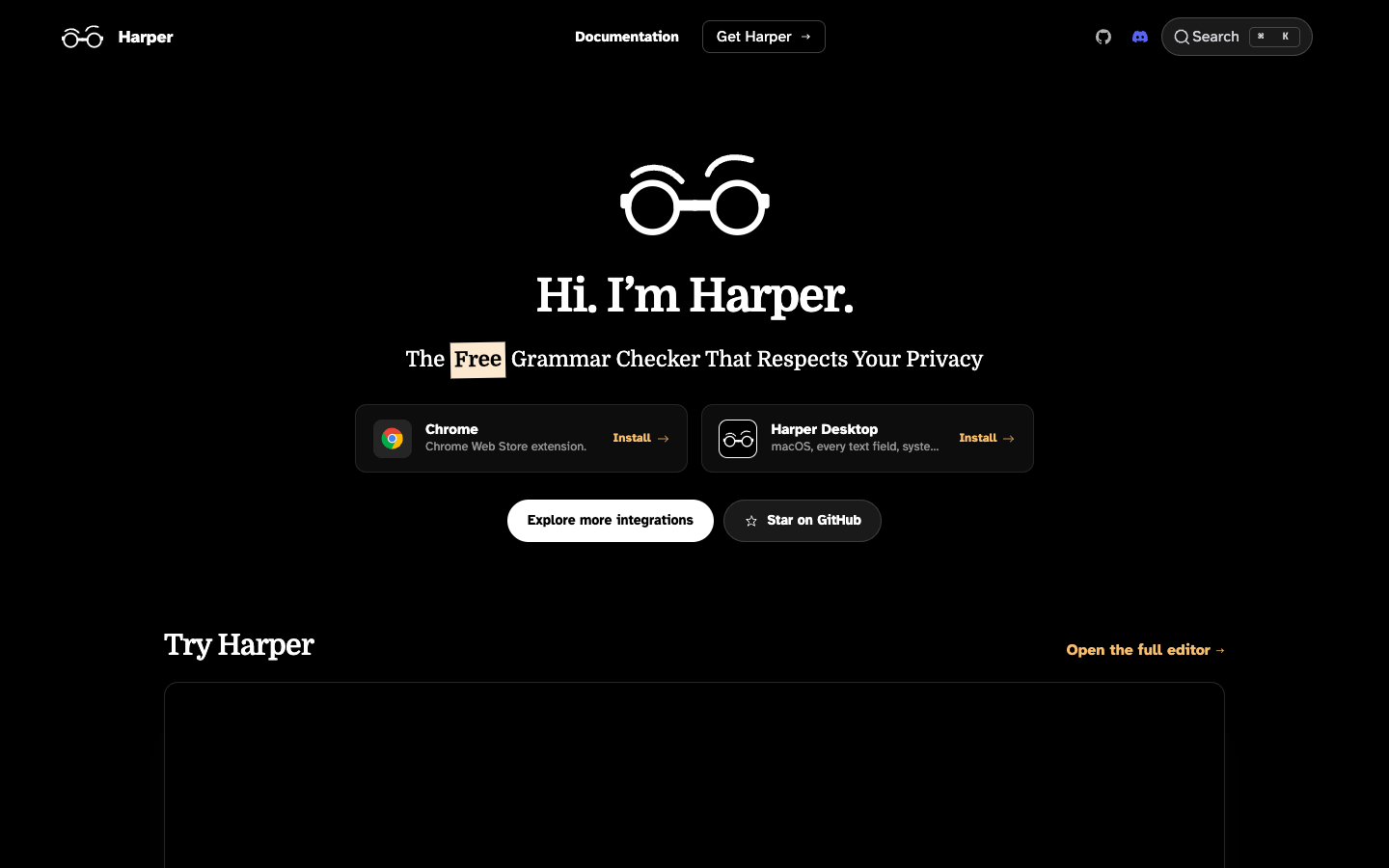
Harper is a free, Apache-2.0 licensed grammar and spell checker that runs locally with no cloud, telemetry or LLM. It works in browsers, code editors, Obsidian, WordPress and macOS system-wide.
Free
Open-source
Screenshot of Harper website

Harper is a free, open-source grammar checker built as a private alternative to Grammarly. Originally created by Elijah Potter and now developed at Automattic, it catches misspellings, improper capitalization, awkward phrasing and broken grammar, with every check running on your own device. It suits students, journalists, writers and developers who want grammar checking without sending text to a server.

Key benefits of Harper include:

  • Fully local: Your writing never leaves your computer, with no cloud round-trips, no telemetry and no LLM involved.
  • Fast feedback: Suggestions arrive in under 10ms, so checks keep up as you type.
  • Many integrations: Available for Chrome, Firefox, Edge, VS Code, Neovim, Zed, Helix, Emacs, Sublime Text, Obsidian, WordPress and a macOS desktop app that works in every text field.
  • Developer friendly: Use it as a language server (harper-ls), a JavaScript library (harper.js) or a Rust crate (harper-core), including grammar checks on code comments.
  • Free with no account: No credit card or sign-up needed, and the source is under Apache-2.0.

Someone leaving Grammarly would pick Harper for privacy and speed: nothing is uploaded and no models are trained on your writing. The trade-off is scope. Harper only supports English (American, British, Canadian, Australian and Indian dialects), and it is a rule-based checker focused on mistakes rather than AI rewriting, so it will not rephrase or restyle whole passages. Its desktop app is macOS-only, and harper.js-based integrations handle plaintext and Markdown.
Read the Harper review

LanguageTool checks grammar, spelling, punctuation and style in more than 30 languages and dialects. It runs in browsers, email clients, office suites and desktop apps, and its core is open source and can be self-hosted.

Free + From $4.99/mo
Open-source
Self-hosted
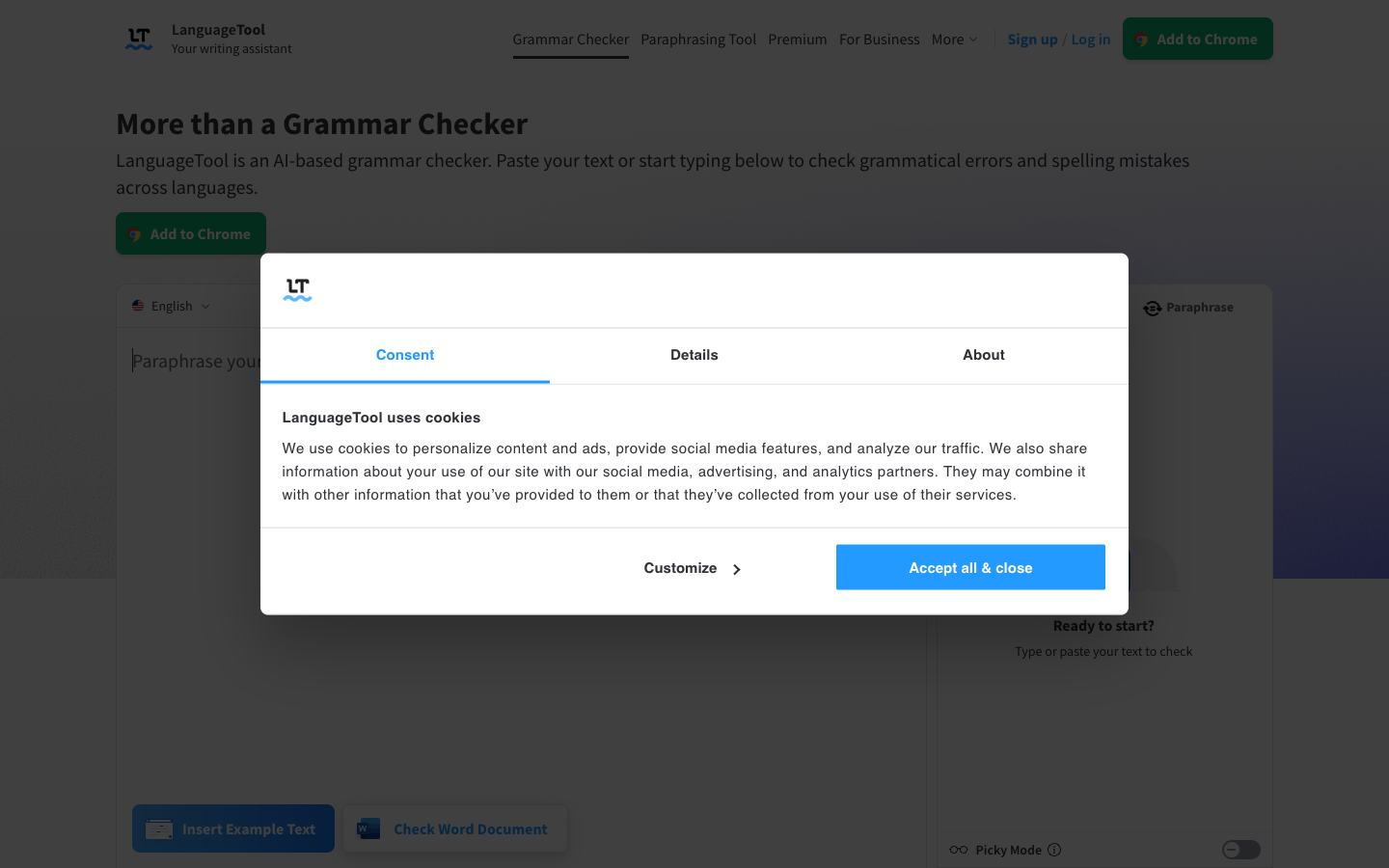
Screenshot of LanguageTool website

LanguageTool is a grammar, spelling, punctuation and style checker that works across more than 30 languages and dialects, with English, Spanish, German, French, Dutch and Portuguese as its main languages. It suits writers, students, multilingual teams and organizations that want a writing assistant they can also run on their own infrastructure.

Key benefits of LanguageTool include:

  • Multilingual checking: Detects the language automatically and supports six English varieties, including US, UK, Canada and Australia.
  • Works where you write: Add-ons for Chrome, Firefox, Edge, Safari and Opera, plus Gmail, Thunderbird, Google Docs, Word, LibreOffice and apps for macOS and Windows.
  • Open source and self-hostable: The core checker is on GitHub, so you can run your own server.
  • Privacy-minded add-on: The browser add-on does not store your text, and business plans are described as GDPR-conform.
  • Style and casing help: Flags redundant words, overused phrases, casing errors and comma problems, with an optional "Picky Mode" for extra suggestions.

For someone leaving Grammarly, LanguageTool's main draws are its far broader language support and the option to self-host the open-source engine. The trade-off is that the free hosted version only covers spelling, simple punctuation and some style mistakes; the full set of checks and unlimited AI paraphrasing require Premium. Self-hosting gives you the open-source rules without sending text to a third party, but takes some setup.

Read the LanguageTool review

ProWritingAid is a writing assistant aimed at novelists that combines grammar and style checking with story planning tools, chapter critiques and writing session tracking. A limited free plan is available.

Free + From $10/mo
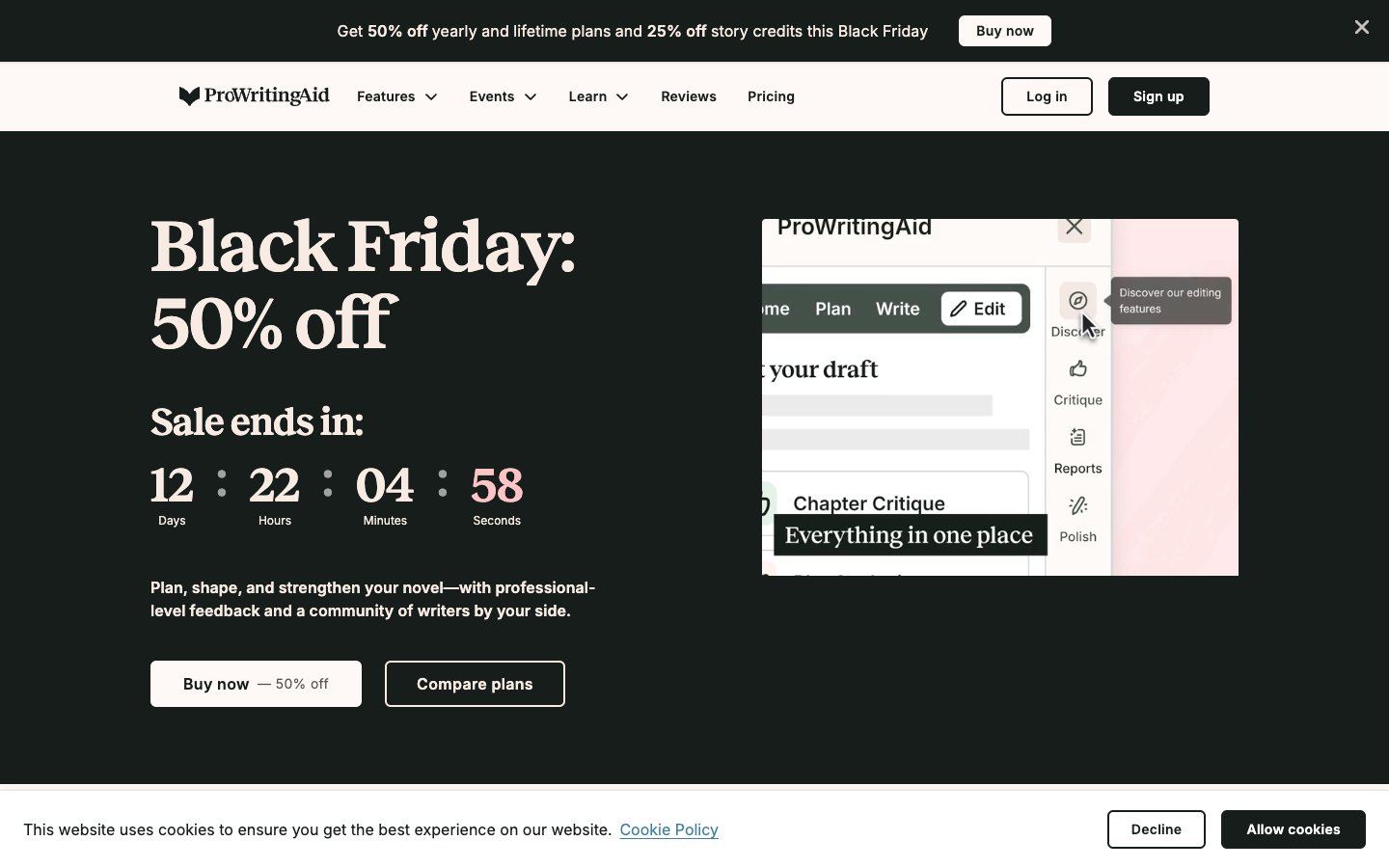
Screenshot of ProWritingAid website

ProWritingAid is a writing and editing tool built mainly for storytellers. It covers grammar, spelling and punctuation checks, but also adds planning tools like Story Canvas and Outline Crafter, chapter-level story critiques, and writing session tracking. It suits novelists, editors and first-time authors working on long-form fiction.

Key benefits of ProWritingAid include:

  • Free plan: Includes grammar, spelling and punctuation checks, 10 rephrases per day and two runs per line editing report per day on 500 words.
  • Writing reports: Paid plans offer 25+ analysis reports covering readability, structure, overused words and sensory details.
  • Story critique: Chapter Critique gives feedback on a whole chapter, with manuscript-wide analysis available through Story Credits.
  • Planning tools: Story Canvas gives feedback on story ideas, and Outline Crafter helps turn an idea into a structured outline.
  • Customization: Custom style guides, a custom dictionary and options like ignoring clichés in dialogue let you tune suggestions.

For someone leaving Grammarly, ProWritingAid is most appealing if you write fiction or long manuscripts, since its reports and critiques focus on style and story rather than only correctness. It also sells a one-time lifetime license, unlike a subscription-only model. The trade-offs: it is not open source, the free tier is fairly restrictive, and much of the newer feature set targets novelists, so business or academic writers may find parts of it irrelevant. Prices on the site are listed in euros.

Read the ProWritingAid review

Frequently asked questions

What is the best alternative to Grammarly?

The top-rated alternative to Grammarly is Harper. Harper is a free, Apache-2.0 licensed grammar and spell checker that runs locally with no cloud, telemetry or LLM. It works in browsers, code editors, Obsidian, WordPress and macOS system-wide. Other popular options include LanguageTool, ProWritingAid. Compare features and pricing in the table above.

How many alternatives to Grammarly are there?

There are 3 alternatives to Grammarly listed on YouMightNotNeed, including Harper, LanguageTool, ProWritingAid. Each listing is hand-reviewed and includes a description, screenshot, pricing, and open-source status.

Are there free alternatives to Grammarly?

Yes, there is 1 free alternative to Grammarly: Harper.

Are there open-source alternatives to Grammarly?

Yes, there are 2 open-source alternatives to Grammarly: Harper, LanguageTool. Open-source tools can usually be self-hosted, so you keep full control of your data.

Share:

Discover the best alternatives to

View all

Put your SaaS product in front of active buyers

Reach developers, tech leaders and founders looking for open source tools to adopt.

Submit your product